How to Pack up a Home Office for a Move without Losing a Day's Work
Move your home office without losing a workday: back up data, photograph cables, protect electronics, and keep a day-one kit so you are working again fast.
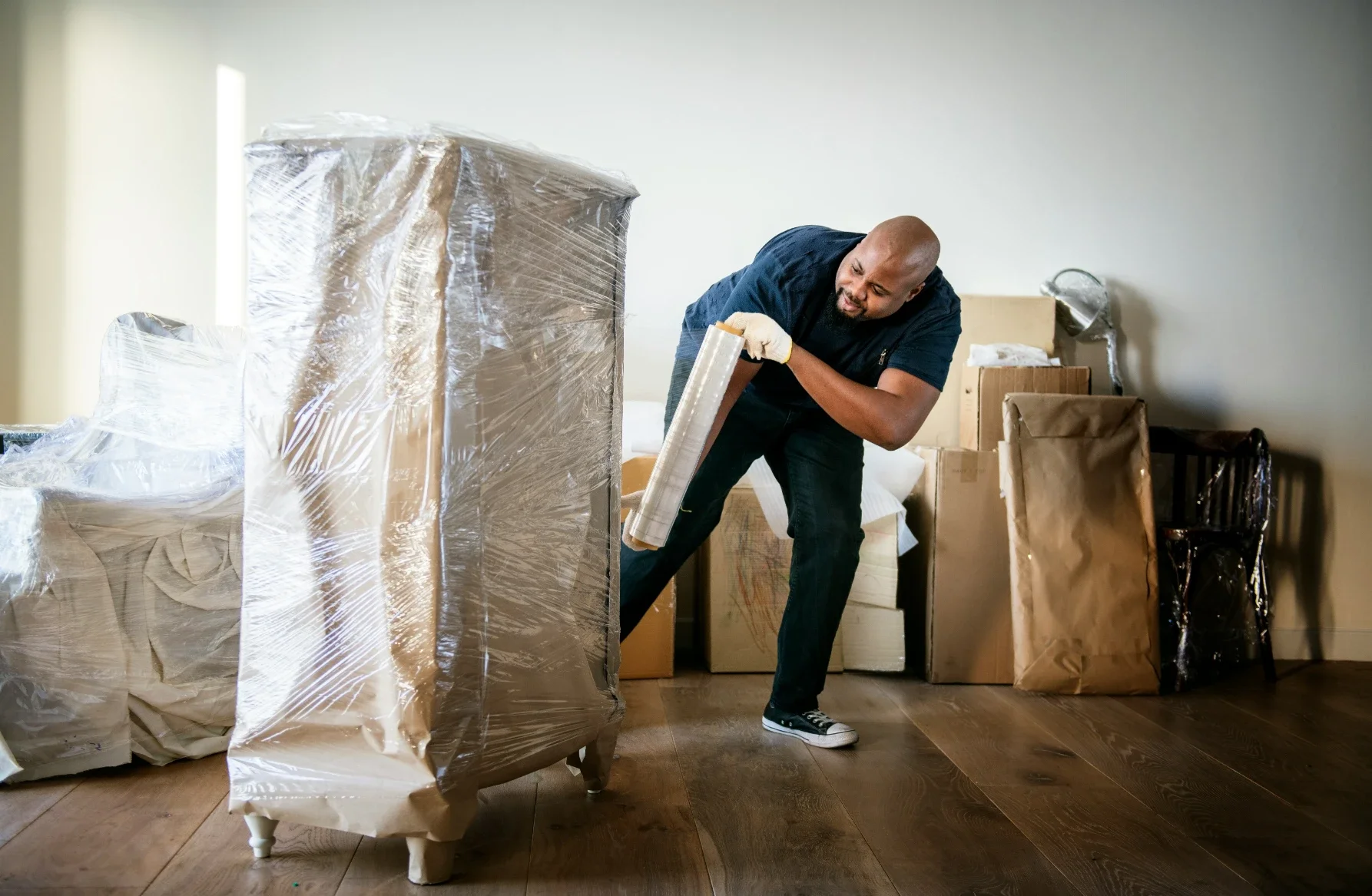
The home office has become the room most of us cannot afford to have offline. When you move, a poorly packed office can cost you days of downtime, lost cables, and that sinking feeling when a hard drive refuses to power back on.
With a little planning, you can shift an entire workspace and be back at your desk the same week. The goal is to protect your equipment, keep your data safe, and be able to rebuild the setup quickly at the other end.
This guide covers how to pack a home office in a way that respects both your gear and your deadlines.
Start by sorting what actually moves
Before you wrap a single cable, decide what deserves a place in the new office. Old hardware, dead pens, and drawers full of obsolete paperwork only slow you down and fill boxes you will never reopen.
Sort everything into three simple groups: keep, recycle, and dispose. Be firm with the recycle pile, because outdated tech and stacks of paper are heavy and rarely earn their space on the truck.
A quick inventory of what you are keeping also helps at the other end. A short list of your equipment makes it easy to confirm that everything arrived and nothing was left behind.
Back up before you unplug anything
The first rule of moving an office has nothing to do with boxes. Back up your data before a single cable comes loose.
Copy everything important to an external drive and to the cloud, so you have two independent copies. Hardware can be replaced; the files on it often cannot, and transit is exactly when a drive is most likely to take a knock.
Once your backup is done and verified, you can pack with far less anxiety about what happens on the road.
Photograph your setup before you dismantle it
Modern desks hide a tangle of cables behind them. Before you pull anything out, take clear photos of how each device connects.
Those pictures turn a confusing pile of cords into a simple reconnection job. When you arrive, you rebuild the setup by matching the photo instead of guessing which cable belongs where.
Bag and label cables by device as you remove them. A small zip bag taped to each item keeps everything together and saves an hour of untangling later.
Pack electronics with proper protection
Computers, monitors, and printers need real cushioning, not a quick wrap in a tea towel. Where you kept the original boxes, use them, because the inserts were designed for the exact device.
If the cartons are long gone, wrap each unit in anti-static material first, then bubble wrap, and settle it into a sturdy box with padding on all sides. Monitors and screens should travel upright, never flat, where pressure can crack the panel.
Label these boxes clearly as fragile and electronic, and keep them away from heavy items that could shift and crush them in transit.
Remove ink cartridges from printers and any discs or USB sticks from drives before they travel. Loose items rattling inside a device during transit are a common and easily avoided cause of damage.
Protect documents and sensitive information
Offices hold paperwork that ranges from mildly important to genuinely confidential. Sort it before you pack so nothing sensitive ends up loose or lost.
Use lidded file boxes and keep them in your own vehicle rather than on the truck. Contracts, tax records, and client information deserve the same care you would give a piece of jewellery.
Shred anything you no longer need. A move is a natural moment to clear out years of paper that has quietly filled your drawers.
Keep one "day one" kit within reach
You will want to work again before the whole office is unpacked. Set aside a single box with the essentials: laptop, charger, a power board, your most-used cables, a notebook, and pens.
With that kit, you can be productive within an hour of arriving, even while the rest of the room waits in boxes. It is the difference between a smooth transition and a lost workday.
Treat this box as untouchable. Resist the urge to fill it with clutter, and keep it labelled so it does not vanish into the pile.
Plan the layout of your new office first
Before you start hauling boxes into the new room, decide roughly where the desk, storage, and power points will sit. A few minutes of planning saves a lot of shuffling heavy furniture later.
Set up the desk and core equipment first, then work outward to storage and decoration. Getting the functional core running gives you a working base while you handle the finer details over the following days.
Good light and a tidy start also make the new space somewhere you actually want to work, which matters more than most people expect.
Handle the desk and furniture with care
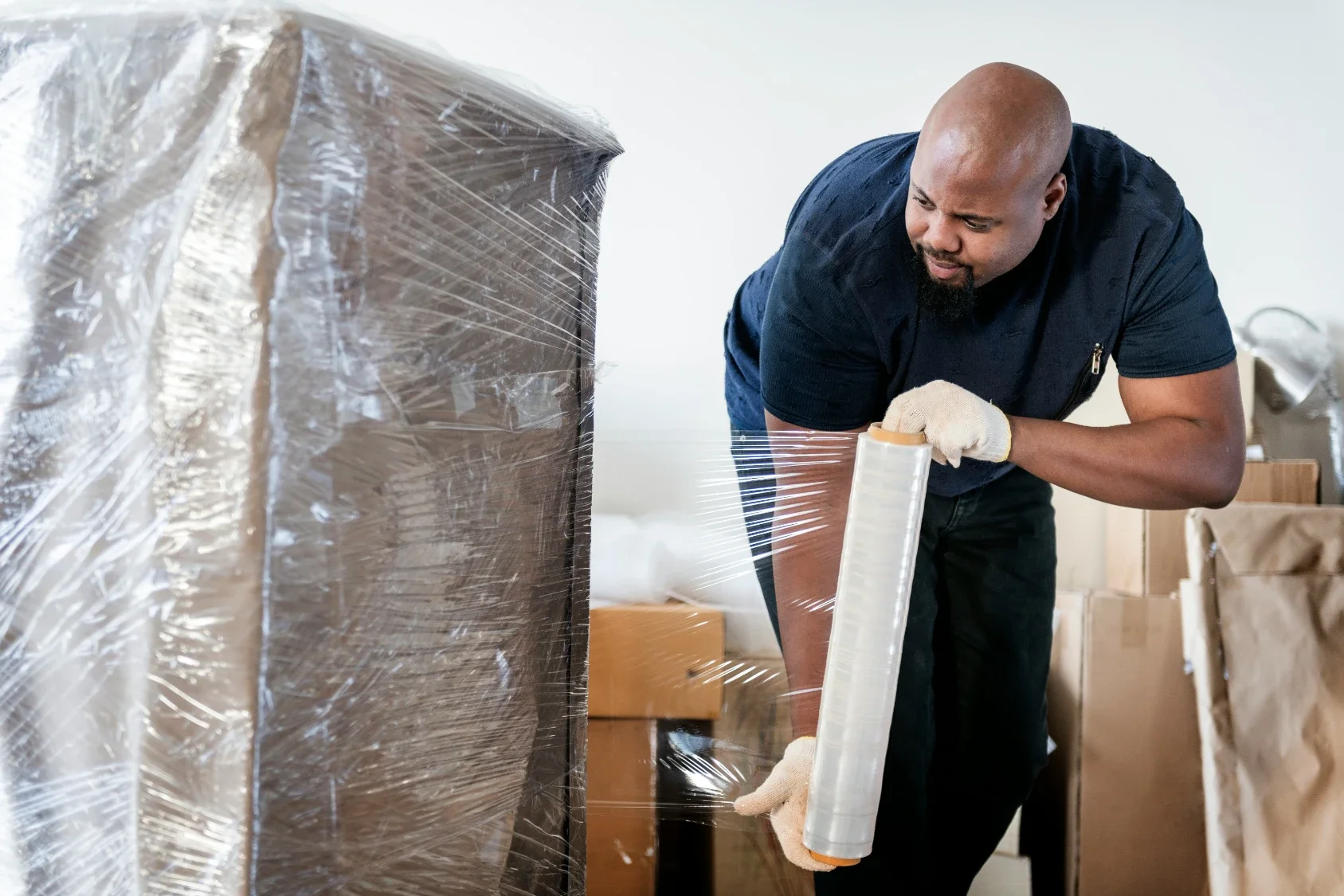
Desks, chairs, and shelving are often the most awkward part of an office move. Where a desk comes apart, dismantle it and keep the screws in a labelled bag taped to the underside.
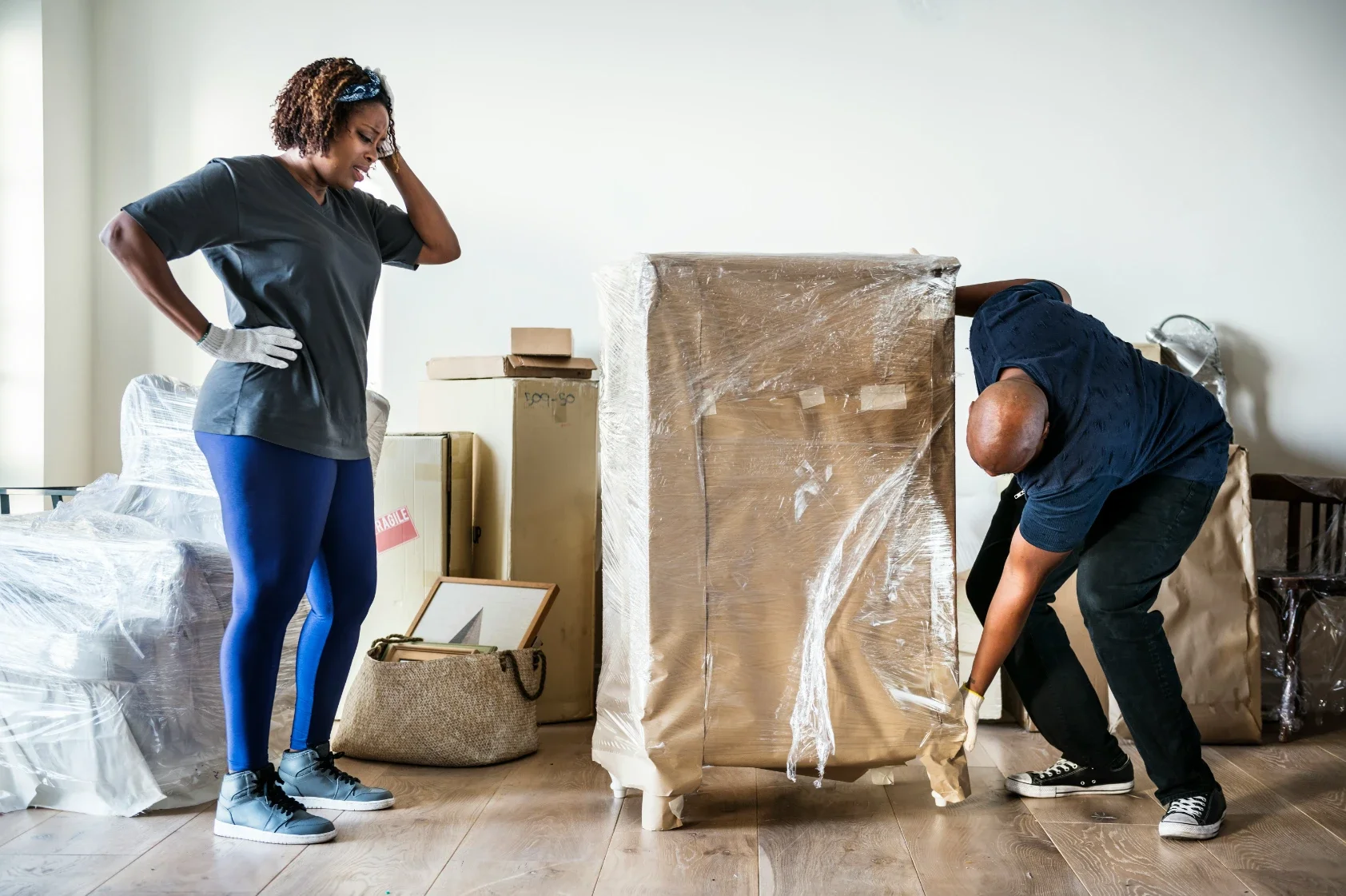
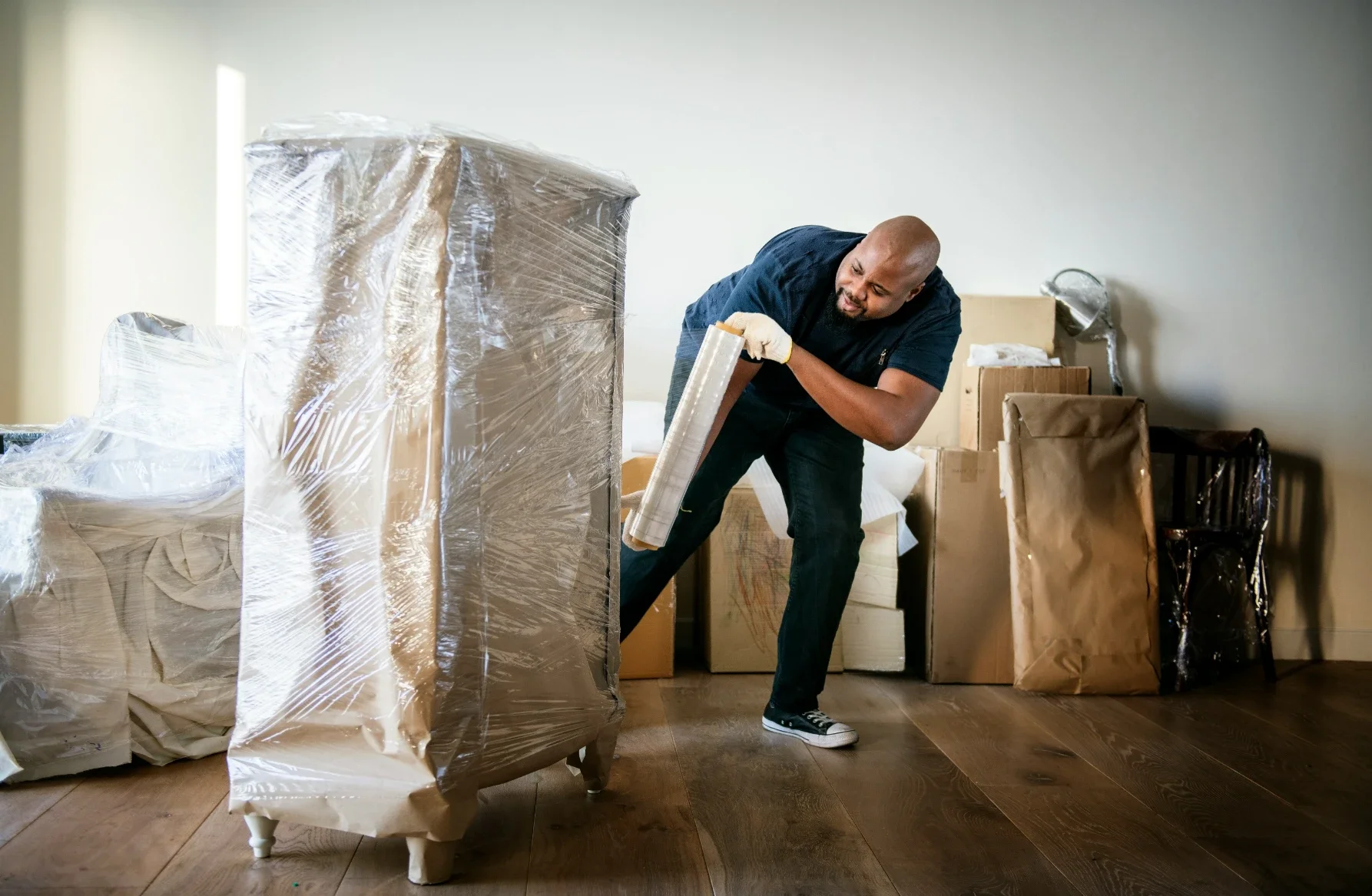
Wrap the corners and edges of furniture that stays whole, since these are the points that chip and scratch in a doorway or lift. Office chairs move more easily with the base removed, which also protects the mechanism.
Measure large pieces against doorways and stairwells before moving day. Discovering that a desk will not fit through the front door is a problem far better solved in advance than on the day itself.
When it makes sense to hand it over
A home office on its own is manageable. An entire house with a home office inside it is a much bigger job, especially when you are trying to keep working through the week of the move.
This is where a specialist can save both your time and your equipment. A team such as Northbox packs homes and workspaces to a system, using the right materials so that fragile and valuable gear is protected from the desk to the door.
Whether you do it yourself or bring in help, the priorities stay the same. Protect your data, label your cables, and keep a day-one kit close. Do that, and your office will be back up and running while the rest of the boxes are still waiting.
Stay up to date with our latest ideas!