15 Dual Monitor Desk Setup Ideas for Clean Modern Workspaces
Transform your workspace with these 15 dual monitor desk setup ideas. Create a clean, modern, and productive environment today.
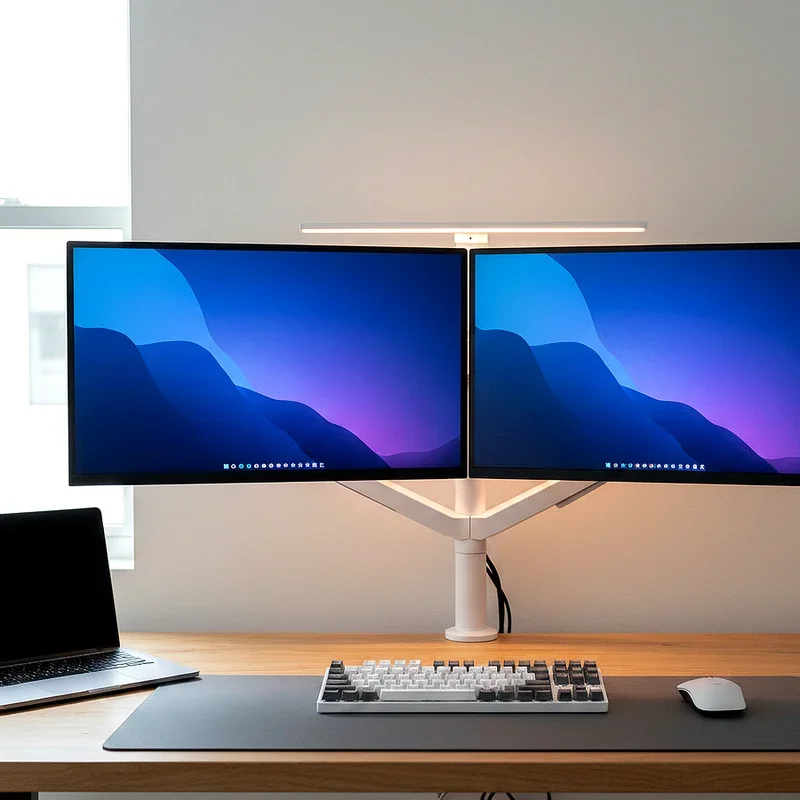
Ever wondered how some workspaces look effortlessly sleek while boosting productivity through the roof? The secret often lies in a well-planned dual monitor desk setup that balances function with aesthetics. In today's digital age, where remote work and hybrid models dominate, creating a workspace that inspires focus while maintaining visual harmony has become essential. A dual monitor configuration isn't just about extra screen space; it's about crafting an environment that reflects your professional standards and personal style. Whether you're a designer, developer, writer, or entrepreneur, your desk setup speaks volumes about your approach to work. Think of your workspace as a stage where productivity performs daily. The right dual monitor arrangement can transform a cluttered corner into a command center that rivals any corporate office.
1. The Minimalist Floating Shelf Configuration
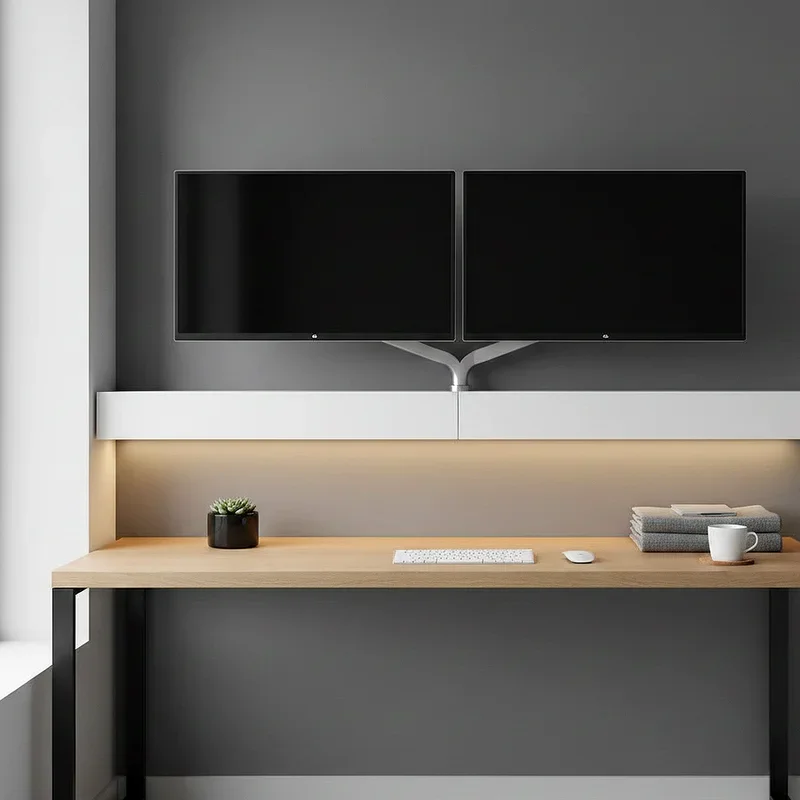
Imagine a workspace where your monitors appear to float effortlessly against a clean wall, creating an illusion of endless space. The floating shelf configuration strips away unnecessary elements, focusing purely on what matters: your screens and productivity. This setup utilizes wall-mounted shelving that keeps your desk surface completely clear, allowing for maximum legroom and a sense of openness that traditional desks can't match. You'll mount both monitors directly to the wall using low-profile brackets, while the floating shelf holds your keyboard, mouse, and minimal accessories. The beauty here lies in the absence of visible supports, creating that sought-after contemporary aesthetic. This approach works exceptionally well in smaller spaces where every inch counts, making your room feel larger while maintaining full dual monitor functionality.
2. The L-Shaped Corner Command Center
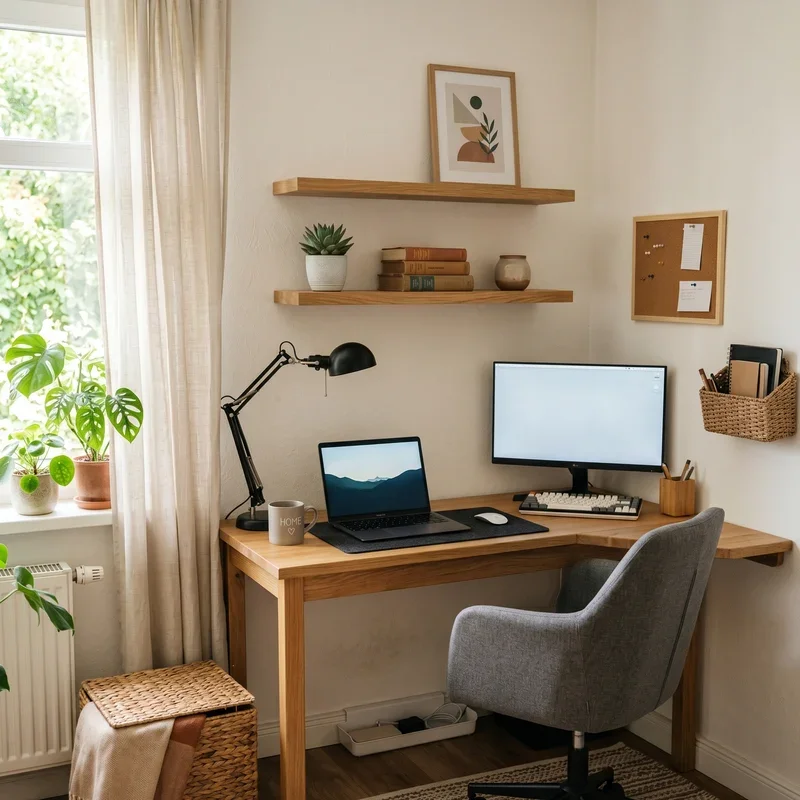
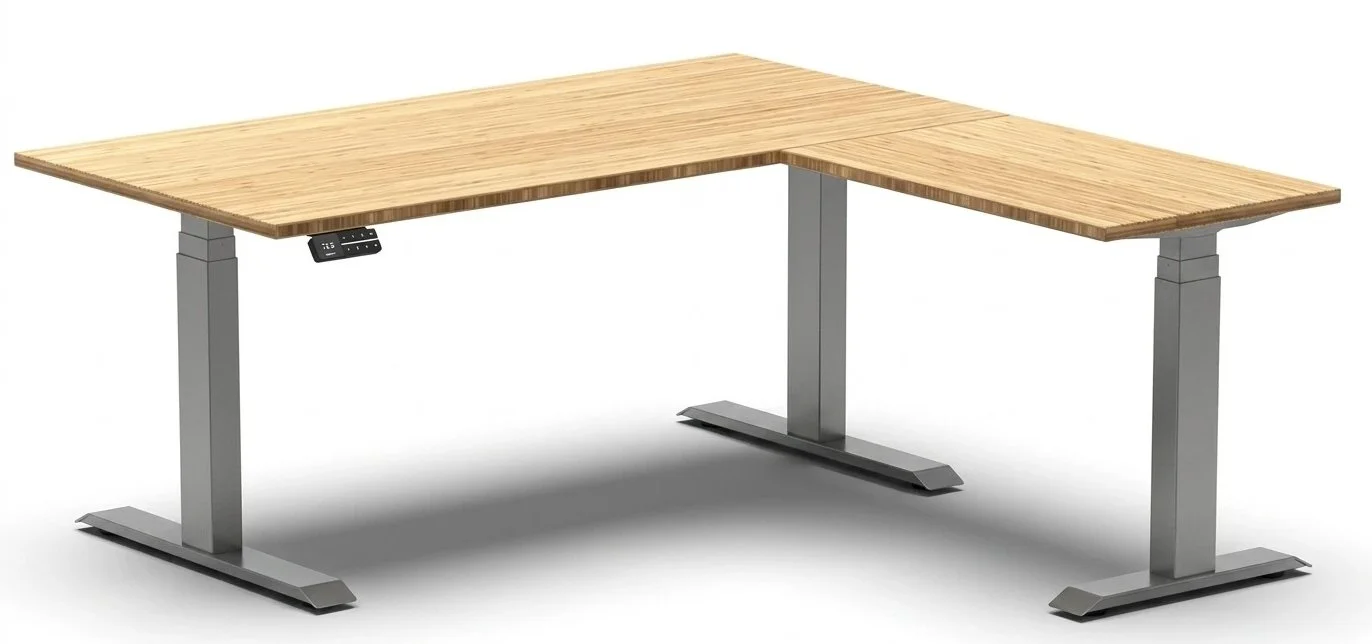
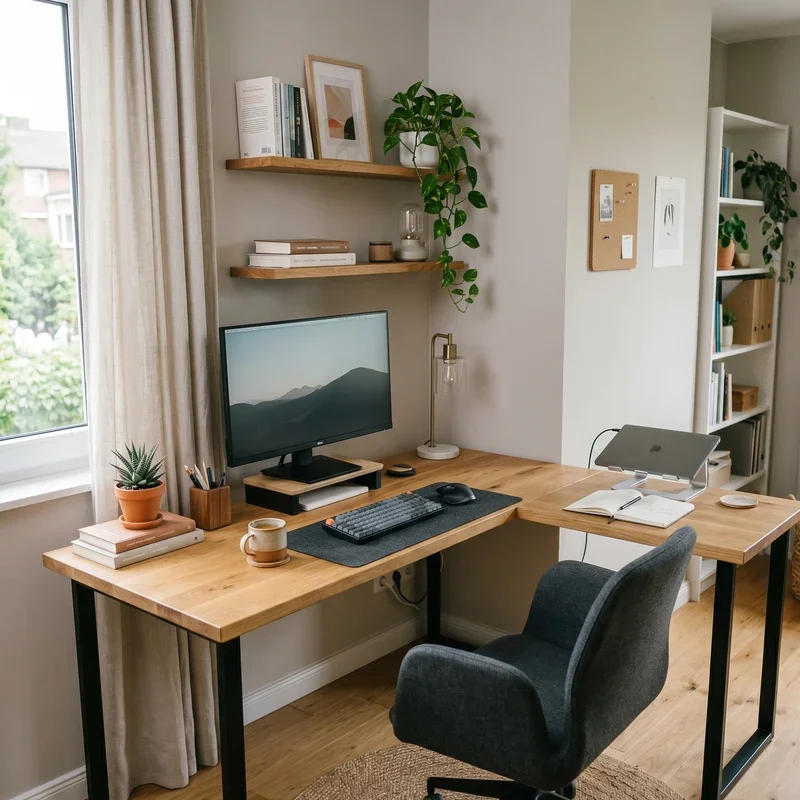
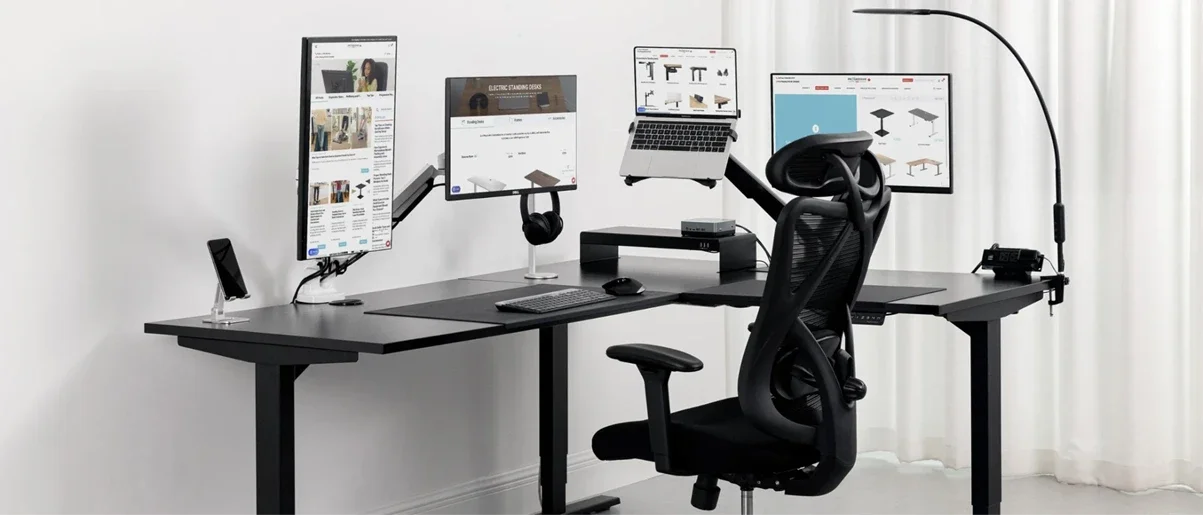
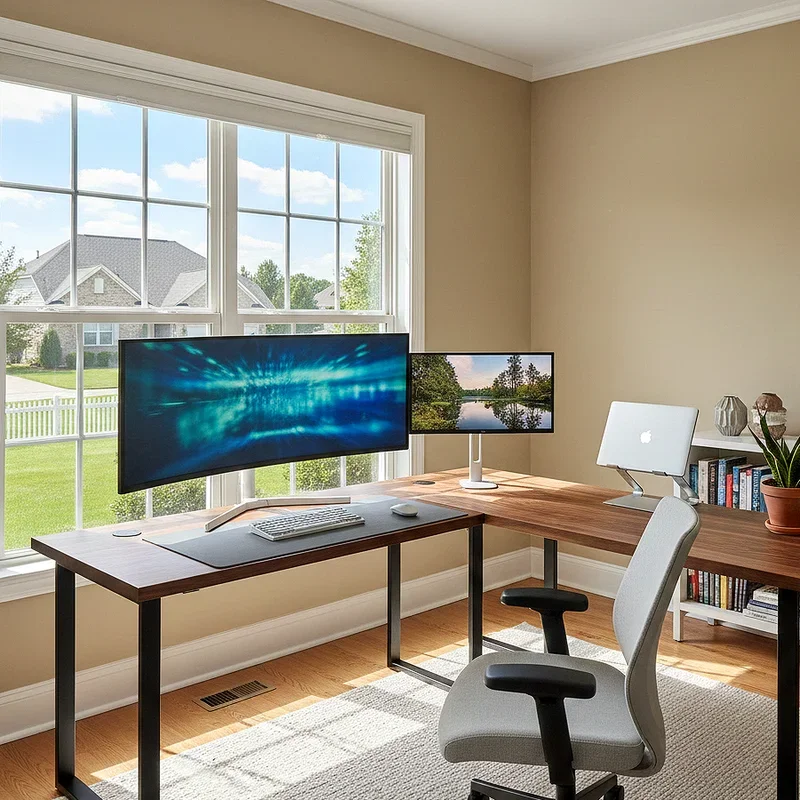
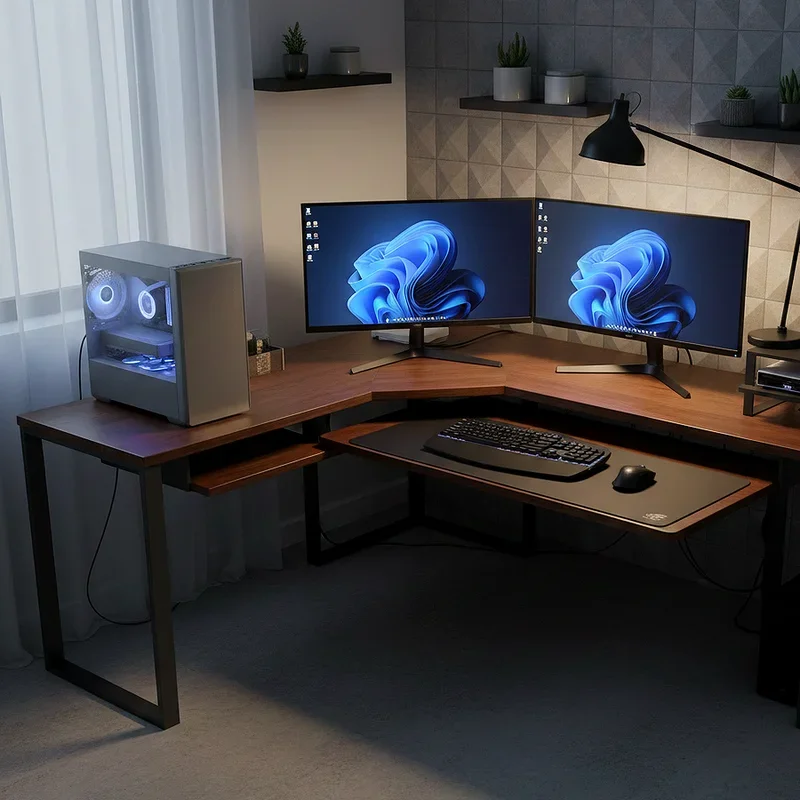
Why settle for a straight desk when you can claim an entire corner as your productivity kingdom? The L-shaped configuration gives you expansive real estate for dual monitors while providing separate zones for different tasks. Position your primary monitor at the corner junction where the two desk sections meet, creating a natural focal point that's perfectly aligned with your seated position. Your secondary monitor sits angled on one wing, easily viewable with a slight head turn. This setup excels at dividing your workspace into distinct areas: one side for active computer work, the other for paperwork, sketching, or additional equipment like microphones and cameras. The corner placement also maximizes natural light options from multiple window directions while giving you privacy from room traffic.
3. The Standing Desk Dual Screen Solution
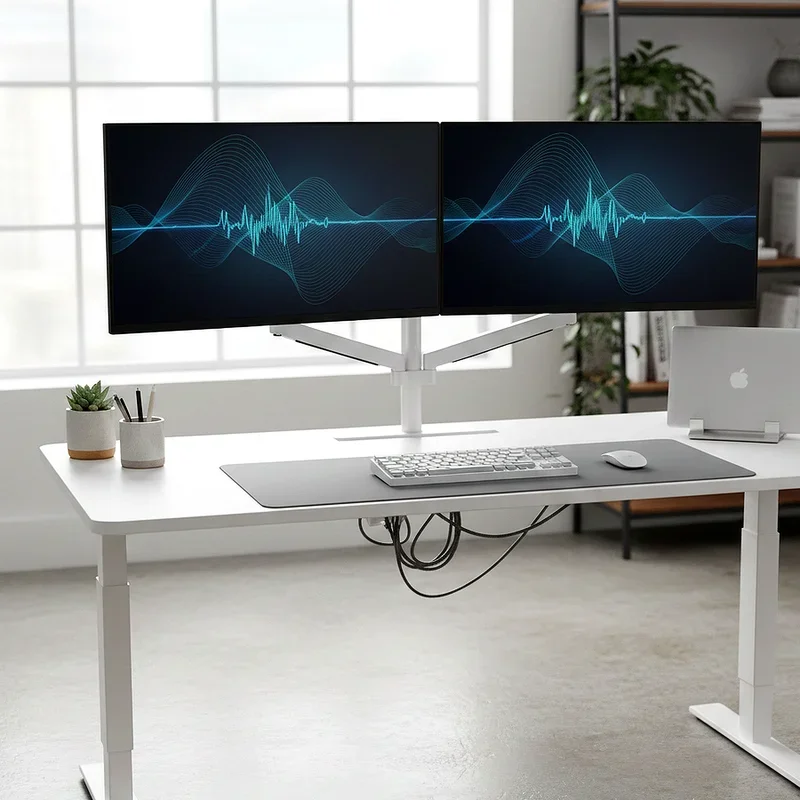
Your body wasn't designed to sit for eight hours straight, and your workspace shouldn't force that lifestyle anymore. A motorized standing desk transforms your dual monitor setup into a health-conscious workstation that adapts to your needs throughout the day. The key to success here involves proper monitor height adjustment at both sitting and standing positions, ensuring ergonomic comfort regardless of posture. Invest in a desk with memory presets that recall your preferred heights with a single button press. Position both monitors at arm's length, with the top of each screen at or slightly below eye level when standing. This configuration encourages movement, reduces back pain, and keeps your energy levels consistent. Plus, the ability to raise your entire setup creates cleaning ease and makes your workspace feel dynamic rather than static.
4. The Industrial Pipe Frame Setup
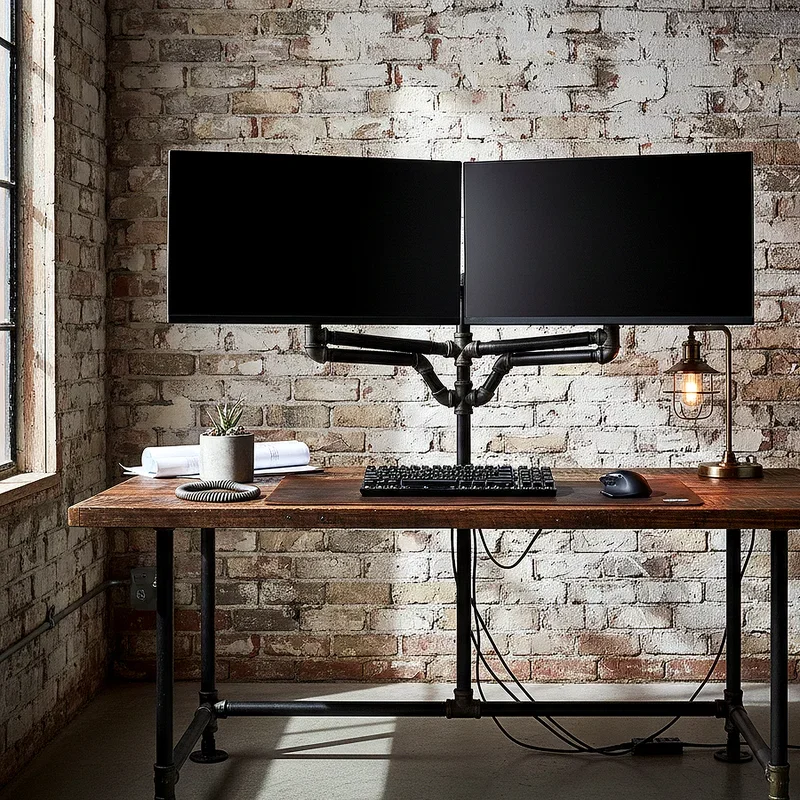
There's something undeniably cool about exposed pipes, raw wood, and unfinished materials creating a workspace that looks straight out of a Brooklyn loft. The industrial pipe frame setup uses actual plumbing pipes as structural elements, supporting both your desk surface and monitor mounts in a cohesive design statement. Black iron pipes create sturdy frameworks that hold your monitors at precise heights while maintaining that rugged aesthetic that's become synonymous with modern masculinity and creative spaces. The desk surface itself might be reclaimed wood or butcher block, adding warmth to the metal's coldness. This approach lets you customize every dimension to your exact specifications since you're essentially building from scratch. The result? A workspace that feels handcrafted and intentional, where every element serves both functional and aesthetic purposes simultaneously.
5. The Cable Management Master Station
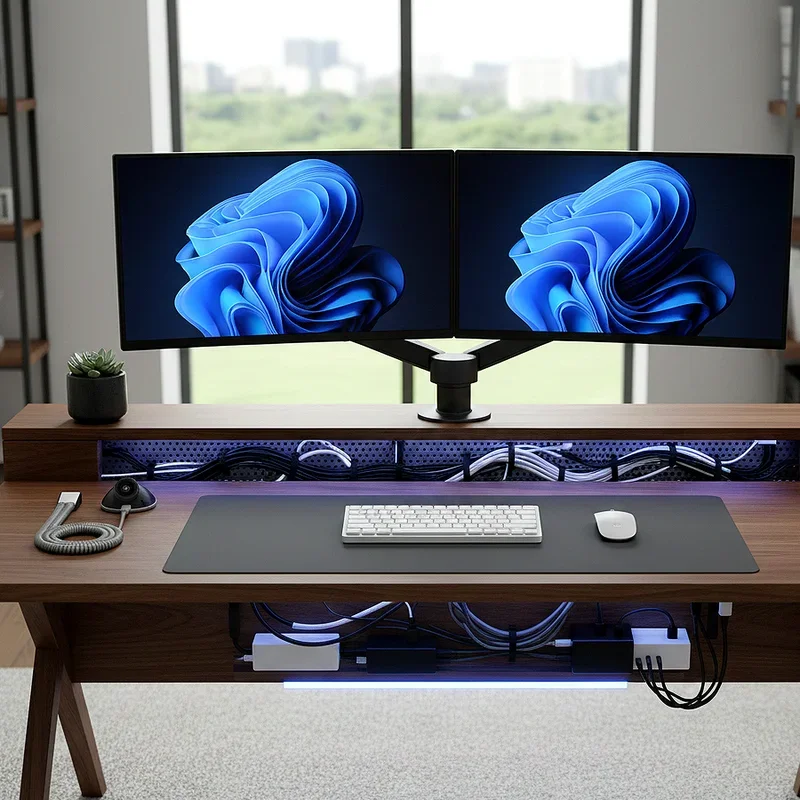
Let's address the elephant in every workspace: cables are ugly, tangled, and make even the nicest setup look chaotic. The cable management master station prioritizes hiding, organizing, and routing every wire with surgical precision. Start with a desk that includes built-in cable channels or add aftermarket raceways that blend with your desk color. Use cable sleeves to bundle monitor cables, power cords, and USB lines into single, manageable runs that disappear behind your desk. Mount a power strip underneath your desk surface, eliminating floor clutter while keeping outlets accessible. Velcro ties at strategic points prevent cables from sagging into view. Label everything at connection points for easy troubleshooting. The investment in proper cable management pays dividends in both aesthetics and functionality, creating a setup that looks professional from every angle, including behind the desk.
6. The Monitor Arm Suspension System
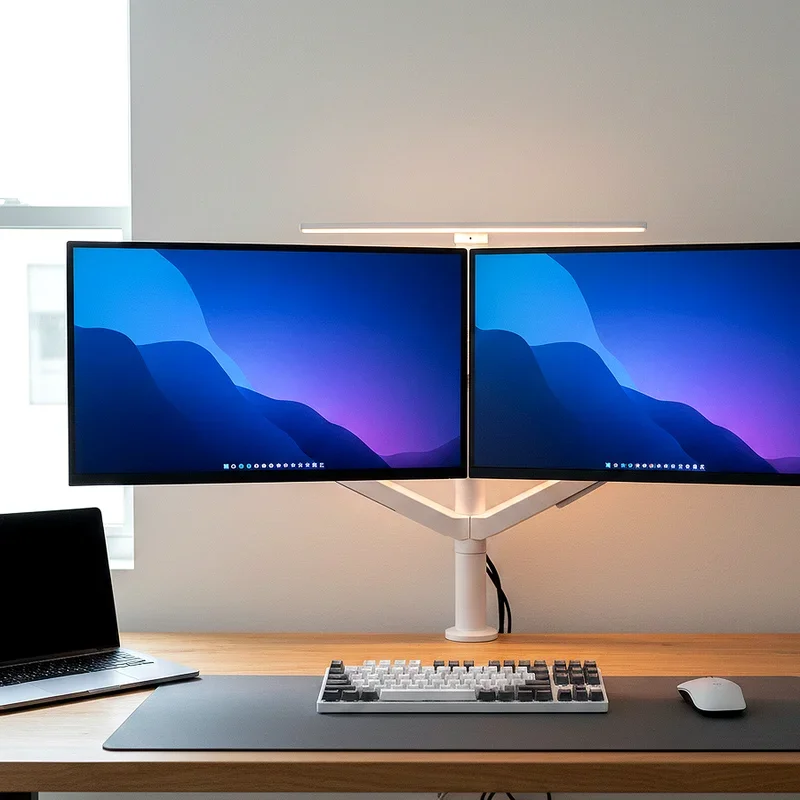
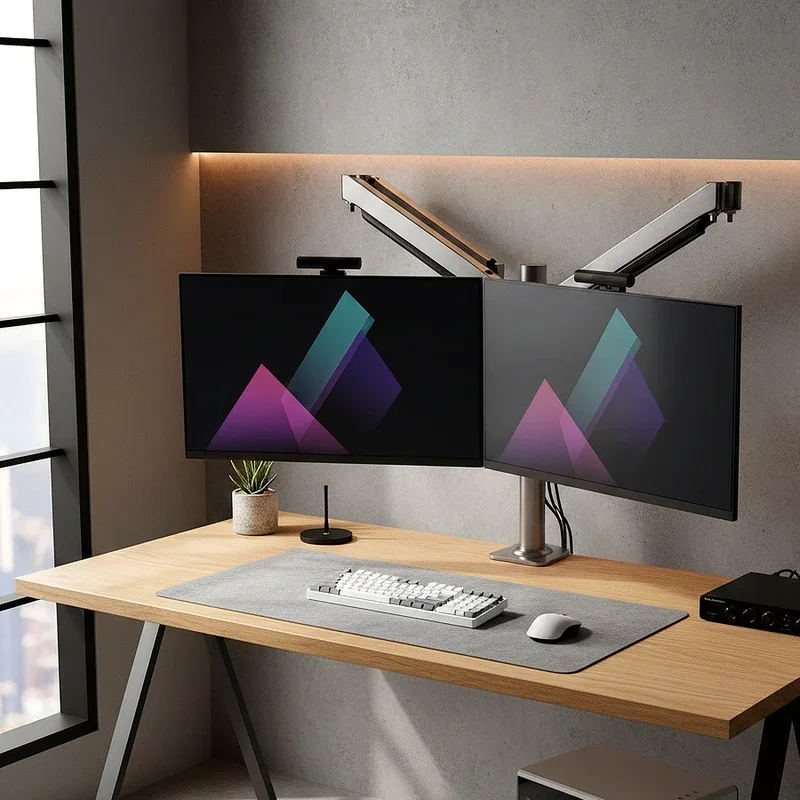
Freedom of movement transforms a static dual monitor setup into a dynamic workspace that adapts to your every need. Monitor arms eliminate traditional stands, freeing up valuable desk real estate while providing infinite adjustment possibilities. Choose a dual arm mount that attaches to your desk's rear edge, supporting both screens with independent articulation. You can push monitors back when you need desk space, pull them forward for focused work, adjust height throughout the day, or even rotate one screen to portrait orientation for reading documents. This flexibility is particularly valuable if multiple people use the same workspace, as each person can quickly configure the setup to their preferences. The clean look of suspended monitors creates that floating effect designers love, while the practical benefits include better ergonomics and easier desk cleaning.
7. The Symmetrical Balance Layout
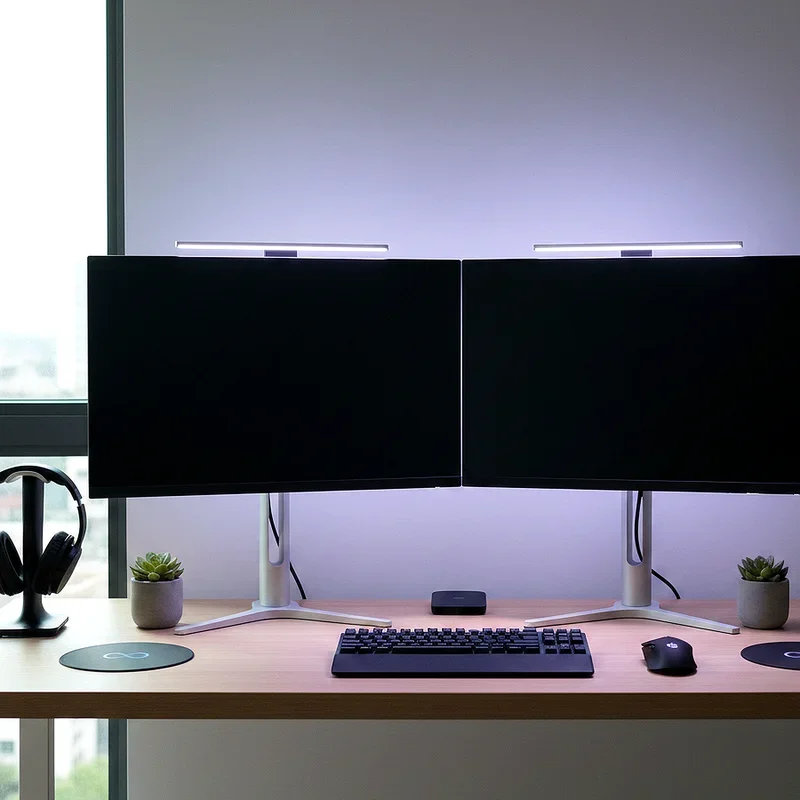
There's psychological comfort in perfect symmetry, and your workspace can harness this principle to create visual harmony that calms the mind. The symmetrical balance layout places two identical monitors equidistant from your center line, creating a mirror image effect that's pleasing to the eye. Position them close enough that you can view both screens without excessive head movement, but with a slight angle inward to maintain natural sightlines. Keep accessories balanced too: matching speakers on each side, identical desk lamps flanking your monitors, or coordinated plants bookending your setup. This approach works beautifully in formal home offices or spaces where you take client video calls, projecting organization and attention to detail. The trick is maintaining this symmetry without making the space feel sterile; add personality through artwork above the monitors or a unique desk mat beneath them.
8. The Ultra-Wide Plus Vertical Combo
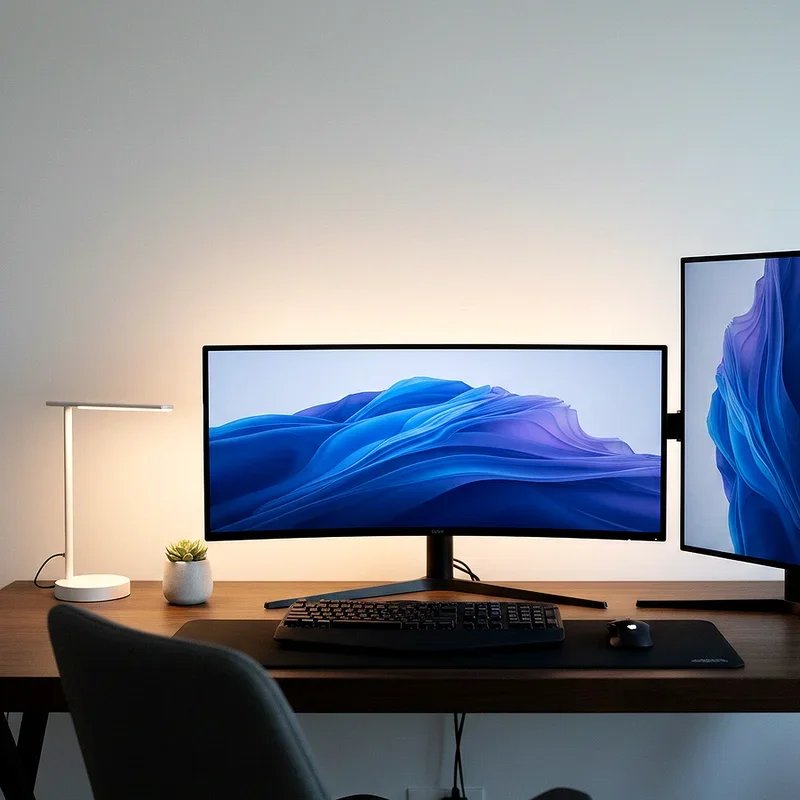
Who says both monitors need the same orientation? The ultra-wide plus vertical combo pairs a massive curved ultrawide monitor for your primary work with a standard monitor rotated to portrait mode for secondary tasks. The ultrawide handles spreadsheets, design work, or multiple windows side by side, while the vertical screen excels at reading documents, viewing code, or scrolling social media and websites. This configuration acknowledges that different tasks need different screen geometries. Position the ultrawide as your main focus, with the vertical monitor slightly behind and to your dominant side, easily viewable with a glance but not competing for attention. This setup particularly benefits programmers who need to see entire code files, writers working with reference materials, or financial professionals juggling spreadsheets and reports simultaneously in their natural formats.
9. The Built-In Wall Unit Integration
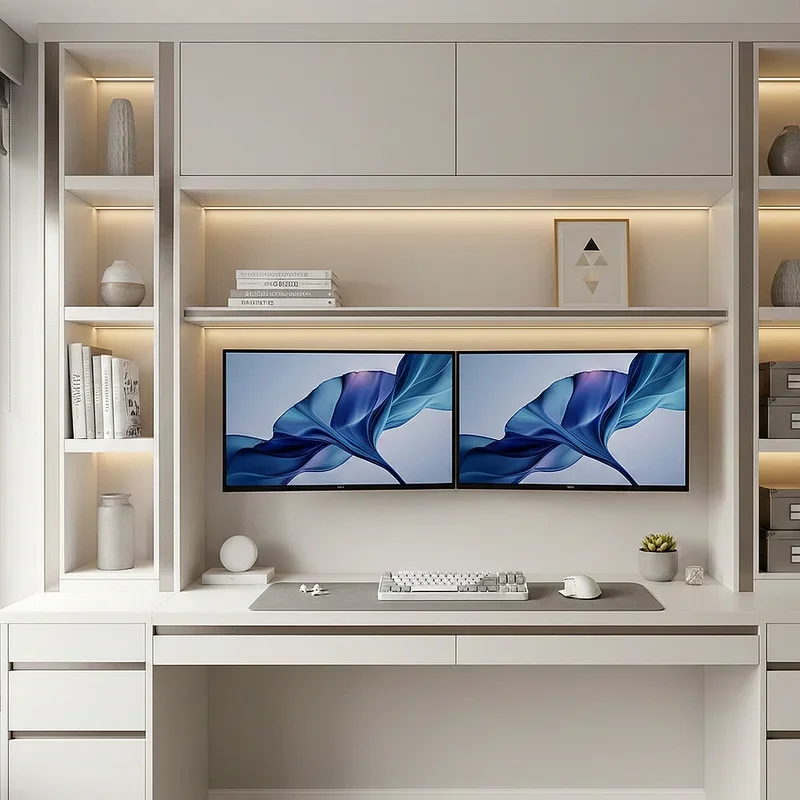
Why settle for furniture that sits against your wall when your entire wall can become the furniture? The built-in wall unit integration transforms a blank wall into a comprehensive workspace featuring shelving, storage, and perfectly positioned monitor alcoves. This approach requires more initial investment and possibly professional carpentry, but the results are stunning and permanent. Design recessed spaces for your monitors at optimal viewing height, with shelving above for books and decor, and closed cabinets below for equipment and supplies. Paint everything the same color for a seamless look, or use contrasting tones to highlight the monitors. The beauty of this setup lies in its custom nature; every dimension caters specifically to your equipment and preferences. It turns your workspace into a room feature rather than an afterthought, increasing both functionality and home value.
10. The Glass Top Modern Aesthetic
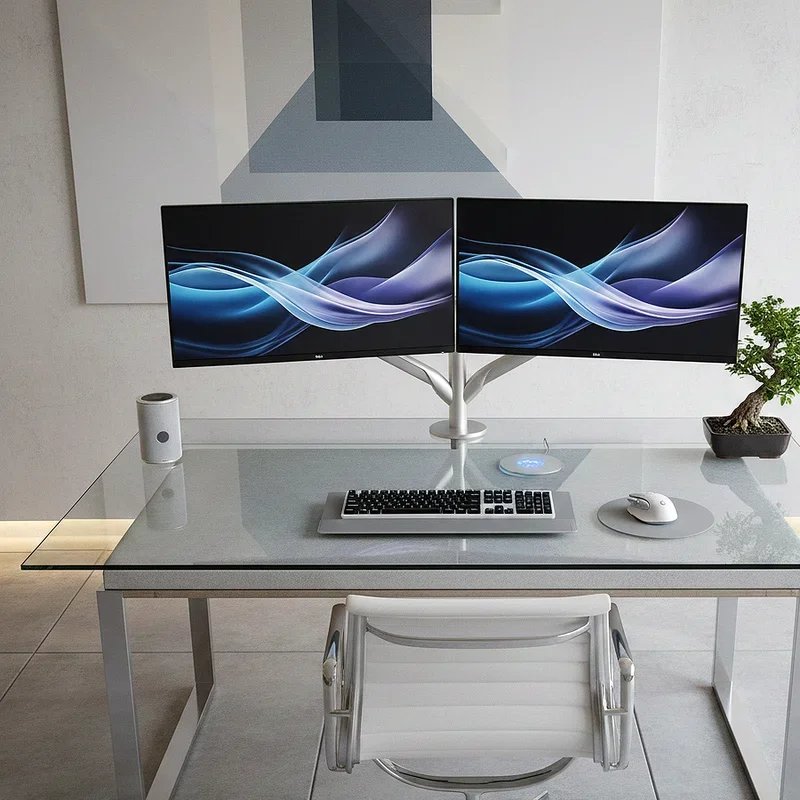
Transparency and light define modern design, and a glass top desk brings both elements into your dual monitor setup with sophisticated flair. The reflective surface creates visual expansion, making your workspace feel larger while maintaining an undeniably contemporary vibe. Tempered glass provides durability and safety while showcasing the engineering beneath, whether that's a minimalist metal frame or carefully organized cable management. This setup demands discipline; anything placed on the glass becomes part of the aesthetic, so maintaining cleanliness is non-negotiable. Position your monitors on matching stands that complement the glass, possibly in chrome or brushed nickel finishes. The transparency also forces you to consider the underside of your desk as visible space, encouraging better organization. Pair with a modern ergonomic chair and subtle lighting for a workspace that looks like it belongs in an architecture magazine.
11. The RGB Gaming Inspired Professional
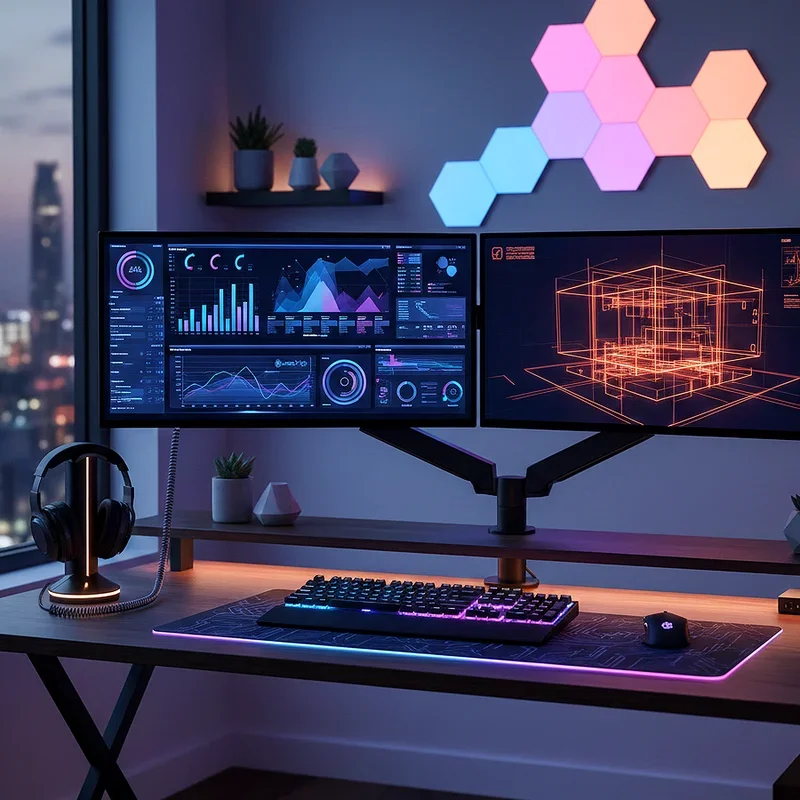
Gaming setups pioneered many ergonomic and aesthetic innovations that professionals are now embracing, and RGB lighting leads this crossover trend. The RGB gaming inspired professional setup incorporates programmable LED lighting strips behind monitors, under the desk, and around the workspace perimeter to create ambiance and reduce eye strain. But here's the key: you're not creating a disco. Set your RGB to subtle, single colors that match your mood or time of day. Warm tones in the evening, cool blues during focus time, or gentle whites for video calls. The monitors themselves benefit from bias lighting that reduces contrast between bright screens and dark walls, decreasing eye fatigue during long work sessions. Add RGB backlighting to your keyboard and mouse for a cohesive look. This setup proves you can borrow gaming innovations without looking like you're streaming Fortnite from your home office.
12. The Natural Wood Scandinavian Style
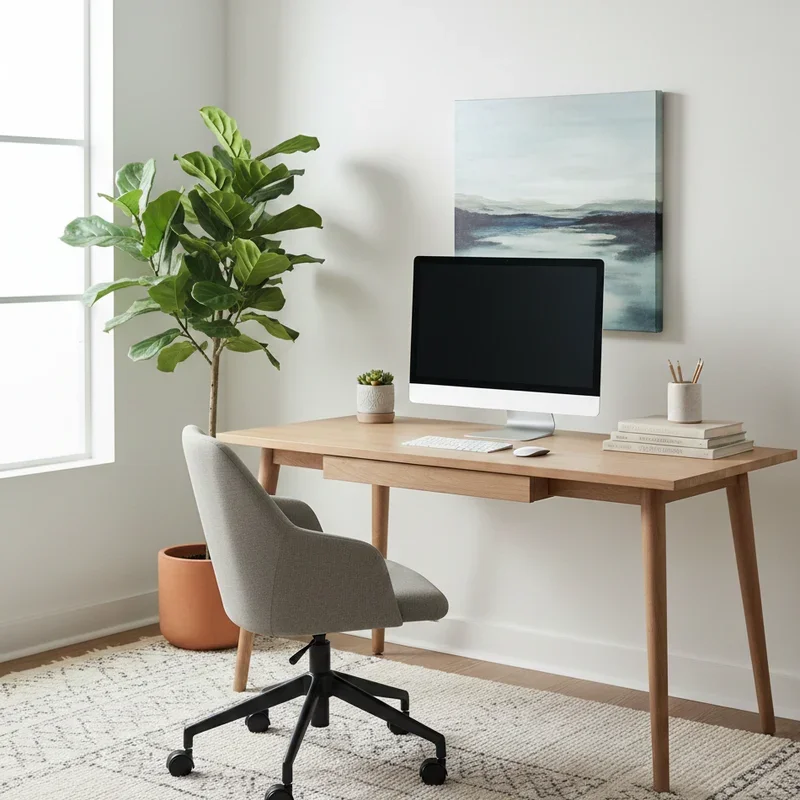
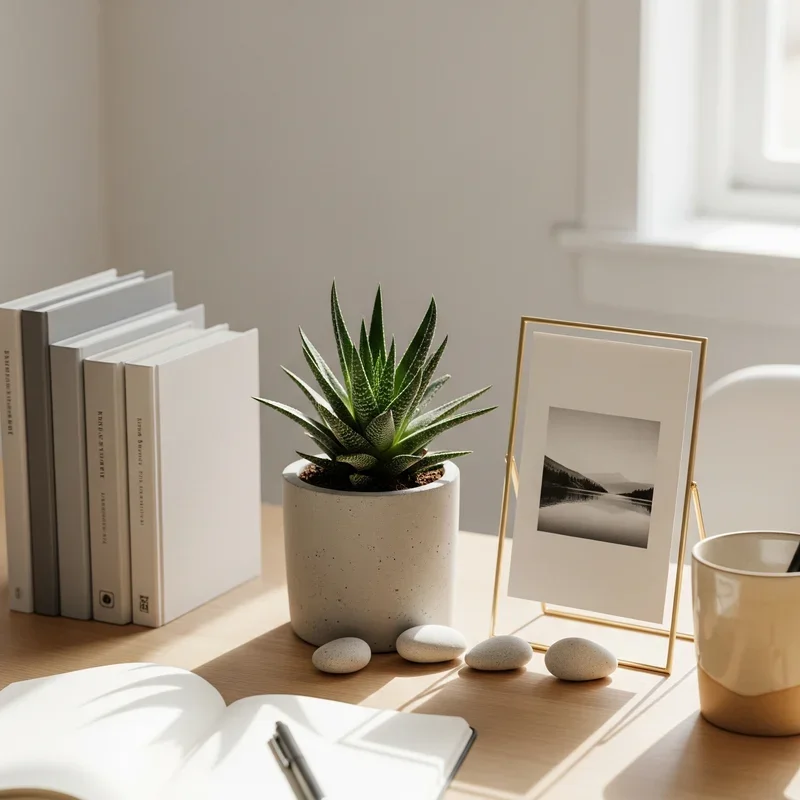
Scandinavian design principles emphasize simplicity, functionality, and connection to nature, making them perfect for stress-free workspaces. The natural wood Scandinavian style setup features light-colored wood desks, possibly in birch or ash, paired with minimalist monitor placement and carefully curated natural elements. Keep your color palette neutral with whites, grays, and wood tones dominating, allowing your monitors to be the only dark elements in the composition. Position a small succulent or simple vase between monitors for that essential natural connection without cluttering your workspace. Choose monitor stands in matching wood or simple white to maintain color consistency. The Scandinavian approach values negative space as much as the objects themselves, so resist the urge to fill every surface. This setup creates a calming environment that reduces stress while maintaining complete functionality for demanding work tasks.
13. The Adjustable Height Ergonomic Station
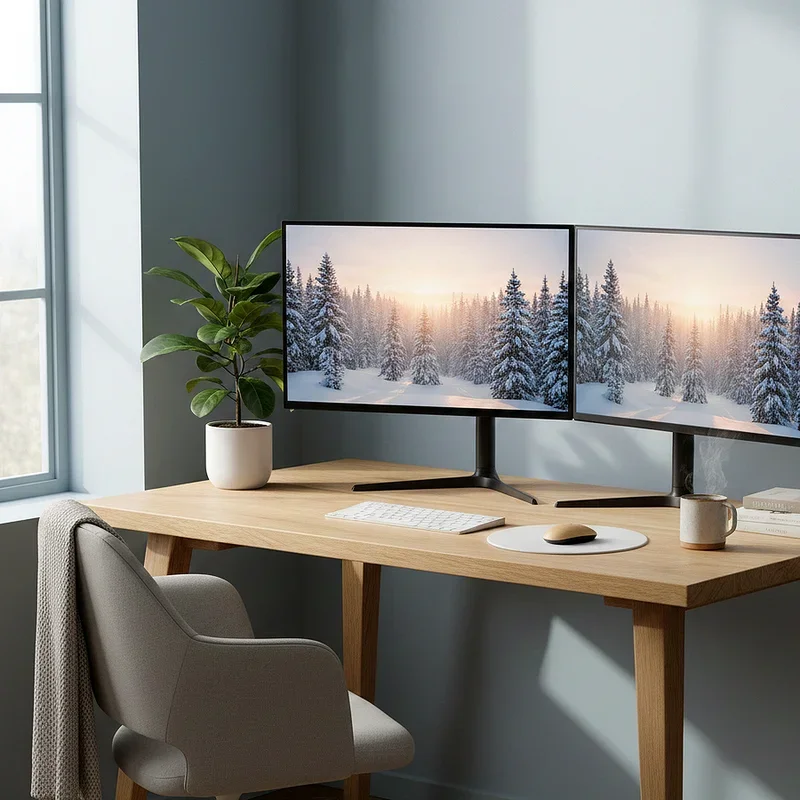
Ergonomics shouldn't be an afterthought; they should be the foundation of every workspace decision. The adjustable height ergonomic station prioritizes your physical health through careful positioning of every element. Your monitors should sit at arm's length, with the top of each screen at or slightly below eye level to prevent neck strain. Use monitor risers or adjustable arms to achieve perfect height, then position your keyboard and mouse on an adjustable tray that keeps your elbows at ninety degrees. Your chair matters tremendously here; invest in quality seating with lumbar support and armrests at proper height. Consider a footrest if your feet don't comfortably reach the floor. This setup might not win design awards, but it'll save your back, neck, and wrists from chronic pain that plagues desk workers everywhere.
14. The Laptop Plus Monitor Hybrid Setup
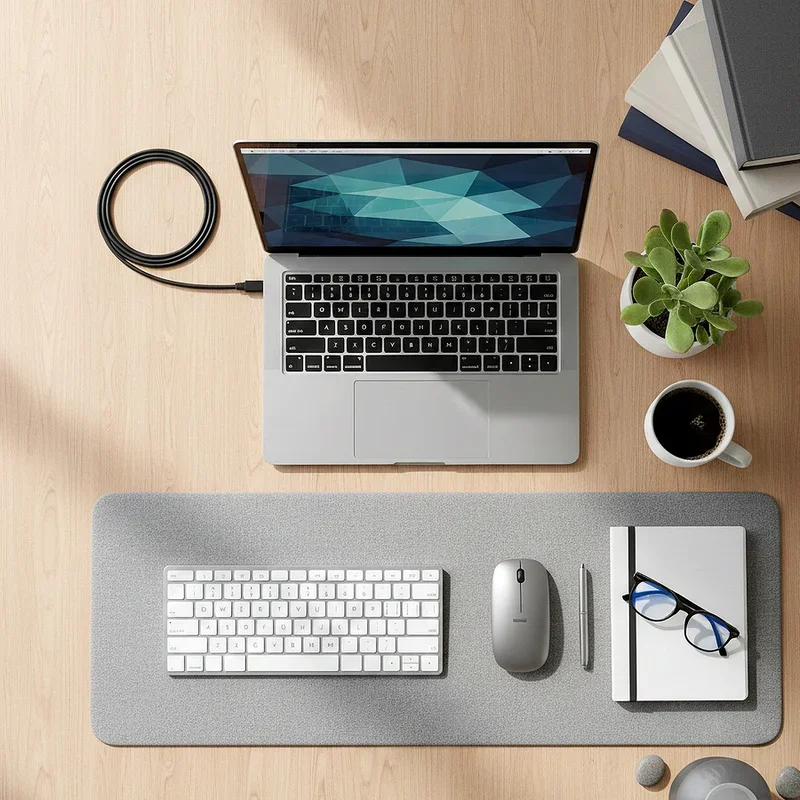
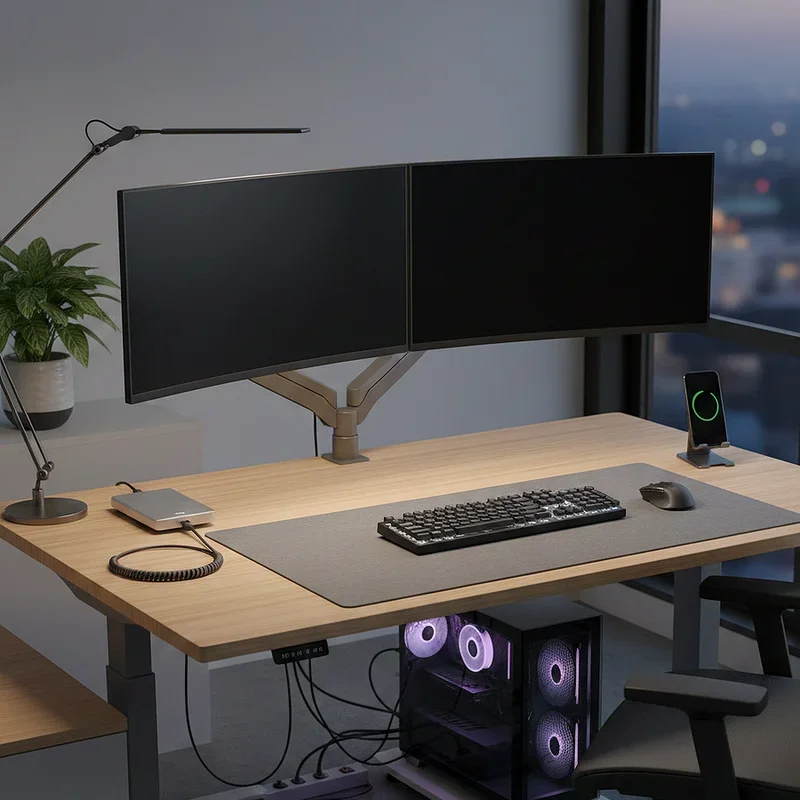
Not everyone needs two external monitors when a powerful laptop can serve as one screen in a dual display configuration. The laptop plus monitor hybrid setup leverages your existing laptop as your secondary display, paired with a larger external monitor for primary tasks. Elevate your laptop on a stand to match the height of your external monitor, creating ergonomic consistency across both screens. Use a wireless keyboard and mouse positioned at your desk's front edge, transforming your laptop into a dedicated display rather than a cramped workspace. This approach offers flexibility for people who work between office and home, as you're simply adding one monitor rather than committing to a full desktop setup. The laptop screen excels at communication apps, email, or reference materials while your main monitor handles intensive tasks.
15. The Multi-Level Tier Organization
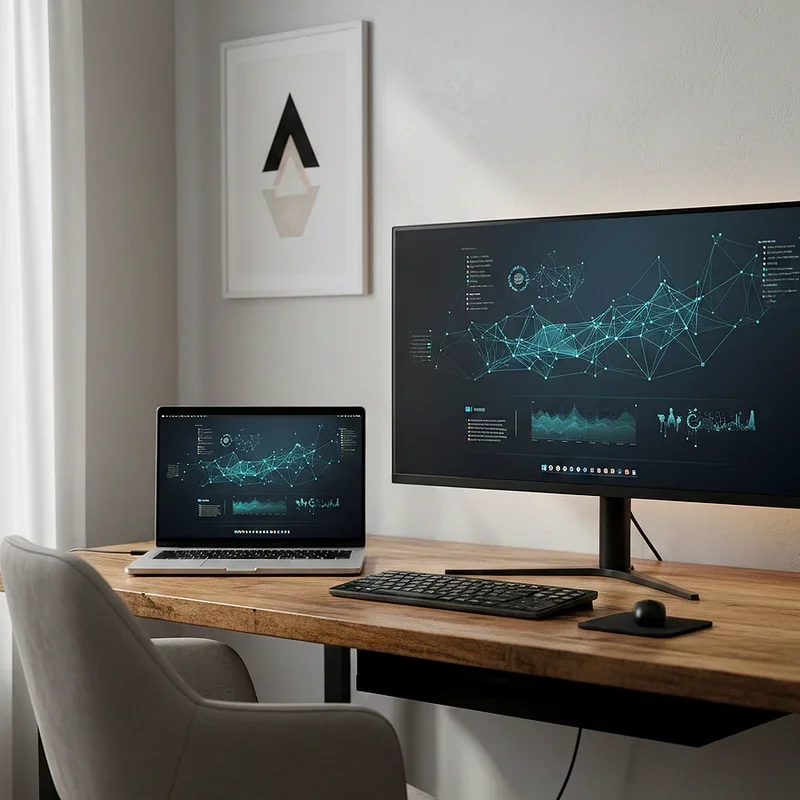
Vertical space is the most underutilized resource in home offices, and the multi-level tier organization setup maximizes this dimension brilliantly. Create distinct levels using monitor risers, keyboard trays, and elevated shelving that stack functionality without consuming floor space. Position your primary monitor on a riser at optimal eye level, with your secondary monitor on a separate adjustable stand slightly higher or to the side. Below, a sliding keyboard tray keeps typing surfaces accessible while reclaiming desk space when not in use. Above your monitors, add a shallow shelf for frequently accessed items like notebooks, headphones, or charging cables. The key is creating these tiers intentionally rather than accidentally through clutter accumulation. Each level should have a clear purpose, and items should be within easy reach without requiring you to stand or stretch awkwardly.
Conclusion
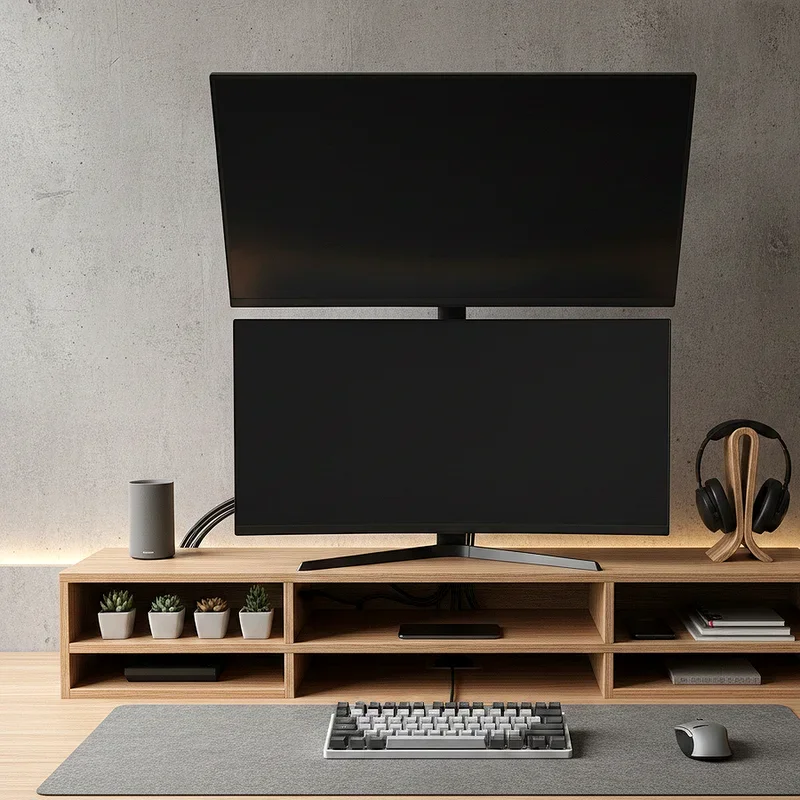
Creating the perfect dual monitor desk setup isn't just about buying equipment and hoping for the best. It's about thoughtfully combining ergonomics, aesthetics, and functionality into a workspace that supports your productivity while reflecting your personal style. Whether you're drawn to minimalist floating configurations, industrial pipe frames, or Scandinavian simplicity, the right setup transforms your workspace from merely functional to genuinely inspiring. Remember, your desk is where you'll spend countless hours pursuing your goals, so investing time and resources into optimizing this space pays dividends in comfort, efficiency, and daily satisfaction. Start with one element that resonates most, then build your ideal workspace gradually, always prioritizing what works for your specific needs over trending aesthetics.
Read next: 15 Double Desk Home Office Ideas to Maximize Your Space
Frequently Asked Questions
Q1. What is the ideal distance between dual monitors?
A: Position monitors 20 to 40 inches from your eyes with minimal gap between screens for comfortable viewing.
Q2. Should both monitors be the same size?
A: Matching monitors create visual symmetry, but different sizes work if tasks require varied screen orientations or dimensions.
Q3. How do I reduce eye strain with dual monitors?
A: Use bias lighting behind monitors, match brightness levels, position screens at eye level, and take regular breaks.
Q4. What cable management solutions work best?
A: Cable raceways, velcro ties, under-desk power strips, and cable sleeves effectively hide and organize workspace wiring.
Q5. Can I use a dual monitor setup in small spaces?
A: Absolutely, utilize monitor arms, floating shelves, or vertical configurations to maximize dual screens in compact areas effectively.
Stay up to date with our latest ideas!