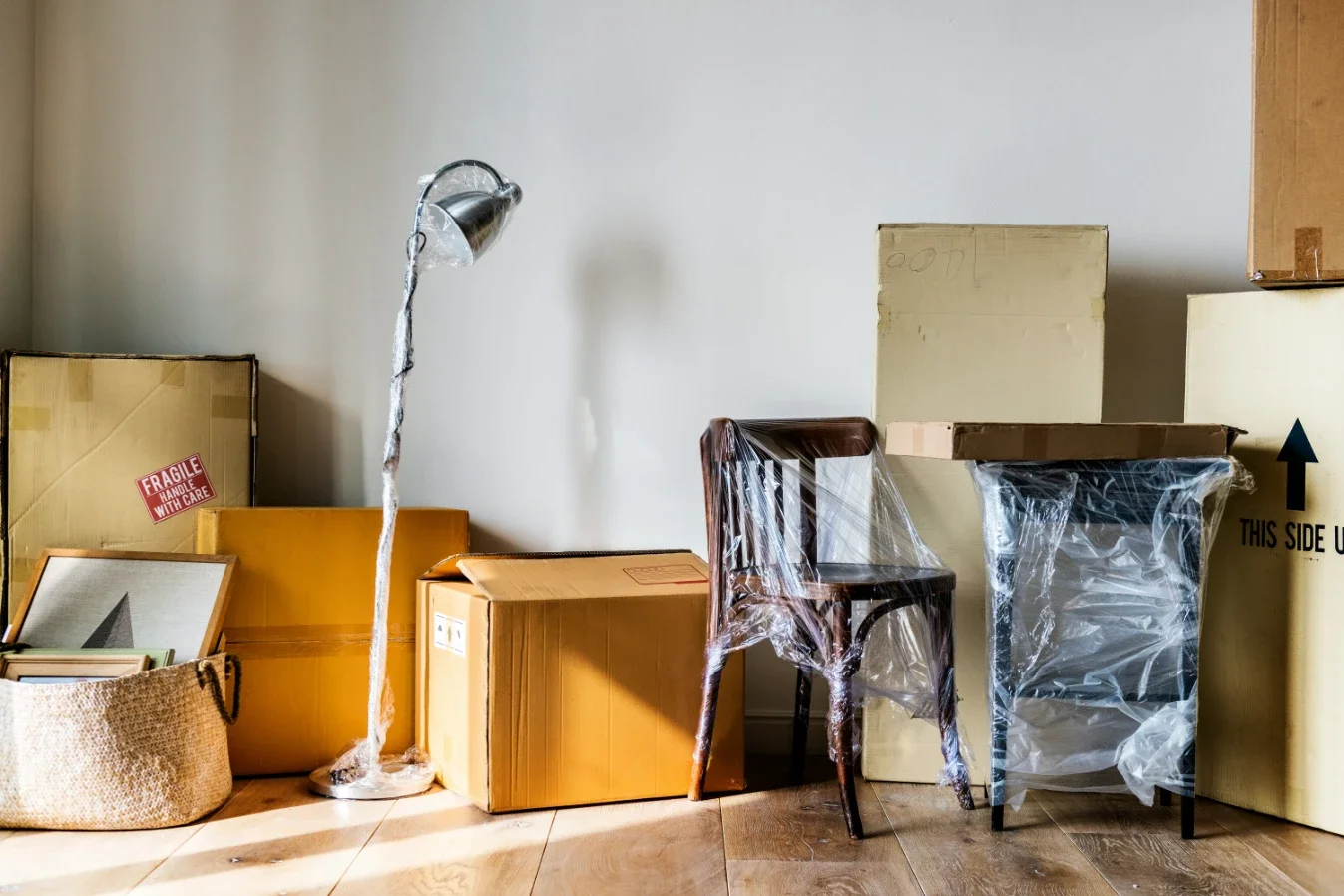
Learn how to set up a remote work hub after moving to a new home with practical tips for choosing a location, organizing equipment, lighting, storage, and comfort.

Boxes everywhere, no internet yet, and a meeting scheduled for 10 am tomorrow. That's the reality for a lot of remote workers in the first few days after a move. Getting your actual workspace up and running usually falls to the bottom of the priority list, right behind unpacking the kitchen and figuring out where the bathroom towels went.
It shouldn't stay there long, though. A functional setup makes the difference between working from a laptop balanced on a moving box and feeling settled in.
Get Internet Scheduled Before You Even Move
This is the one task that has to happen ahead of time, not after. Installation windows can run a week or more out depending on the provider, and showing up to a new place with no service booked means working off your phone's hotspot for longer than anyone wants.
Call or schedule online as soon as you have a move-in date, and ask specifically about the earliest available install slot. If there's any flexibility in your moving timeline, lining it up with the internet install date saves a lot of frustration.
Choose the Room before You Choose the Furniture
Not all rooms are good for working. The spare bedroom located near the entrance takes in every delivery knock and hallway discussion. While the area of the living room may have plenty of natural light, it lacks any kind of privacy when you're having phone discussions.
Take a walk around your new home, and consider noise, foot traffic, and the amount of natural daylight the room will get when you'll be using it. A north-facing room that provides constant natural light is preferred over a south-facing one that becomes an unbearable "oven" by 2 pm.
Furniture That Will Actually Support You During Your Working Day
While a desk and a dining chair will do for a start, this combination won't make you happy soon enough. When choosing the furniture, give priority to the chair with decent lumbar support rather than the more attractive-looking one, and adjust the desk to fit your elbow positioning at around 90 degrees while typing.
If your old setup worked fine in a different layout, don't assume it'll translate perfectly. New rooms have different window placement, different outlet locations, and sometimes less space than you're used to. Give yourself a few days to adjust the arrangement instead of locking it in on day one.
Cable Strips and Outlets and All That No One Cares About Until It Is an Issue
A house or apartment that is somewhat older than your current one may have outlets that are in a strange place, or there are just too few of them in places where you want your new desk to be. A power strip with a surge protector is a good solution for this problem, but remember to check out how many outlets you have in the room first. And don't forget to label your cables.
Dealing With All Those Unwanted Sounds
In a new neighborhood, there will be new sounds that you have never heard before. There will be new traffic routes; there may be a noisy neighbor's dog or even some construction work happening down the road. A noise-canceling headphone set is the best solution for this problem, and also a rug or curtains can help to make a room less echoey. Give it a couple of weeks before deciding the noise is a real problem. A lot of it settles once you know the neighborhood's patterns.
Protecting the Equipment That Got You Here
None of this matters if your monitor arrived cracked or your desktop tower took a hard hit in transit. Electronics and office equipment need the same careful handling as anything fragile in a move: original boxes when possible, padding around anything with a screen, and cables bundled and labeled so setup on the other end doesn't turn into a guessing game.
This is one more reason a careful, experienced moving team is worth the cost. A crew that knows how to pack and transport electronics safely means you're setting up a workspace instead of shopping for replacements. Movers like Move4U Movers handle exactly this kind of item with the extra care it needs, so your setup can start on schedule instead of getting delayed by damage.
Staying Organized After the Boxes Have Gone
The initial few weeks after relocation will leave office supplies scattered in whichever place seemed convenient at the time of unpacking. The printer will be placed on the floor, the notebooks will be piled on the windowsill, and the chargers will be bundled together in a drawer that also contains takeout menus. This arrangement will work well initially, but will get you in trouble later on, particularly when you are trying to locate a certain cable to connect your computer during a phone call.
A small shelf or a rolling cabinet located next to the desk will provide homes for all these supplies without having to go for a fully built-in system. Even the simple placement of a couple of bins labeled as 'supplies' below the desk will be far more useful than having to constantly rummage through a cluttered drawer.
Keep a Fallback Option for When the Internet Doesn’t Work
Sometimes the installation process won’t go smoothly the first time around. Your installer could put it off for later, or there could simply be a problem connecting during the first week of having your internet, or there might be less signal in your chosen room than there was at the previous location.
Knowing what your backup options are in advance will prevent you from being caught by surprise in a situation where you really need the internet. Having access to a local coffee shop that has fast and stable Wi-Fi, a coworking space that allows day passes, or simply knowing how to use your phone’s mobile hotspot will work as acceptable fallbacks. It may be worthwhile to test your phone’s mobile hotspot ahead of time in order to know the speed.
Stay up to date with our latest ideas!