Where to Place Desk in Home Office for Productivity and Comfort
Discover where to place desk in home office for productivity and comfort. Learn optimal positioning strategies for better focus and wellbeing.
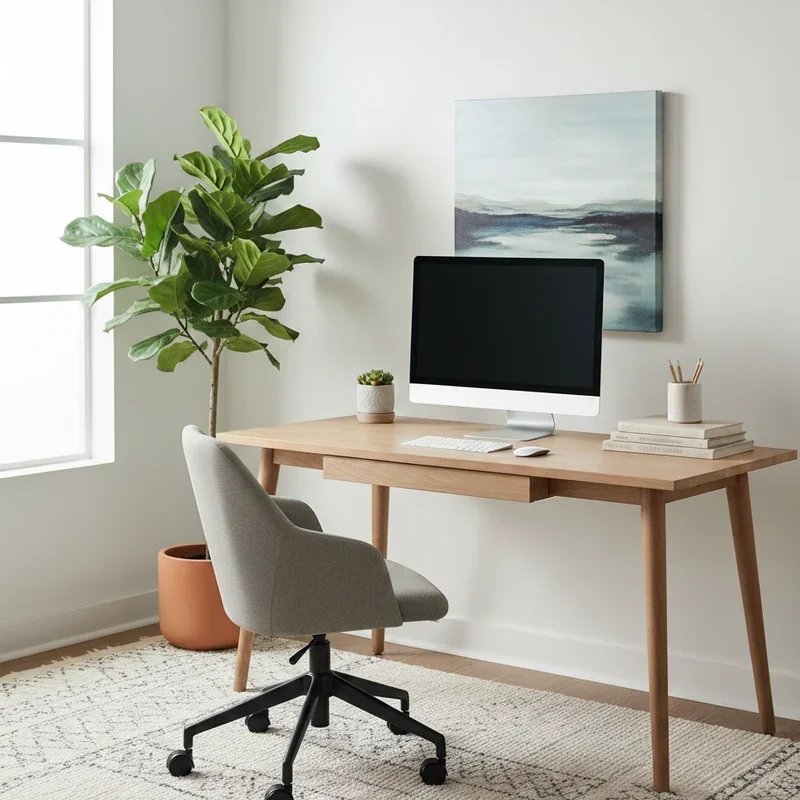
You've finally carved out a dedicated space for your home office, invested in a solid desk, and you're ready to conquer your work-from-home life. But hold on a second. Before you shove that desk against the nearest wall and call it a day, there's something you really need to consider. Where you place your desk can make or break your productivity, your physical comfort, and honestly, your entire work-from-home experience.
It sounds like a simple decision, doesn't it? Just plop the desk somewhere and get to work. But if you've ever spent an afternoon squinting at your screen because of glare, or found yourself constantly distracted by household activity, or ended each workday with a stiff neck and aching back, you know that desk placement is anything but trivial.
The perfect desk position balances multiple factors simultaneously. Natural light, traffic flow, temperature, noise levels, and even the psychological impact of what you see while working all play crucial roles in creating an effective workspace. Get it right, and you'll wonder why working feels so much easier. Get it wrong, and you'll struggle against your environment every single day.
Understanding where to place desk in home office for productivity and comfort isn't just about following a formula. It's about assessing your unique space, recognizing your personal work habits, and making strategic choices that support rather than sabotage your professional goals.
This comprehensive guide will walk you through every consideration, from the science of natural lighting to the psychology of command positions, helping you create a workspace that genuinely works for you.
The Science Behind Desk Placement
Before diving into specific positioning strategies, let's understand why this matters from a scientific perspective.
How Environment Affects Cognition
Your brain constantly processes environmental information, whether you're consciously aware of it or not. Background noise, visual distractions, lighting quality, and even room temperature all consume cognitive resources that could otherwise go toward your actual work.
Research consistently shows that environmental factors significantly impact focus, creativity, and overall work performance. A study published in the Journal of Environmental Psychology found that workers in optimized office environments demonstrated up to 25% better cognitive performance than those in poorly designed spaces.
Your desk position determines much of what your brain must process while you work. Facing a window provides mental breaks through nature views but might also invite daydreaming. Sitting with your back to the door keeps your subconscious on alert for potential surprises.
The Role of Natural Light
Sunlight exposure during work hours regulates your circadian rhythm, boosting alertness and mood while improving sleep quality at night. Workers with access to natural light report better focus, less eye strain, and higher job satisfaction.
However, direct sunlight on your computer screen creates glare that strains your eyes and makes work frustrating. The goal involves capturing light's benefits while avoiding its drawbacks, a balance that desk positioning directly controls.
Where to Place Desk in Home Office for Productivity and Comfort: Key Considerations
Several crucial factors should influence your desk placement decision.
Natural Light Optimization
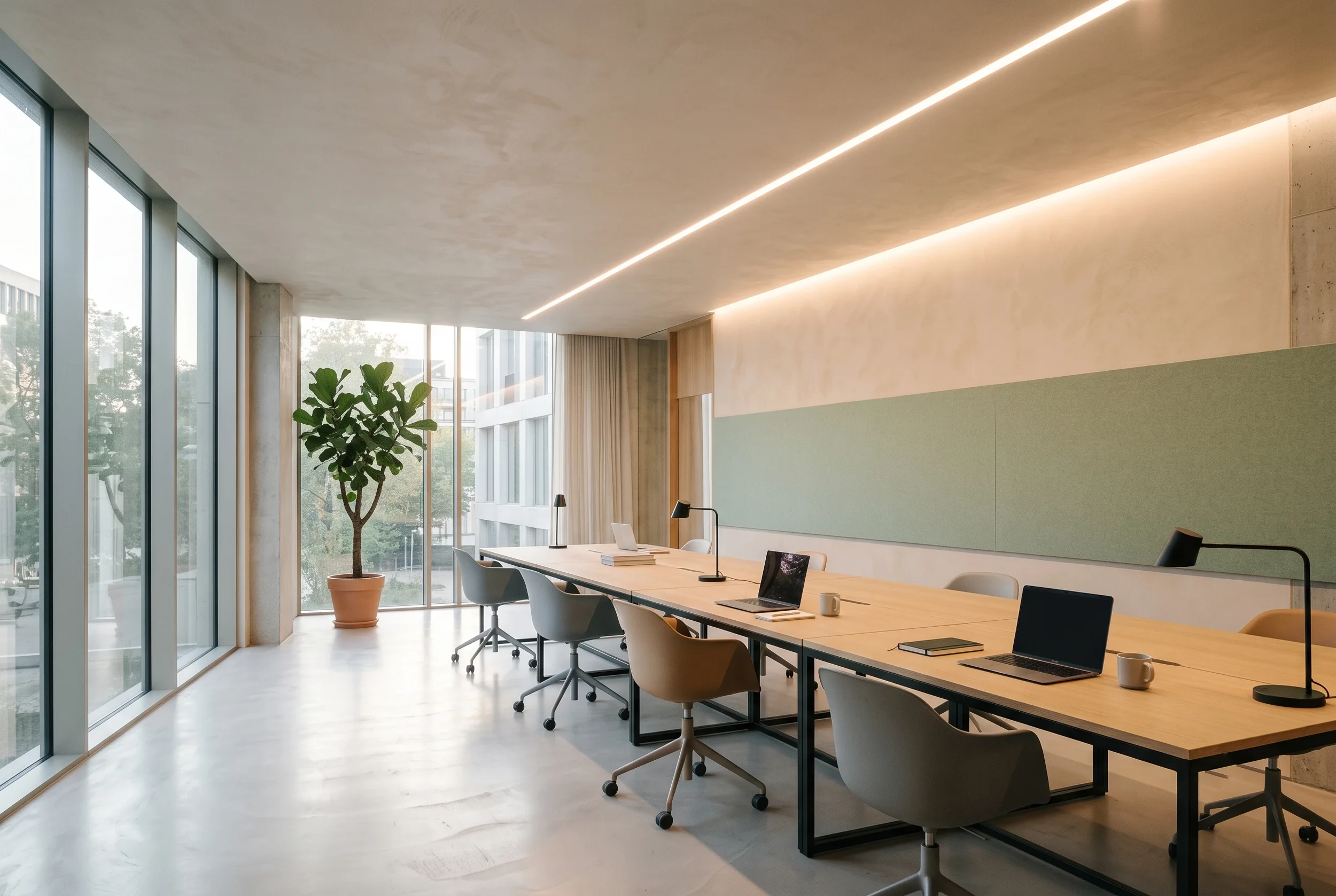
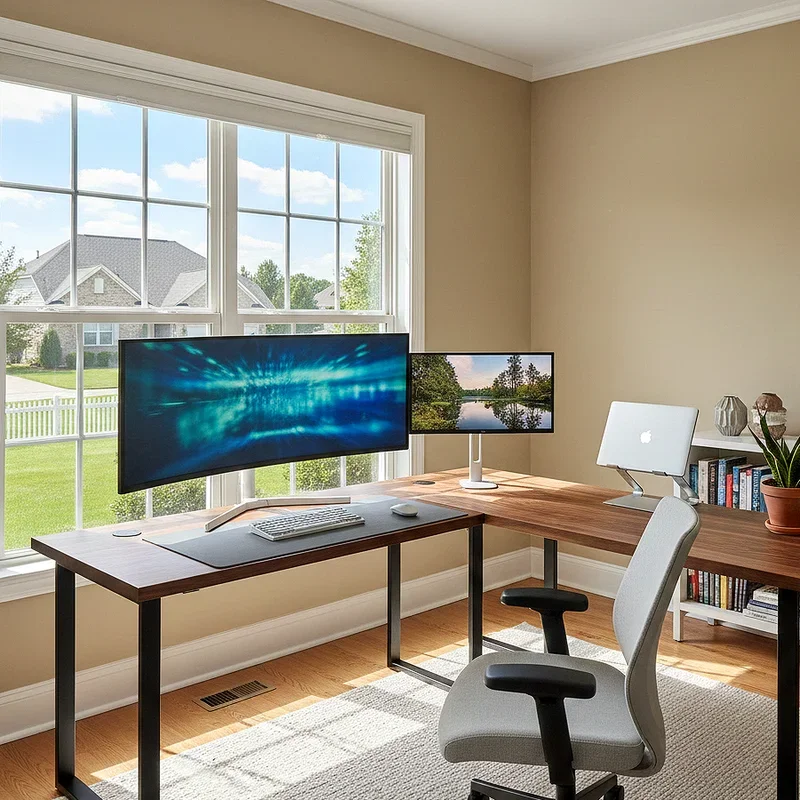
The relationship between your desk and windows requires careful thought. Ideally, natural light should come from the side rather than directly in front of or behind you.
Light from directly behind creates screen glare that strains your eyes and makes video calls look terrible. Light from directly in front can be equally problematic, causing you to squint and creating harsh shadows on your workspace.
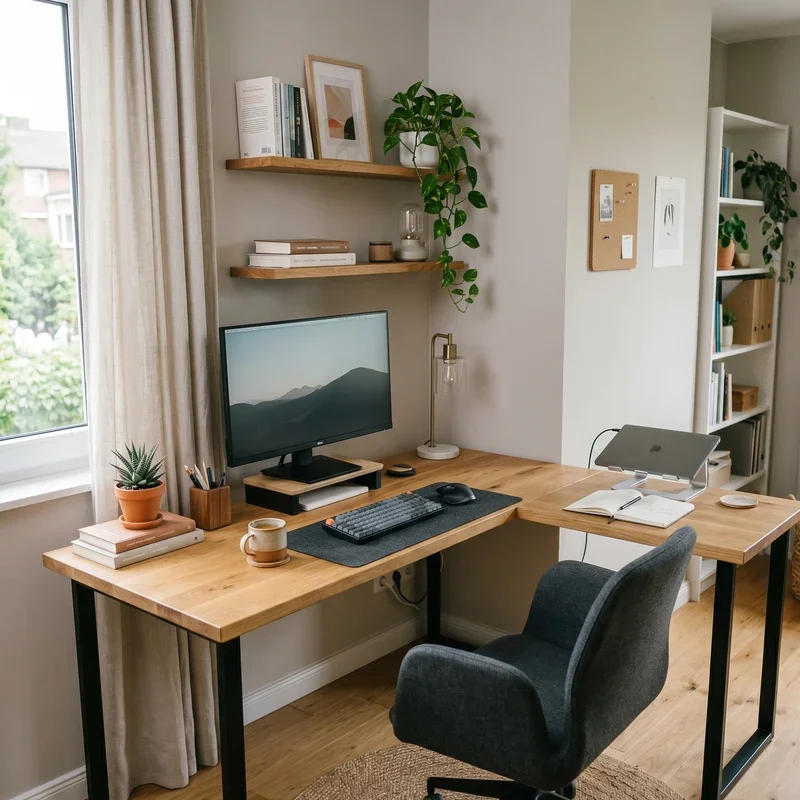
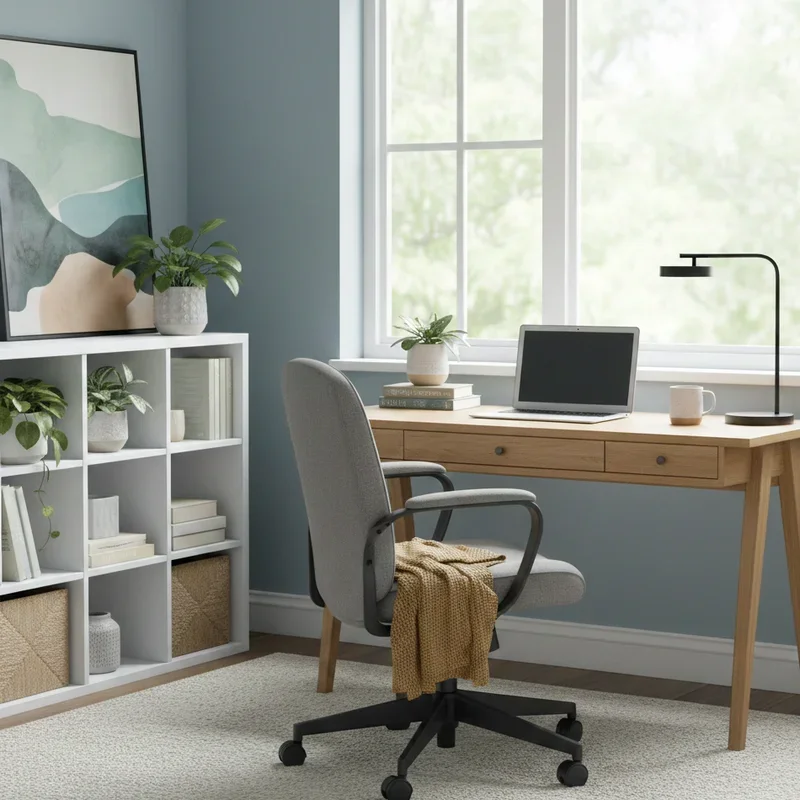
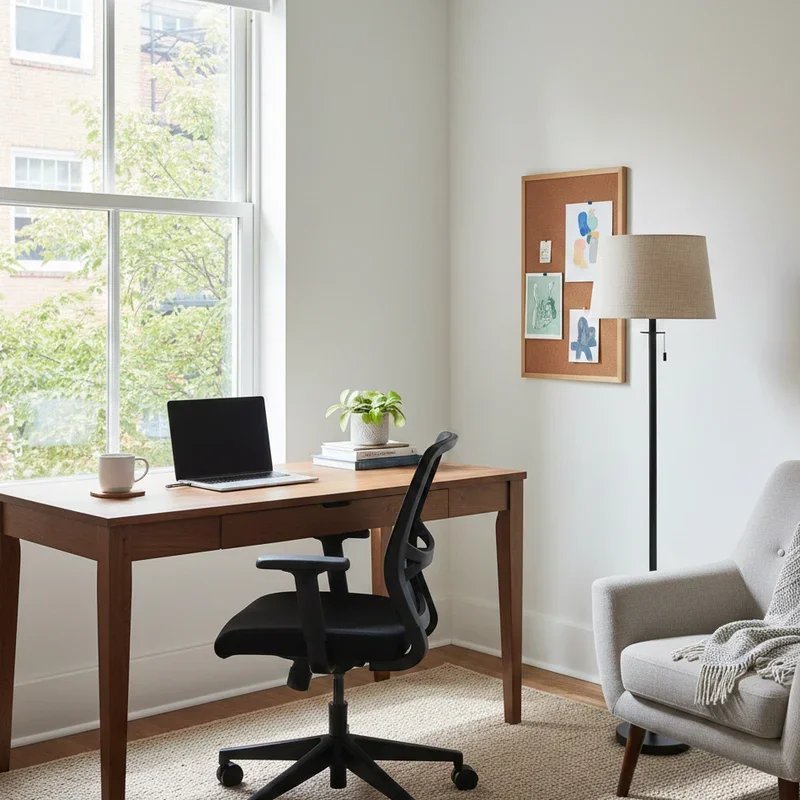
Positioning your desk perpendicular to windows provides the best balance. You get natural light illuminating your workspace without it shining directly into your eyes or onto your screen. If you must face a window, consider sheer curtains or blinds that diffuse light while still allowing brightness into the room.
The Command Position Principle
This concept, borrowed from Feng Shui but supported by psychology, suggests positioning your desk so you can see the room's entrance without sitting directly in line with the door.
Humans have an innate preference for seeing potential threats approaching. Sitting with your back to the door keeps your subconscious slightly on edge, a subtle but constant drain on your focus and comfort.
The command position provides a sense of security and control that allows deeper concentration. Ideally, you'll have a solid wall behind you and a clear view of anyone entering your space.
Traffic Flow Analysis
Consider how people move through your home and specifically through or near your office space. Positioning your desk in a high-traffic area means constant interruptions and distractions.
If your office doubles as a guest room or shares space with other household functions, find a desk position that minimizes exposure to foot traffic. This might mean facing away from the room's main thoroughfare or using furniture to create barriers.
For those with shared workspaces or family members at home, strategic positioning can signal when you're available versus deep in concentration.
Temperature Considerations
That perfect spot by the window might become unbearable during summer afternoons. Conversely, a corner position near exterior walls might feel drafty during winter months.
Consider seasonal variations when choosing your desk location. Some positions that work beautifully in spring become problematic during temperature extremes.
Proximity to heating vents, air conditioning units, and drafty windows all affect comfort throughout your workday. Test your preferred position during different weather conditions before committing to a permanent setup.
Room-by-Room Placement Strategies
Different room types present unique opportunities and challenges.
Dedicated Home Office
If you're fortunate enough to have an entire room dedicated to work, you have maximum flexibility but also need to be most intentional about your choices.
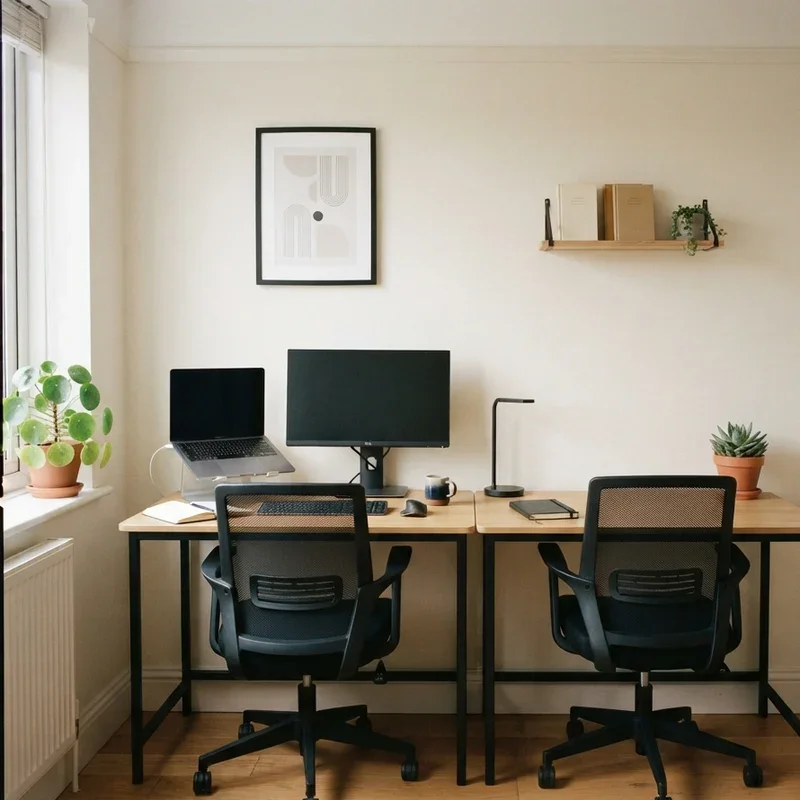
Position your desk to capitalize on natural light from windows, ideally with light coming from the side. Keep your back to a solid wall if possible, with a view toward the door.
Leave adequate space for movement around your desk. You'll want room for a chair that rolls freely, space to stretch and move, and pathways that don't require navigating obstacle courses to enter or exit.
Living Room Workspaces
When your office lives within your living room, finding the right balance becomes trickier. You need a position that feels professional during work hours but doesn't dominate the room during off hours.
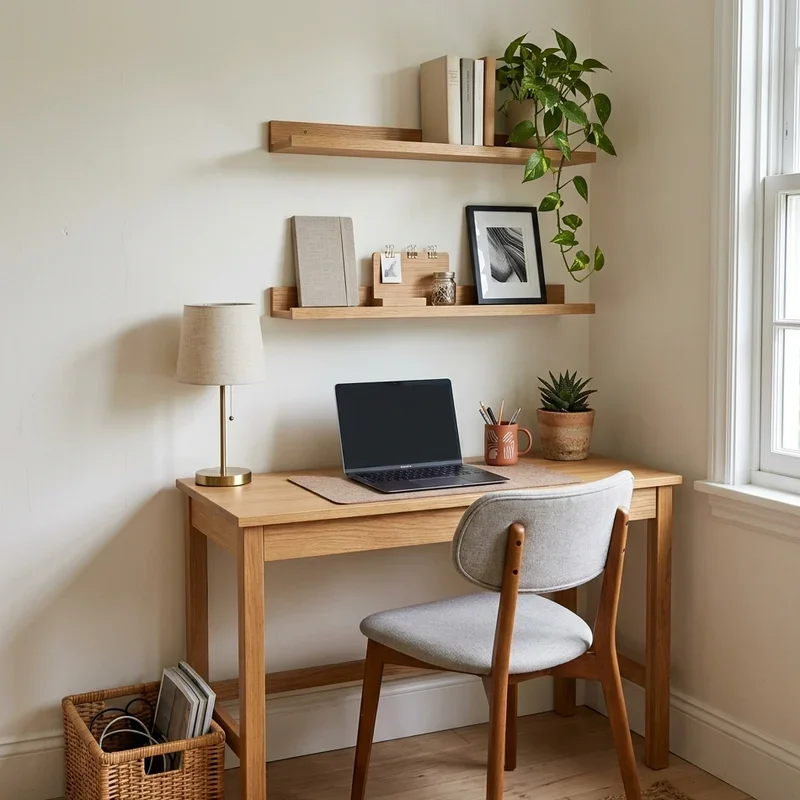
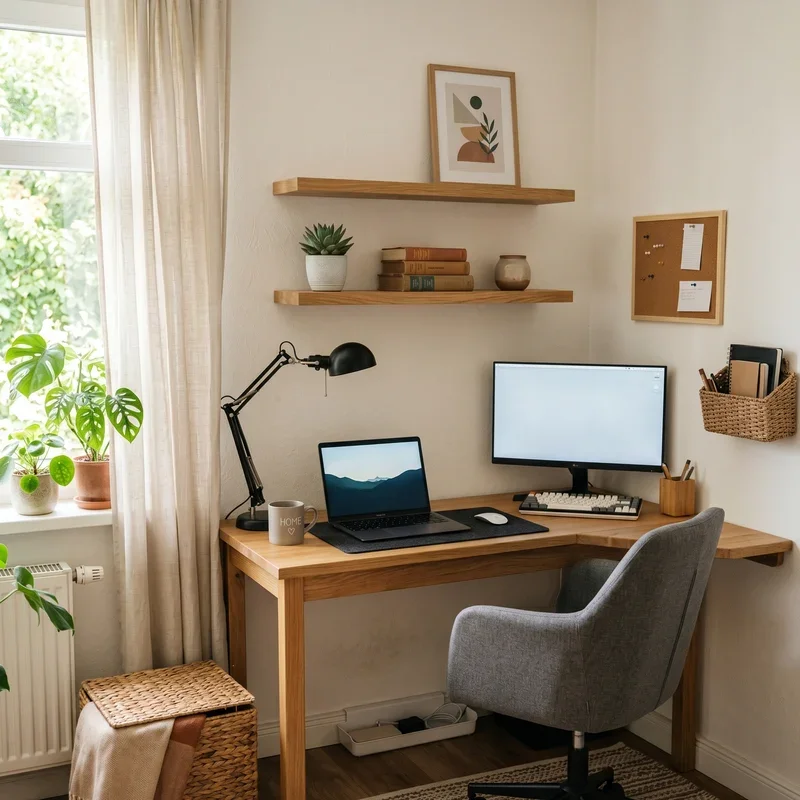
Corner positions work particularly well in shared living spaces. They provide some visual separation from the main living area while utilizing space that might otherwise go unused.
Consider how your desk position affects the room's overall flow and aesthetics. A desk that blocks natural traffic patterns or faces into the main seating area creates constant tension between work and home life.
Bedroom Office Arrangements
Many people resist putting desks in bedrooms, and for good reason. The presence of work equipment can make relaxation and sleep more difficult.
If bedroom placement is unavoidable, position your desk where you won't see it from bed. Visual separation helps maintain the psychological boundary between work and rest.
Facing your desk toward a wall rather than into the room keeps work visually contained. Adding a small screen or curtain to hide your workstation after hours can also help.
Kitchen and Dining Area Solutions
These spaces offer convenient lighting and central locations but come with significant drawbacks. Food smells, family activity, and the temptation of snacking can all undermine productivity.
If you must work in these areas, choose positions that minimize kitchen visibility and activity exposure. Facing away from the main cooking and gathering areas helps maintain focus.
Ergonomic Positioning Factors
Physical comfort directly impacts how long you can work effectively.
Monitor Height and Distance
Your desk position should allow proper monitor placement. The top of your screen should sit at or slightly below eye level, approximately an arm's length away.
Positions that force you to twist, look up, or crane forward to see your screen create cumulative strain that manifests as neck pain, headaches, and fatigue.
Ensure whatever position you choose allows for ergonomically correct monitor setup. This might mean reconsidering locations where furniture, windows, or room geometry restrict proper screen placement.
Seating Space Requirements
Your chair needs room to move freely. Positions that restrict chair movement force static sitting, which accelerates fatigue and physical discomfort.
Calculate the space needed for pushing back from your desk, rolling side to side, and getting in and out of your chair. Cramped desk positions that limit movement become uncomfortable quickly.
Keyboard and Mouse Placement
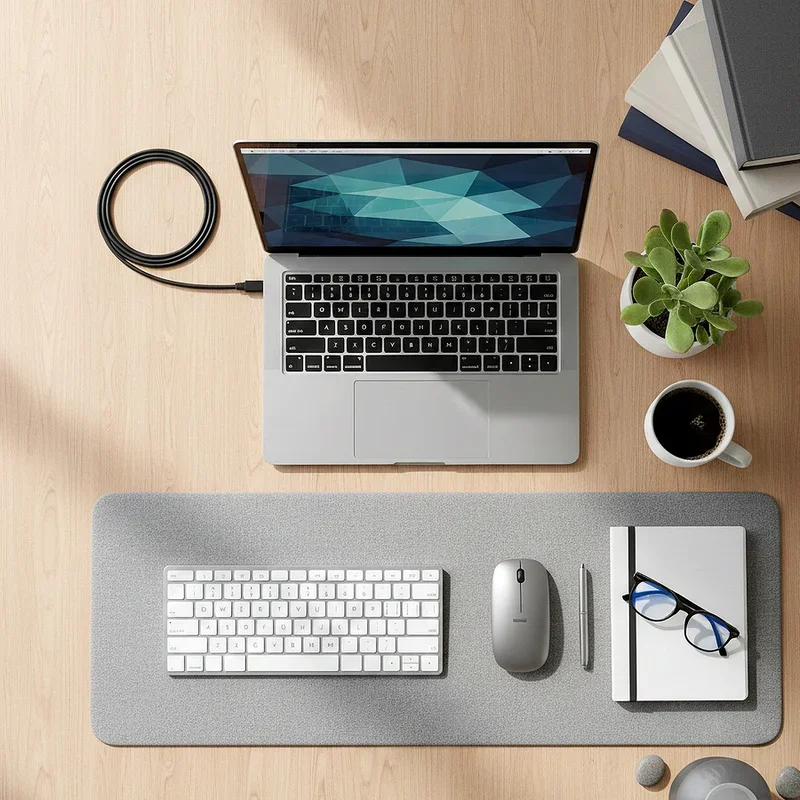
Your desk position affects how you orient your keyboard and mouse. Ideally, your arms should rest at comfortable angles with wrists straight while typing.
Some desk positions create awkward arm angles due to wall proximity or furniture arrangement. Test your preferred position with your actual work setup to ensure comfortable arm and hand positioning.
Where to Place Desk in Home Office for Productivity and Comfort: Common Mistakes
Avoid these frequent errors that undermine workspace effectiveness.
The Window Trap
Directly facing a window seems appealing, offering views and natural light. In practice, it often creates screen glare, eye strain, and endless distraction from outdoor activity.
Video calls become problematic too. Bright backlighting makes your face appear dark and shadowed to others, requiring additional lighting equipment to compensate.
The Corner Cramp
Tucking a desk into the farthest corner might seem like efficient space utilization, but it often creates cramped, isolated workspaces that feel confining and depressing.
Corners also tend to receive less natural light and can develop temperature issues due to exterior wall proximity. What seems like a cozy nook often becomes a claustrophobic trap.
Ignoring Electrical Reality
The perfect position means nothing if you can't access power outlets. Extension cords snaking across floor space create tripping hazards and look unprofessional.
Assess outlet locations before committing to desk placement. You'll need power for your computer, monitor, lighting, and potentially other devices. Proximity to outlets simplifies cable management considerably.
Underestimating Noise Impact
That desk position near the kitchen might seem convenient for coffee breaks. It becomes considerably less appealing when refrigerator compressors, dishwashers, and family activity create constant background noise.
Consider noise sources throughout your home and how they'll affect concentration. Sometimes the quietest room outweighs other considerations.
Optimizing Your Chosen Position
Once you've selected a location, fine-tune it for maximum effectiveness.
Lighting Adjustments
Supplement natural light with quality task lighting that eliminates shadows without creating glare. Adjustable desk lamps allow you to direct light precisely where needed.
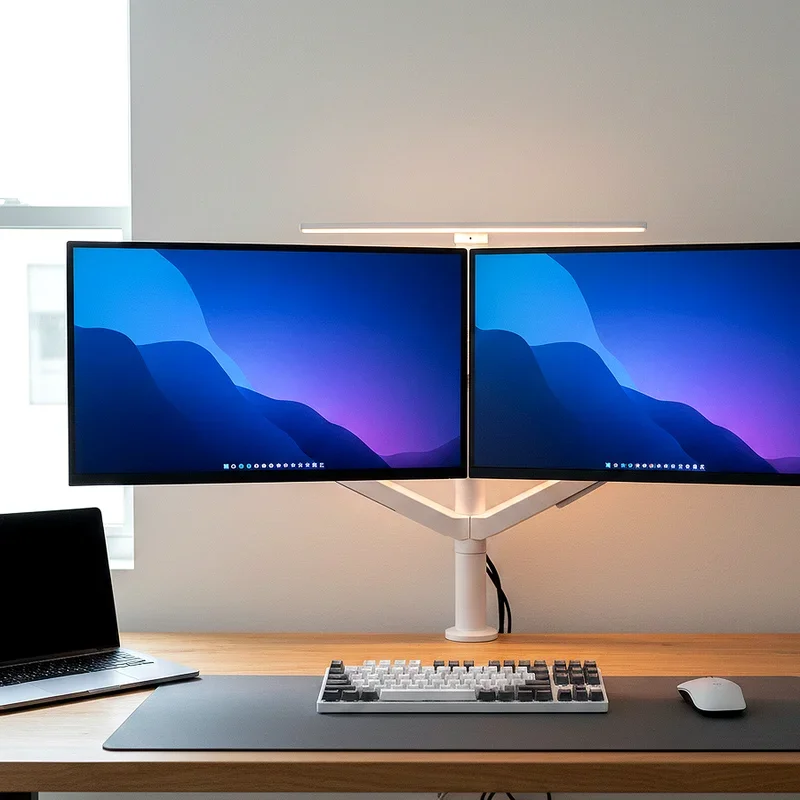
Consider bias lighting behind your monitor to reduce eye strain from contrast between bright screen and dark surroundings.
Visual Environment Control
What you see while working affects your mental state. Pleasant views and organized surroundings support focus, while cluttered sightlines and chaotic backgrounds create stress.
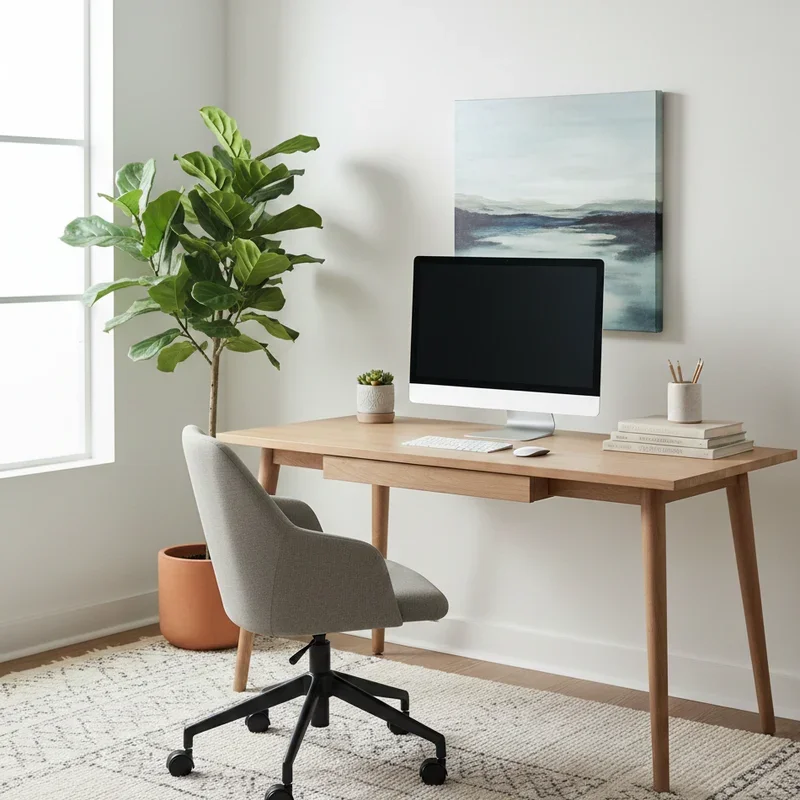
Position your desk so your primary view includes calming, organized elements. Add plants or artwork to create visual interest without distraction.
Sound Management
Even well-positioned desks might need acoustic intervention. Noise-cancelling headphones, white noise machines, or sound-absorbing panels can address noise issues that desk positioning alone can't solve.
Testing and Iteration
Don't expect to nail perfect positioning on your first try.
Trial Periods
Live with your chosen position for at least a week before declaring it permanent. Notice patterns in when you feel focused versus distracted, comfortable versus strained.
Seasonal Adjustments
Consider how changing seasons might affect your position. Summer sun angles differ from winter, and what works in moderate temperatures might fail during extremes.
Some home workers actually adjust desk positions seasonally, optimizing for changing light and temperature conditions throughout the year.
Flexibility Value
If possible, choose furniture that allows repositioning without major effort. As your needs, household situation, or understanding of your work habits evolve, you might want to experiment with alternative arrangements.
Conclusion
Finding where to place desk in home office for productivity and comfort requires balancing multiple factors including natural light, room traffic, temperature, and ergonomic needs. The command position principle offers psychological benefits by providing visual awareness of your space while solid walls behind you create security. Avoiding common mistakes like facing windows directly or cramming into corners prevents many problems before they start. Take time to experiment with different positions, making adjustments until you find the setup that genuinely supports your best work.
Read next: 15 L Shaped Desk Office Ideas for Small Home Offices Layouts
Frequently Asked Questions
1.Should I face my desk toward the window or away from it?
Position your desk perpendicular to windows for optimal natural light without screen glare problems.
2.How far should my desk be from the wall behind me?
Allow at least three feet behind your chair for comfortable movement and proper chair positioning.
3.Is it bad to have my back to the door while working?
Yes, facing away from entries creates subconscious anxiety that can subtly drain focus and productivity.
4.Can desk placement really affect my productivity levels?
Absolutely, proper positioning reduces distractions, physical strain, and environmental stress that impede concentration significantly.
5.What if I can only fit my desk in one specific spot?
Optimize that position with lighting adjustments, sound management, and furniture arrangement to minimize drawbacks.
Stay up to date with our latest ideas!