Workplace Cleaning Tips for Busy Office Teams
Discover practical workplace cleaning tips for busy office teams to maintain a tidy, healthy environment while supporting productivity and employee well being.
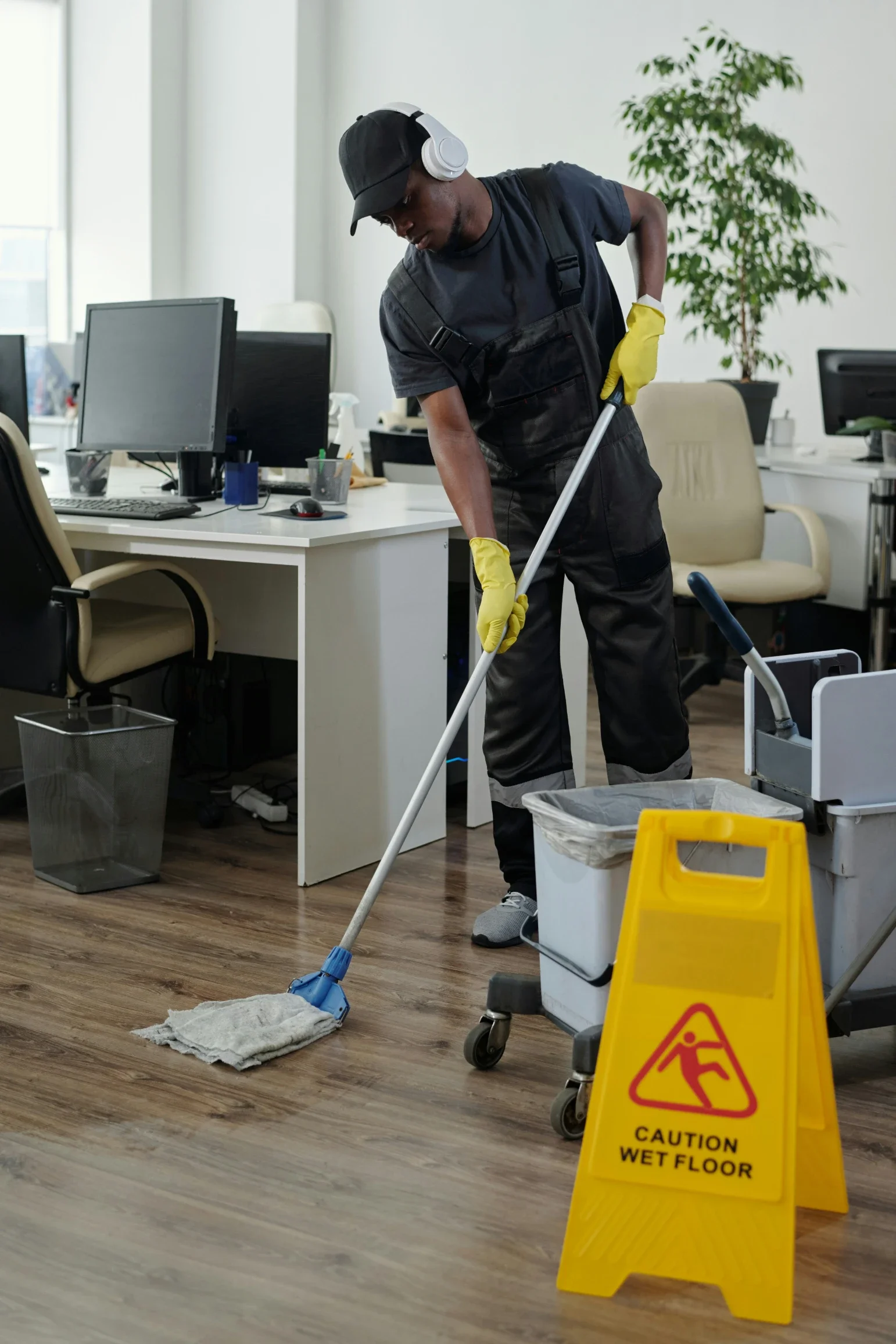
Busy office teams need cleaning systems that work during real operations. A workspace can look organized in the morning and become cluttered by noon if desks, meeting rooms, kitchens, restrooms, and shared equipment do not have clear maintenance routines.
Office cleaning should not depend only on occasional deep cleaning. It should combine daily habits, scheduled tasks, employee accountability, and professional support when needed.
The goal is a workspace that stays functional, hygienic, and comfortable without distracting employees from their main work.
Start With High-Use Zones
Every office has areas that collect dirt faster than others. These usually include the entrance, reception desk, conference rooms, kitchens, restrooms, copy stations, shared desks, and break areas.
Start by mapping where employees gather, eat, print, meet, and handle shared items.
These zones need more frequent attention than private offices or storage rooms.
If cleaning time is limited, focus first on the spaces that affect the most people.
High-use areas should be easy to reset, easy to inspect, and stocked with the right supplies.
Use a Clear Cleaning Schedule
A cleaning schedule prevents important tasks from being forgotten. It should separate daily, weekly, monthly, and seasonal work.
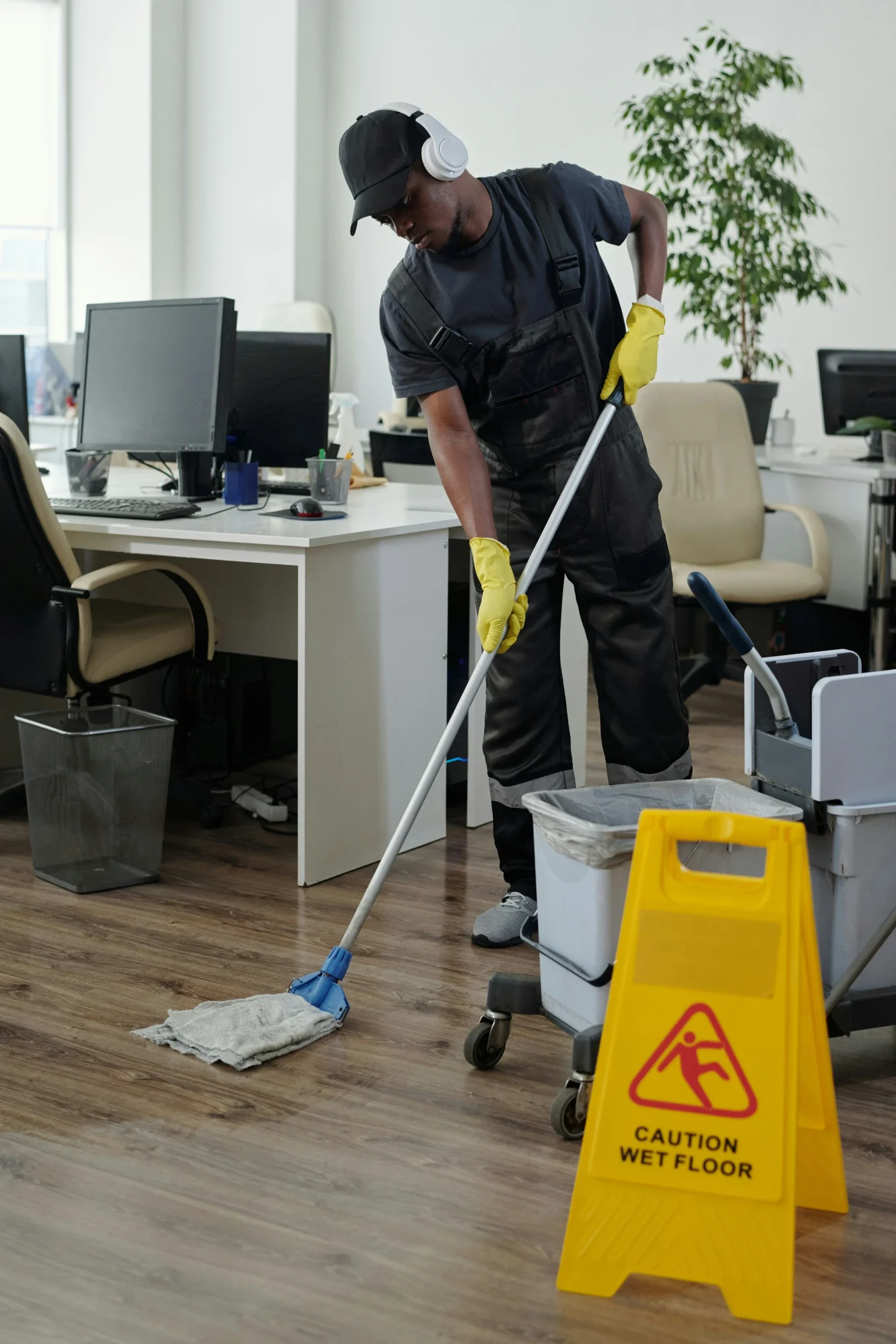
Small offices may handle basic cleaning internally. Larger offices may need outside support, especially when restrooms, floors, kitchens, or shared areas require consistent upkeep.
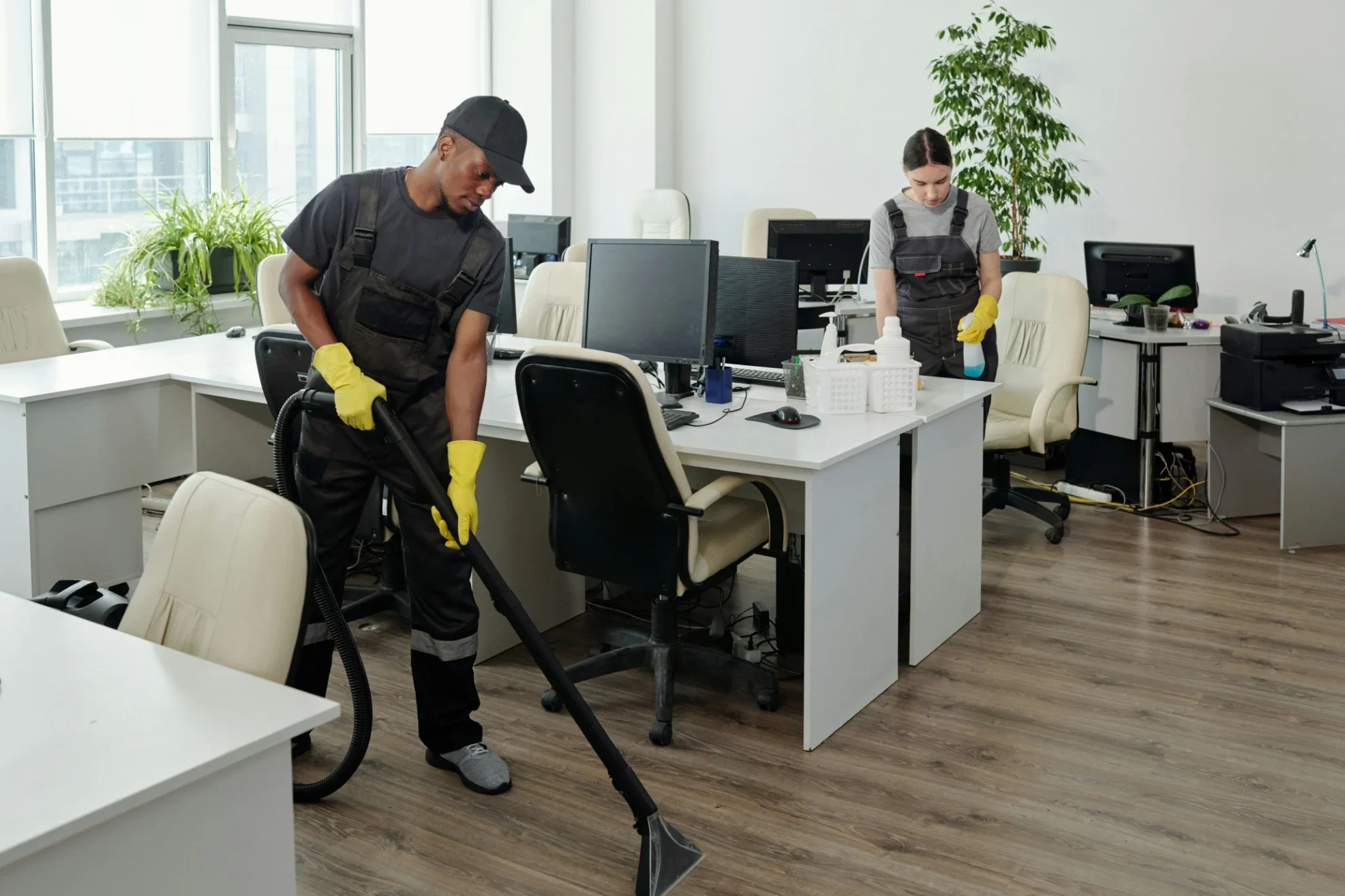
For teams that need predictable cleaning without adding more internal work, hiring a professional cleaning service can help maintain standards while employees focus on business operations.
The schedule should be visible to managers and reviewed regularly.
Keep Desks Easy to Clean
Desk clutter slows cleaning and creates dust buildup. Loose papers, food containers, cables, cups, and personal items make surfaces harder to wipe.
A clean desk policy does not need to remove personality from the office. It should simply define what belongs on the desk during the day and what should be cleared before leaving.
Employees should have storage for notebooks, files, chargers, and personal items.
If people have nowhere to store things, clutter will return.
Desk Reset Checklist
A simple desk reset should include:
Remove food and cups
File loose papers
Wipe the work surface
Clear unused cables
Push in the chair
Empty small trash
Store personal items
Clean keyboard and mouse weekly
This keeps workstations ready for the next day.
Improve Kitchen and Break Room Habits
Office kitchens become dirty quickly because many people use them without clear ownership. Spills, crumbs, expired food, full trash bins, and dirty microwaves can create odors and hygiene issues.
Assign kitchen responsibilities by task, not by vague reminders.
Employees should clean spills immediately, label food, remove expired items, and rinse dishes after use.
Shared appliances need scheduled cleaning.
Microwaves, coffee machines, refrigerators, sinks, counters, and trash areas should be checked daily in busy offices.
Manage Restroom Supplies and Ventilation
Restrooms affect employee comfort and visitor impressions. They should never run out of soap, paper towels, toilet paper, or trash capacity.
Create a restocking routine and document who checks supplies.
Ventilation also matters. A restroom that is cleaned often but poorly ventilated can still feel unpleasant.
Check exhaust fans, air movement, odors, and moisture.
If restroom issues happen often, the problem may be scheduling, ventilation, product quality, or supply placement.
Reduce Dust at the Source
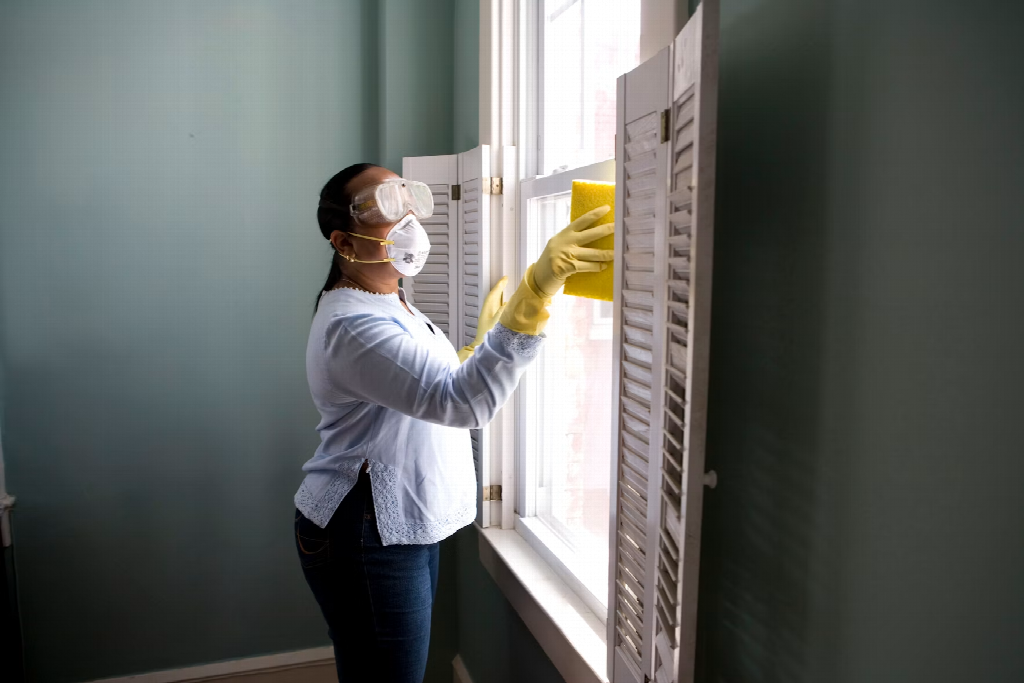
Dust comes from paper, fabric, outdoor air, HVAC systems, packaging, carpets, and frequent movement. It settles on desks, vents, monitors, shelves, baseboards, and electronics.
Reducing dust requires more than wiping surfaces.
Limit unnecessary paper storage, clean vents, vacuum under desks, and keep floors clear.
Dust Control Tasks
Useful tasks include:
Replace HVAC filters on schedule
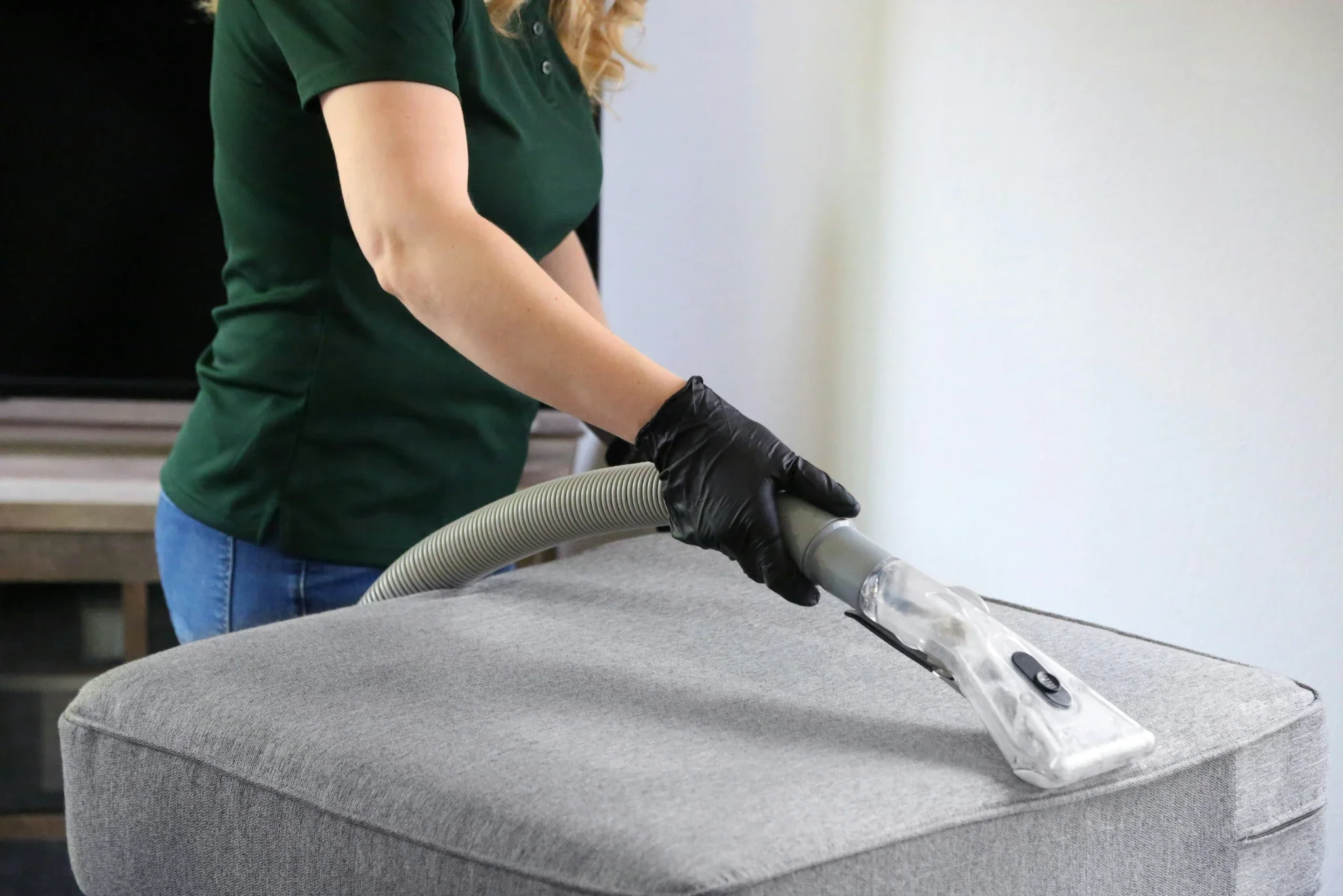
Vacuum carpeted areas often
Dust shelves and monitor stands
Wipe vents and grilles
Store files in closed cabinets
Clean behind printers
Keep boxes off the floor
Use entry mats at doors
Controlling dust improves appearance and indoor comfort.
Clean Shared Equipment
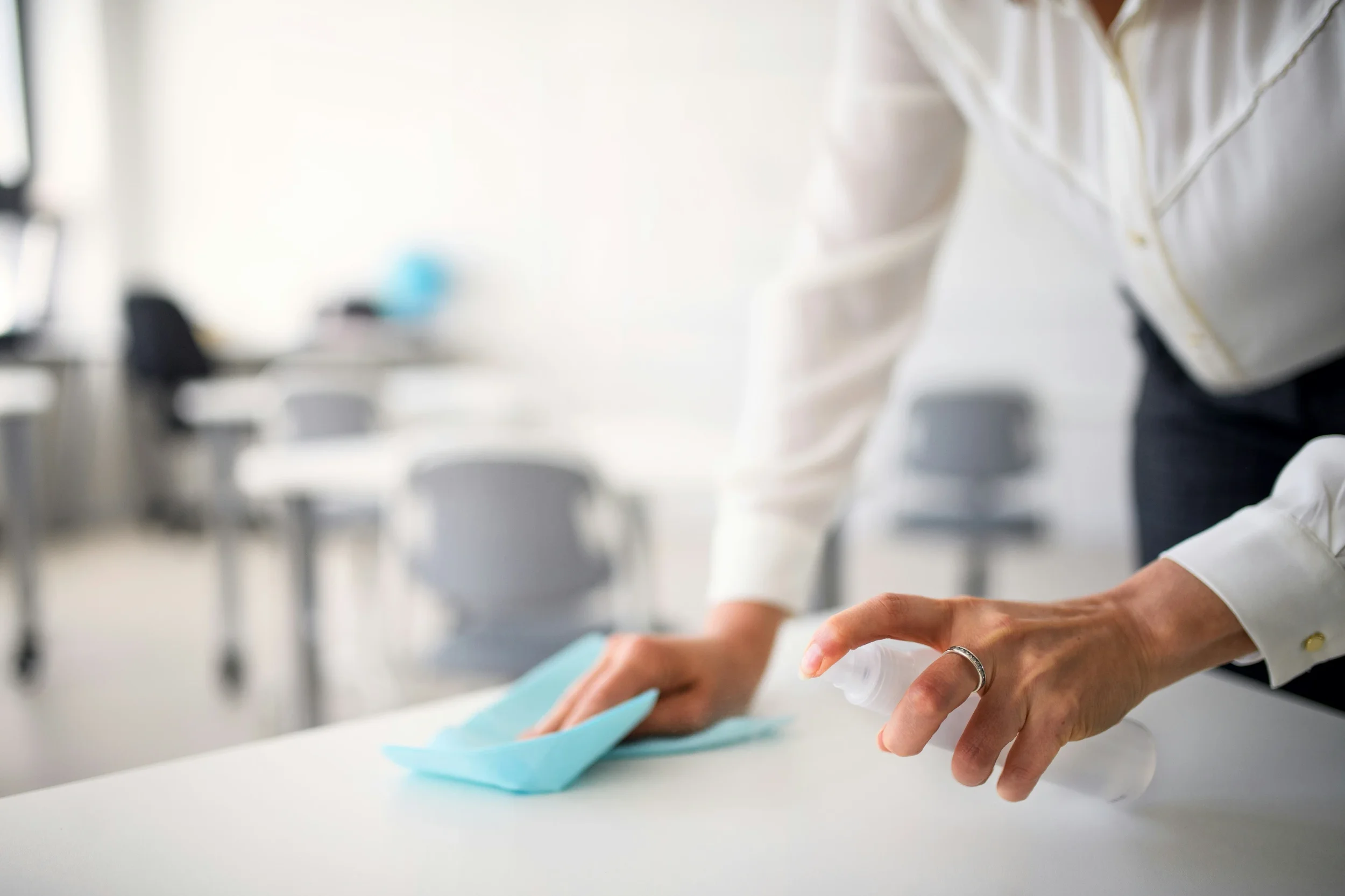
Printers, copiers, phones, conference room controls, keyboards, tablets, door handles, and coffee machines are touched often. They need regular wipe-downs.
Place safe cleaning wipes near shared equipment.
Use products appropriate for electronics and surfaces.
Do not spray liquid directly onto devices.
Assign daily or weekly cleaning responsibilities based on usage. High-touch equipment should not wait for a monthly deep clean.
Set Meeting Room Reset Rules
Meeting rooms often show whether an office cleaning system is working. Cups, crumbs, markers, cords, sticky notes, and chairs left out of place create a poor impression.
Every meeting room should have a reset rule.
After each meeting, users should clear trash, wipe the table if needed, push in chairs, remove notes, and return cables or remotes to their place.
A room that resets after every use is easier to maintain than one cleaned only at the end of the day.
Final Thoughts
Workplace cleaning works best when it is built into daily office behavior. Start with high-use zones, create a clear schedule, reset desks, control dust, maintain kitchens and restrooms, and clean shared equipment regularly.
Busy teams need simple systems they can follow without constant reminders.
When cleaning routines are clear and practical, the office stays healthier, more comfortable, and easier to work in.
Stay up to date with our latest ideas!