Visualizing Productivity: Designing The Perfect Layout Before The First Desk Arrives
Learn how to design the perfect office layout before the first desk arrives to boost productivity, collaboration, comfort, and workflow efficiency.
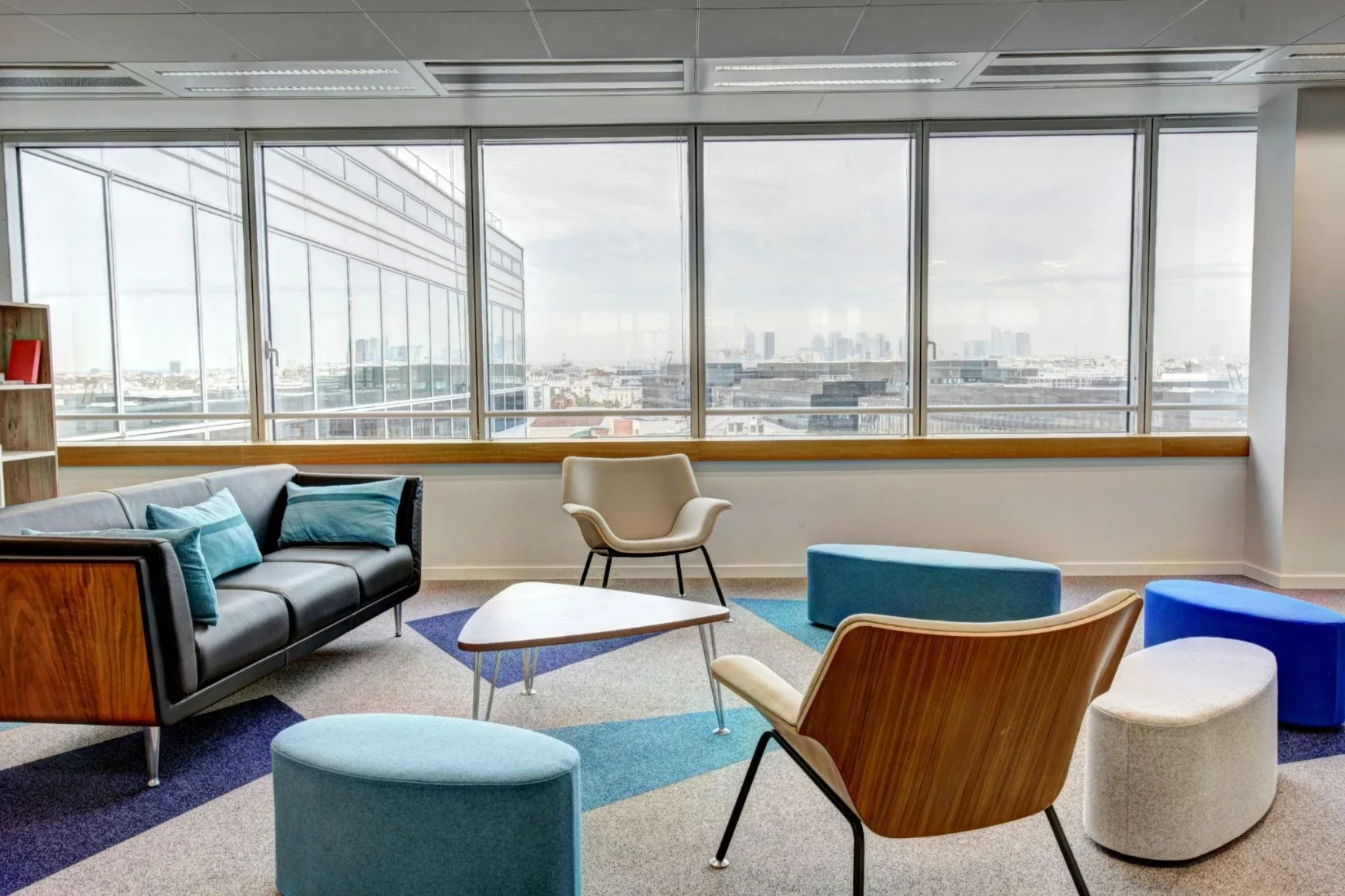
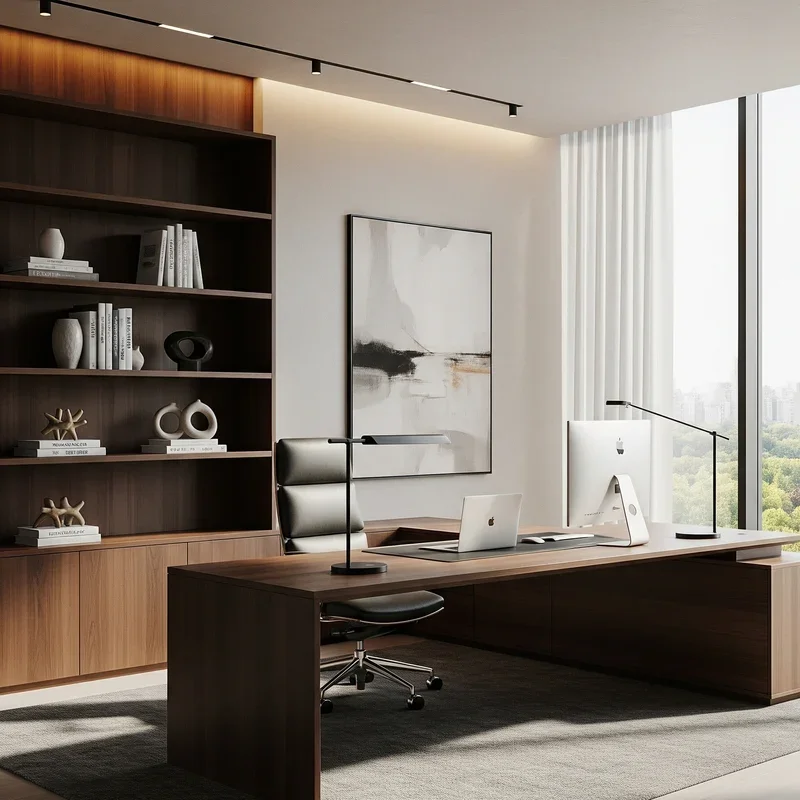
Office design directly affects how people work, move, talk, and recover between tasks. Still, many companies approve layouts based on flat plans, then buy desks, chairs, meeting pods, and storage before anyone has tested the space at a human scale. That is risky. A row of desks may look tidy on a PDF, yet feel tight when people sit down, open drawers, pull chairs back, and walk past one another. Many teams now compare 3d renderings services before they sign off on a workplace fit-out. A 3D architectural visualization service gives executives and facility managers a clearer way to test the office before money is spent on furniture, partitions, lighting, and construction. CBRE reported that global office utilization reached 53% in 2026, up from 38% in 2024, indicating that offices are being used more again. Poor planning costs more when people actually return.
Macro-Zoning: Testing Corporate Ecosystems In Three Dimensions
Balancing Open-Space Collaboration And Quiet Focus Zones
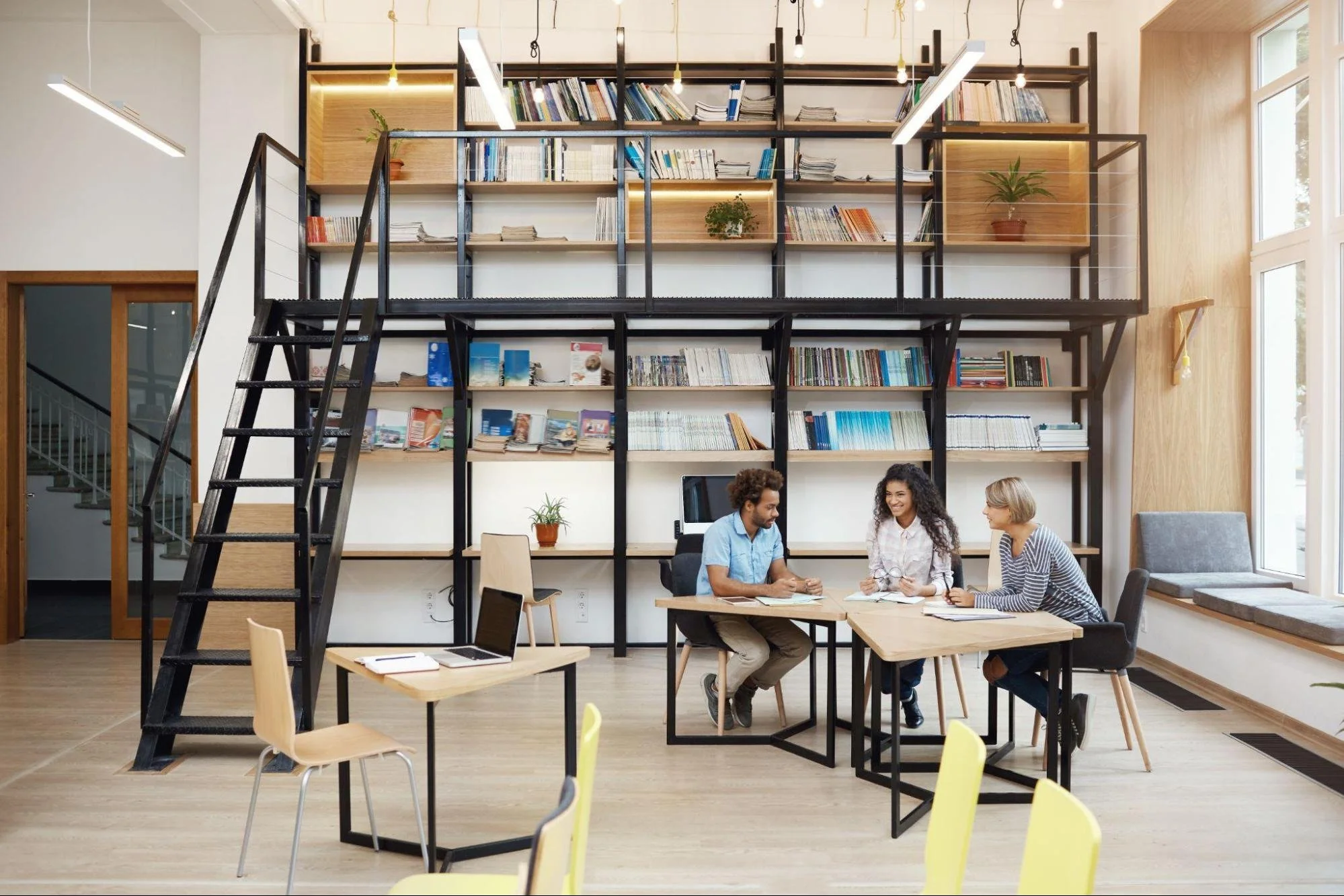
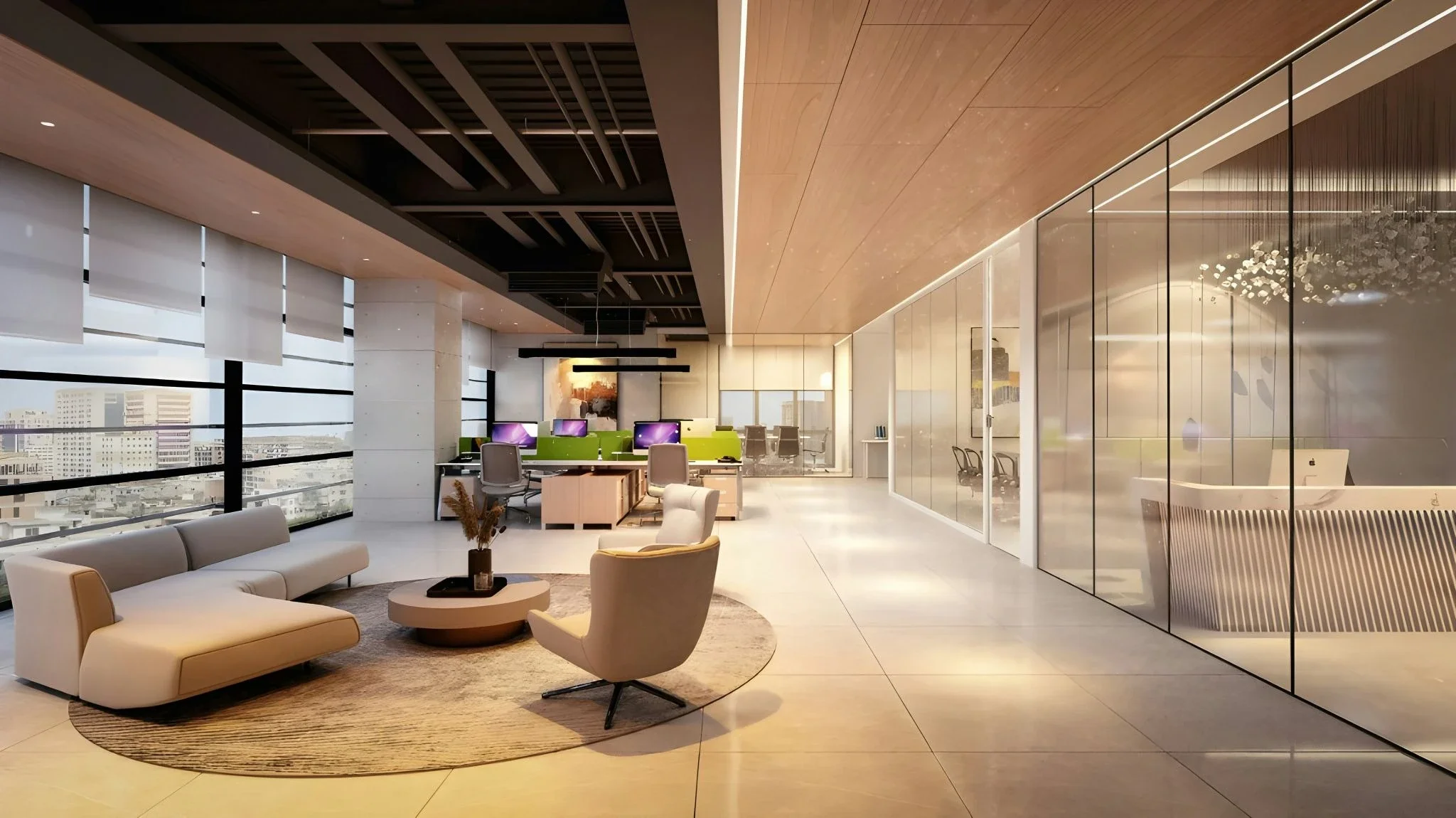
Open offices can support quick decisions, but they can also punish people who need quiet. Designers have to balance team tables, lounges, phone rooms, focus pods, and executive spaces without creating acoustic chaos. A 3D walkthrough makes this easier because the layout stops being abstract. Leaders can see how close a brainstorming zone sits to a writing team, how tall a partition feels, and whether a low divider is enough to create visual calm. Good 3d rendering services also show sightlines, furniture density, and the psychological distance between work modes. That matters. Gensler's 2025 workplace research found that employees with more choice in where and how they work are 2.5 times more likely to say their workplace supports both individual and team productivity. The layout should give that choice, not fake it.
Optimizing The Placement Of Conference Rooms And Communal Hubs
Conference rooms, kitchens, print stations, and informal hubs draw people in all day. If they sit in the wrong place, they create noise, queues, and constant interruptions. A glass boardroom near a finance team may look refined on paper, yet become a moving screen of distractions in real life. 3D visualization helps planners test those effects early. They can study door swings, corridor width, coffee-point queues, and the view from desks next to shared spaces. This is also where architectural rendering services help non-design stakeholders speak clearly. Instead of saying a room feels too exposed, a manager can point to a rendered view and show the exact problem. The decision becomes practical, not personal. People stop arguing over symbols on a plan and start evaluating real workspace behavior.
Ergonomics And Human Traffic Dynamics
Simulating Workplace Circulation And Daily Movement Flows
An office is not still. People arrive at the same time, head to coffee, cross paths before meetings, and gather near the reception when visitors come in. Static plans rarely show how busy these moments feel. 3D modeling can simulate movement through primary routes and expose bottlenecks near narrow corridors, locker banks, or meeting-room clusters. It also helps check whether main pathways remain wide enough for safe, accessible circulation once chairs are pulled out and storage is in place. This is not a minor detail. A corridor that looks generous in a drawing can feel blocked when two people stop to talk. When planners see daily movement flows in three dimensions, they can shift furniture, widen routes, or move high-traffic functions before procurement starts. That is cheaper than fixing the layout after staff complaints begin.
Evaluating Individual Desk Ergonomics And Spatial Comfort
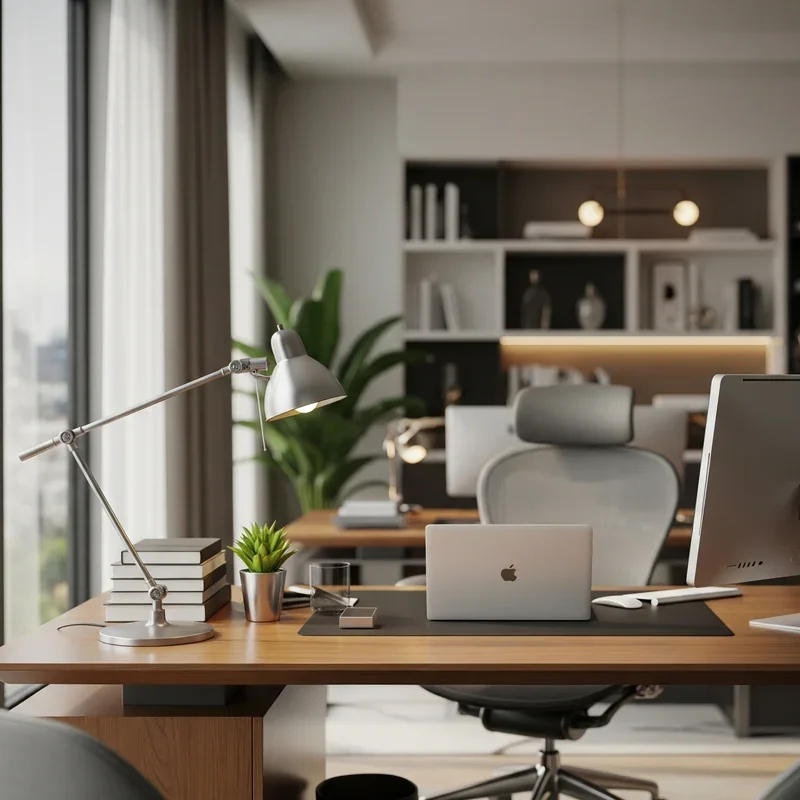
Good planning also happens at the desk level. Employees need room to sit, turn, stand, reach storage, use multiple screens, and step away without bumping into the person behind them. A rendered workstation can show the chair pulled back, a person seated at full scale, an open cabinet drawer, and a sit-stand desk in both positions. These details protect spatial comfort. They also make ergonomic problems easier to spot before they become health complaints or productivity drains. A reliable 3D rendering company can test several desk sizes and storage options without forcing the business to order samples for every scenario. Gensler's 2025 data also notes that only 26% of workers strongly agree that their current workplace helps them do their best work. Desk comfort is one reason that the number can stay low.
Environmental Comfort: Light, Shadows, And Wellbeing
Maximizing Natural Daylight Distribution Across Workstations
Daylight is not only a design preference. It affects comfort, alertness, and how people feel throughout the workday. Professional visualization tools can use building orientation, window size, nearby structures, and seasonal sun paths to predict how daylight enters the floor plate. That helps planners avoid two common mistakes: placing some teams in glare while leaving others in dull corners. Gensler's 2025 survey found that 40% of global workers prioritize access to natural light and operable windows. A 2022 office lighting study published in the National Library of Medicine also linked lighting quality to worker alertness, comfort, satisfaction, safety, and performance. With architectural rendering services, daylight becomes something visible and testable. Desks can be moved before the electricians, furniture suppliers, and installers are involved.
Planning Artificial Lighting Integration And Shadow Mitigation
Artificial lighting has to work with daylight, not fight it. A 3D office model can show ceiling fixtures, pendant lights, task lamps, wall washers, and accent lighting inside the same digital twin. That makes it easier to catch dark corners, harsh shadows over desks, or bright patches on screens. Facilities teams can also test meeting rooms after sunset, reception areas during winter afternoons, and collaborative zones under different scene settings. This kind of preview reduces the likelihood of having to pay electricians to move fixtures after the fit-out. PlanRadar's 2025 review of construction rework research says fixing mistakes often consumes 5% to 10% of total project cost. Lighting mistakes may look small on paper, but they can become expensive once ceilings are closed and desks are installed.
The Complete Digital Twin: Key Deliverables Of Office Visualization
Essential Elements Required For A 3d Architectural Visualization Service
A useful office model is more than a pretty image. It should help leaders make decisions about layout, movement, comfort, materials, and long-term usability. The best output feels close to a digital rehearsal of the finished workplace. It shows how teams will experience the office from eye level, not only from above. It also creates one shared visual reference for executives, HR, facilities, designers, IT, and contractors. That reduces vague feedback and helps all stakeholders respond to the same evidence. For a full office rollout, the core deliverables should cover both visual quality and operational detail.
Technical Visualization Checklist
· Photorealistic furniture models representing exact desk dimensions, ergonomic chairs, and filing systems.
· Accurate glass transparency and acoustic panel placement to evaluate privacy and sightlines.
· Interactive 360-degree virtual walkthroughs that allow stakeholders to experience the layout from an employee perspective.
· Daylight and shadow simulations customized to the specific coordinates, window positions, and seasonal cycles of the building.
· Multi-angle bird's-eye views detailing the exact flow vectors of high-traffic corridors and emergency exit paths.
These assets give decision-makers a clean way to compare options. One layout may support fast collaboration but create too much noise. Another may improve focus yet push meeting rooms too far from the teams that use them most. With the right visual package, those trade-offs become clear before the company signs purchase orders.
Conclusion
Office layout shapes productivity long before the first desk arrives. It affects how teams gather, how individuals focus, how visitors move, how daylight reaches workstations, and how comfortable people feel during a full day of work. A flat plan can show dimensions, but it cannot fully show pressure, glare, noise, queueing, or the daily rhythm of an active workplace. 3D planning changes that. It lets companies test zoning, circulation, ergonomics, lighting, and shared hubs before the expensive part begins. That foresight reduces rework and gives teams a better chance of moving into a space that feels ready from day one. A well-used 3d architectural visualization service turns office planning from guesswork into a clear design decision.
Stay up to date with our latest ideas!