Why Every Desk Needs a Monitor Stand: Ergonomics & Productivity
Choose the right monitor stand for desk use with ergonomic tips on screen height, desk space, adjustability, dual arms, and sit-stand setups.

There's a very common workspace problem that gets blamed on the wrong thing. Neck tension that builds reliably through the afternoon. A headache that shows up around 3pm without obvious cause. Shoulders that never fully relax even on days that weren't particularly stressful.
Most people attribute this to screen time, stress, or not sleeping well enough. Sometimes those are the real causes. Often the actual cause is sitting in front of a monitor that's been at the wrong height since the day it was set up.
The Screen Height Problem
The stand that ships with most monitors exists to hold the screen up and be cheap enough to include in the box. It's not designed around where the screen should actually be for the person using it.
For most people, that factory stand puts the monitor too low. Looking slightly down at a screen for seven or eight hours loads the muscles and structures in the neck in a way that's not dramatic in any single hour but accumulates into persistent tension over days. The shoulder tightness. The upper back stiffness. These feel like general fatigue but they're often a posture problem with a straightforward fix.
The target position is the top of the screen at roughly eye level when seated correctly. At that height the neck is neutral, not flexed forward and down. Getting there is what a monitor stand actually does.
One less obvious benefit: eyes looking slightly downward are more exposed than eyes looking straight ahead, which contributes to the dry eye and visual fatigue that gets attributed to screen time generally. Raising the monitor to proper eye level reduces this effect in a way that's noticeable after a week or two.
The Desk Space That Comes Back
The factory base takes up more desk real estate than most people clock until it's gone. It's wide, it's fixed, and it creates dead space around it that's difficult to use because the base is in the way. On a smaller desk this matters a lot. On any desk it makes the surface feel more cluttered than it needs to be.
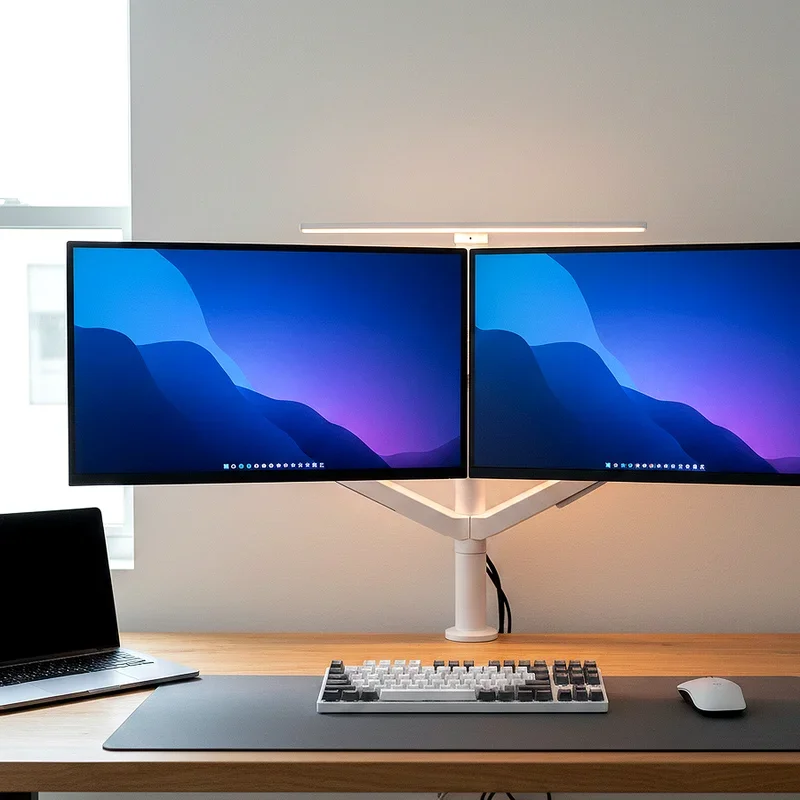
A monitor stand for desk use, particularly a monitor arm, removes the base footprint entirely. The screen mounts to the desk edge. The space where the base sat becomes a usable surface. It sounds minor and in practice it changes how the desk feels to work at.
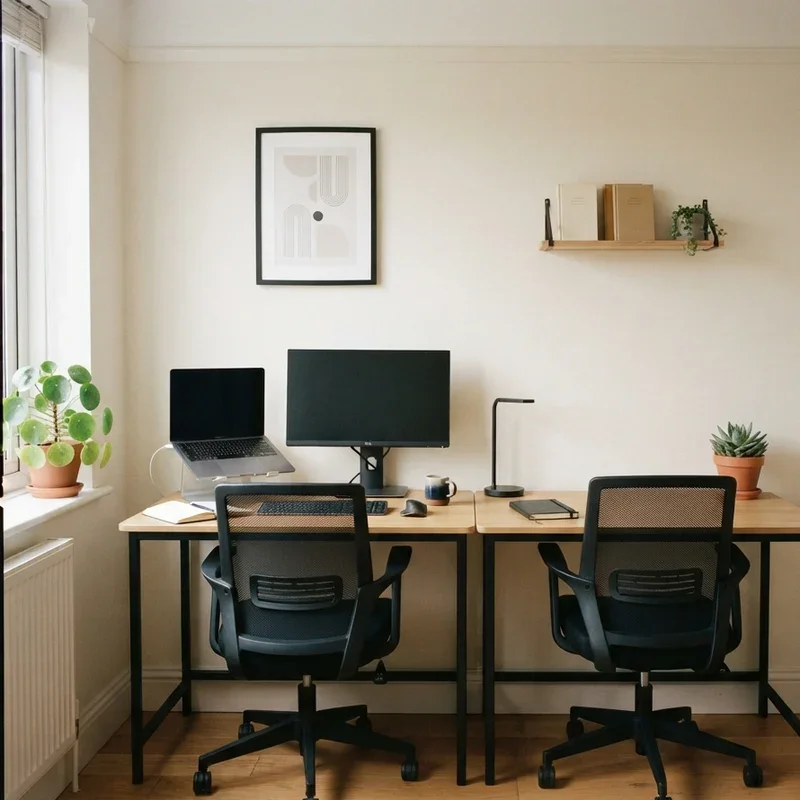
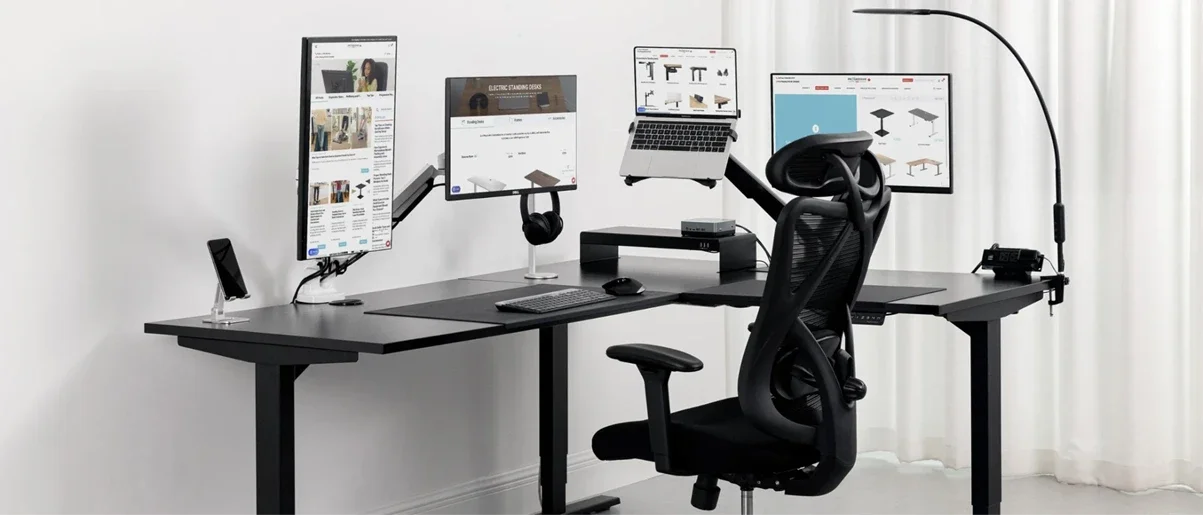
Two monitors on separate factory bases side by side is worse. The combined footprint is significant, the screens are hard to position correctly relative to each other, and the height mismatch between two independently standing monitors is a persistent irritant. A dual monitor arm fixes all of this at once: matched heights, adjustable angle relationship, and the desk surface underneath freed up.
What Adjustability Actually Matters
Height range is the first thing to check. The arm needs to reach actual eye level from the desk surface, which varies depending on desk height, chair height, and the person's sitting eye level. An arm with a limited height range may not reach the ergonomically correct position for taller people or higher chair setups. Worth checking against real measurements rather than assuming it'll be fine.
Tilt adjusts the screen angle independently of height. A monitor at the right height but angled toward the ceiling or the floor isn't correctly positioned. The ability to dial in tilt separately from vertical position is what allows the screen to actually face the viewer rather than roughly facing them.
Swivel rotates the screen horizontally. Useful when sharing a screen, when a monitor sits slightly off-centre on the desk, or when the desk layout requires a specific screen orientation. Not essential for everyone but worth having when the situation calls for it.
Portrait rotation is the one that surprises people. Turning a screen to vertical orientation for coding, long document review, or reading changes how useful the monitor is for those tasks significantly. It's difficult to describe how useful it is until you've tried it for a week.
Single or Dual
One monitor, one arm. Straightforward.
Two monitors, a dual arm is cleaner than two single arms. One desk attachment point, both screens at matched heights, angle between them adjustable. The setup looks more considered and is more practical to adjust.
Weight capacity matters more with dual arms. Larger monitors are heavier than they look and two of them add up. Check the combined weight against the arm's rating. Also worth specifically checking that the arm allows independent adjustment of each screen rather than locking them in a fixed relationship. Independent adjustment is what makes it possible to position each monitor correctly for how it's actually used, which often isn't identical for both screens.
Clamp or Grommet
Clamp mounts grip the desk edge. They work on most desks, don't require any modification, and are the default choice for most setups.
Grommet mounts pass through a hole in the desk surface and are more stable for heavier configurations because they connect through the desk rather than gripping its edge. If the desk has a grommet hole, using it for a heavier dual monitor setup is generally the better choice.
If the desk edge has complex moulding, a soft surface that could be damaged by clamping pressure, or is thinner than the clamp's minimum grip range, grommet mounting is worth figuring out even if it requires drilling. A clamp that doesn't grip solidly is less useful than it sounds.
With a Height-Adjustable Desk
A monitor arm on a sit-stand desk is a better combination than either alone. The arm handles screen height for the seated position. The desk handles the transition to standing. Because the arm is fixed to the desk surface it rises with the desk, maintaining the relative screen position through the height change.
The remaining consideration is whether standing eye level requires a further adjustment of the arm itself. Standing eye level is higher than seated eye level by the height difference of the two positions, which means the arm typically needs to extend further for the standing height. An arm with a wide vertical range accommodates this. A limited range forces a compromise that's not quite right for either position.
Getting the screen position right before anything else in a workspace setup is consistently the thing people wish they'd done first. The chair matters. The desk height matters. Keyboard position matters. But the monitor is the thing that's most commonly wrong, causes the most noticeable daily discomfort, and is the simplest to fix.
Stay up to date with our latest ideas!