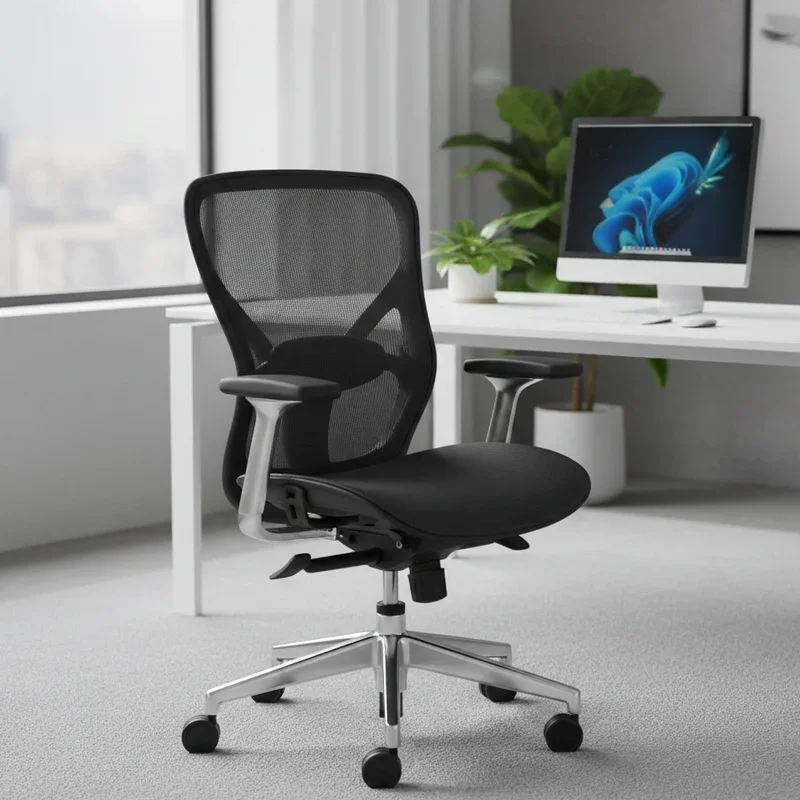
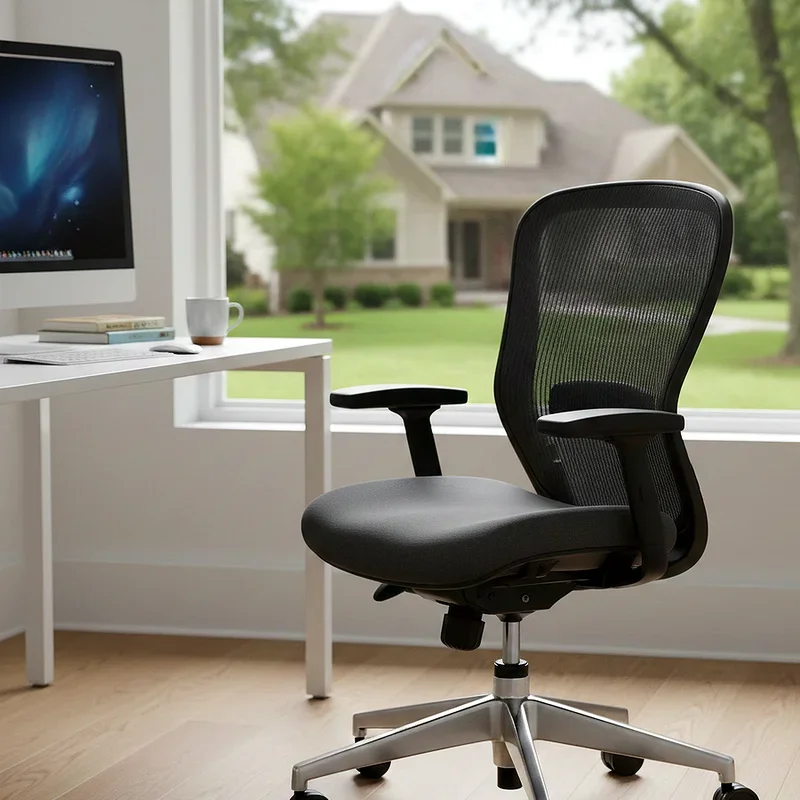
Learn how to raise an office chair safely and correctly with our expert tips for proper posture and comfort at work.
Let me tell you something that might surprise you. Most people spend roughly eight hours a day sitting at their desks, yet so many of us have never bothered to adjust our chairs properly. Crazy, right? If you have ever finished a workday with an aching back or stiff neck, chances are your chair height is the culprit. Understanding how to raise an office chair safely and correctly can make a world of difference in your daily comfort and long-term health. It is not just about cranking that lever and hoping for the best. There is actually a method to the madness, and once you get it down, you will wonder why nobody told you sooner.
Why Proper Chair Height Matters More Than You Think
Here is the deal. Your office chair height affects practically everything about your workday experience. When your chair sits too low, you end up hunching over your desk like some sort of office goblin. Too high, and your feet dangle awkwardly while your shoulders creep up toward your ears. Neither scenario is doing your body any favors.
Sitting at the wrong height puts unnecessary strain on your spine, hips, and even your wrists. Over time, this can lead to chronic issues like lower back pain, carpal tunnel syndrome, and poor circulation in your legs. Who wants to deal with that? Beyond physical health, an improperly adjusted chair tanks your productivity. When you are uncomfortable, you fidget more, take frequent breaks, and struggle to focus on the task at hand. Getting your chair height right is honestly one of the simplest ways to upgrade your entire work experience.
Understanding Your Office Chair Mechanism
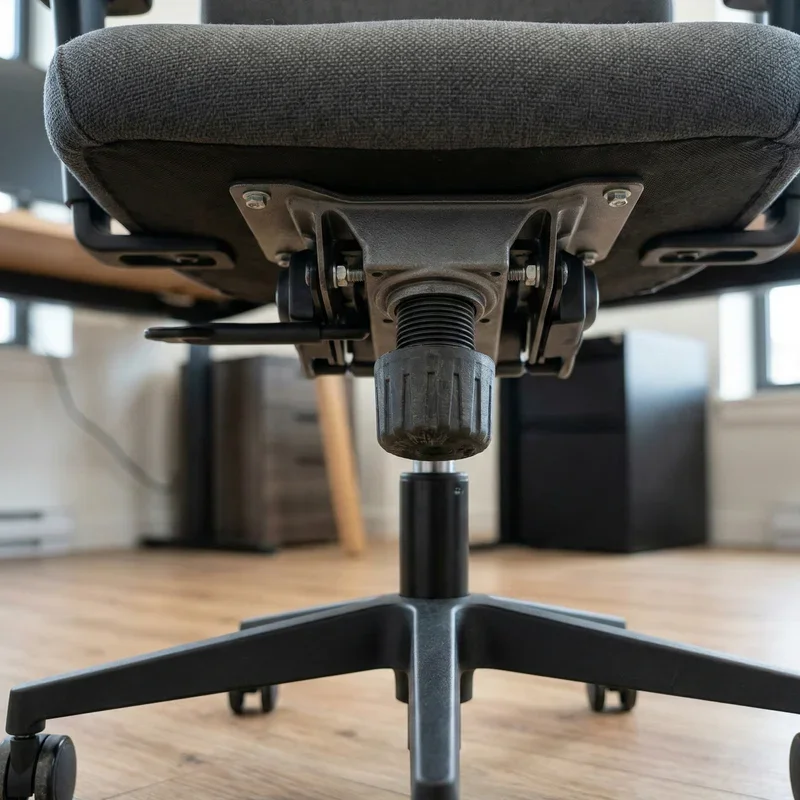
Before you start making adjustments willy-nilly, it helps to know what you are working with. Most office chairs come equipped with a pneumatic gas lift cylinder, which is that fancy tube hidden beneath your seat. This mechanism uses compressed air to raise and lower the chair smoothly.
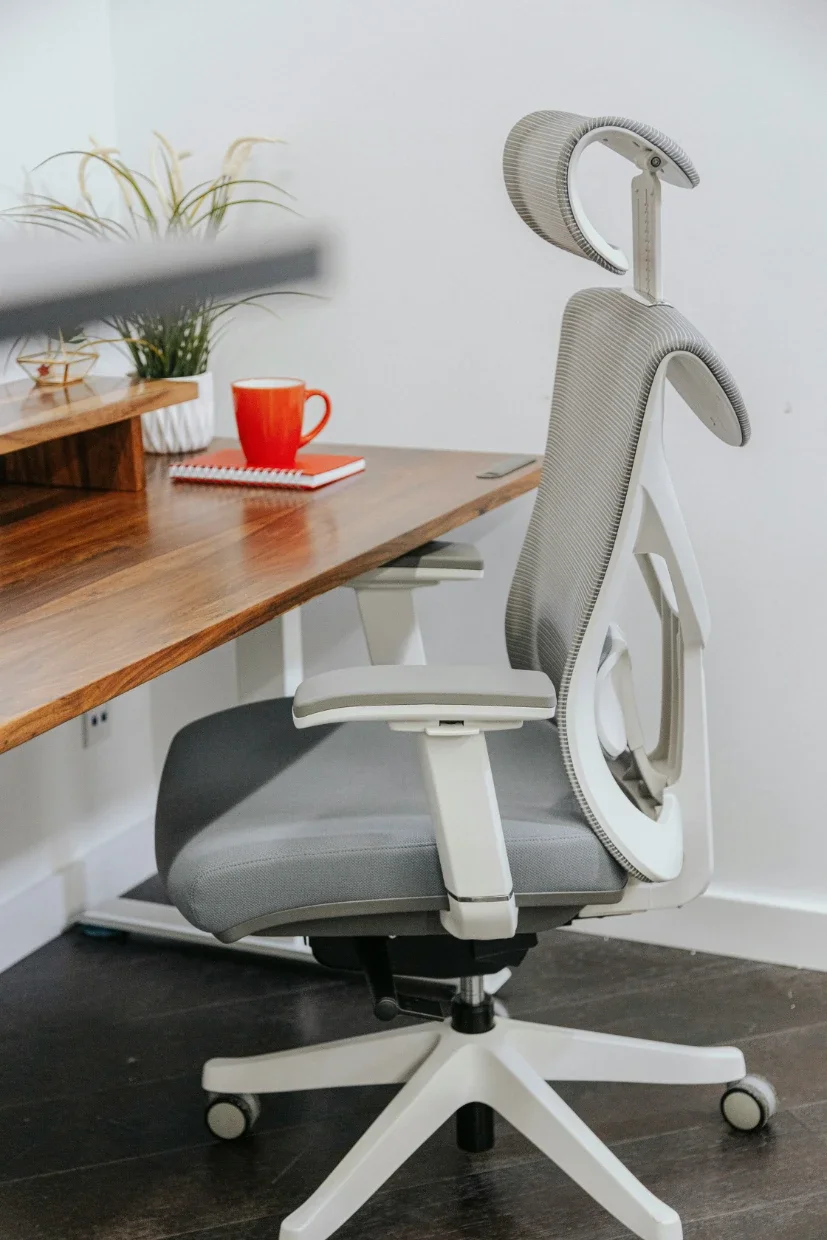
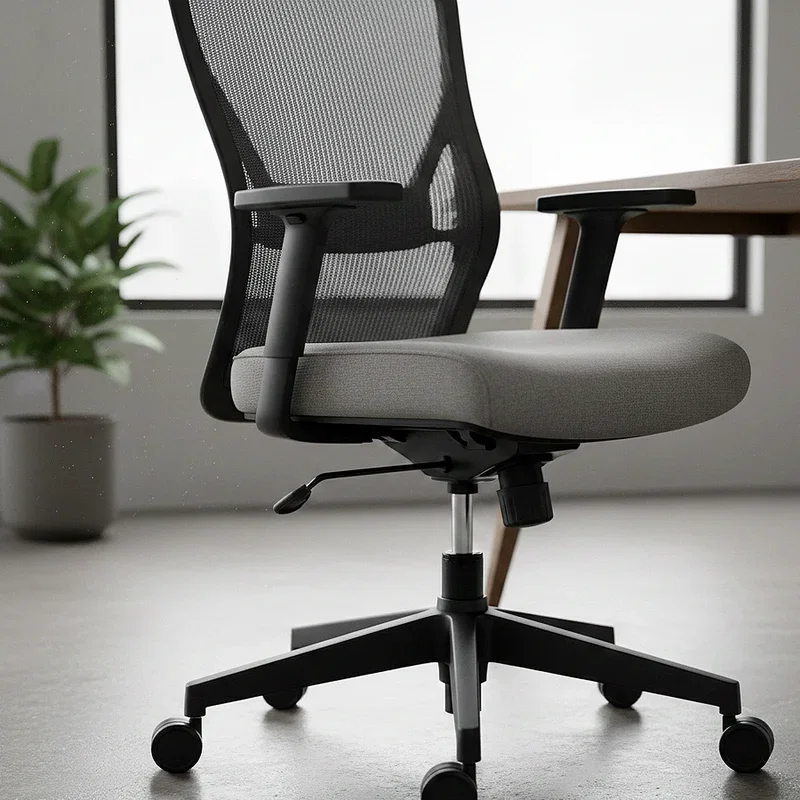
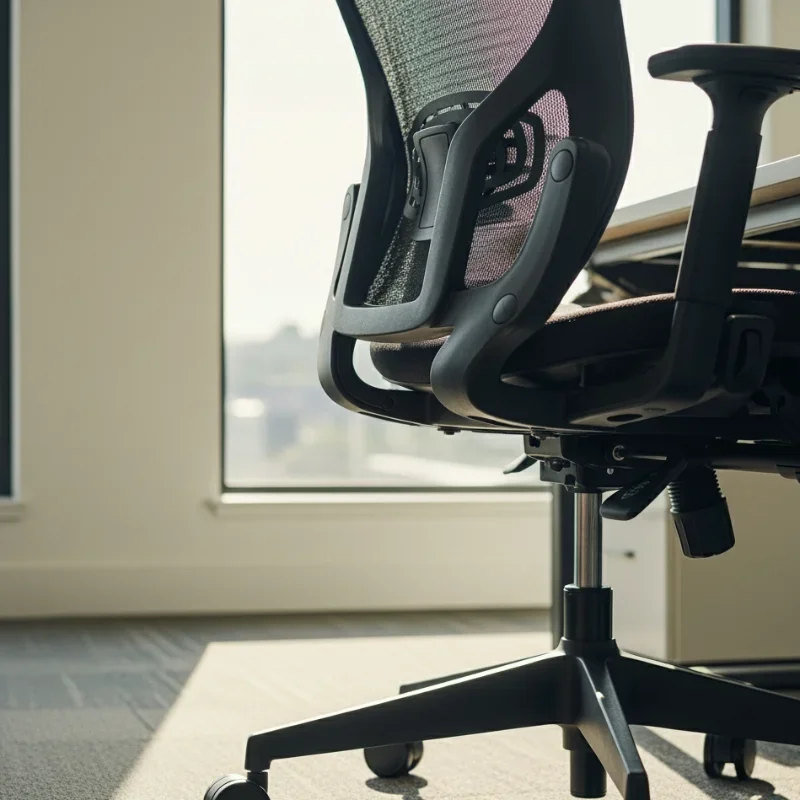
You will typically find a lever or paddle located underneath the seat, usually on the right side. Pulling or pushing this lever releases the gas cylinder, allowing the chair to move up or down. Some chairs have additional levers for tilt tension, seat depth, or armrest height. Take a moment to familiarize yourself with your particular chair model. Check underneath and identify what each lever does before you start experimenting. Trust me, it saves a lot of confusion later on.
How to Raise an Office Chair Safely and Correctly Step by Step
Alright, let us get down to brass tacks. Here is your foolproof guide to adjusting that chair like a pro.
First things first, stand directly in front of your chair. You want a clear view of what you are doing and enough space to maneuver. Locate the height adjustment lever, which is usually positioned under the seat on either side.
Now, stand beside the chair and lift the lever while applying gentle upward pressure to the seat. The chair should rise smoothly. If it does not budge, try sitting on it lightly and then standing up while holding the lever. Sometimes these mechanisms need a bit of weight shifting to cooperate.
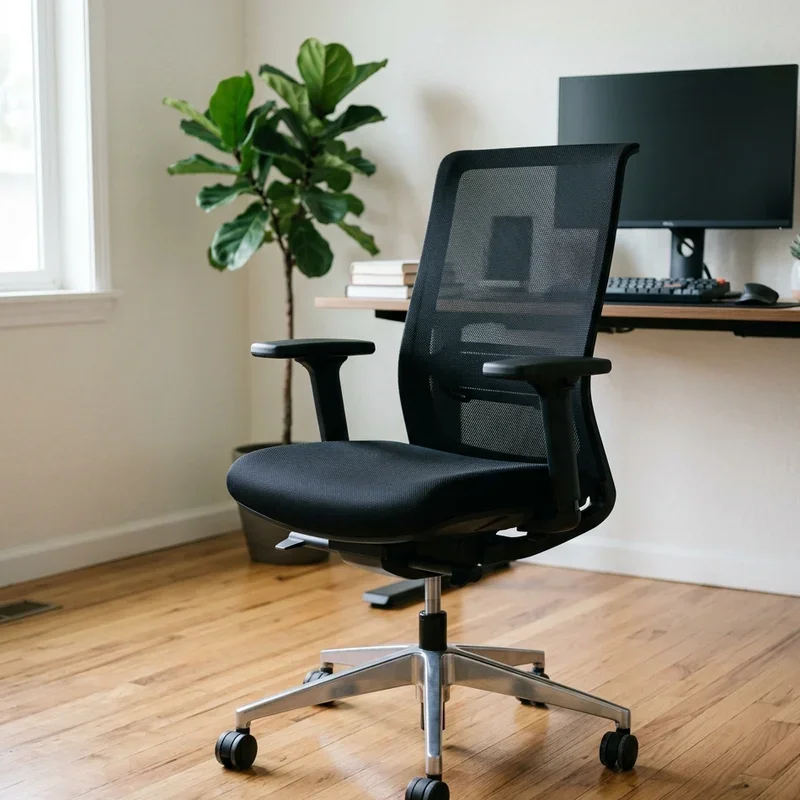
Once you have raised the chair to approximately where you want it, release the lever. The chair should lock into place. Go ahead and sit down to test the height. Your feet should rest flat on the floor with your thighs parallel to the ground. Your knees should form roughly a 90-degree angle. If things feel off, repeat the process until you nail it.
Finding Your Ideal Seat Height
So, what exactly is the perfect chair height? Well, it depends on a few factors, including your body proportions and desk setup. Generally speaking, your elbows should rest comfortably at desk level when you are typing, forming an angle between 90 and 110 degrees.
Here is a quick way to check. Sit back in your chair with your feet flat on the floor. Extend your arms toward your keyboard. If your forearms slope downward significantly, your chair is too low. If they angle upward, you are sitting too high. The sweet spot is when your forearms are roughly parallel to the floor or angled slightly downward.
Do not forget about your monitor either. The top of your screen should sit at or just below eye level. When your chair height is correct, you should be able to look straight ahead at your monitor without tilting your head up or down.
Common Mistakes People Make When Adjusting Chair Height
You would be surprised how many folks mess this up. One major blunder is adjusting the chair while sitting in it without proper support. Yanking on that lever while slouched over can throw off your sense of what feels right. Always sit up straight with good posture when making adjustments.
Another rookie mistake is setting the chair height based on how it looks rather than how it feels. Your chair might appear perfectly aligned, but if your body says otherwise, listen to it. Comfort trumps aesthetics every single time.
Some people also forget to account for their footwear. If you wear heels to work some days and flats on others, your ideal chair height changes too. Consider adjusting based on your most commonly worn shoes, or be prepared to tweak things daily.
What to Do If Your Chair Will Not Raise
Oh boy, nothing is more frustrating than a stubborn chair that refuses to cooperate. If your chair will not raise no matter what you try, the gas cylinder might be worn out or damaged. These components do wear down over time, especially with heavy use.
First, try lubricating the mechanism with a bit of WD-40 or similar product. Sometimes debris or dried lubricant gums up the works. Apply the lubricant around the cylinder and work the lever several times to distribute it.
If lubrication does not solve the problem, you might need to replace the gas cylinder altogether. The good news is that replacement cylinders are fairly inexpensive and relatively easy to install yourself. Most hardware stores carry universal sizes that fit standard office chairs. Just make sure to measure your existing cylinder before purchasing a new one.
Using Footrests and Other Accessories
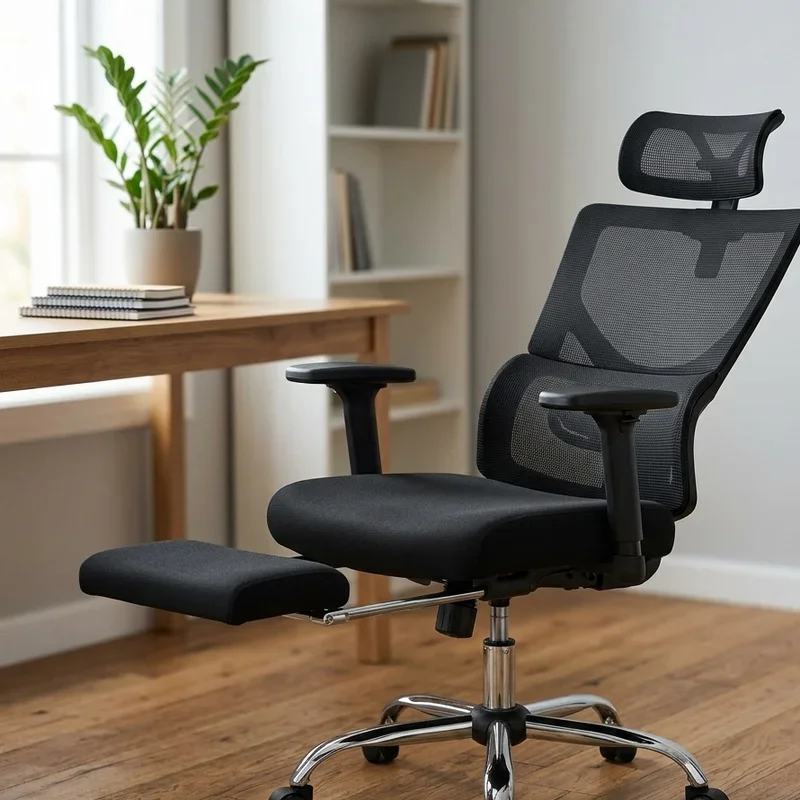
Sometimes, no matter how carefully you adjust your chair, things still feel slightly off. This is where accessories come into play. A footrest can be a game changer if your desk is too high or your legs are on the shorter side.
Footrests allow you to maintain proper leg positioning even when your chair needs to sit higher than your feet naturally reach. They also encourage subtle movement throughout the day, which promotes better circulation. Look for an adjustable footrest that lets you customize the angle and height.
Lumbar support cushions are another helpful addition. While not directly related to chair height, they complement proper positioning by supporting your lower back curve. Seat cushions can also modify your effective sitting height slightly while adding comfort.
Maintaining Your Office Chair for Long-Term Performance
Now that you know how to raise an office chair safely and correctly, let us talk maintenance. A well-maintained chair lasts longer and functions better, which means fewer headaches down the road.
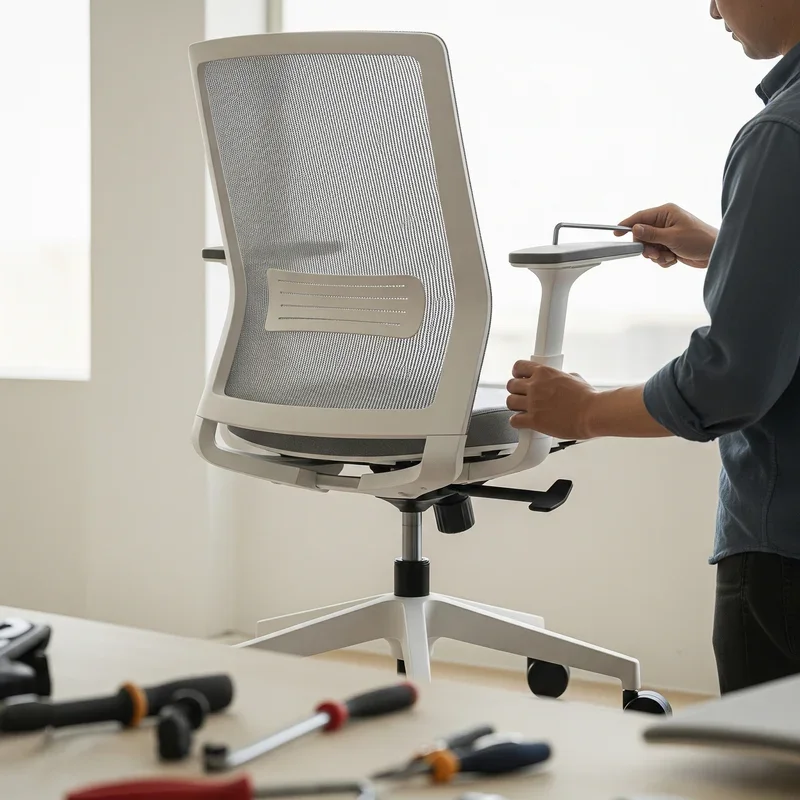
Periodically check all the screws and bolts on your chair to ensure nothing has loosened up. Wobbly components can affect stability and make height adjustments feel unreliable. Tighten anything that seems loose.
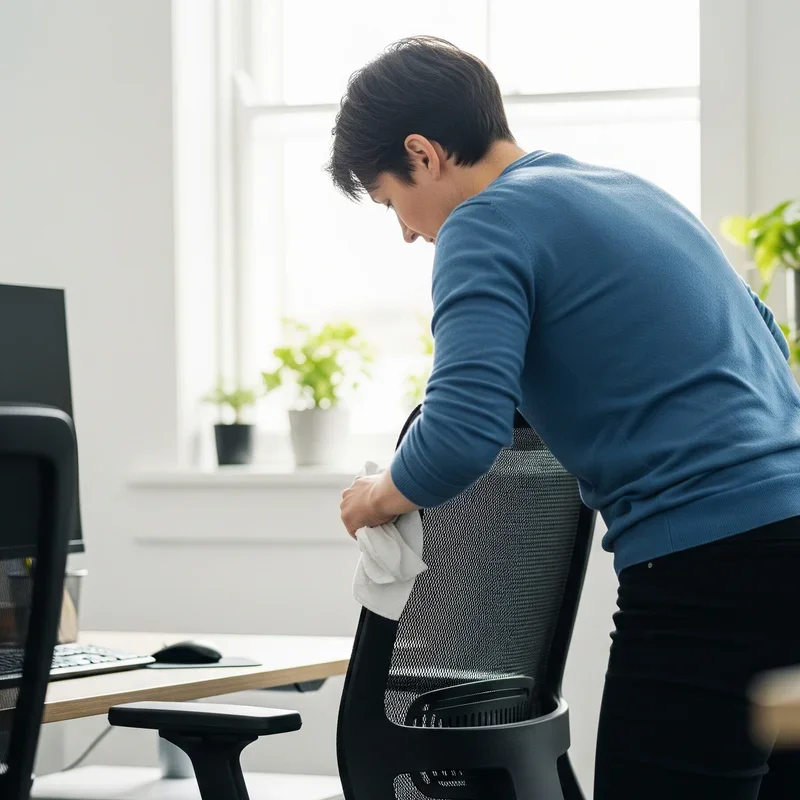
Clean your chair regularly too. Dust and debris can accumulate in the mechanisms and cause them to stick or malfunction. A quick wipe-down every few weeks keeps things running smoothly. Pay special attention to the area around the gas cylinder and adjustment levers.
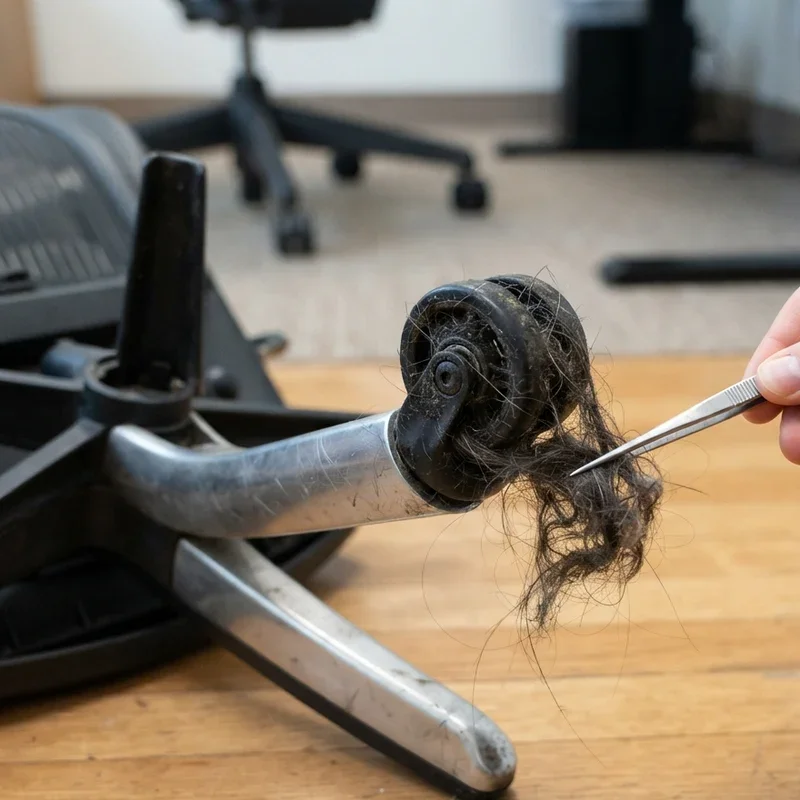
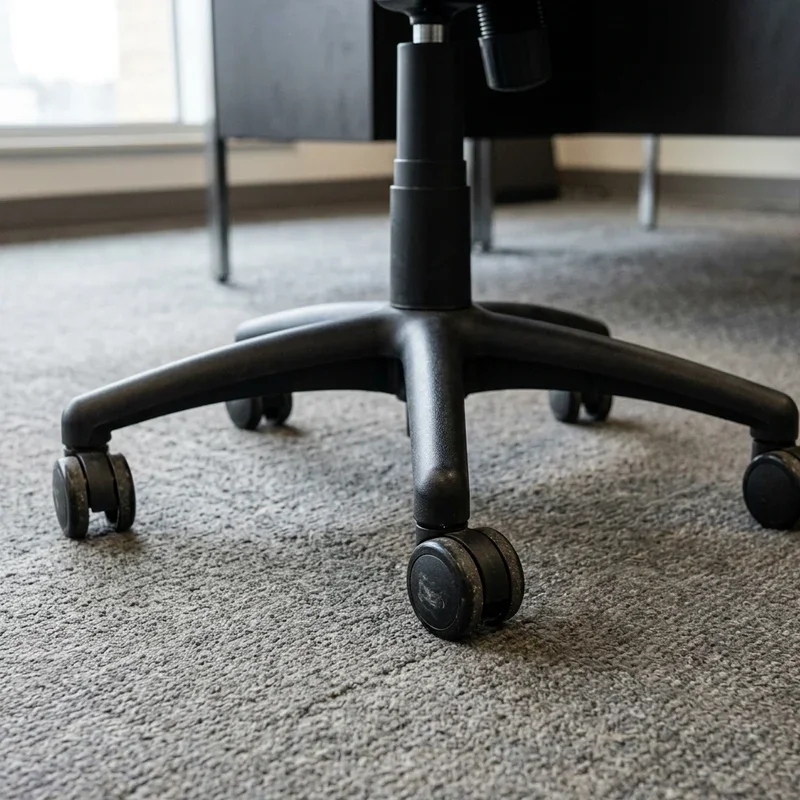
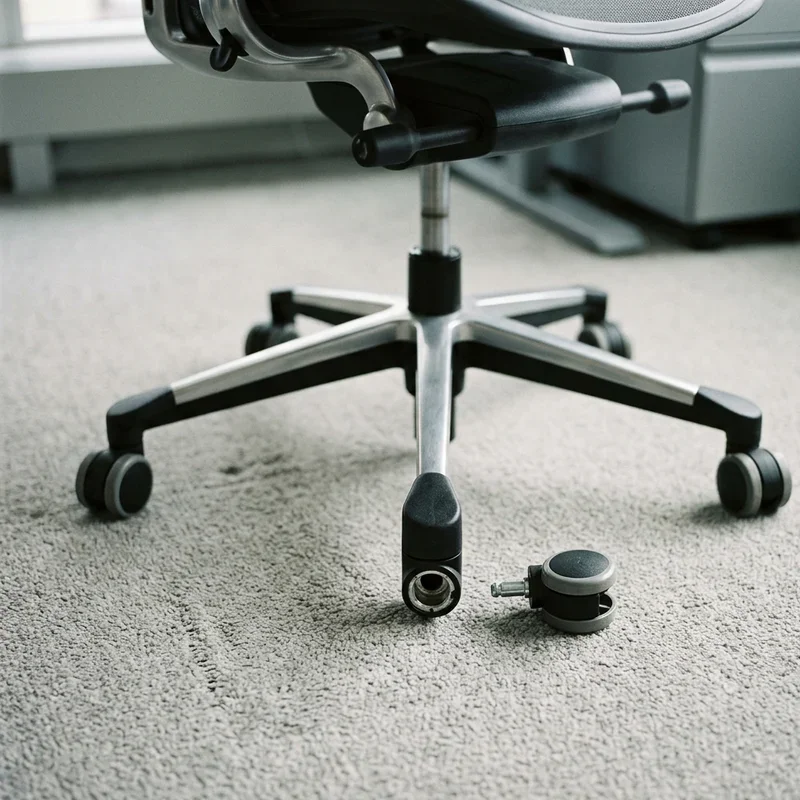
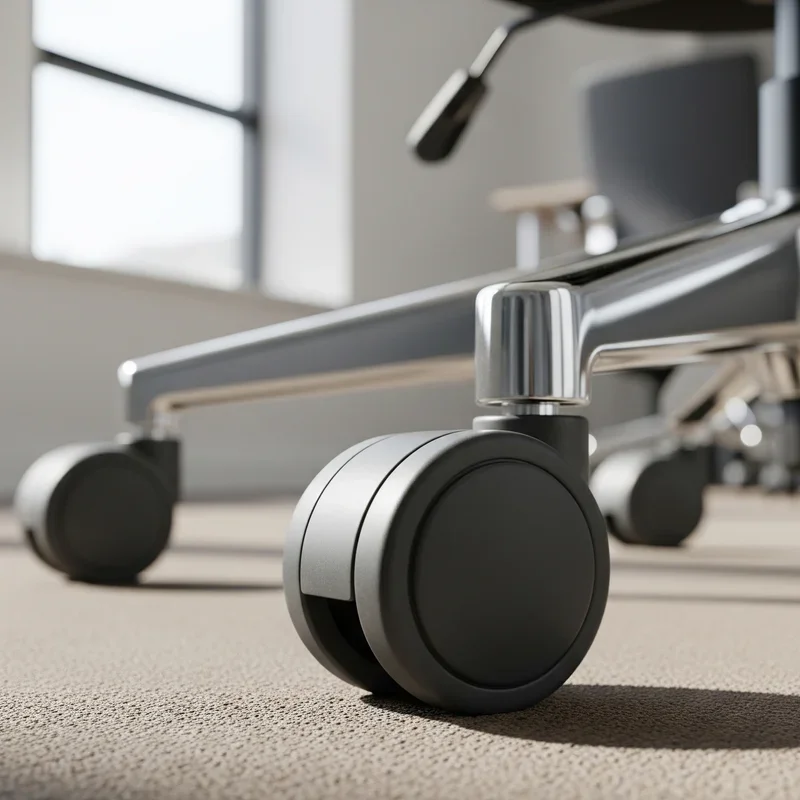
If your chair has wheels, give them some love as well. Hair, carpet fibers, and other gunk tend to wrap around caster wheels, making them harder to roll. Pop them out occasionally and clean off any buildup.
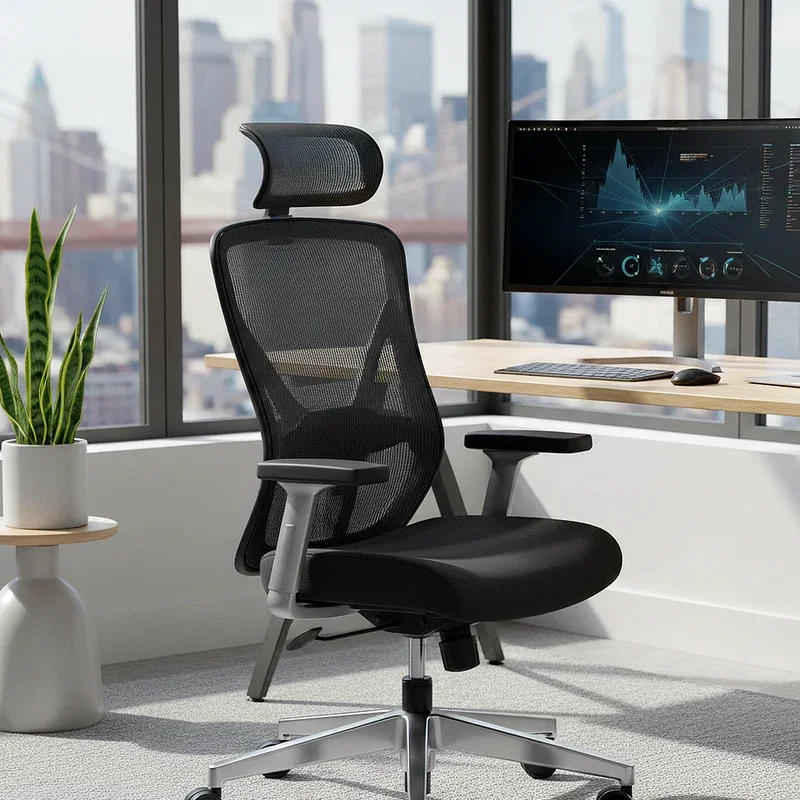
Ergonomic Considerations Beyond Chair Height
While we have focused heavily on height adjustment, true ergonomic comfort involves multiple factors working together. Your chair height is just one piece of a larger puzzle.
Consider the depth of your seat. You should have about two to four inches of space between the edge of the seat and the back of your knees. Too little space puts pressure on your thighs, while too much leaves your lower back unsupported.
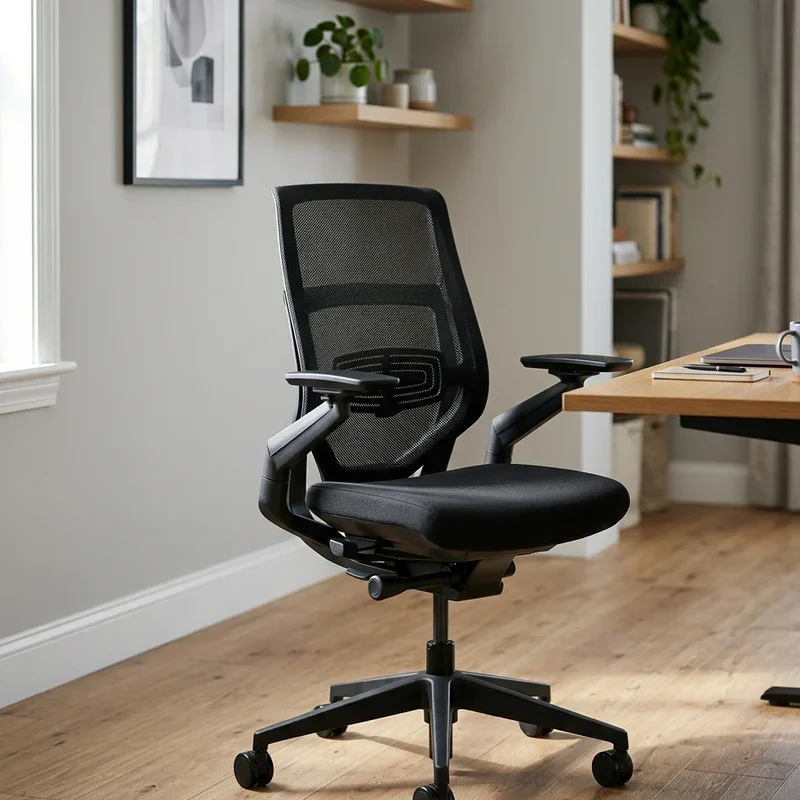
Armrest height matters as well. When properly adjusted, armrests should allow your shoulders to relax while supporting your forearms. If they are too high, you end up shrugging. Too low, and you slump to reach them.
Backrest angle is another factor worth examining. A slight recline of about 100 to 110 degrees reduces pressure on your spinal discs compared to sitting bolt upright. Many chairs allow you to adjust this angle or lock the backrest in place.
Signs Your Chair Height Needs Readjusting
Even after you nail the perfect setup, things can change over time. Maybe you switched to a standing desk converter, got new shoes, or simply shifted your work habits. Keep an eye out for these warning signs that your chair height might need a tweak.
Persistent lower back pain after sitting is a big red flag. So is numbness or tingling in your legs, which suggests poor circulation from improper positioning. If you notice yourself constantly shifting around trying to get comfortable, that is another hint.
Neck and shoulder tension often trace back to chair height issues as well. When your workstation alignment is off, you unconsciously compensate by tensing muscles that should be relaxed. Listen to what your body tells you and make adjustments accordingly.
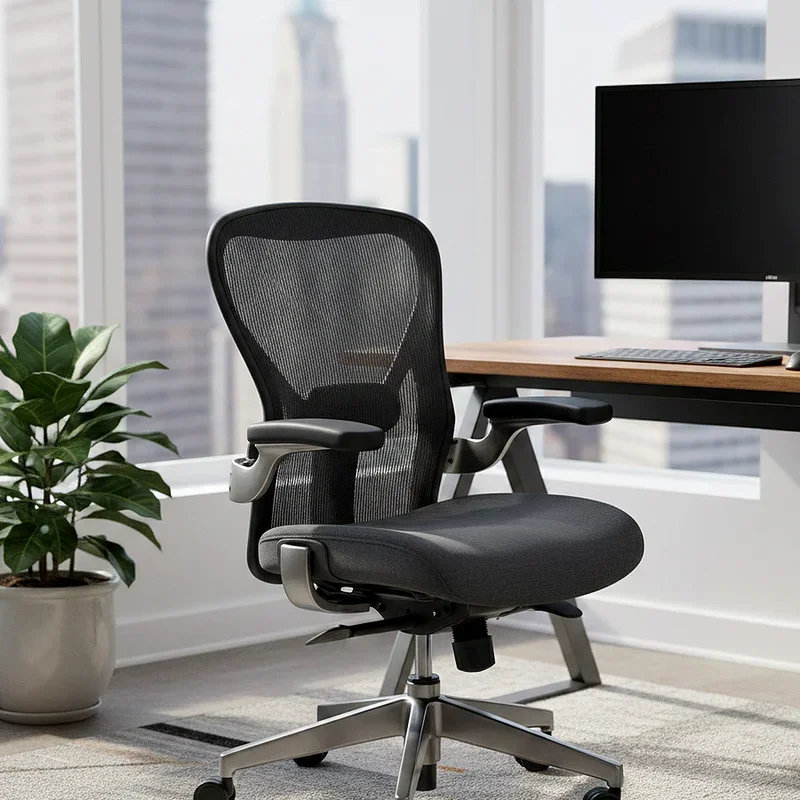
Creating a Healthier Workspace Overall
Adjusting your chair properly is a fantastic starting point, but why stop there? A truly healthy workspace supports your body in multiple ways throughout the day.
Consider incorporating movement into your routine. Even with perfect ergonomics, sitting for extended periods is not great for you. Set reminders to stand up, stretch, or take a short walk every hour or so. Your body will thank you.
Monitor placement deserves attention too. Position your screen at arm's length away, with the top of the monitor at or slightly below eye level. This reduces neck strain and eye fatigue.
Lighting plays a role in comfort as well. Harsh overhead lights or glare on your screen can cause you to hunch forward or twist into awkward positions. Adjust your lighting to minimize glare and reduce eye strain.
Conclusion
Mastering how to raise an office chair safely and correctly is genuinely one of the best investments you can make in your daily comfort and long-term health. By understanding your chair's mechanism, finding your ideal height, and avoiding common pitfalls, you set yourself up for more productive and pain-free workdays. Remember to maintain your chair regularly and consider the bigger ergonomic picture for the best results.
Read next: How to Remove Cylinder from Office Chair for Easy Repair
Frequently Asked Questions
Q1. What is the ideal office chair height for most people?
A: Your ideal height allows feet flat on floor with thighs parallel to ground.
Q2. How often should I readjust my office chair height?
A: Check your chair height monthly or whenever you experience new discomfort or pain.
Q3. Can a broken gas cylinder be repaired at home?
A: Gas cylinders cannot be repaired but can be replaced easily with universal parts.
Q4. Should I adjust my chair differently when wearing heels?
A: Yes, footwear affects ideal height, so adjust accordingly for different shoes worn.
Q5. Why does my chair sink down slowly throughout the day?
A: A sinking chair typically indicates a worn gas cylinder that needs replacement soon.
Stay up to date with our latest ideas!