Rethinking Office Ergonomics for Higher Body Weights
Learn how to rethink office ergonomics for higher body weights, with practical tips for seating, desks, posture, comfort, support, and workspace setup.
Why Standard Chairs Fail Larger Bodies
Most office chairs are built around a narrow range of body types, which leaves a huge number of people struggling with seating that simply wasn't designed for them. If you weigh more than the average office worker, a standard chair can feel unstable, too narrow, or prone to sagging within months of daily use.
This isn't just an annoyance. Sitting for eight or more hours a day in a chair that doesn't properly support your frame can lead to real physical consequences: lower back pain, numbness in the legs and feet, and pressure points that never quite go away no matter how you shift position.
The solution isn't to force your body to adapt to furniture that was never meant for you. It's to look for heavy duty office chairs that are engineered from the ground up with a wider seat, a higher weight capacity, and a frame that can actually handle sustained daily use without wobbling or breaking down.
A properly sized chair changes the seating experience entirely. Instead of perching on the edge of a seat that's too small, you get full contact with the backrest and cushion, which distributes your weight evenly across a larger surface area. That alone reduces the pressure points that cause numbness and discomfort during long work sessions.
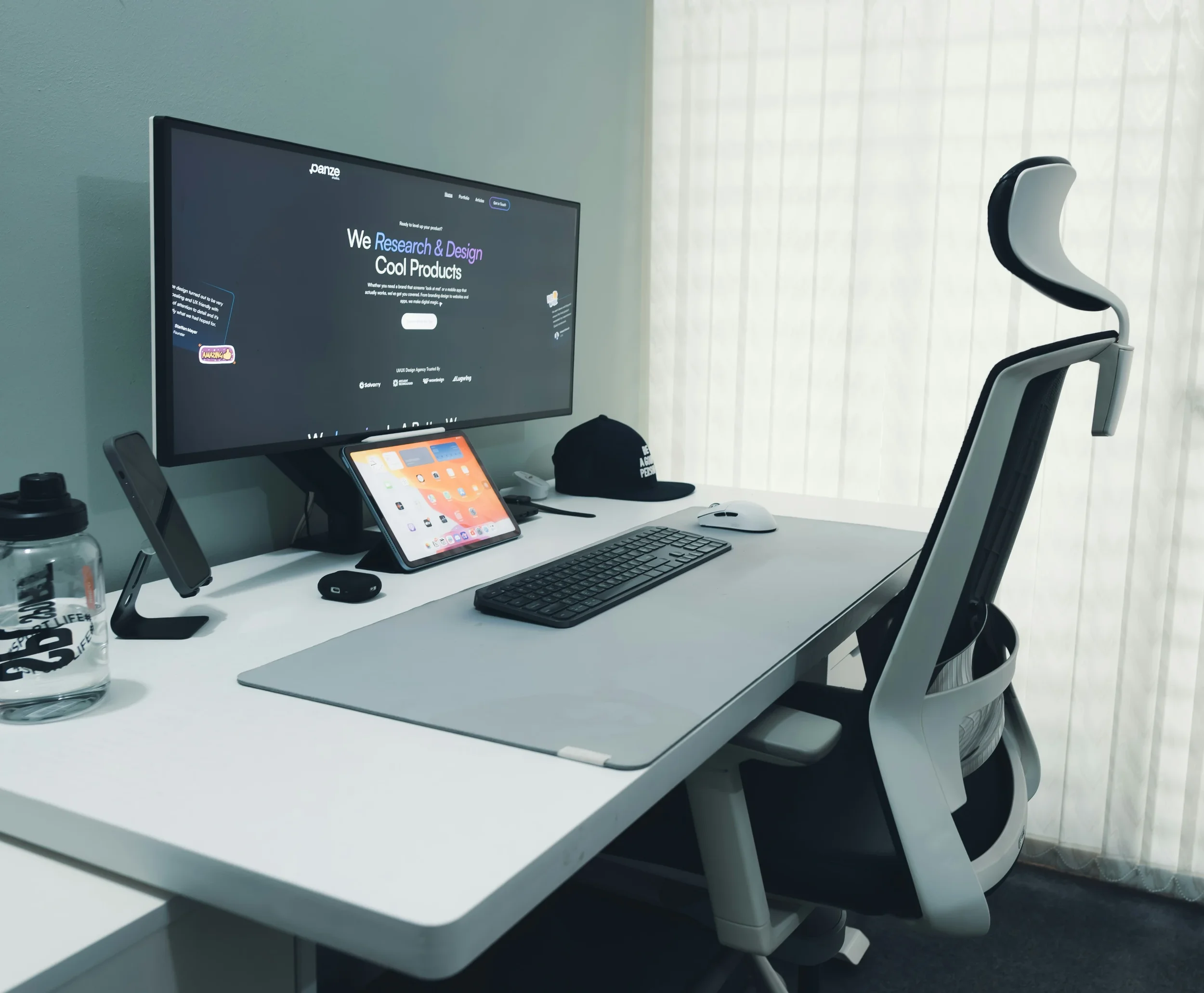
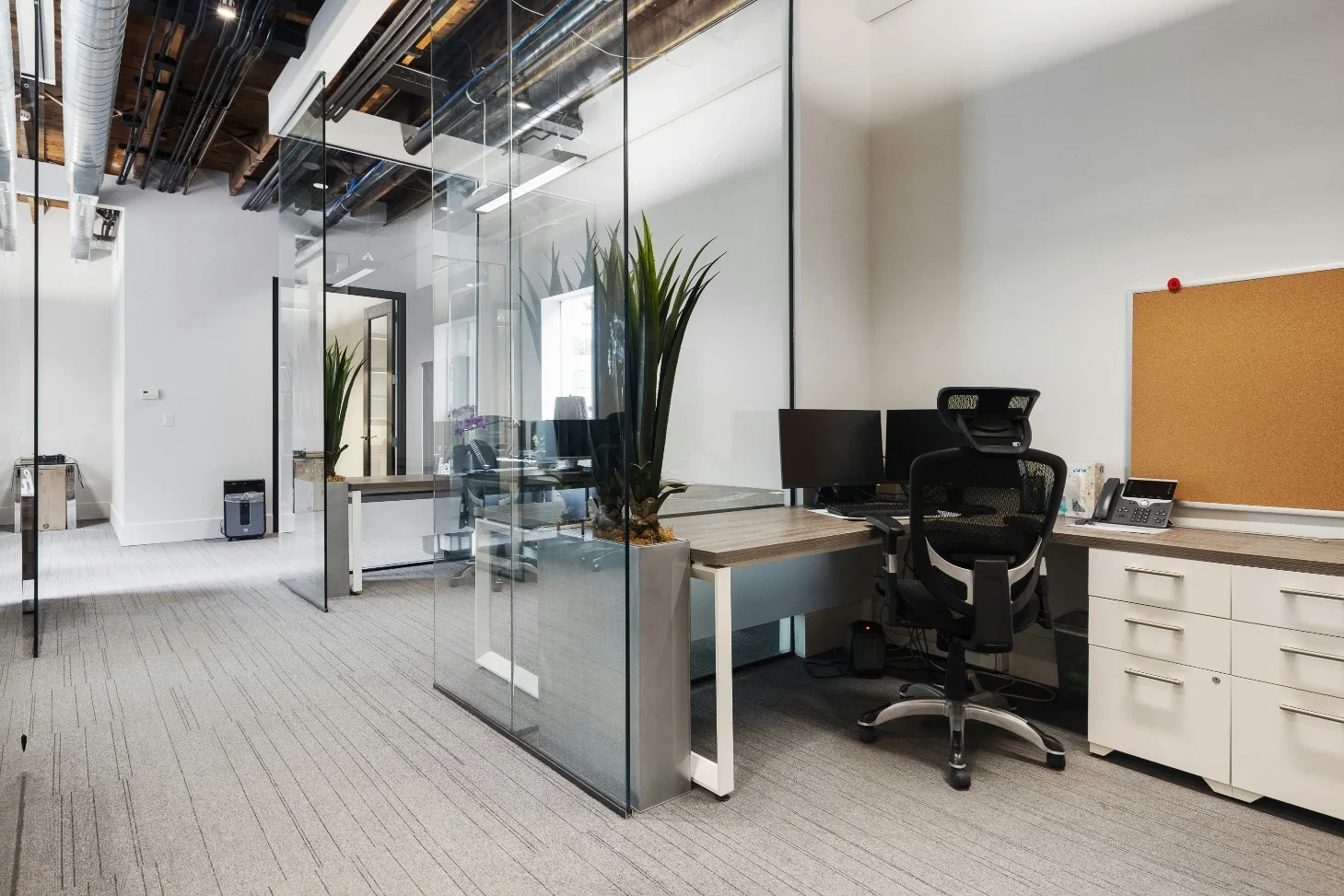
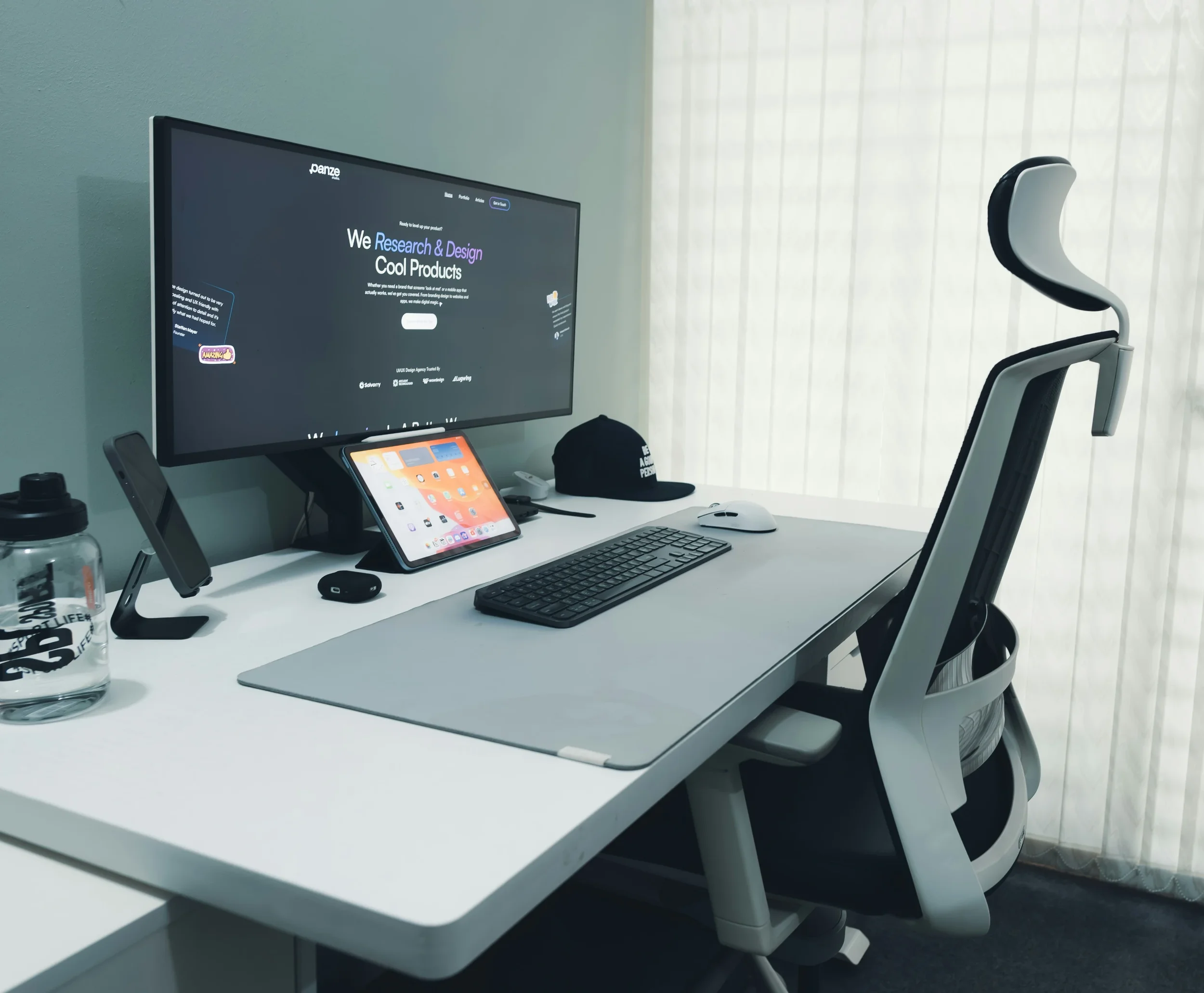
Height adjustment matters just as much as width. A chair that lets you fine tune seat height, armrest position, and backrest angle means you can set up your workstation to match your body rather than the other way around. For anyone who spends most of the workday seated, that kind of adjustability is not a luxury feature. It's the baseline for comfortable, sustainable work.
What Actually Makes a Chair "Heavy Duty"
The term "heavy duty" gets used loosely in furniture marketing, so it helps to know what actually separates a genuinely robust chair from one that just looks sturdy in a product photo.
Frame construction is the first thing to check. A steel cross frame with a reinforced support column will hold up far longer under repeated use than the aluminum or reinforced plastic frames found in many standard office chairs. The backrest and armrests matter too, since these are often the first parts to loosen or crack over time. Chairs supported by double steel rods in these areas tend to stay rigid and stable for years rather than months.
Fabric durability is another detail worth paying attention to, even though it rarely gets mentioned. VELA, for example, publishes the wear resistance rating of the fabric used on its chairs, tested at more than 50,000 Martindales, which is roughly double the resistance rating of an average household couch. That kind of specific, verifiable figure says more about long term durability than any generic claim of being "built to last."
Weight capacity is the number people usually check first, and for good reason. A chair rated for 250 pounds isn't just uncomfortable for someone heavier than that, it's a safety concern. Chairs designed specifically for higher body weights are typically tested well beyond their stated limits and built with reinforced components throughout, not just a stronger base.
Finally, look at how the seat itself is constructed. Multiple foam layers, with a firmer base layer for support and a softer top layer for comfort, tend to hold their shape far longer than single density foam, which compresses and loses support within a year or two of regular use.
Building an Ergonomic Setup Around the Chair
A well built chair solves a lot of problems, but it works best as part of a broader ergonomic setup rather than as an isolated fix.
Desk height should be adjusted so your elbows rest at roughly a ninety degree angle when typing, with your forearms parallel to the floor. If your chair has electric height adjustment, use it in combination with the desk rather than treating the two as separate decisions. A chair set at the right height paired with a desk that's too low or too high still leaves you straining your shoulders and neck over the course of a day.
Monitor placement is another detail that gets overlooked. The top of the screen should sit roughly at eye level, about an arm's length away. Combined with proper seat depth and back support, this prevents the forward head posture that gradually turns into chronic neck and upper back tension.
Mobility matters too, even within a seated setup. Chairs with locking wheels or a handbrake let you move freely around a desk or kitchen table without having to stand up and sit back down repeatedly, which reduces strain on joints over the course of a long day.
None of these adjustments require a complete office overhaul. Small, deliberate changes, made one at a time, tend to stick far better than trying to redesign an entire workspace overnight. Start with the chair, since it's the piece of furniture you interact with the most, and build outward from there as you notice what still feels uncomfortable.
Stay up to date with our latest ideas!