Designing Your Ideal Home Work Space: Simple Organization Tips
Discover simple organization tips for designing your ideal home workspace to boost productivity, reduce clutter, and create a more comfortable work environment.
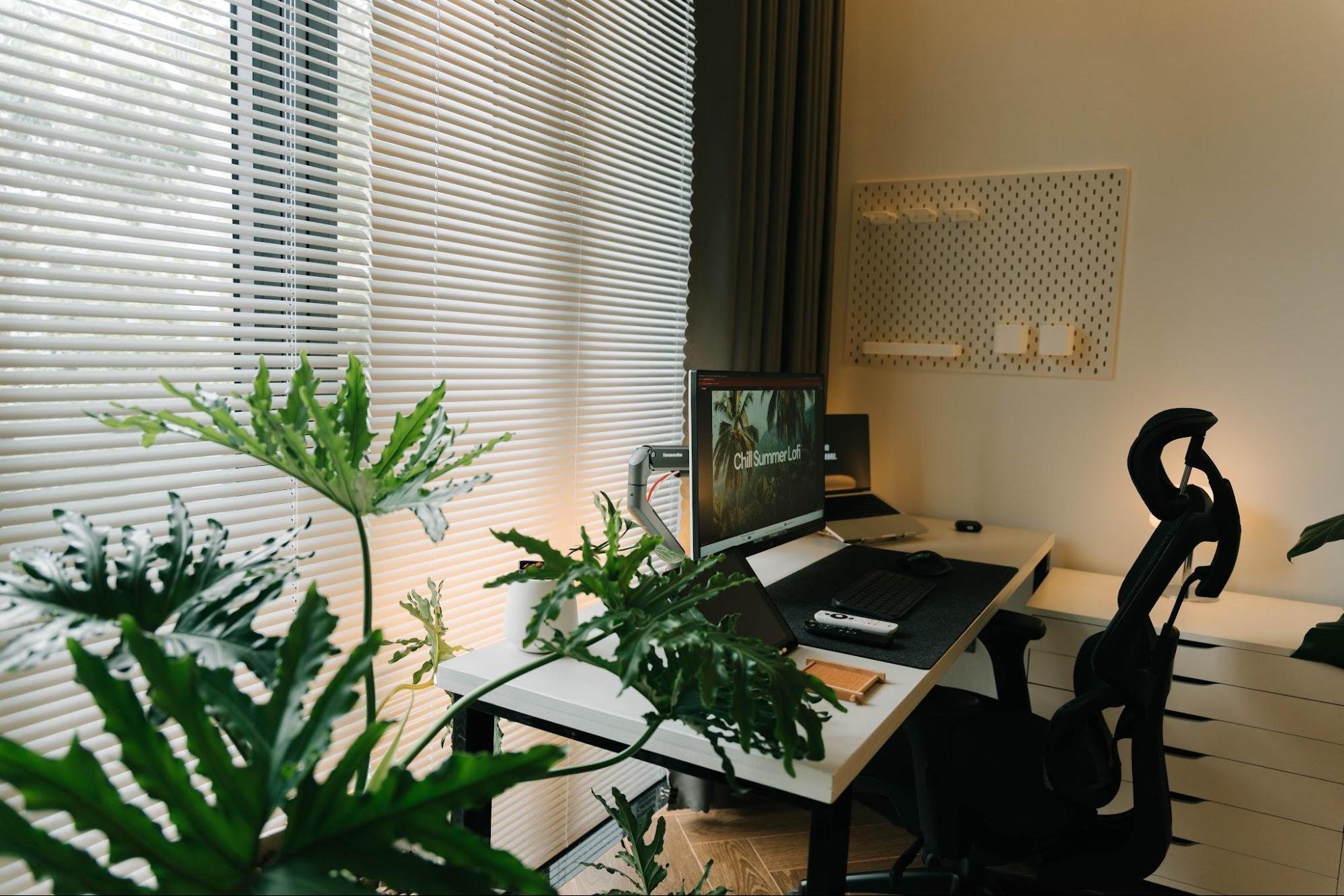
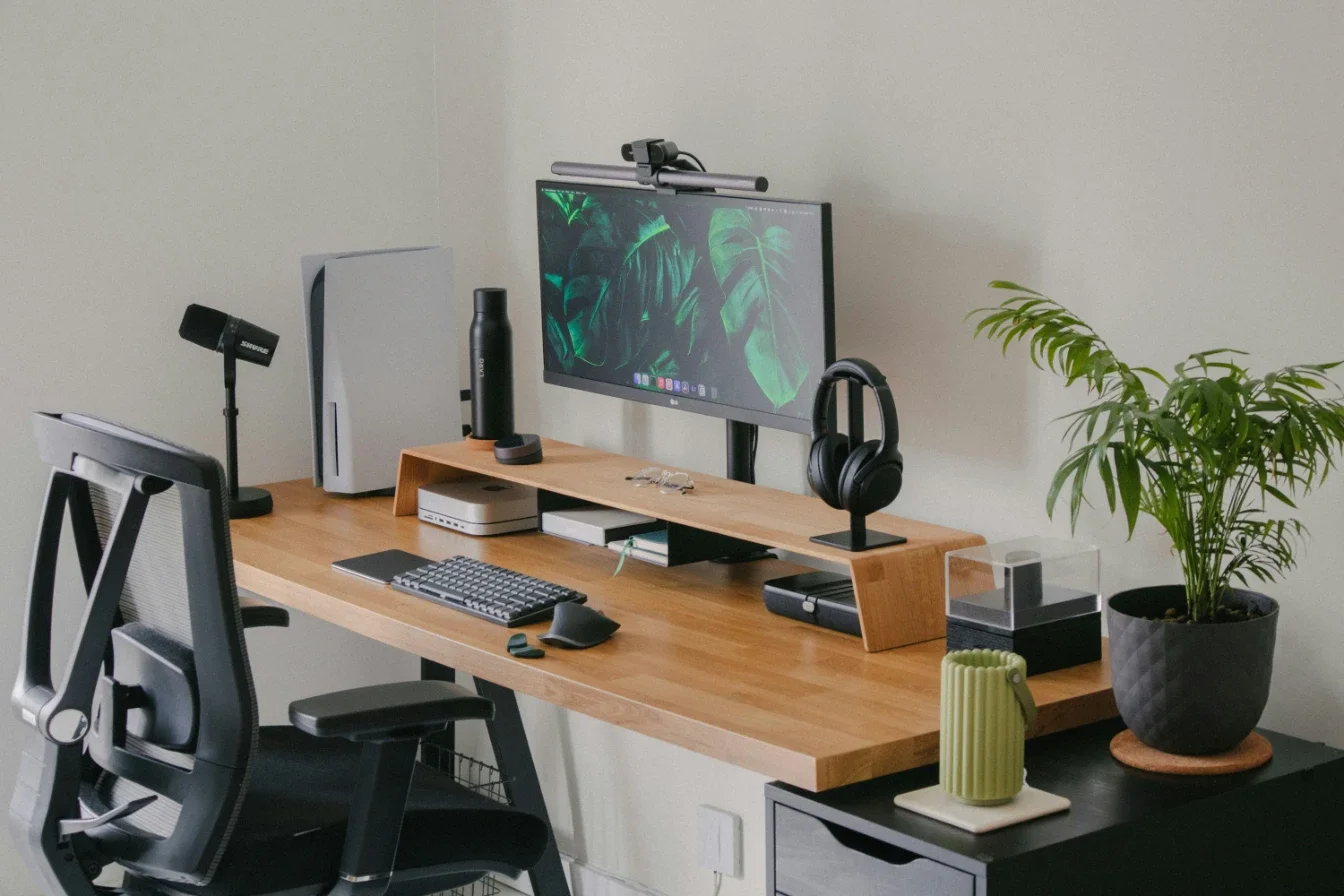
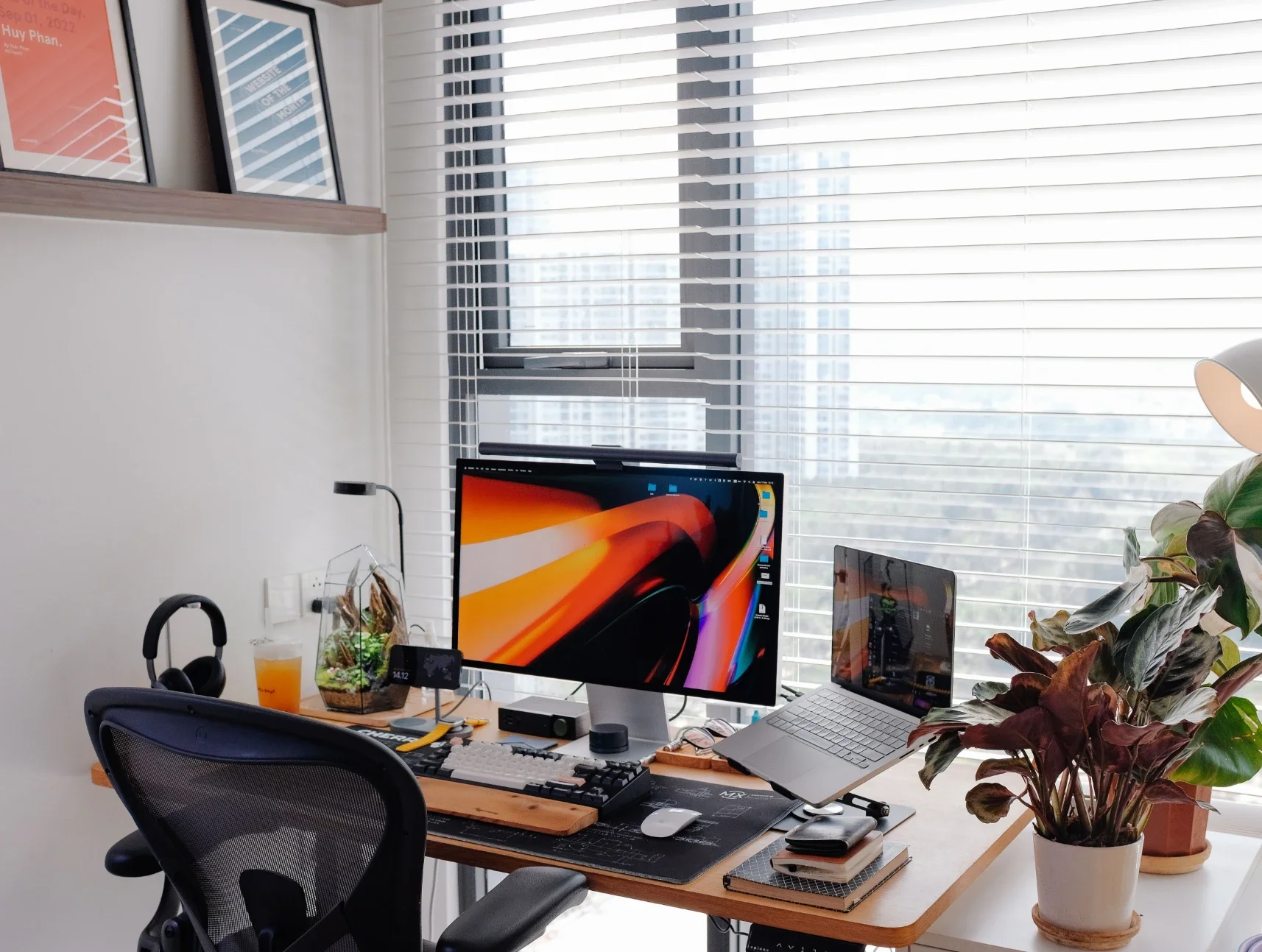
Working from home requires a setup that supports daily tasks without causing unnecessary stress. Messy desks and poor layouts can lower focus and drive down motivation. Creating an ideal workspace does not require a complete property renovation. Simple adjustments can transform a chaotic room into an efficient area. Setting up a dedicated zone allows for better boundaries between jobs and personal life.
Shifting to a Dedicated Remote Workstation
Many professionals now split their time between corporate buildings and home properties. A study by the Office for National Statistics showed that 28% of UK employees operate under hybrid systems, and knowledge-based fields see that number climb to 50% globally. This shift means spare bedrooms and corner nooks need proper planning. Throwing a laptop onto a kitchen counter is no longer a viable long-term solution.
Dedicated zones help separate daily duties from household relaxation. Having a clear physical boundary improves mental focus during operational hours. It gives the mind a clear signal that the workday has started.
Maximizing Storage with Structural Design
Home offices often suffer from a lack of vertical storage options. Property owners find success when working with Garage Cabinets and similar professionals to build durable shelving units. Custom solutions clear the floor area and create a clean environment.
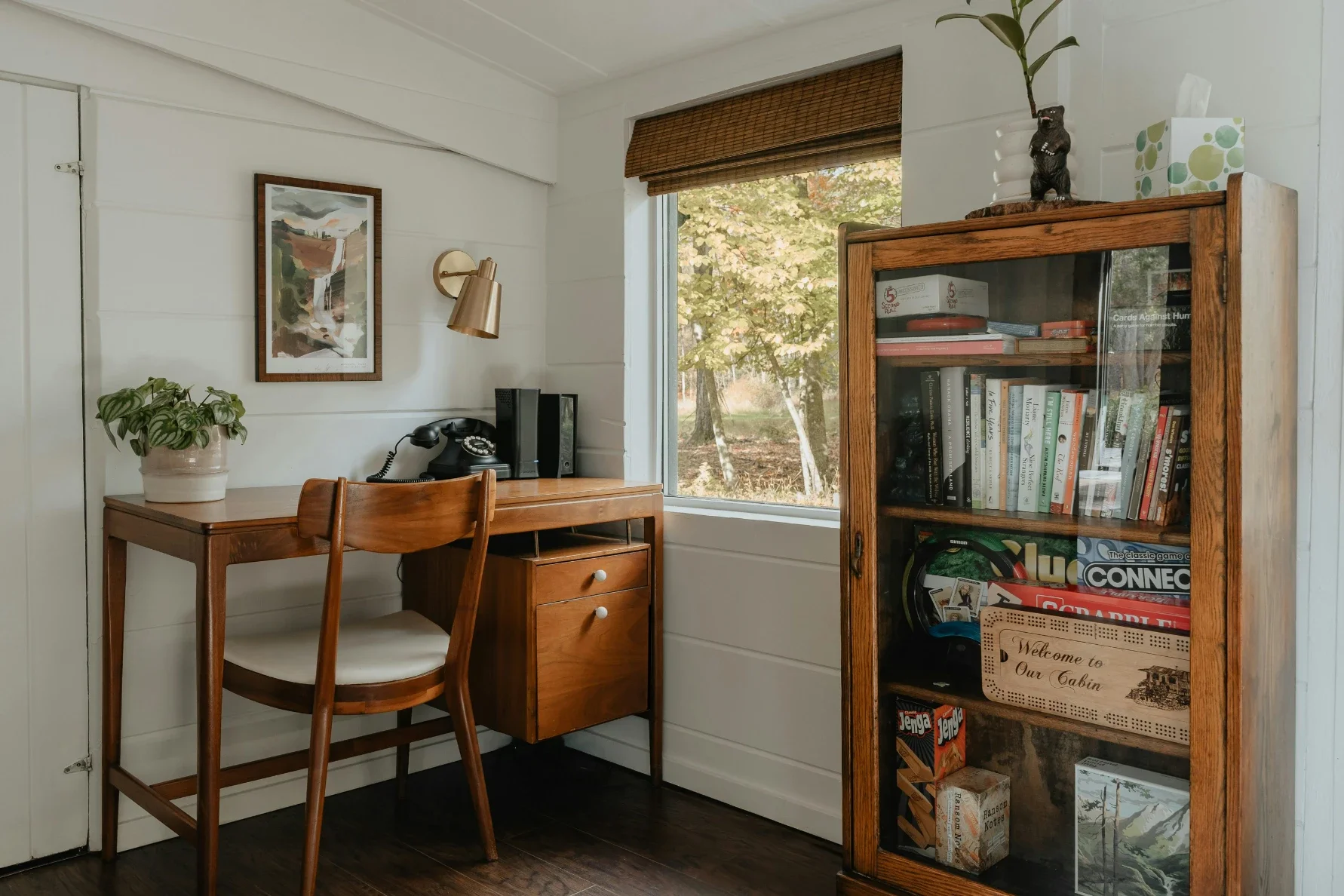
Utilizing walls helps keep papers and tools out of sight. Clutter blocks creative thinking and slows down execution speeds. Heavy-duty cabinets offer an excellent place to tuck away supplies, printers, and old files.
Keeping items behind closed doors maintains a minimalist look that calms the mind. Organized rooms reduce the time spent searching for misplaced items.
Here are a few ways to structure your storage solutions:
Vertical wall shelving saves valuable floor space.
Closed cabinetry hides messy wires and paper piles.
Rolling utility carts offer flexible movement for tools.
Integrating Smart Technology Management
Wired setups quickly turn a clean desk into a tangled mess of cables. Modern furniture designs now tackle this issue directly by building power ports and wireless charging surfaces right into the wood. This integration keeps desks tidy and removes safety hazards from under the feet.
Strips of hook-and-loop fasteners can secure remaining cords beneath the desktop. Charging mats eliminate the need for multiple plastic bricks plugged into a single wall outlet. Hidden channels route power cords down desk legs to keep lines clean.
Managing Acoustic Distractions at Home
Noise is a primary obstacle when attempting to finish complex tasks from home. A survey by Oscar Acoustics showed that 56% of workers find their workspace loud, 47% struggle to maintain focus, and 29% feel the acoustics fit their needs. Household appliances, outdoor traffic, and family members all disrupt concentration.
Soft furnishings like rugs and heavy curtains help absorb stray sound waves. Sound issues remain a primary complaint among remote staff members. Adding acoustic panels to walls dampens echoes during important video calls.
Optimizing Lighting for Better Focus
Lighting directly impacts how long an individual can track data without getting tired. Soft illumination around 3000K creates an inviting and human environment that reduces stress. Harsh blue light from overhead bulbs often mimics clinical settings and causes headaches.
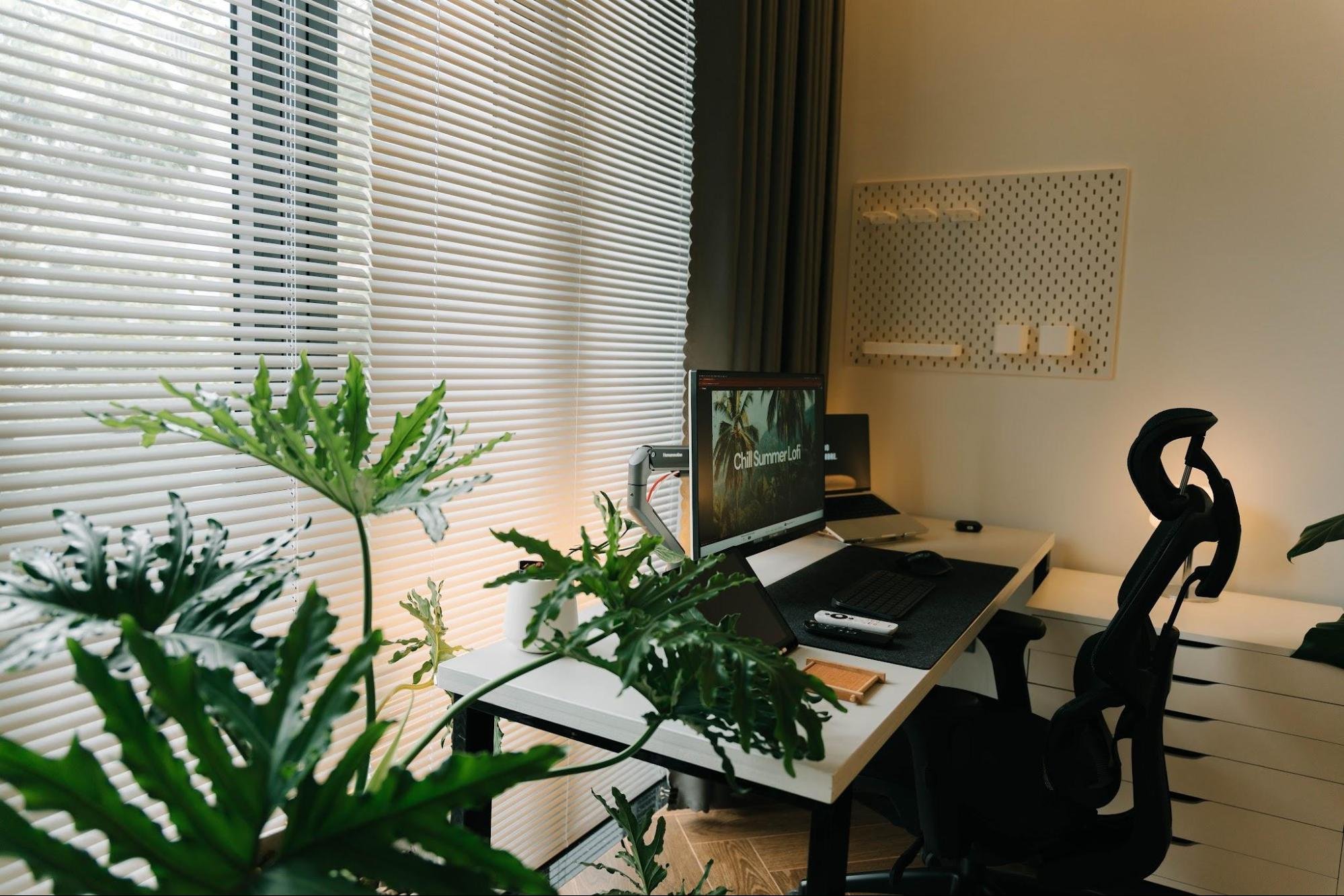
Task lamps with adjustable arms direct light exactly where it is needed. Positioning desks near windows brings in natural daylight to elevate moods. Blinds help control glare on computer screens during peak afternoon hours.
Managing Shared Spaces and Usage
Multiple family members frequently share a single desk setup throughout the week. Studies looking at workplace desk usage show that traditional assigned desks sit empty 40% to 60% of the time. Applying this concept to residential spaces means desks should remain adaptable for different users.
Adjustable components allow everyone to fit the station to their height. Shared spaces require clear rules regarding cleanliness and item placement. Labeling storage boxes prevents family arguments over missing tools.
Creating Zones for Focused Tasks
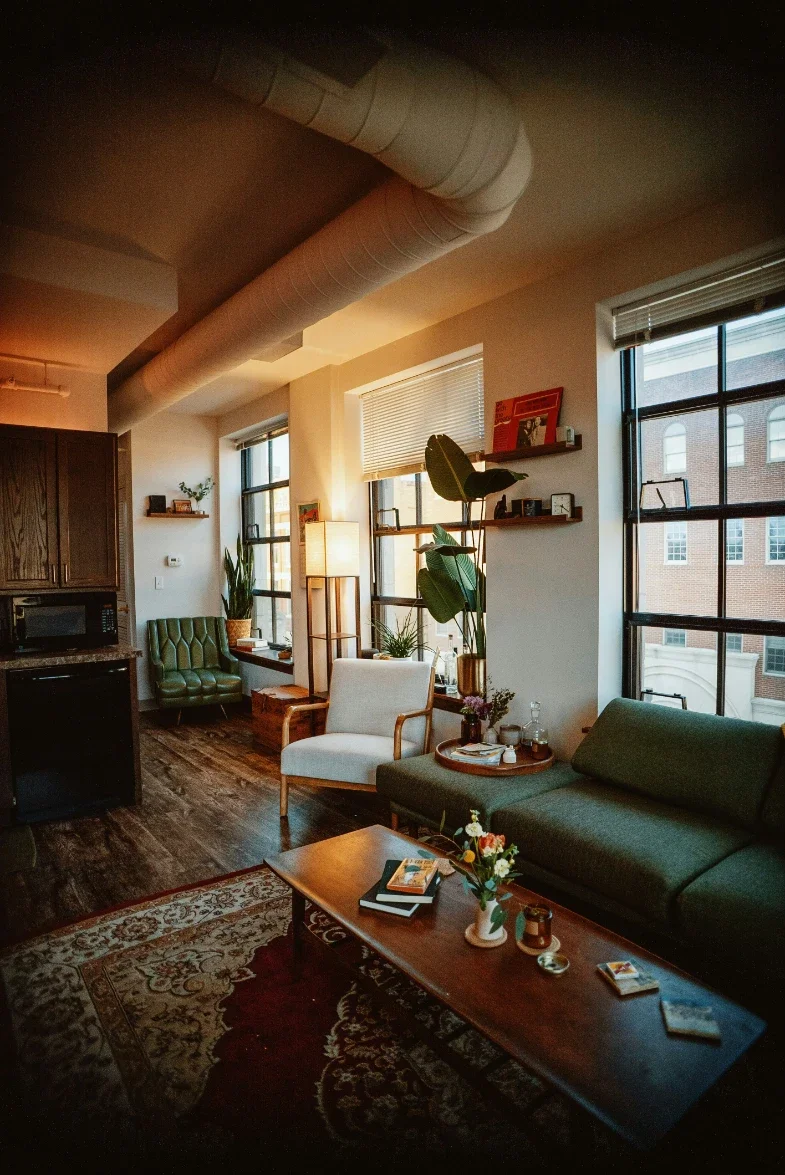
Dividing a room into separate activity zones keeps the mind organized. Dedicated quiet zones are useful for regaining deep focus and lowering mental fatigue. One corner can hold the computer setup for daily production tasks.
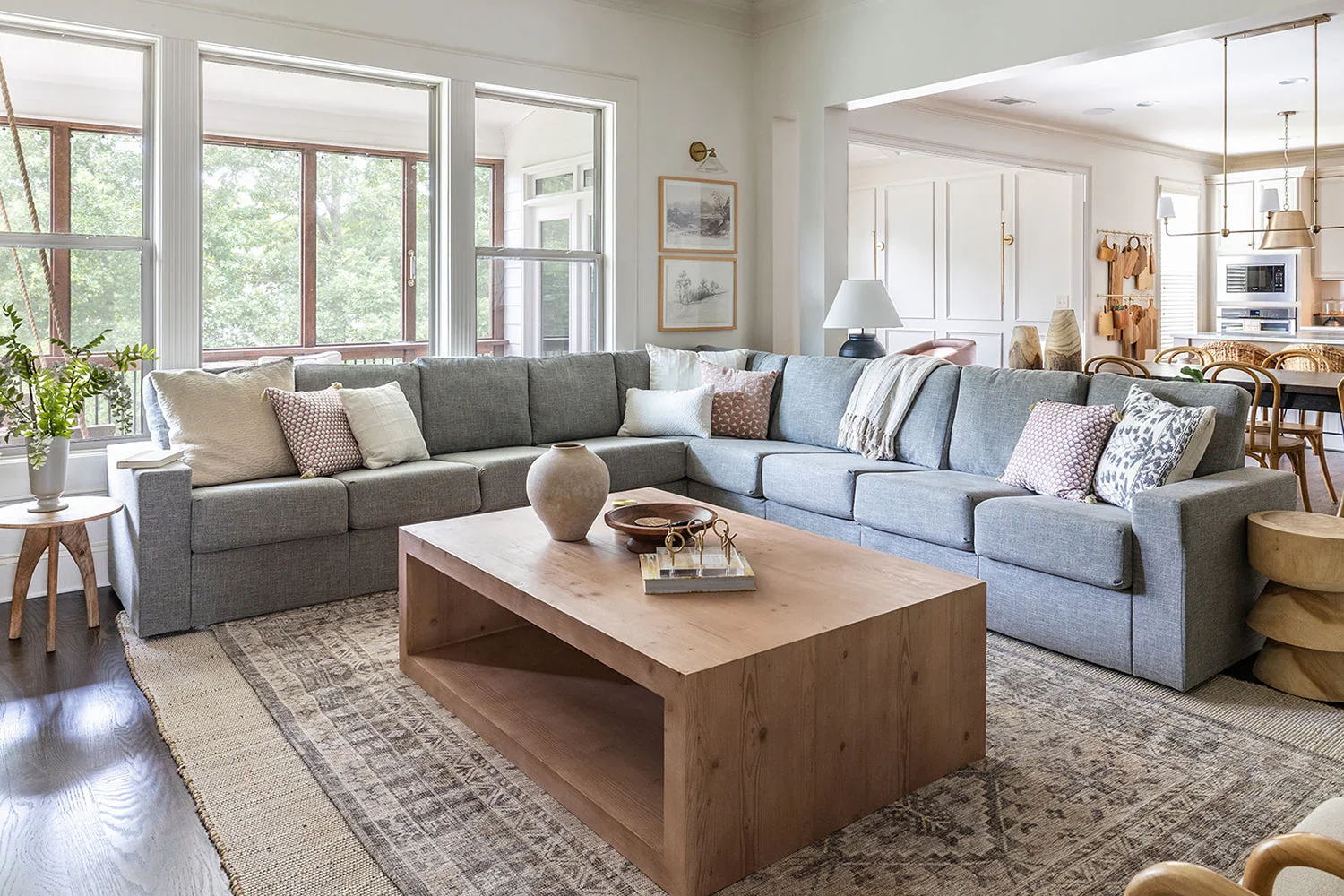
Another area with a comfortable armchair can serve as a reading space. Separating tasks prevents burnout by introducing variety into the routine. Stepping away from the primary screen allows for better brainstorming sessions.
Consider these elements when dividing your workspace layout:
Clear desk areas strictly reserved for laptop use.
Side tables for organizing reference books and folders.
Open floor space for daily stretching and movement.
Physical separation prevents a single desk from becoming a dumping ground for every task. Having a clear destination for offline reading keeps paper piles manageable. Designing clear pathways between zones makes the room feel spacious.

Working from home occupies a major part of modern life. Designing an ideal remote workspace comes down to deliberate choices and smart storage. Simple organization changes remove daily friction and let professionals focus on what truly matters.
Investing time in layouts, furniture comfort, and sound control transforms the daily routine. A customized room supports career growth while protecting physical health over the years. Small steps today build a better balance between work duties and home life tomorrow.
Stay up to date with our latest ideas!