5 Meeting Room Booking Software with Google Calendar Integration
Compare 5 meeting room booking software options with Google Calendar integration to simplify scheduling, improve collaboration, and reduce booking conflicts.
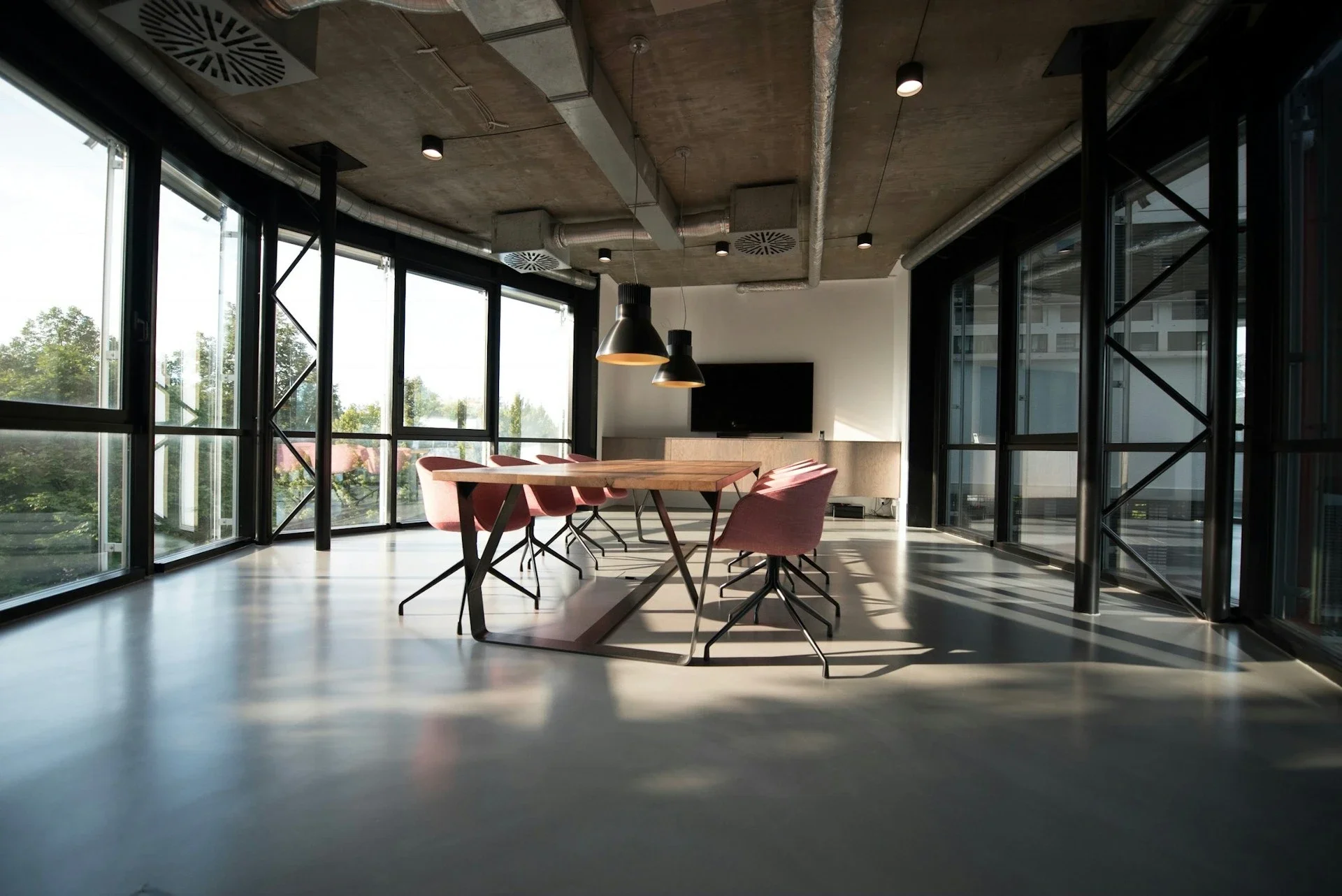
Meeting rooms play a much bigger role than simply providing a place to gather. They support collaboration, decision-making, client meetings, brainstorming sessions, and focused teamwork. But even the best-designed office can become frustrating when employees struggle to find available rooms or deal with double bookings and empty reserved spaces.
For organizations using Google Workspace, Google Calendar is often the starting point for managing meeting rooms. It is familiar, already part of the daily workflow, and makes it easy to reserve shared spaces when scheduling meetings.
This guide compares the best meeting room booking software with Google Calendar integration, including Archie, Robin, OfficeRnD Workplace, Skedda, and YAROOMS. Each platform allows teams to continue working with Google Calendar while adding different levels of workplace management, automation, and reporting.
Is Google Calendar Enough For Meeting Room Booking?
Google Calendar already supports basic room reservations through resource calendars. Administrators can create buildings and rooms as resources, allowing employees to add an available meeting space when creating an event.
For a small office with a few rooms, this may be enough. Problems often appear as the workplace grows. Google Calendar does not provide the same depth of booking rules, check-ins, automatic no-show release, interactive floor plans, dedicated room displays, or utilization analytics as specialized software.
Dedicated booking software can add these capabilities without changing how employees schedule meetings. Google Calendar remains the familiar booking interface, while the workplace platform manages policies, check-ins, displays, and analytics in the background.
What To Look For In Meeting Room Booking Software
The most important factor is the depth of the Google Calendar integration. Two-way synchronization keeps bookings updated across both systems, while proper resource mapping connects the platform with existing buildings and rooms in Google Workspace.
Check-ins and automatic room release can reduce no-shows, while booking rules control reservation length, advance booking windows, and access to particular spaces. Room displays and interactive floor plans make it easier to find available space, while analytics show which rooms are busy, underused, or frequently affected by no-shows.
Larger organizations should also check how each integration handles recurring bookings, permissions, private events, conflict resolution, service accounts, and changes made directly in Google Calendar.
Here are the top 5 meeting room booking systems that integrate with Google Cal.
1. Archie: Best Meeting Room Booking Software
Archie combines meeting room booking software with desk reservations, interactive floor plans, mobile apps, room displays, and workplace analytics.
Its Google Calendar integration provides real-time, two-way synchronization. A reservation created in Archie can appear in Google Calendar, while a meeting booked through Google Calendar can block the same room in Archie. This keeps availability current and helps prevent double bookings.
Employees can book through Google Calendar, Archie web and mobile apps, interactive 2D floor plans, or displays outside meeting rooms. Companies can also require check-ins and automatically release reservations when nobody arrives.
Other features include booking rules, QR code check-ins, room usage analytics, and desk booking. This makes Archie particularly useful for workplaces that want to manage more than conference rooms through one platform.
2. Robin: Best For Larger Organizations
Robin is an established workplace management platform designed for room scheduling, desk booking, workplace operations, and space planning.
Its Google Calendar integration works with Google resource calendars and uses OAuth to synchronize events between Google Calendar, the Robin dashboard, mobile apps, and room displays.
Robin adds interactive office maps, abandoned meeting protection, QR and NFC check-ins, analytics, and support for room displays on iPads, Android devices, Crestron panels, and Logitech devices.
The main drawback is pricing transparency, as standard tiers are not published.
3. Skedda: Best For Complex Booking Scenarios
Skedda focuses on space management, booking policies, interactive floor plans, and self-service reservations.
Its direct Google Workspace integration provides two-way synchronization between Skedda spaces and Google Calendar room resources. Employees can continue booking through Google Calendar, while administrators gain more control over who can reserve particular spaces, how far in advance bookings can be made, and other conditions.
The platform also includes workplace analytics, automation rules, and mobile-friendly booking. Pricing is based on the number of managed spaces rather than users, making it relatively predictable for smaller offices, although the lower resource tiers may feel limiting for organizations managing a larger number of meeting rooms or shared spaces. Companies with complex approval workflows should also test the integration during a pilot, as Skedda documents some edge cases involving approvals and Google synchronization.
4. YAROOMS: Best For Enterprise IT Requirements
YAROOMS covers meeting rooms, desks, mobile booking, analytics, and room displays.
Its Google Calendar integration is particularly well documented. YAROOMS maps spaces to Google resources and automatically synchronizes events between both systems. Its technical documentation covers Google Calendar API access, service accounts, domain-wide delegation, OAuth scopes, and conflict resolution.
The platform also includes QR check-ins, automatic room release, visitor management, Google Meet integration, and room and lobby displays. Enterprise customers can choose Azure, AWS, or on-premise deployment. Pricing is based on user tiers, so costs generally increase as more employees are added.
5. OfficeRnD Workplace: Best For Shared Spaces
OfficeRnD Workplace combines room reservations with desk booking, floor plans, and workplace analytics.
Its Google Calendar integration provides two-way synchronization, allowing reservations to be created, updated, and deleted from either system. It supports one-time and recurring bookings, although there are some documented limitations involving exceptions within recurring series.
A notable feature is its Chrome extension, which brings OfficeRnD functionality directly into Google Calendar. This can make adoption easier for employees who already work primarily within Google Workspace. One thing to keep in mind is that OfficeRnD is better known as a coworking space management platform than a traditional workplace management tool. Its pricing is based on user and resource tiers, and some capabilities are available as add-ons or higher-tier plans.
Which Google Calendar Meeting Room Booking Software Is Best?
The right choice depends on workplace size and complexity. Archie offers a broad combination of room booking, Google Calendar synchronization, floor plans, mobile apps, room displays, desks, and analytics.
Robin is designed for larger companies that need mature workplace operations and broad hardware support, while Skedda offers more specialized approaches to room booking that can work well for smaller companies.
Google Calendar can remain at the center of the booking experience in all these scenarios. Dedicated room booking software simply adds the controls needed to reduce no-shows, prevent conflicts, understand room usage, and make shared spaces easier to manage.
Stay up to date with our latest ideas!