7 Smart Strategies for Relocating and Upgrading Your Home Office
Discover 7 smart strategies for relocating and upgrading your home office to improve productivity, organization, comfort, and your overall work experience.
Flexible and hybrid routines have become a permanent fixture in the modern Australian workforce. What began as a temporary measure has evolved into a long-term lifestyle shift. According to recent data from the Australian Bureau of Statistics, over 36 percent of employed Australians regularly work from home. The most common schedule involves spending one to two days working remotely each week, a pattern adopted by 46 percent of this workforce. Interestingly, research indicates a strong correlation between higher income brackets and remote work access, noting that over half of all Australians earning above $90,000 utilise work-from-home arrangements. Working from home saves professionals an estimated average of $3,200 annually by eliminating commuting costs, daily takeaway lunches, and expensive professional wardrobe purchases. When moving to a new property, relocating your home office provides the perfect opportunity to rethink your setup, moving away from makeshift solutions towards a truly optimised professional environment. Here are seven smart strategies to seamlessly transition and upgrade your workspace.
Phase 1: Preparation and Logistics
1. Audit and Inventory Your Gear
Before you pack a single box or unplug your router, take a critical look at your existing workspace. Moving is the ideal time to declutter outdated paperwork, securely shred old tax files, and donate furniture that no longer serves your daily routine. Be sure to responsibly recycle any e-waste, such as old cables or broken keyboards. Once you have narrowed down your essential items, create a precise inventory of your heavy or awkward home office assets. With hybrid arrangements proving long-lasting, Australians are increasingly investing in heavy-duty items like motorised standing desks and commercial-grade ergonomic chairs that require special care during transport.
2. Budget for Professional Transport
When you are factoring in your relocation budget, understanding local removalist prices will help you secure an accurate fixed-fee quote rather than risking open-ended hourly billing on moving day. Providing your movers with an exact inventory ensures the company allocates the appropriate vehicle size and the right number of crew members to safely transport your delicate tech and expensive office furniture without causing damage. It also allows you to inquire about transit insurance, giving you peace of mind that your most valuable income-generating equipment is fully protected.
3. Book Off-Peak Moving Dates
Moving a home office requires meticulous attention to detail and scheduling. To keep your transition cost-effective, select a mid-month date or a weekday like a Tuesday. Moving industry data shows that weekend and school holiday moves frequently attract premium surcharges of 20 to 30 percent. Always assess your new property's physical access ahead of time. Physical obstacles like narrow driveways, steep apartment staircases, inner-city tram zones, or a lack of lift access will require extra time from your moving team. Communicating these hurdles early prevents surprise fees on moving day and ensures a smoother operation.
Phase 2: Design and Layout
4. Embrace Biophilic and Sensory Design
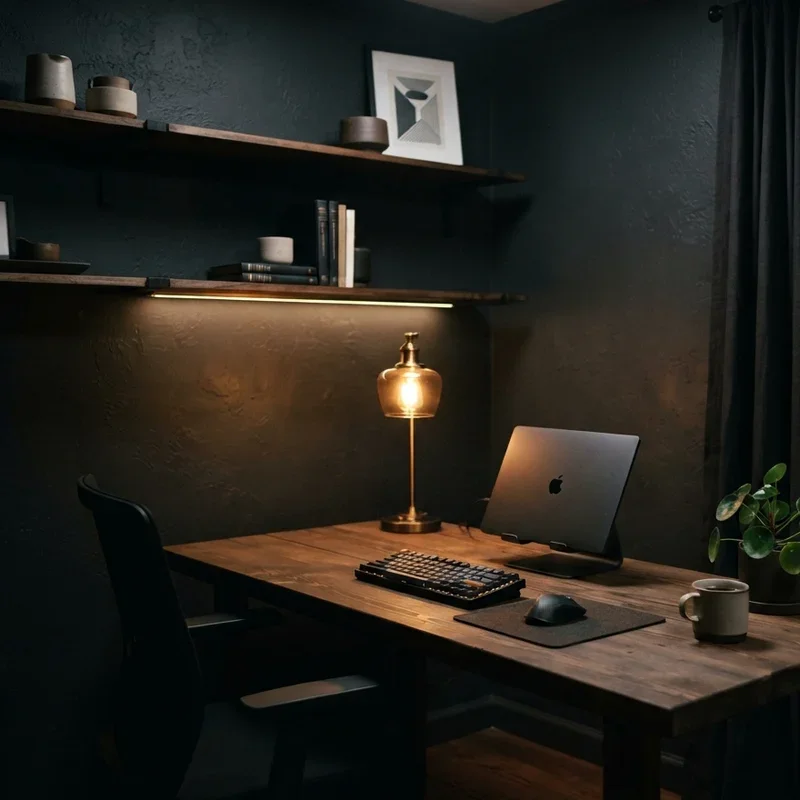
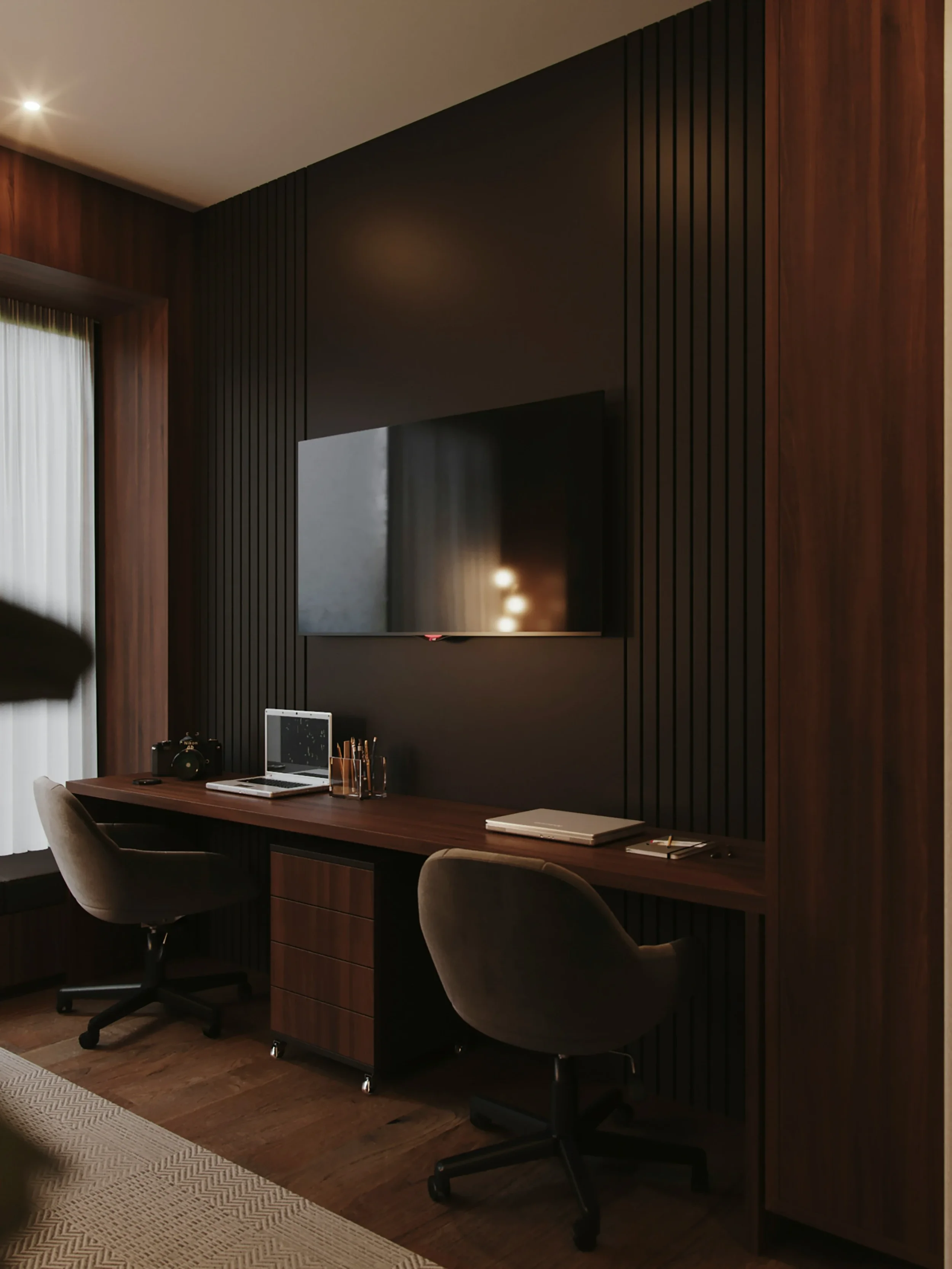
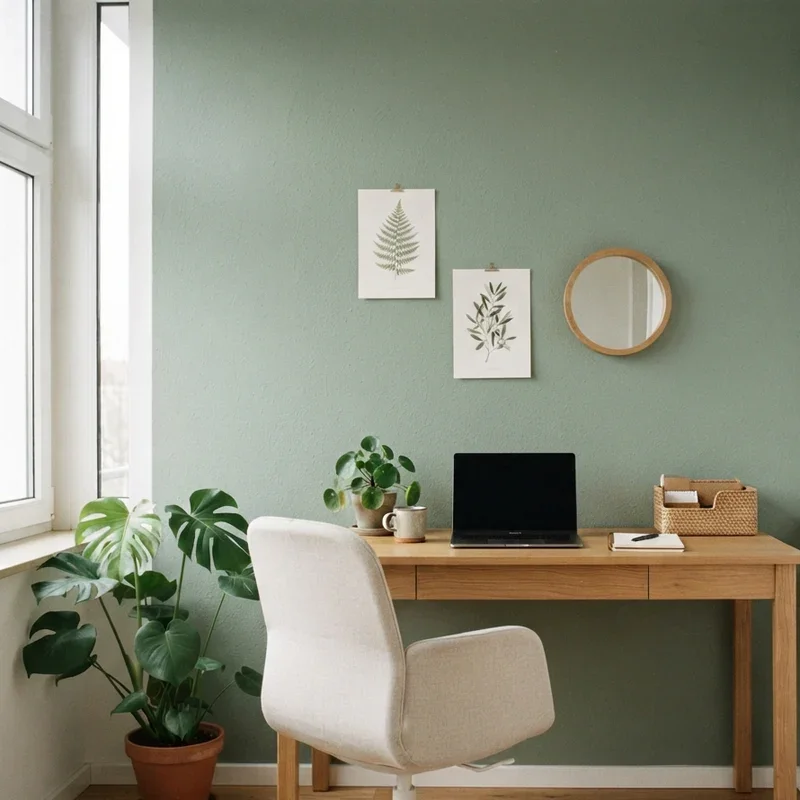
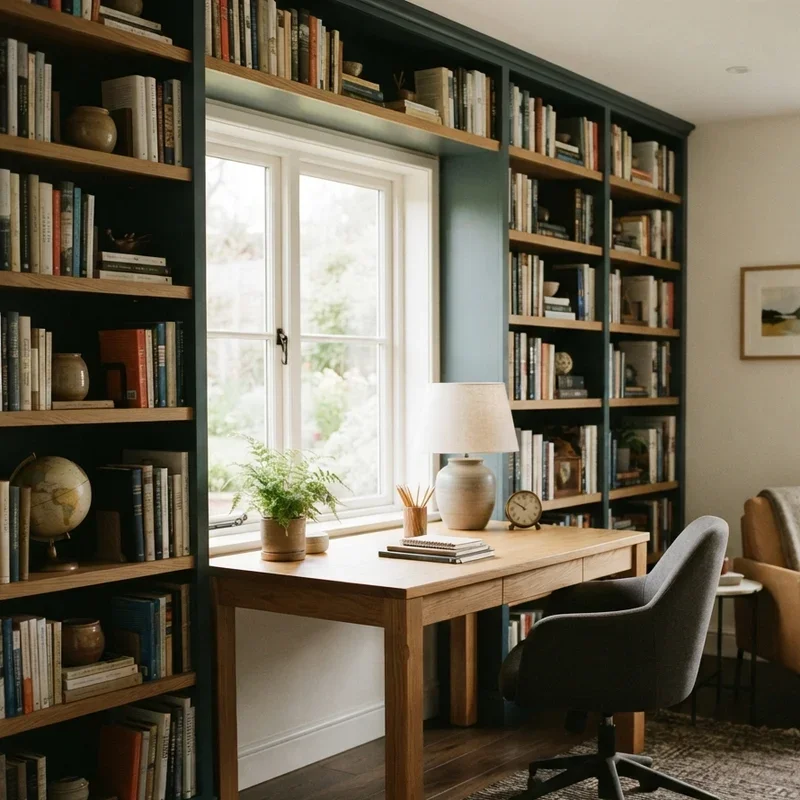
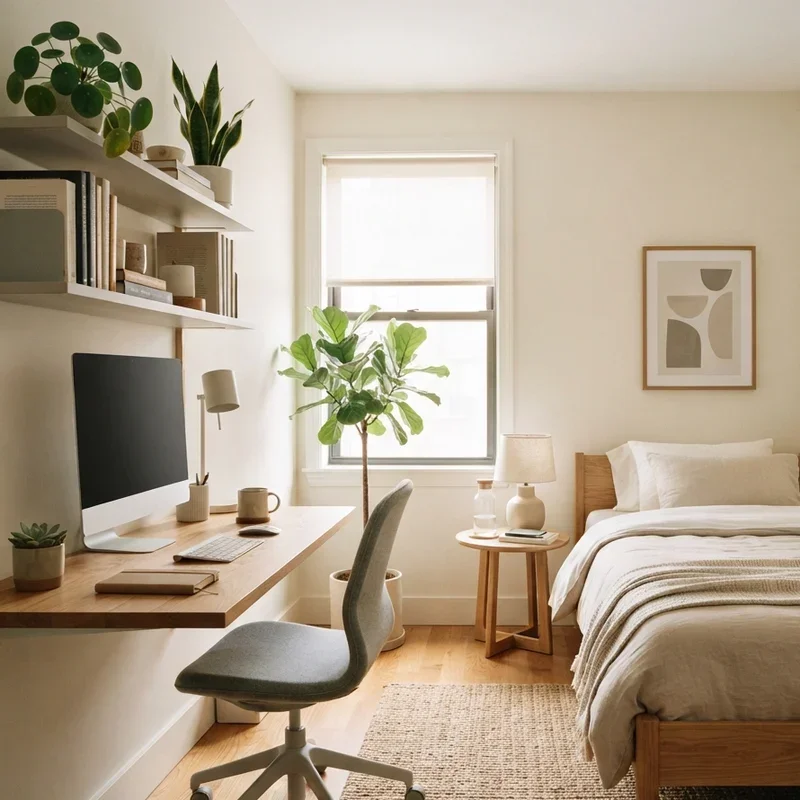
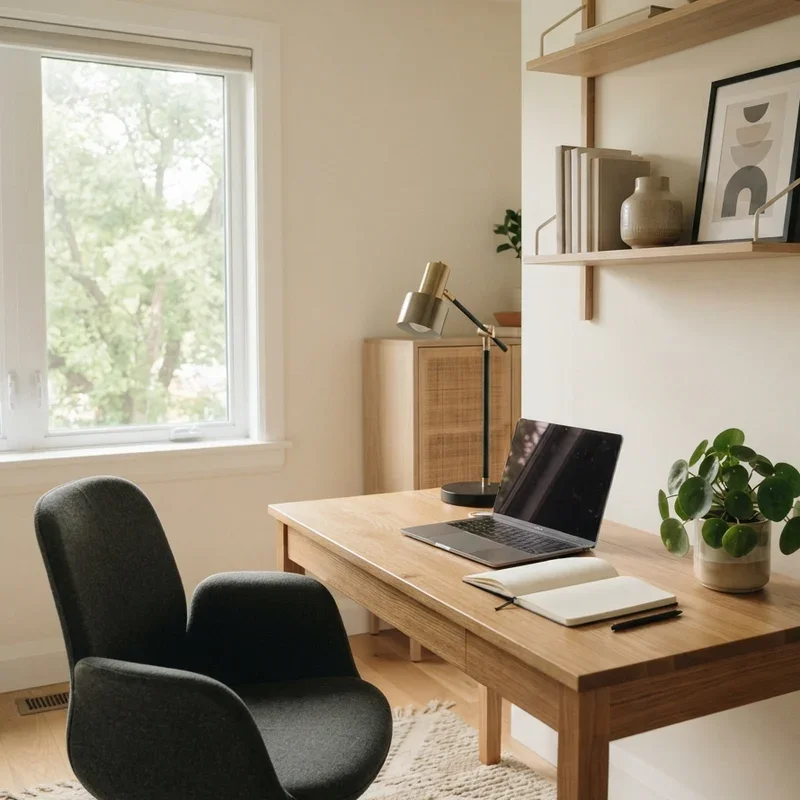
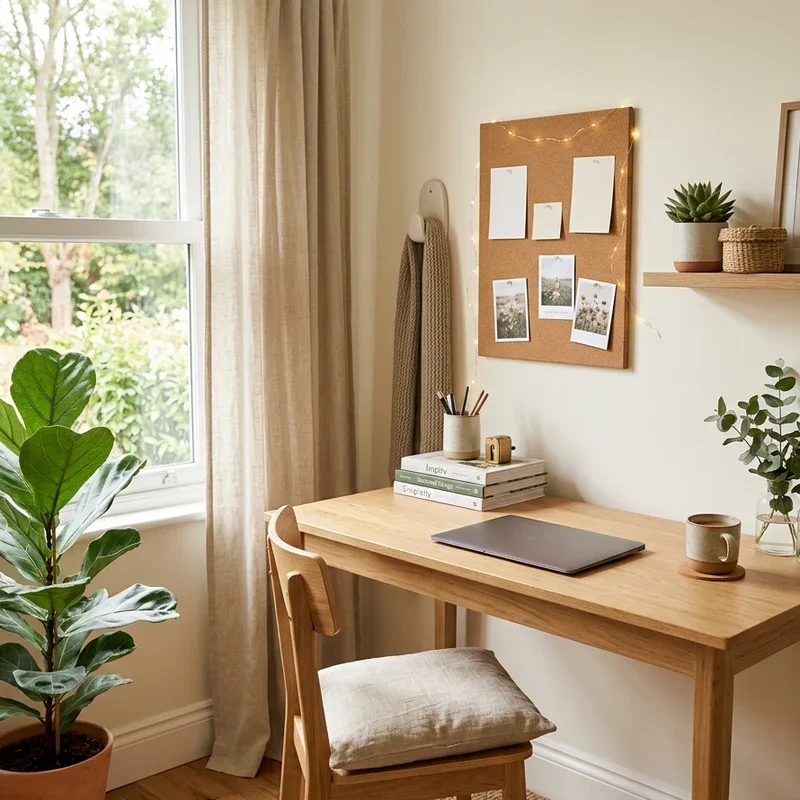
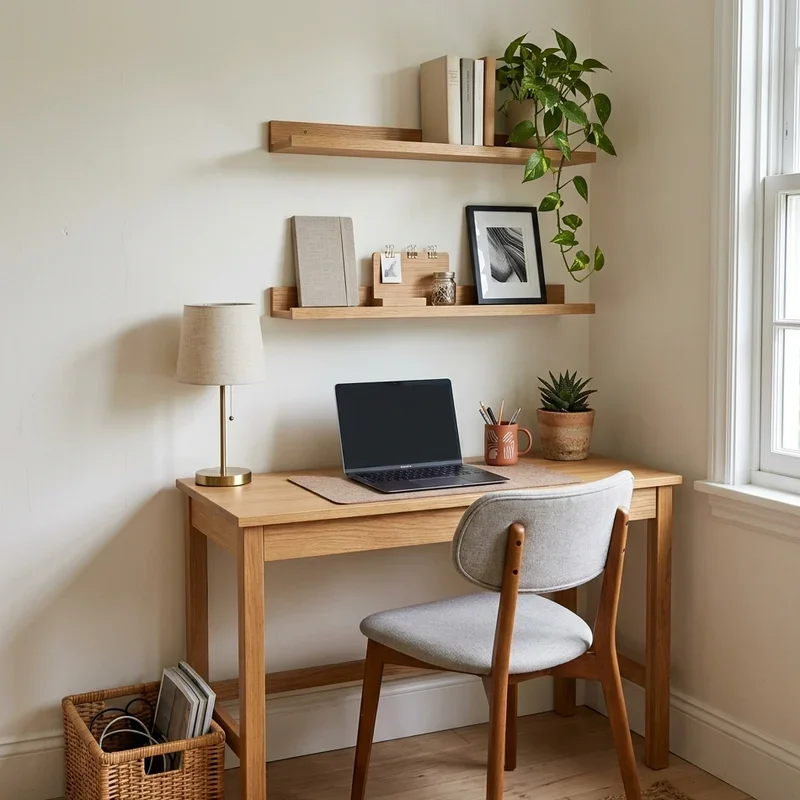
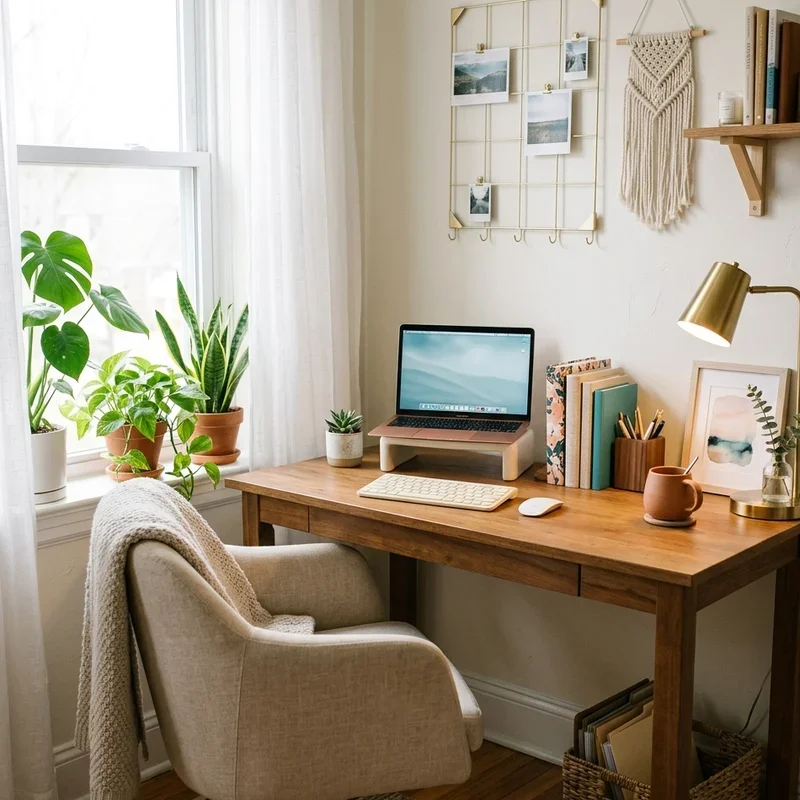
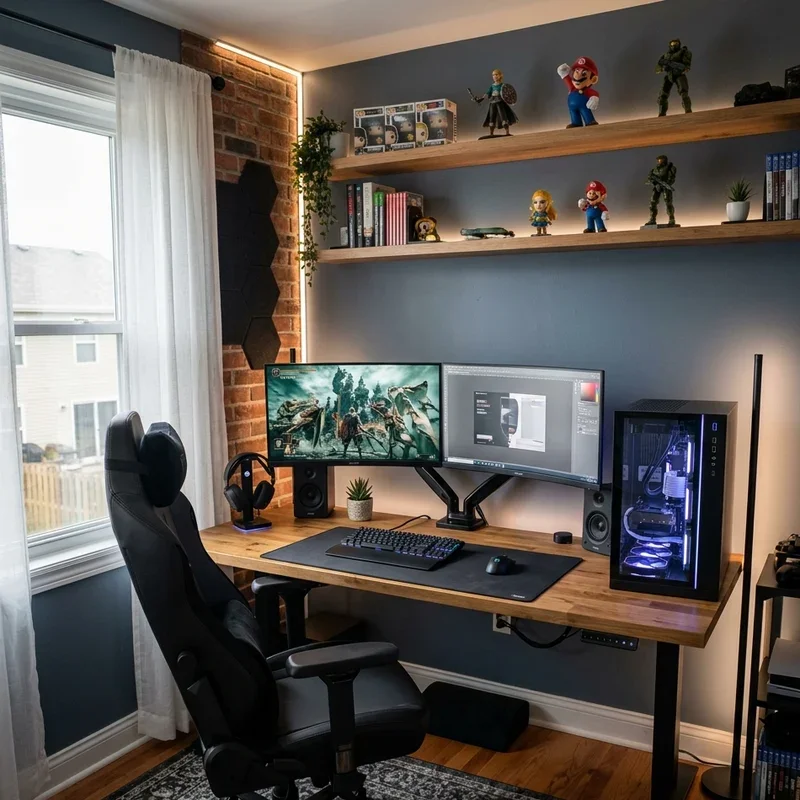
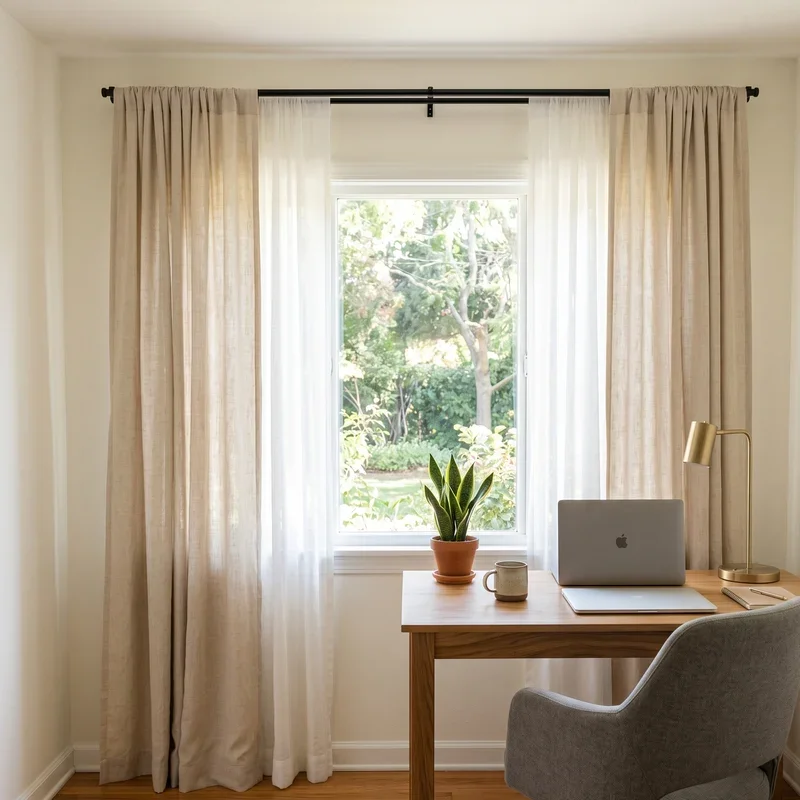
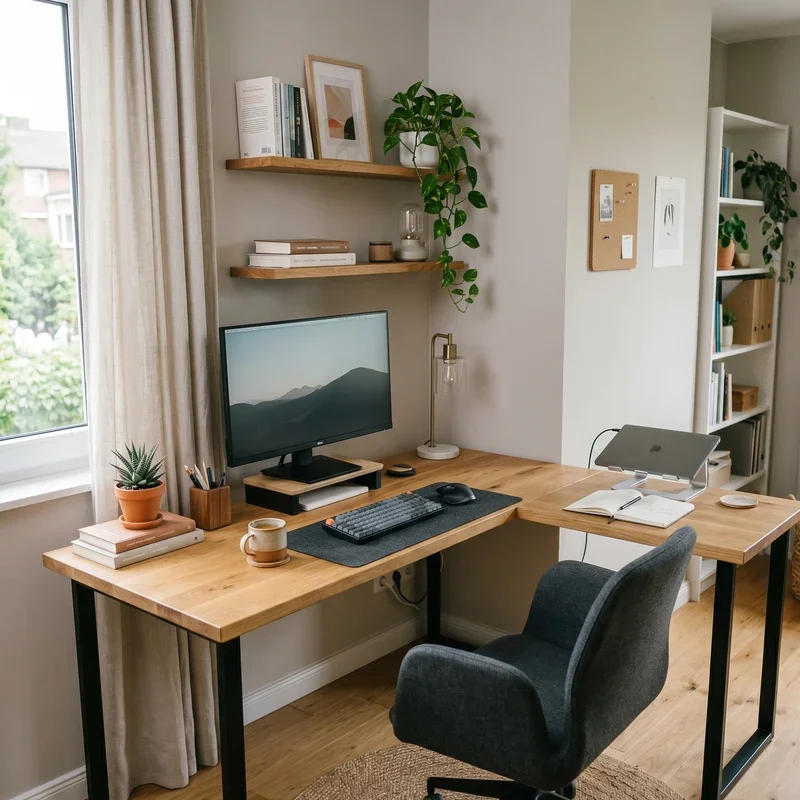
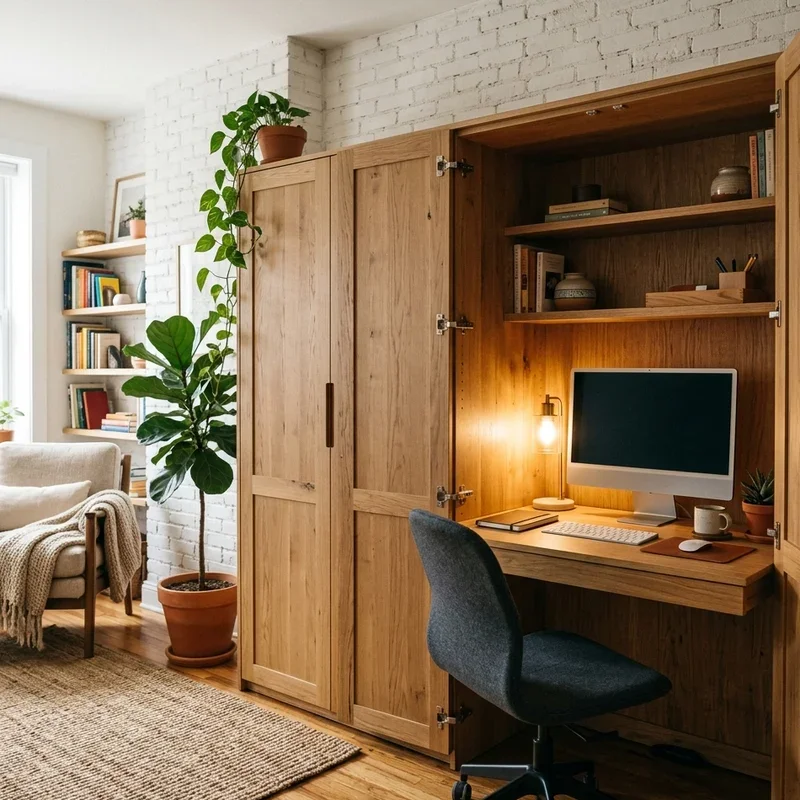
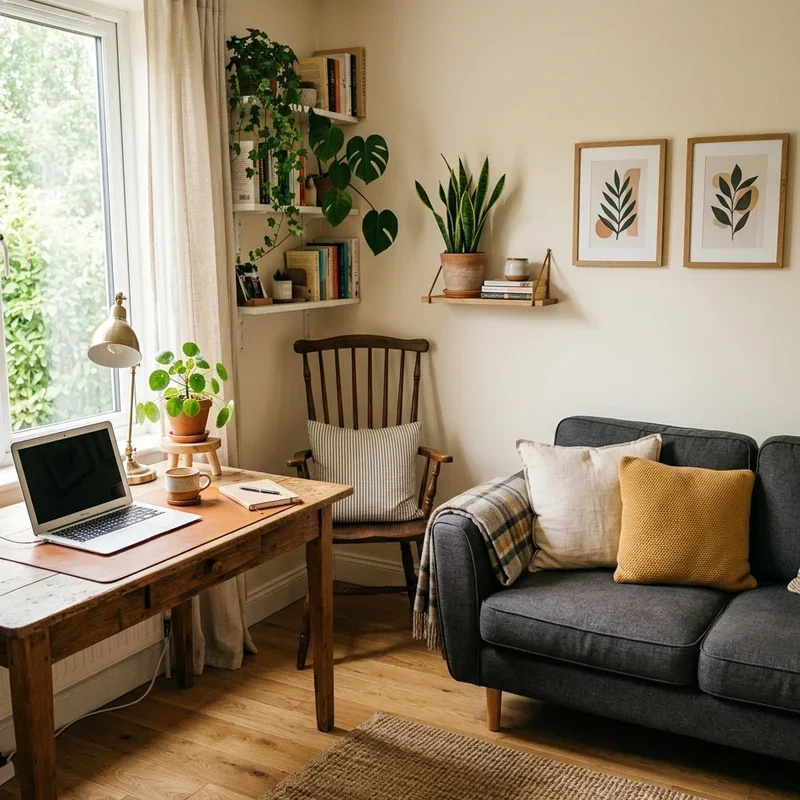
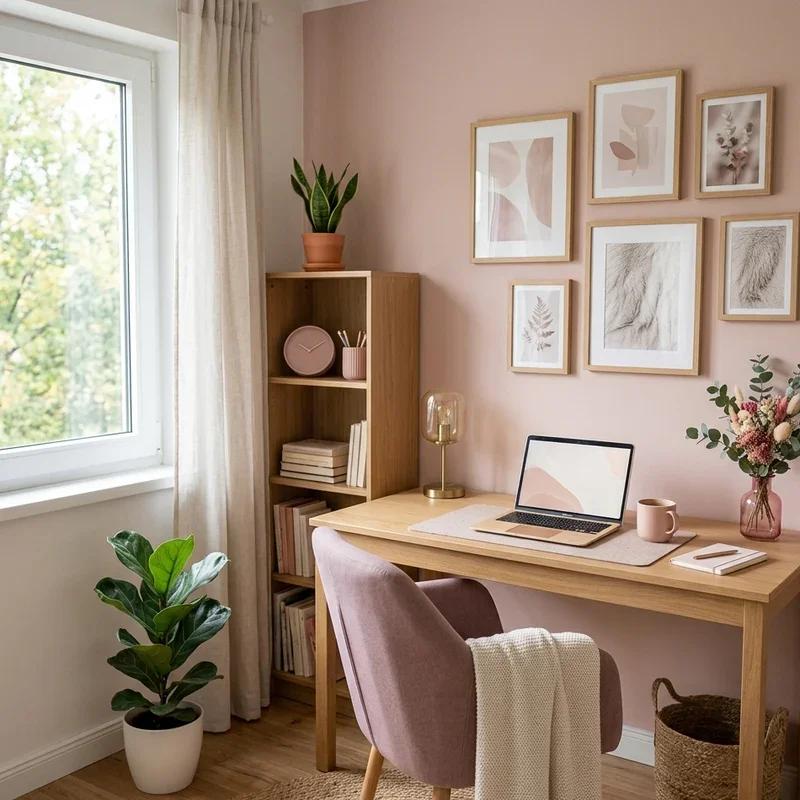
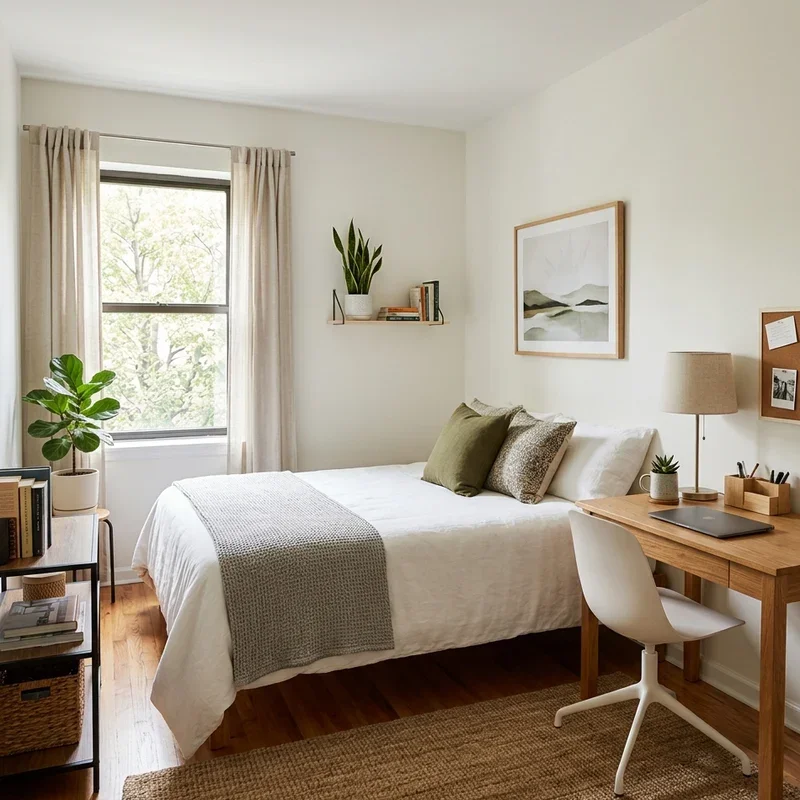
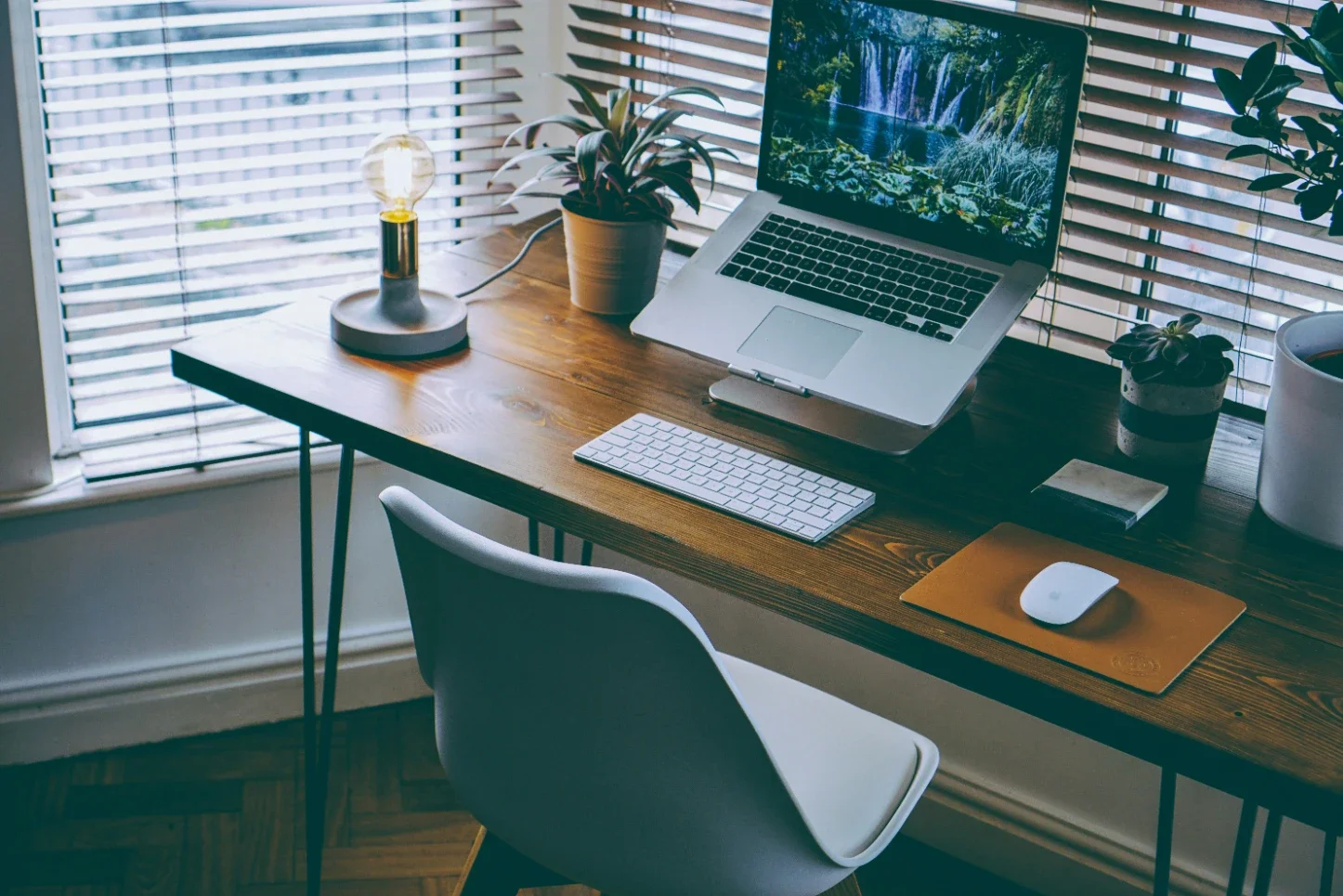
The visual and physical environment of your new home office plays a massive role in your daily focus. The latest interior trends for Australian workspaces heavily favour biophilic design principles. This approach involves integrating organic materials like natural timber and stone, maximising the flow of natural light, and adding easy-care indoor plants to foster a calming atmosphere. Popular resilient plants like the Zanzibar Gem or Devil's Ivy are excellent, low-maintenance choices. Additionally, incorporating acoustic room treatments and circadian lighting systems can significantly reduce sensory friction, helping you maintain deep concentration.
5. Establish Clear Activity Zones
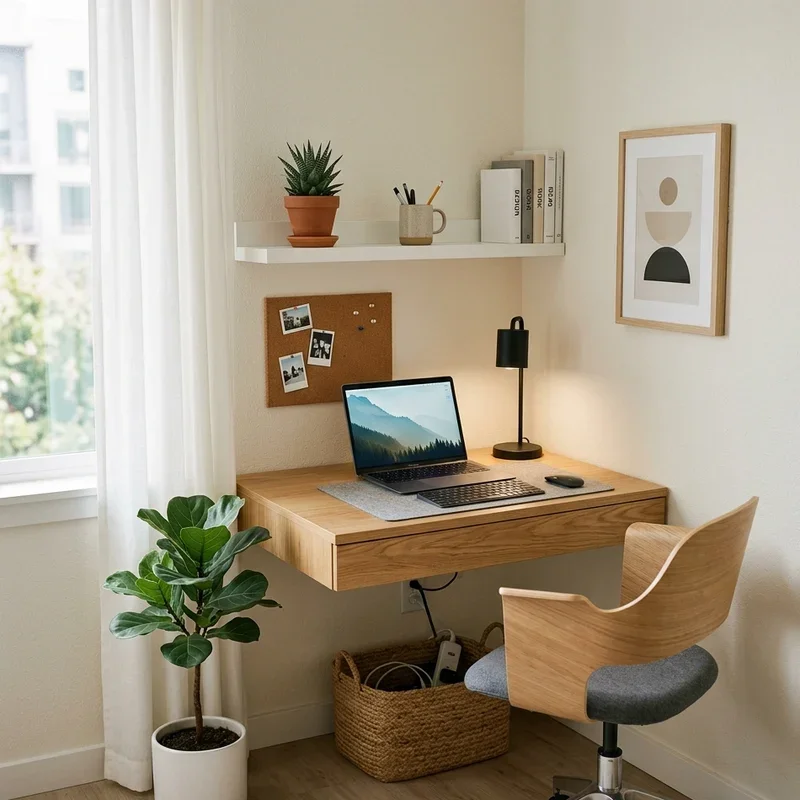
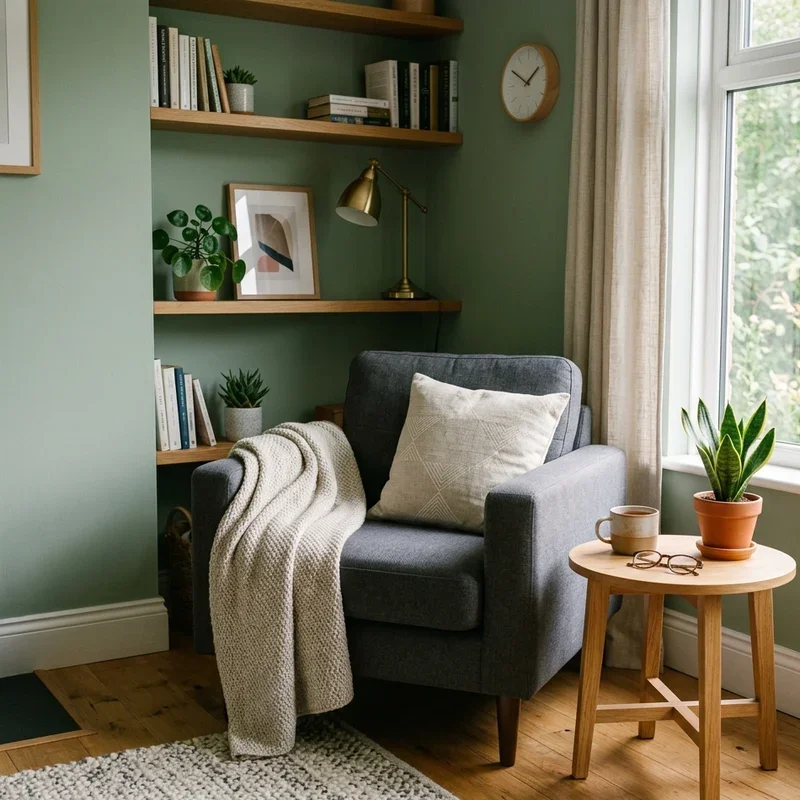
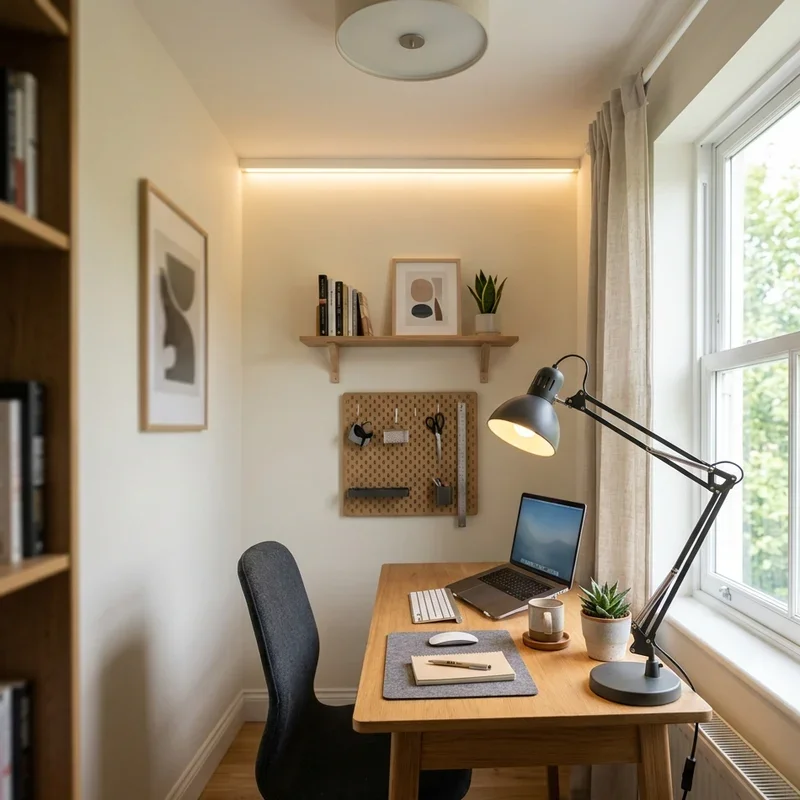
Once the moving crew has delivered your belongings safely to the new house, you need to think carefully about spatial flow. You can use proven organisation tips for an ideal home workspace to set up distinct functional areas and minimise desktop clutter. Separating your primary digital workstation from a dedicated reading chair or a physical brainstorming space allows you to shift gears mentally throughout the workday. This physical separation prevents fatigue and keeps your mind engaged, mimicking the natural movement you might experience in a traditional corporate office building.
Phase 3: Setup and Execution
6. Lock in Proper Ergonomics
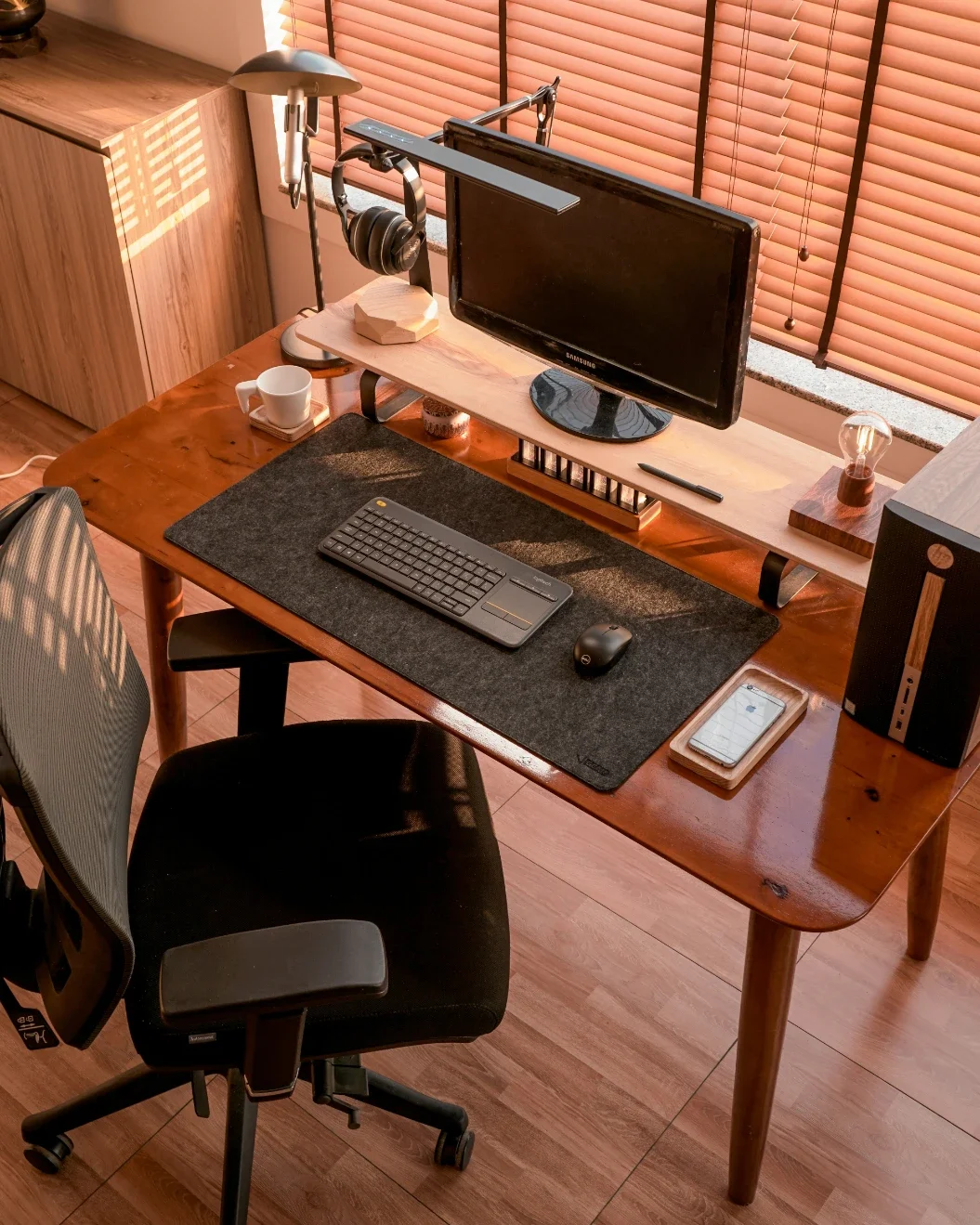
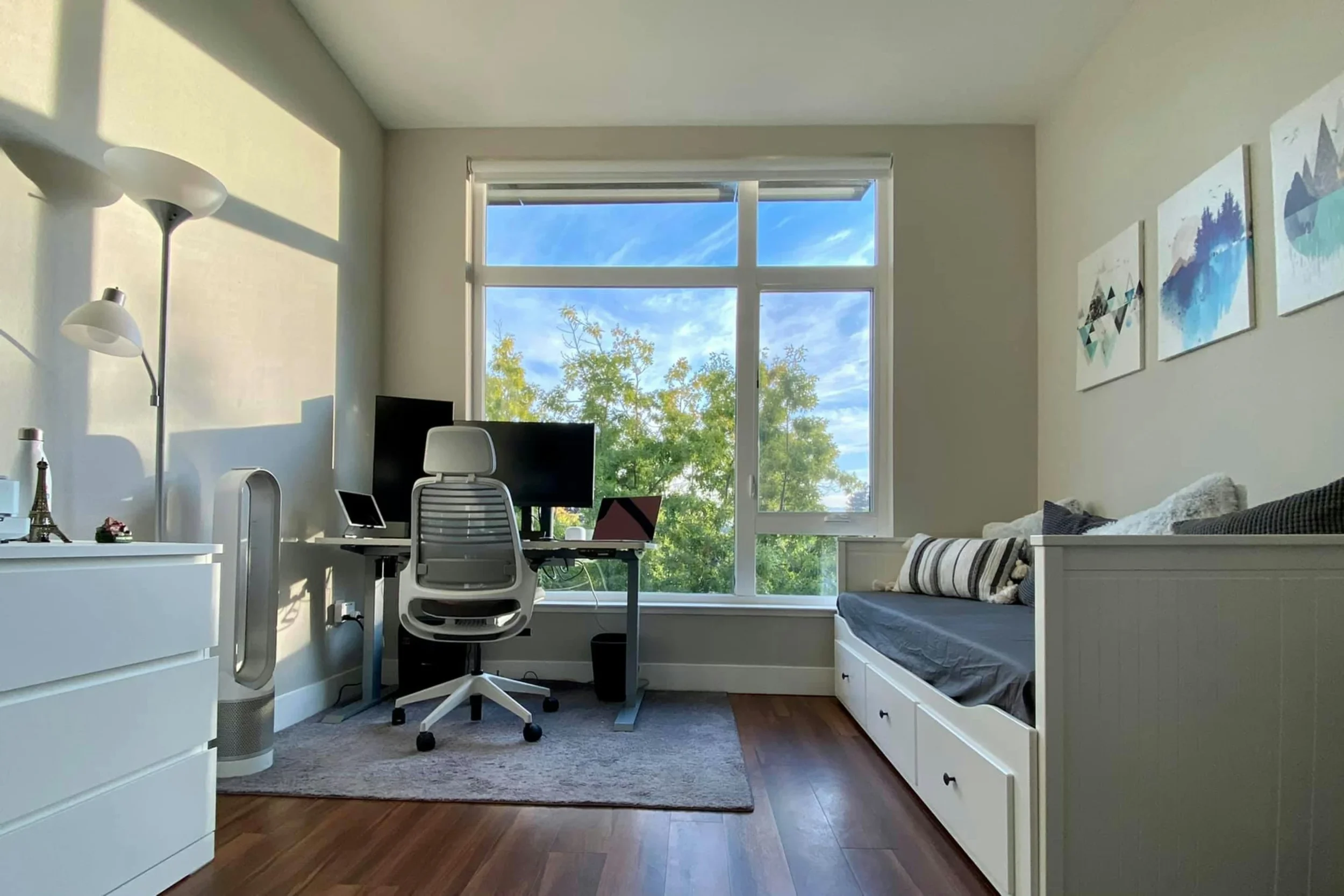
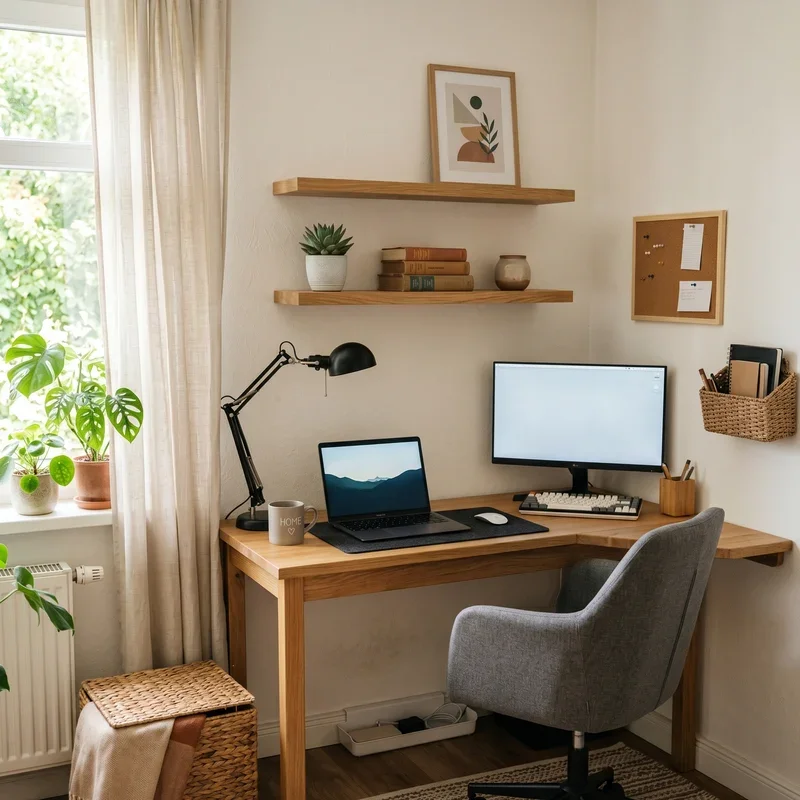
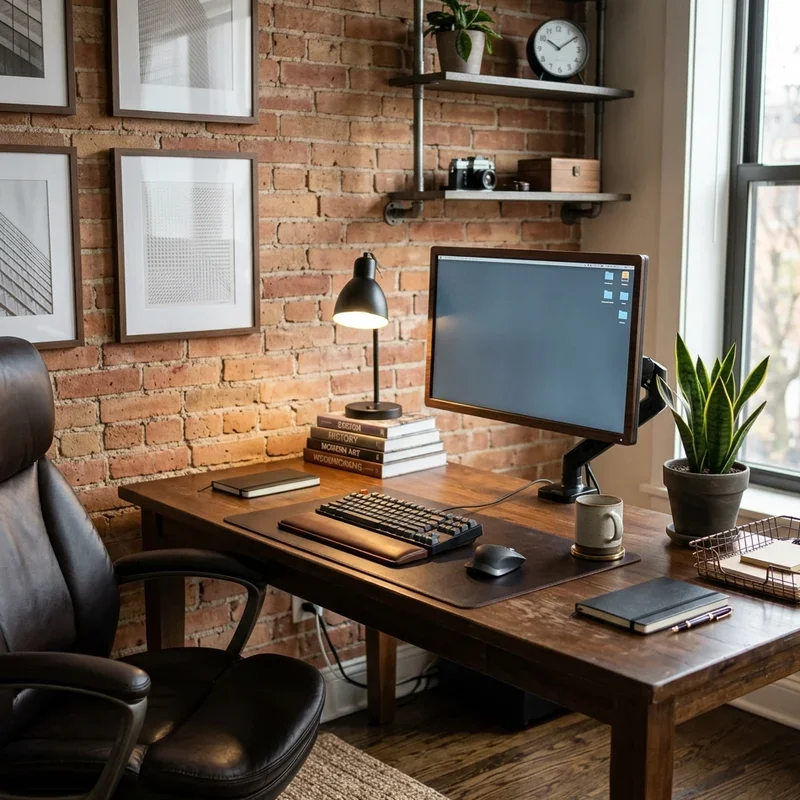
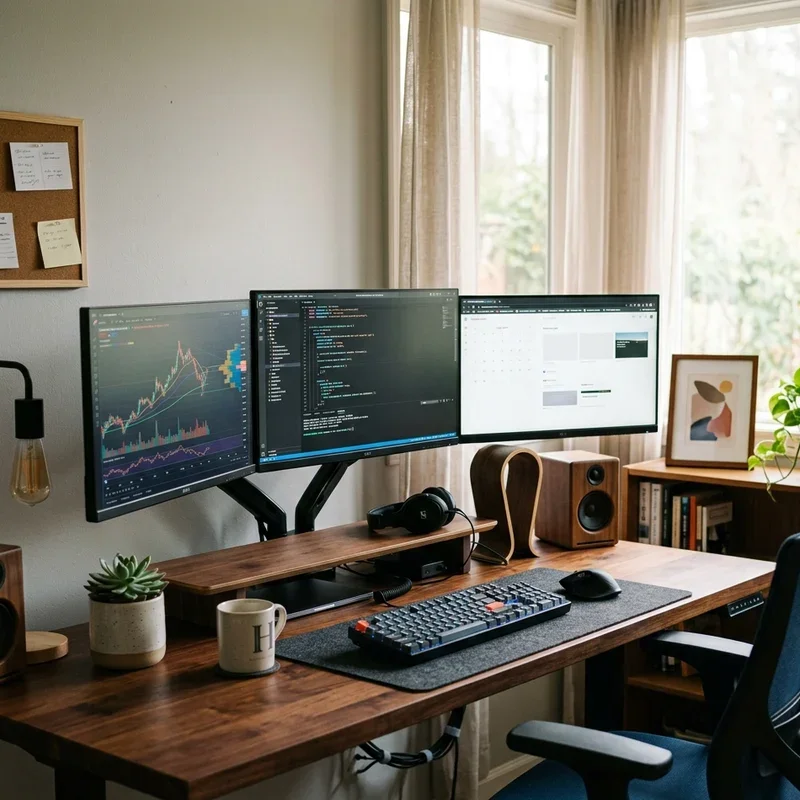
A beautiful layout must also support your physical health. When unboxing and positioning your heavy furniture, it is crucial to follow credible office ergonomics guidelines from the Mayo Clinic to protect your posture. Their medical experts advise that your primary monitor should be placed straight in front of you, directly behind the keyboard, and about an arm's length or 20 to 40 inches away with the top of the screen at eye level. Taking the time to adjust your chair height, add a supportive footrest, and install a monitor arm will save you from chronic back and neck pain in the long run.
7. Pack a Dedicated Essentials Box
To avoid disrupting your work week, keep your most vital items accessible during the actual move. If there are any unexpected delays, you will still be able to log on from the kitchen bench and complete urgent tasks. Utilise these packing tips for your tech essentials:
Label all cables: Before dismantling your computer tower and monitors, use coloured tape to mark which cable belongs to which port to save hours of troubleshooting.
Keep hardware close: Pack your laptop, chargers, a backup internet dongle, and basic stationery in your personal vehicle.
Secure vital documents: Carry important physical contracts or tax files with you rather than putting them in the back of a moving truck.
Pack productivity boosters: Include your noise-cancelling headphones, a favourite coffee mug, and a few snacks to keep your energy up on moving day.
Taking the time to strategically plan your home office relocation ensures you can hit the ground running in your new house. By carefully transporting your equipment, prioritising ergonomic health, and embracing fresh design trends, your upgraded workspace will become a place where you genuinely enjoy spending your working hours.
Stay up to date with our latest ideas!