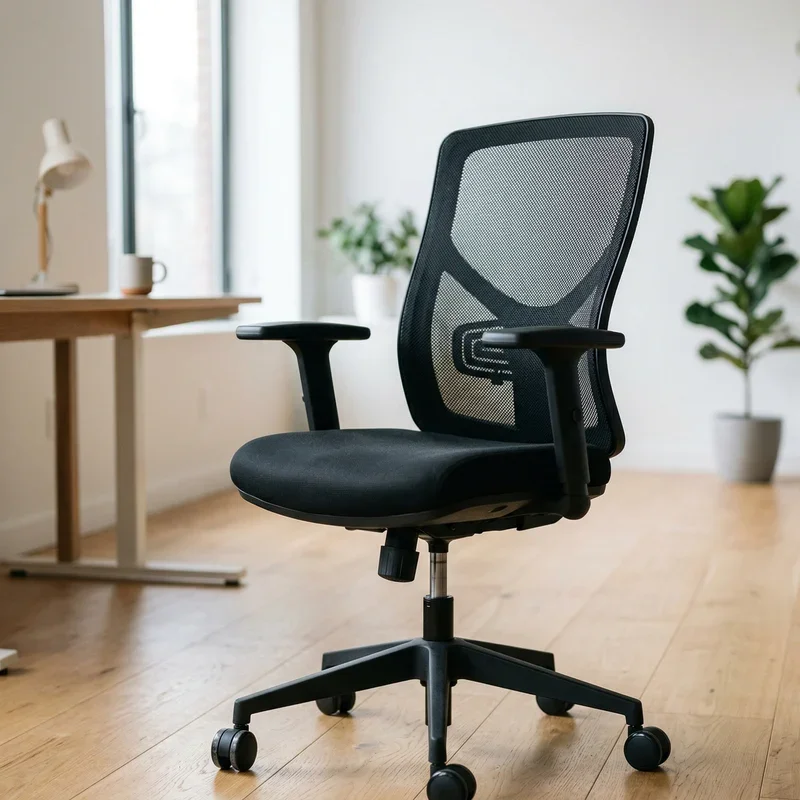
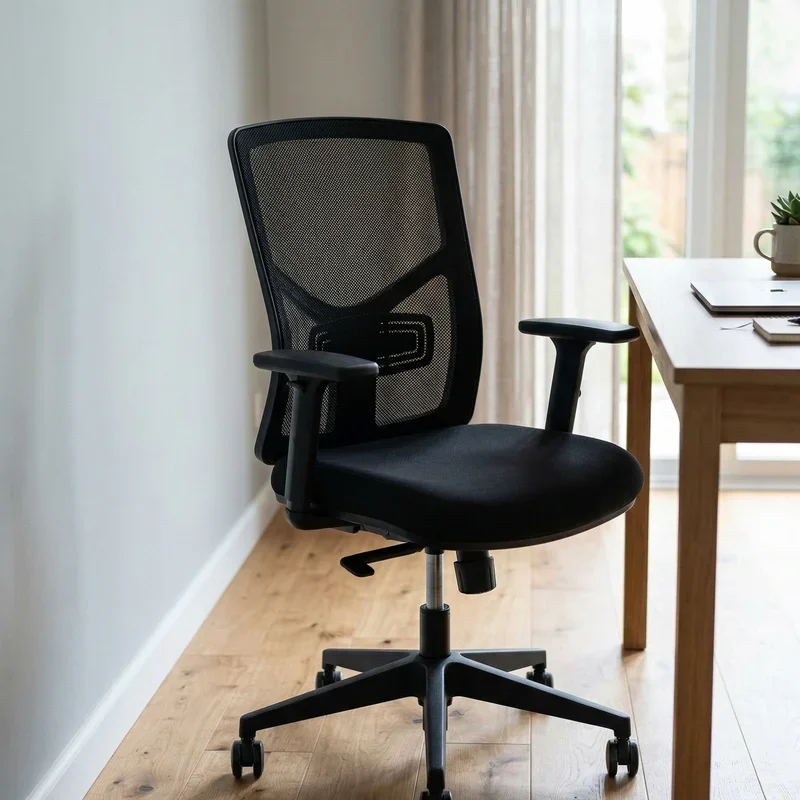
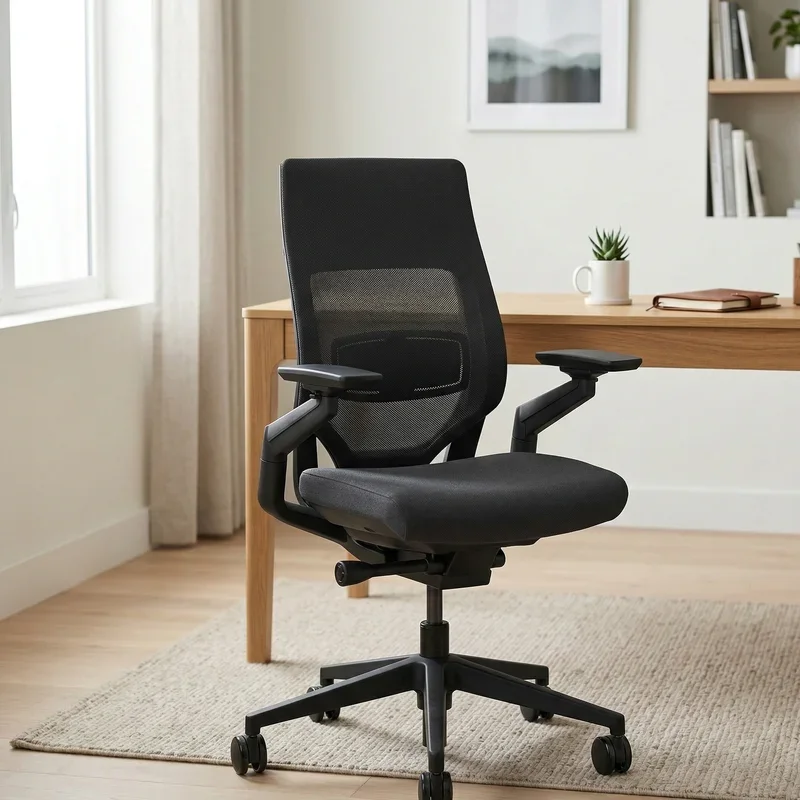
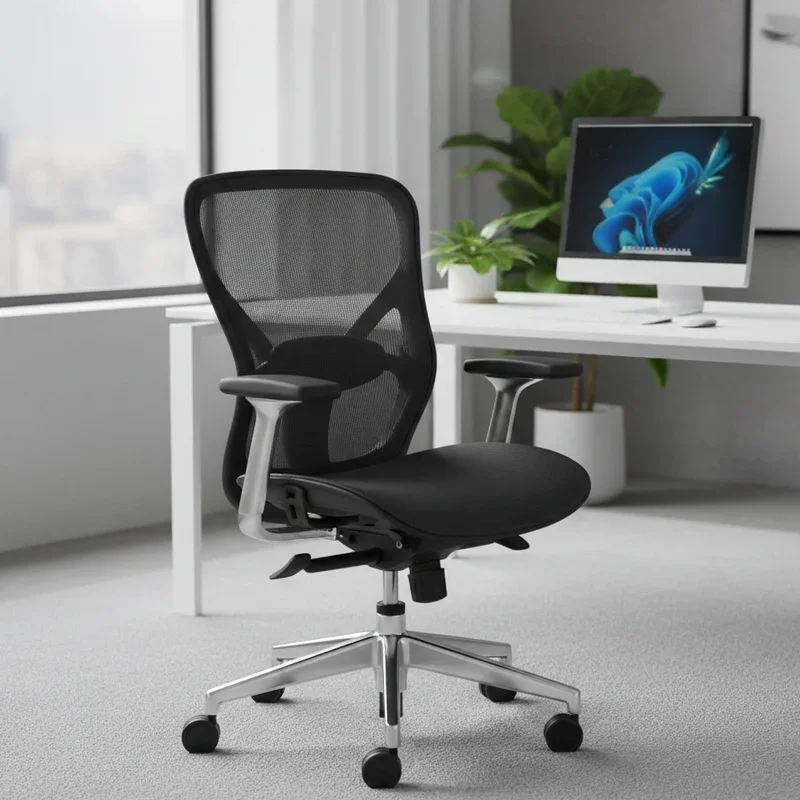
How to Make an Office Chair Lean Back Easily
Learn how to make an office chair lean back easily with simple adjustments, quick fixes, and pro tips for maximum comfort.
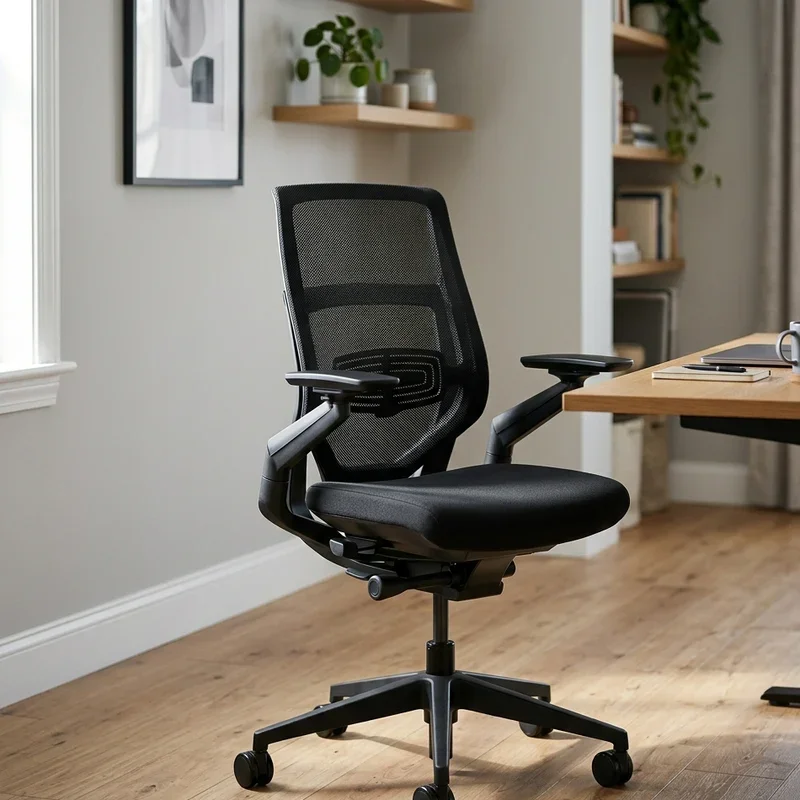
Ever sat down at your desk, leaned back to stretch, and felt like your chair was fighting you the whole way? Yeah, that stiff, locked-up feeling is more common than you'd think. Millions of people spend eight or more hours a day parked in an office chair, yet most folks never bother to figure out why their seat won't recline properly. It's one of those things you just put up with until your back starts screaming at you. Well, here's the good news. Learning how to make an office chair lean back easily isn't some complicated engineering project. In most cases, it takes just a few minutes, a basic understanding of your chair's mechanics, and maybe a screwdriver. Whether you're dealing with a budget chair from a big-box store or a high-end ergonomic model, there's almost always a way to unlock that sweet, satisfying recline. So grab your coffee, pull up a seat (pun intended), and let's walk through everything you need to know.
Why Your Office Chair Won't Lean Back in the First Place
Before you start tinkering with knobs and levers, it helps to understand why your chair is acting stubborn. There are a handful of common culprits, and once you identify the problem, the fix usually becomes pretty obvious.
First off, many office chairs ship with the tilt mechanism locked. Manufacturers do this on purpose because they figure most people want a stable seat right out of the box. The problem is that plenty of buyers never read the manual, so they never realize there's a lock waiting to be released. It's like buying a car and never discovering it has cruise control.
Second, tension springs can be cranked way too tight. When the tension is maxed out, you'd practically need superhuman strength to push the backrest backward. Over time, dust and grime can also build up inside the tilt mechanism, making everything feel stiff and resistant. And in some older chairs, the internal springs just wear out. They lose their bounce, and the whole recline function goes kaput.
Finally, there's the possibility that your chair simply wasn't designed with a robust recline feature. Some cheaper models offer a very limited range of motion, and no amount of adjusting will turn them into a La-Z-Boy. Knowing what you're working with saves you a lot of frustration down the road.
Understanding Your Chair's Tilt Mechanism
Here's where things get interesting. Not all office chairs are built the same way, and the type of tilt mechanism hiding underneath your seat determines how you'll approach the adjustment. Let's break down the most common types so you know exactly what you're dealing with.
Center Tilt Mechanism
This is the most basic and widely used design. The pivot point sits right in the center of the seat, so when you lean back, both the seat and the backrest tilt together. It's simple, affordable, and found on most mid-range office chairs. The downside is that your feet might lift off the ground when you recline, which can feel a bit awkward if you're not expecting it.
Knee Tilt Mechanism
A step up from center tilt, the knee tilt mechanism places the pivot point closer to the front edge of the seat. This means your feet stay planted on the floor even as you lean back. It's a more natural, comfortable reclining experience, and you'll find it on many higher-end chairs. If your chair has this setup, you're in luck because adjustments tend to be smoother and more intuitive.
Synchro Tilt Mechanism
This is the fancy one. With synchro tilt, the backrest and seat move at different ratios, usually around a 2:1 relationship. So when the back tilts 10 degrees, the seat only tilts about 5 degrees. This keeps your body in a more ergonomic position throughout the recline. Adjusting a synchro tilt chair might involve a couple of extra steps, but the payoff in comfort is well worth it.
Multifunction Mechanism
Some premium chairs let you adjust the backrest angle and the seat angle independently. You can lock each one at various positions, giving you a ridiculous number of possible configurations. These mechanisms usually have multiple levers or paddles, and yes, they can be a bit confusing at first glance. But once you figure out which lever does what, you'll feel like you've unlocked a secret level in a video game.
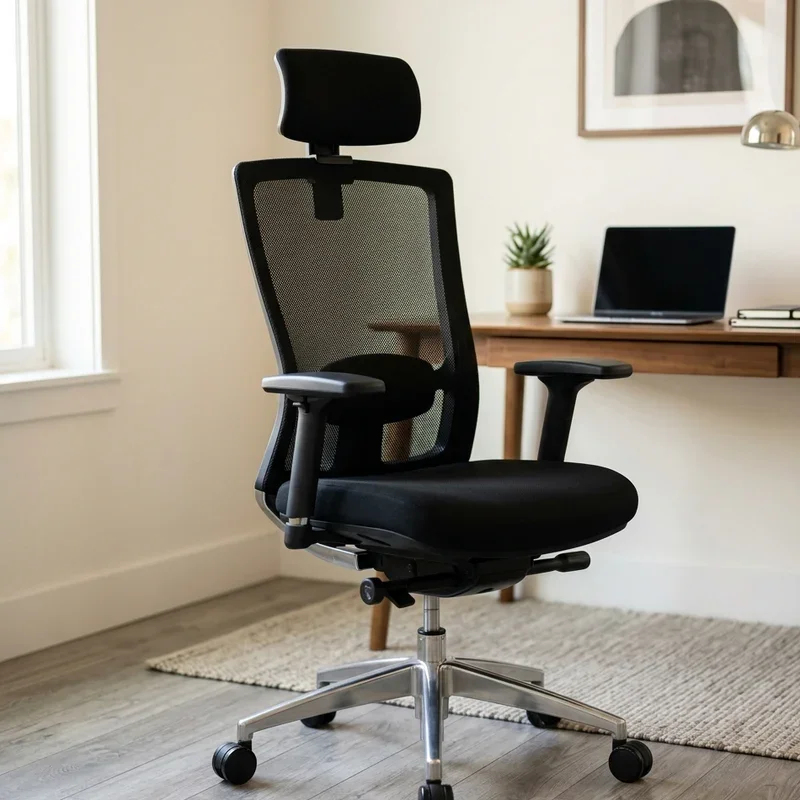
How to Make an Office Chair Lean Back Easily: Step by Step
Alright, enough background. Let's roll up our sleeves and get into the actual process. Depending on your chair, you might breeze through this in two minutes or spend a little more time experimenting. Either way, it's nothing complicated.
Step 1: Find the Tilt Lock Lever
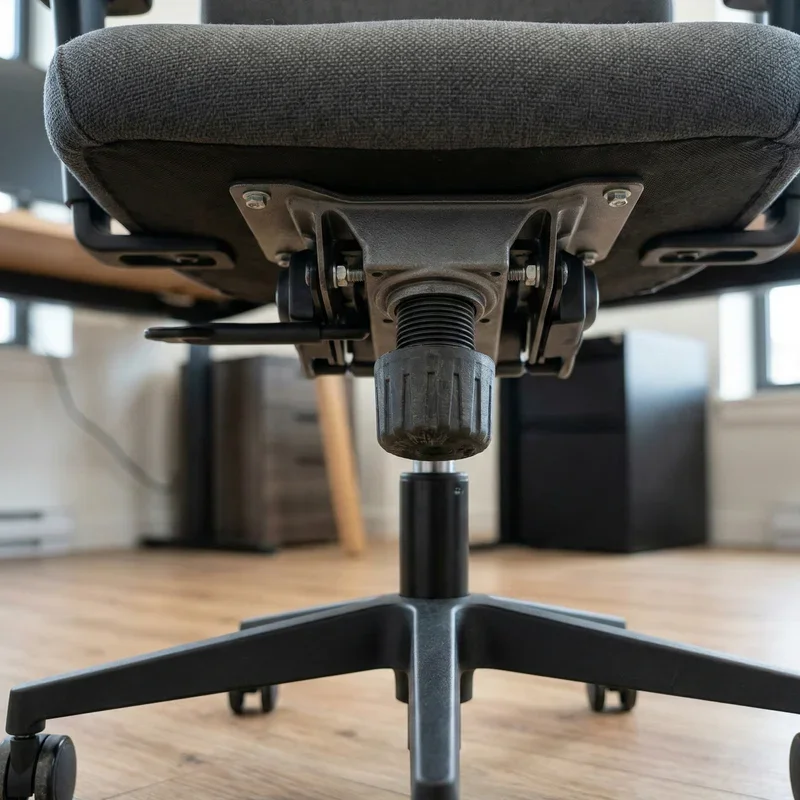
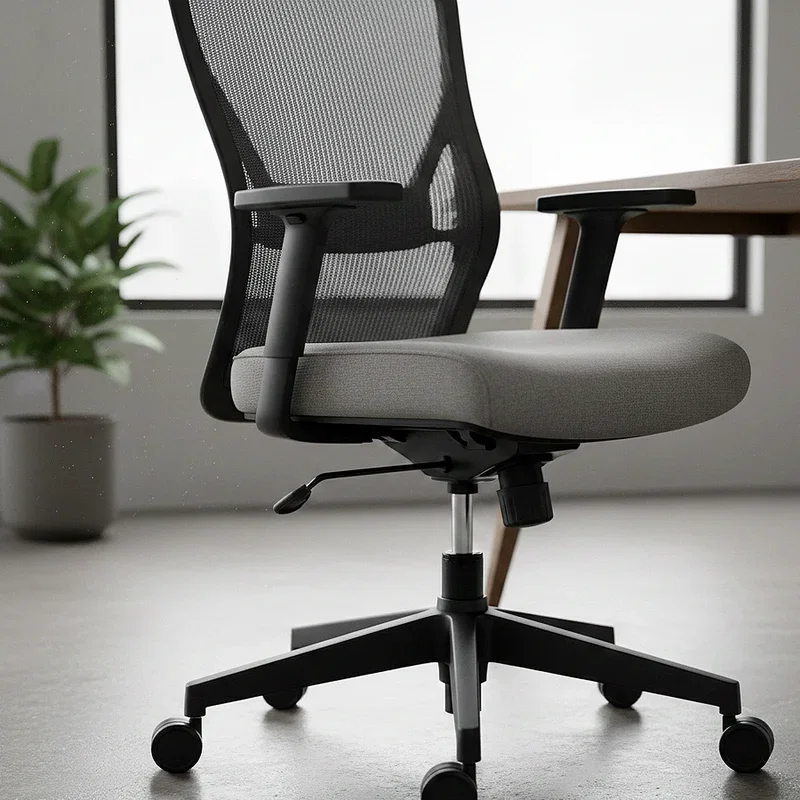
Flip your chair around or peek underneath the seat. You're looking for a lever, paddle, or knob, usually located on the right side of the chair. Some models have it on the left, and a few fancy ones put controls on both sides. This lever controls whether the tilt mechanism is locked or unlocked. Give it a pull or push. You should feel or hear a click when the lock disengages.
Step 2: Release the Tilt Lock
Once you've located the lever, go ahead and release it. On most chairs, pulling the lever outward or pushing it inward will unlock the tilt. Sit in the chair and try leaning back. If the backrest moves freely, congratulations. You've already solved the problem. But if it still feels stiff, don't worry. There's more to adjust.
Step 3: Adjust the Tilt Tension
This is the big one. Underneath the seat, usually near the front, you'll find a tension knob. It might be a large round dial or a smaller twist knob. Turning it counterclockwise loosens the tension, making it easier to lean back. Turning it clockwise tightens things up, requiring more force to recline.
Start by turning the knob a quarter turn counterclockwise and then test it out. Keep adjusting in small increments until you find that sweet spot where the chair leans back with comfortable resistance. You don't want it so loose that you feel like you're falling backward, but you also don't want to feel like you're arm-wrestling the chair every time you stretch.
Step 4: Set Your Preferred Recline Angle
If your chair has a locking mechanism that lets you fix the backrest at specific angles, now's the time to play with it. Lean back to your desired position and engage the lock. Some chairs offer three or four preset angles, while others provide infinite adjustment. Experiment until you find what feels right for your body.
Step 5: Fine-Tune and Test
Spend a few minutes sitting in different positions. Type for a bit, lean back, sit up straight, and then lean back again. Pay attention to how the chair responds. If anything feels off, go back and tweak the tension or the lock setting. Getting this right is a bit like tuning a guitar. Small adjustments make a big difference in the final result.
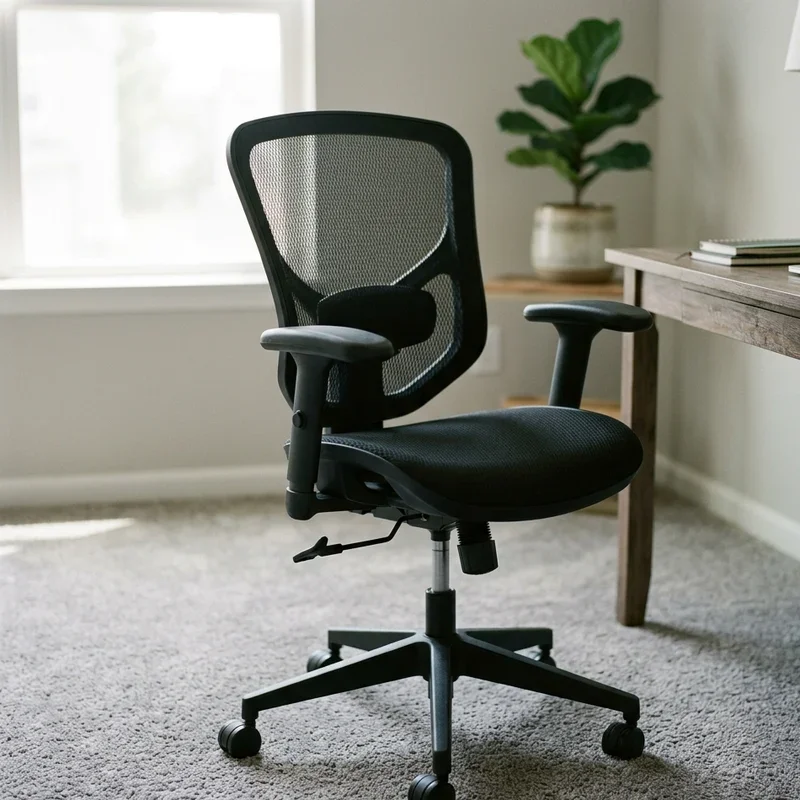
Quick Fixes When Standard Adjustments Don't Work
Sometimes you follow all the steps above and your chair still won't cooperate. Don't throw in the towel just yet. There are a few additional tricks that might do the job.
Lubricate the Mechanism
Grab a can of WD-40 or a similar lubricant and spray it on the tilt mechanism's moving parts. Dust, rust, and dried-up grease can create a ton of friction, and a quick spray often loosens things right up. Just be careful not to get lubricant on the seat fabric or the floor.
Check for Obstructions
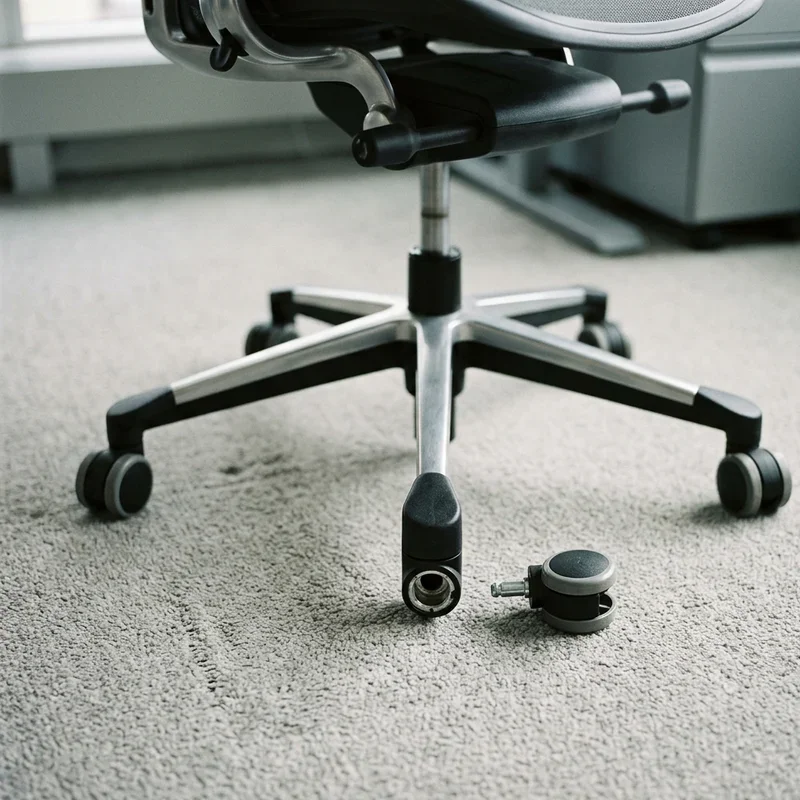
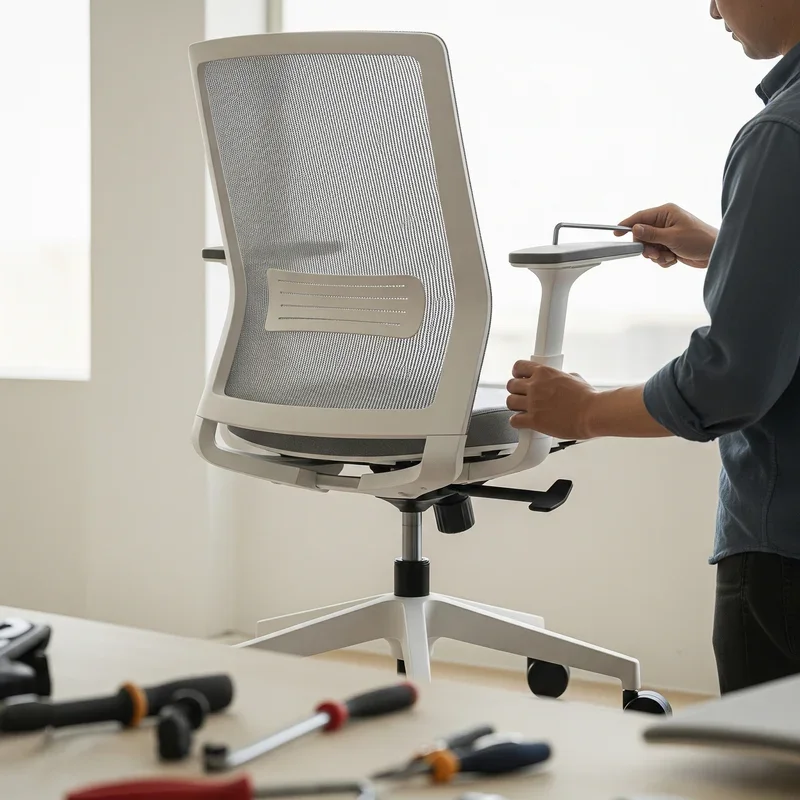
Sometimes a screw works itself loose and jams the mechanism. Or a piece of packaging material gets stuck in there during assembly. Flip the chair over and take a close look. Remove anything that shouldn't be there and tighten any loose screws.
Replace Worn Springs
If your chair is several years old and the recline has gradually gotten worse, the internal spring might be shot. Replacement springs and gas cylinders are available online for most popular chair models. Swapping one out is a bit more involved, but it's still a doable weekend project for anyone comfortable with basic tools.
Consider an Aftermarket Lumbar Support
Here's a sneaky workaround. Adding a lumbar support cushion behind your lower back effectively changes the angle of your torso relative to the backrest. This can make even a mildly reclining chair feel significantly more relaxed and comfortable. It's not a true fix for the mechanism, but it can make a noticeable difference in how the recline feels.
Tips for Maintaining Your Chair's Recline Function
Once you've got your chair leaning back the way you want, you'll want to keep it that way. A little bit of maintenance goes a long way toward ensuring your chair stays comfortable for years to come.
Regular cleaning is a must. Every few months, flip the chair over and wipe down the tilt mechanism. Remove dust and debris with a dry cloth or compressed air. If you notice any squeaking, a light application of silicone spray keeps everything moving smoothly.
Tighten screws and bolts periodically. Office chairs take a beating, especially if you're someone who leans back frequently. Vibrations and movement can loosen hardware over time, so a quick check every couple of months prevents bigger problems down the line.
Avoid exceeding the chair's weight limit. Every chair has one, and pushing past it puts extra stress on the tilt mechanism, the gas cylinder, and the frame. This accelerates wear and can permanently damage the recline function.
And finally, store your chair properly if you're not using it for an extended period. Extreme temperatures, humidity, and direct sunlight can degrade plastic components and dry out lubricants. A cool, dry spot is ideal.
The Health Benefits of a Properly Reclining Office Chair
You might be wondering whether all this effort is really worth it. The short answer is absolutely. Sitting upright at a rigid 90-degree angle for hours on end isn't as healthy as most people assume. In fact, research suggests that a slight recline of around 100 to 110 degrees reduces pressure on your spinal discs and engages your core muscles in a more balanced way.
A chair that reclines properly encourages micro-movements throughout the day. Instead of sitting in one static position, you naturally shift between upright and reclined postures. This keeps blood flowing, reduces muscle fatigue, and can even improve your focus and productivity. Think of it this way: your body wasn't designed to be a statue, so why force it into one position for eight straight hours?
Proper reclining also takes pressure off your lower back, which is a huge deal for anyone who's dealt with chronic pain. When your lumbar region is properly supported and your weight is distributed across the backrest, you're far less likely to develop the kind of nagging discomfort that sends people running to the chiropractor.
So yes, figuring out how to make an office chair lean back easily isn't just about comfort. It's genuinely good for your health.
Common Mistakes People Make When Adjusting Their Chair
Let's talk about what not to do, because a few common blunders can actually make things worse.
One big mistake is cranking the tension knob all the way in one direction without testing. If you loosen it too much, you risk tipping backward unexpectedly. That's not just embarrassing in a shared office; it can actually cause injury. Always adjust in small increments and test after each change.
Another pitfall is ignoring the seat height. Your recline experience changes dramatically depending on how high or low your seat is positioned. If your feet aren't flat on the floor, reclining can feel unstable and uncomfortable. Get the height right first, then work on the tilt.
Some people also force the mechanism when it's locked. Yanking on the backrest without releasing the tilt lock can strip gears or break the lever. Always check that the lock is disengaged before applying force.
And here's one that catches a lot of folks off guard: sitting too far forward on the seat. If you're perched on the edge of your chair, the tilt mechanism can't do its job effectively. Scoot back until your backside is firmly against the backrest, and then try reclining. The difference is night and day.
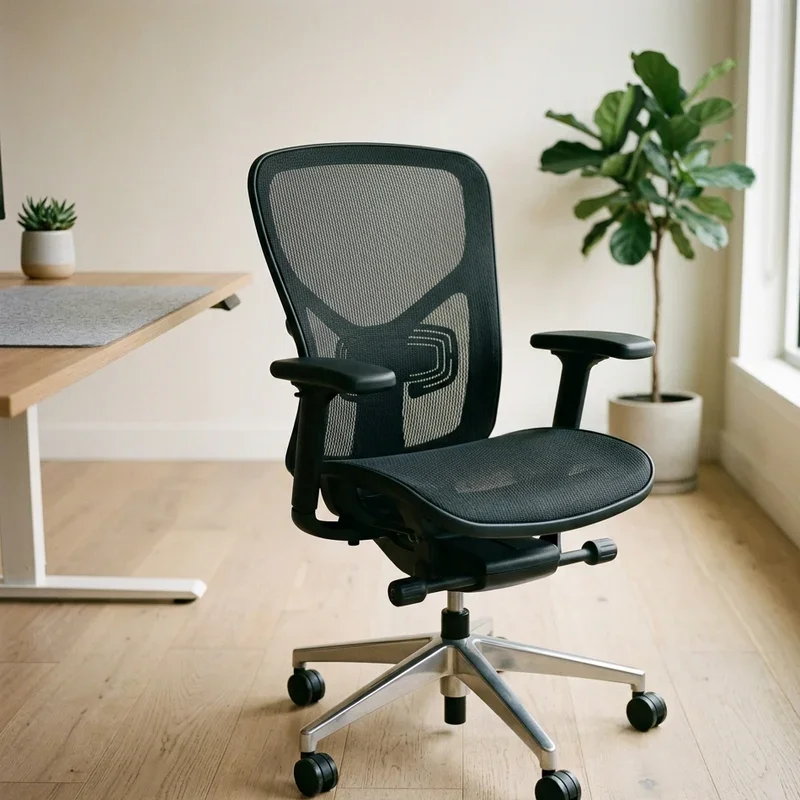
When It's Time to Replace Your Office Chair
Look, sometimes a chair is just done. If the mechanism is broken beyond repair, the frame is cracked, or the cushioning has gone completely flat, no amount of adjustment will bring it back to life. Knowing when to cut your losses saves you time and protects your body from the consequences of sitting in a worn-out seat.
A good rule of thumb is the five-to-seven-year mark. Most mid-range office chairs start showing significant wear around this time. Premium chairs from brands like Steelcase or Herman Miller can last a decade or more with proper care, but even they aren't immortal.
If you've tried every adjustment, lubricated the mechanism, replaced the gas cylinder, and still can't get a decent recline, it's probably time to start shopping. Your back will thank you.
Conclusion
Learning how to make an office chair lean back easily is one of those small wins that makes a surprisingly big impact on your daily comfort and long-term health. From locating the tilt lock to adjusting tension and fine-tuning the recline angle, most fixes take just a few minutes with zero special tools. Regular maintenance keeps everything running smoothly for years. So go ahead, unlock that recline, and give your back the break it's been begging for.
Read next: How to Clean Office Chair Smell and Remove Odors
Frequently Asked Questions
1.Why won't my office chair lean back at all?
The tilt lock is probably engaged. Find and release the lever underneath your seat.
2.How do I loosen the tilt tension on my chair?
Turn the tension knob counterclockwise in small increments until reclining feels comfortable.
3.Can I add a recline feature to a non-reclining chair?
Most fixed chairs cannot be modified, so consider upgrading to a tilt-enabled model instead.
4.Is leaning back in an office chair bad for posture?
A slight recline of 100 to 110 degrees actually reduces spinal pressure significantly.
5.How often should I maintain my chair's tilt mechanism?
Clean and inspect the mechanism every three to four months for optimal long-term performance.
Stay up to date with our latest ideas!