Make invoices easier to review with clear descriptions, consistent references, visible payment details, and a short check before sending.
A customer opens an invoice between meetings. They recognize your business, but the description says only 'services rendered.' Before approving payment, they have to find the original conversation, check what was delivered, and ask a colleague whether the amount looks right. The invoice may be accurate, yet it has created another task.
A useful invoice helps the recipient connect a charge to work they recognize. That starts with the information on the page and the order in which they encounter it.
Give the reader a clear starting point
Place your business details, the customer's details, the invoice number, and the issue date where they are easy to find. Use the customer name that belongs on their records. If a company has several branches or departments, confirm which one is receiving the invoice before you send it.
Include a purchase order or project reference when one has been provided. The person approving the work may know the project by its nickname, while the accounts team knows it by a reference number. Showing both can prevent an unnecessary exchange.
Write descriptions that explain the charge
Each line should identify what the customer is paying for. A product description might include the item, pack size, quantity, and agreed unit price. A service description might identify the task, the period covered, and the basis for the charge.
For example, 'Window display setup, autumn collection, agreed fixed fee' gives more context than 'Display work.' If the price is hourly, show the hours and rate separately. Avoid unexplained internal codes unless the customer already uses them.
Keep different kinds of work on separate lines when they need separate approval. Combining delivery, materials, and installation into one description may save space, but it can hide the detail the customer needs to check.
Make the remaining balance obvious
Show the subtotal, any agreed discount, applicable tax details, and the total in a consistent order. If the customer has already paid a deposit, identify it separately and make the remaining balance prominent. Someone scanning the page should not have to work out whether the large number is the full job value or the amount still owed.
Consider an illustrative order with three display stands at $80 each and a separately agreed delivery charge of $30. Before any applicable taxes or other adjustments, the total is $270. If a $100 deposit has been received, the remaining amount is $170. The invoice should make that sequence visible.
Give payment details their own space
Use a clearly labeled payment section for the agreed due date, accepted payment method, and reference to use. Check these details against the arrangement with the customer. A vague instruction such as 'pay promptly' leaves more room for questions than a specific date.
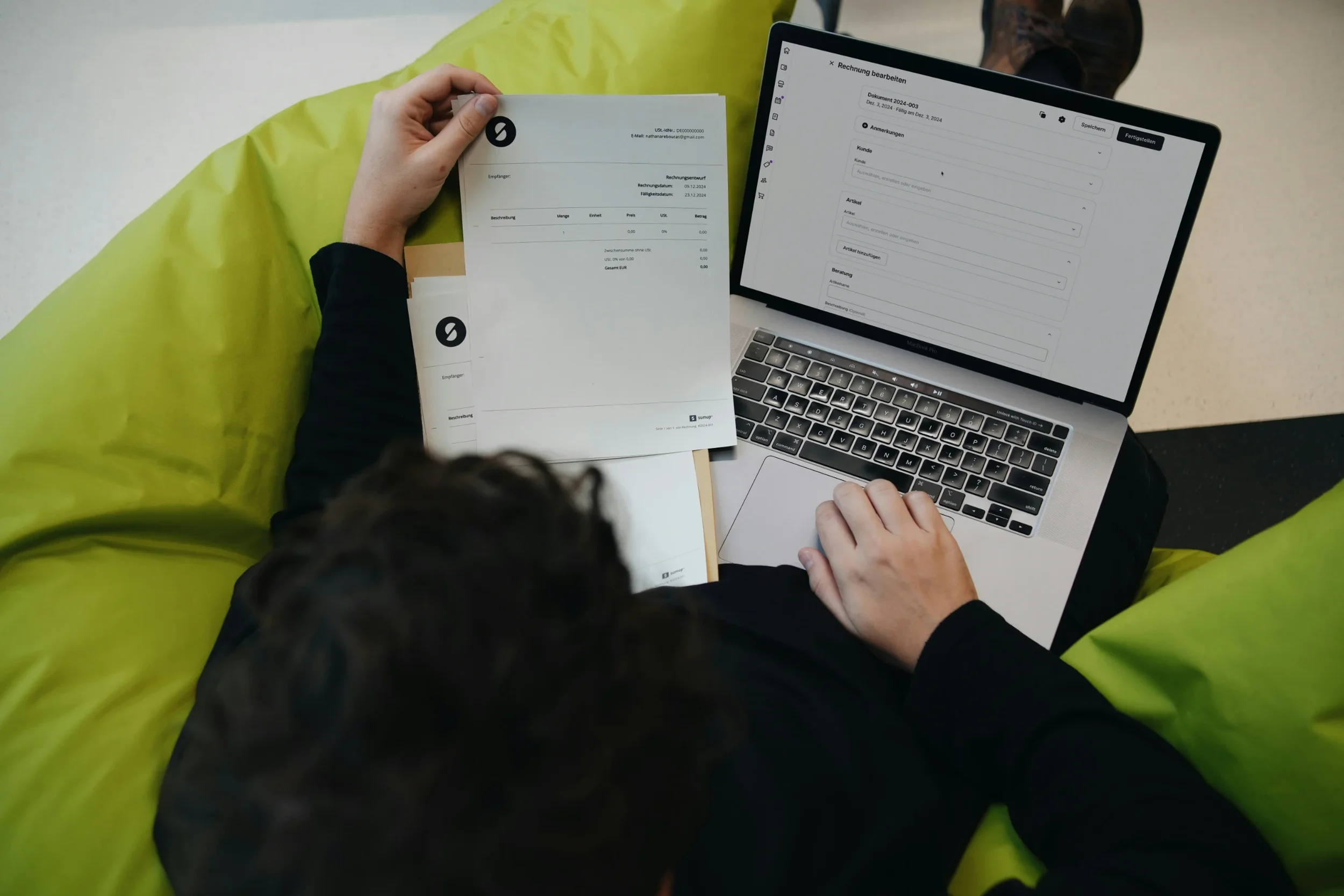
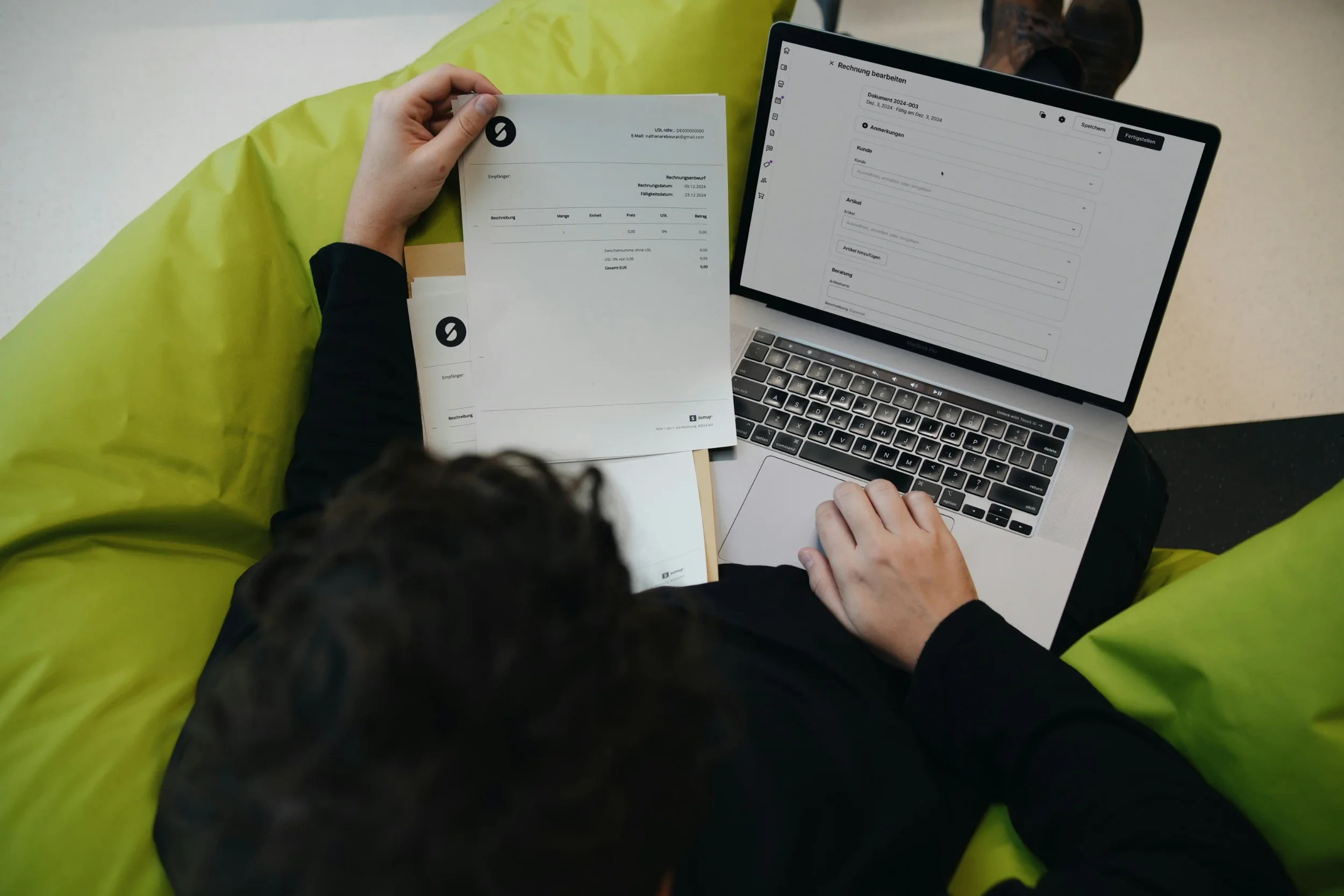
When preparing the document, an invoice generator can provide an itemized structure and a printable copy. The important work is still checking the recipient, descriptions, calculations, and payment instructions before the file leaves your business.
Check the version you actually send
Review the exported document, not just the editing screen. Confirm that long descriptions remain readable, the invoice number is present, and no sample details remain. Check that the attachment opens and has a filename the customer can recognize.
Does the invoice match the agreed work and price?
Can the recipient identify the order without searching old messages?
Are deposits and the remaining amount shown separately?
Are the due date and payment instructions correct?
Have you saved the exact version being sent?
Keep that sent copy alongside the order or project record. If the customer later asks about a line item, both sides can refer to the same document. If a correction is needed, make the replacement clear and retain the connection to the earlier version rather than quietly changing your own copy.
Stay up to date with our latest ideas!