How to Recline Office Chair for Better Comfort
Learn how to recline office chair for better comfort with expert tips, step-by-step guidance, and posture-saving tricks. Transform your workday today!
Let's be honest — most of us spend way too many hours glued to our office chairs, and by the time the afternoon rolls around, our backs are screaming for mercy. Sound familiar? Well, you're not alone. Millions of workers worldwide deal with nagging back pain, stiff necks, and poor posture simply because they never learned how to properly set up their seating. Here's the thing though: your office chair is probably a lot smarter than you think. Most modern chairs come packed with reclining features that go completely unused because nobody ever told us how to work them.
That's exactly why we're diving deep into how to recline office chair for better comfort. Whether you're rocking a basic task chair or a high-end ergonomic throne, this guide's got you covered from top to bottom. By the time you're done reading, you'll know exactly how to tweak, adjust, and fine-tune your chair so that sitting through a long workday actually feels... well, decent.
Why Reclining Your Chair Actually Matters More Than You Think
Here's something that might surprise you: sitting bolt upright at a perfect 90-degree angle isn't actually the healthiest posture. I know, I know — it goes against everything our teachers drilled into us. But science backs this up. Research suggests that a slightly reclined position, typically somewhere between 100 and 135 degrees, actually reduces spinal disc pressure more effectively than sitting straight up.
When you're leaning back just a little, your spine gets a chance to decompress. Your hip flexors loosen up, your lower back muscles get a break, and your overall blood circulation improves. Think of it like giving your spine a mini vacation throughout the day. Without that recline, you're basically asking your lumbar region to hold itself rigid for eight hours straight. That's a recipe for chronic pain, and nobody's got time for that.
Beyond the physical benefits, there's also a mental edge. Reclining slightly during brainstorming sessions or calls has been linked to improved creativity and reduced stress. So yeah, kicking back a little isn't laziness — it's strategy.
Getting to Know Your Office Chair: The Parts That Control Recline
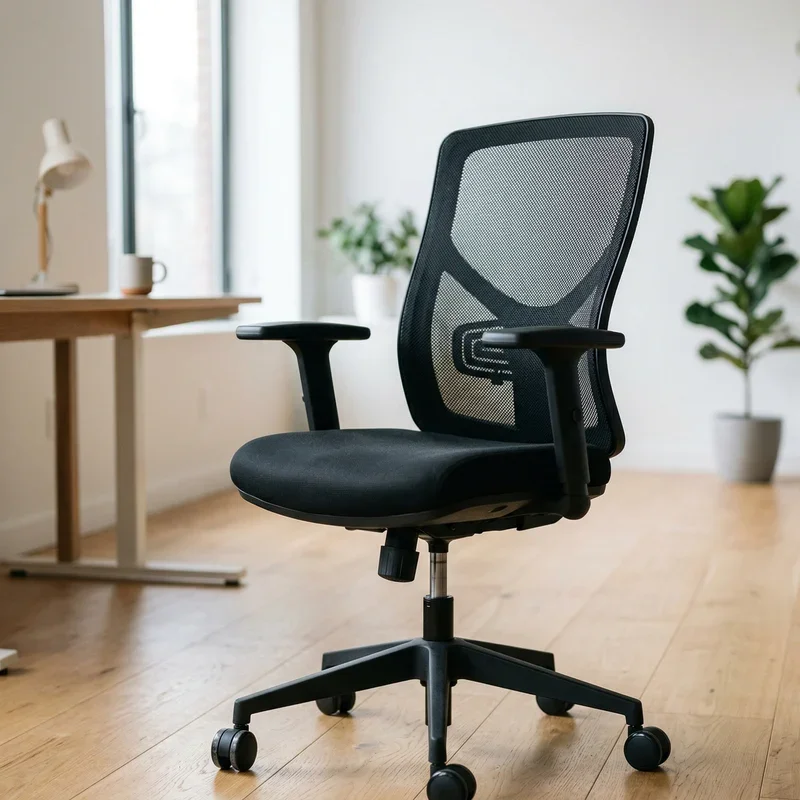
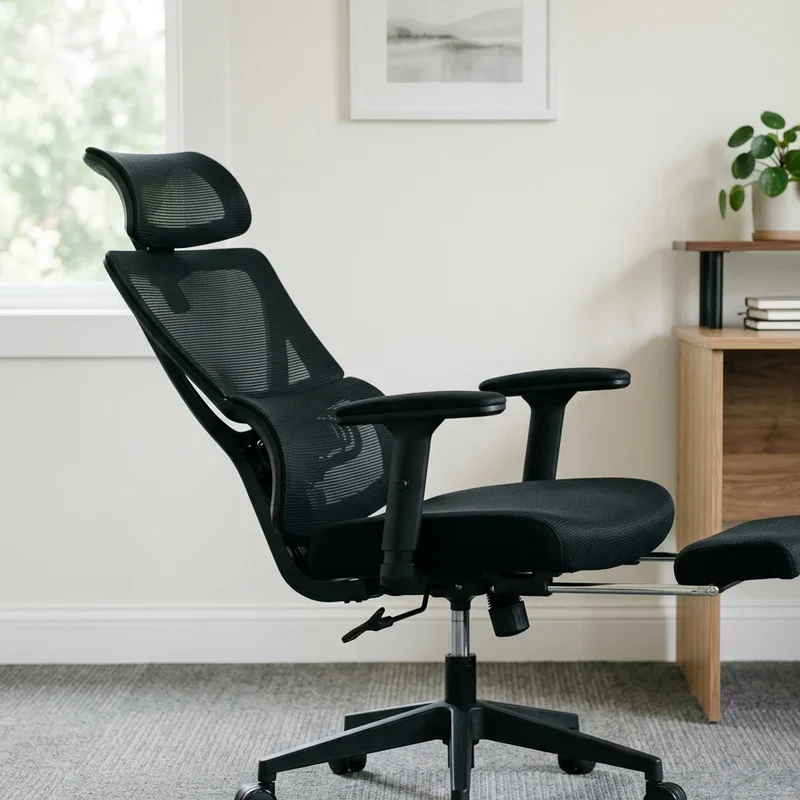
Before you start yanking levers and spinning knobs, it helps to understand what you're working with. Office chairs aren't one-size-fits-all contraptions, and their reclining mechanisms vary quite a bit depending on the model and price range.
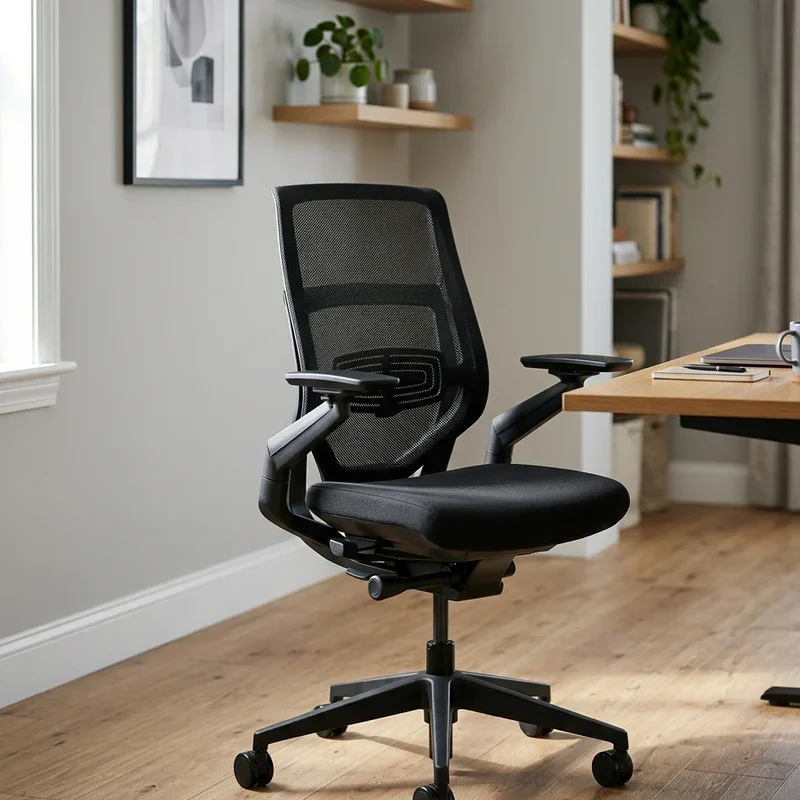
Here are the key components you'll typically find:
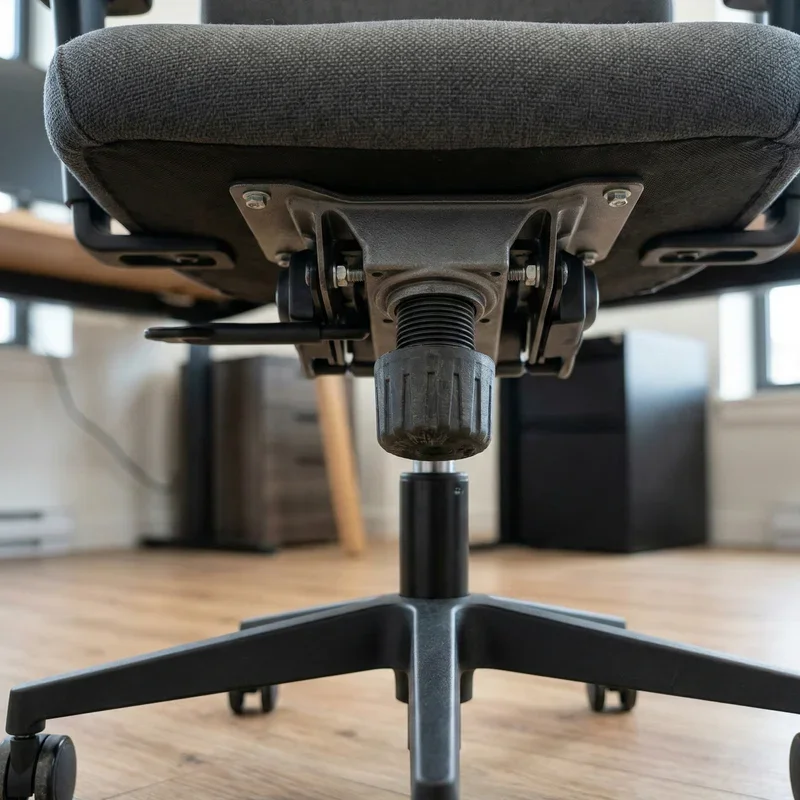
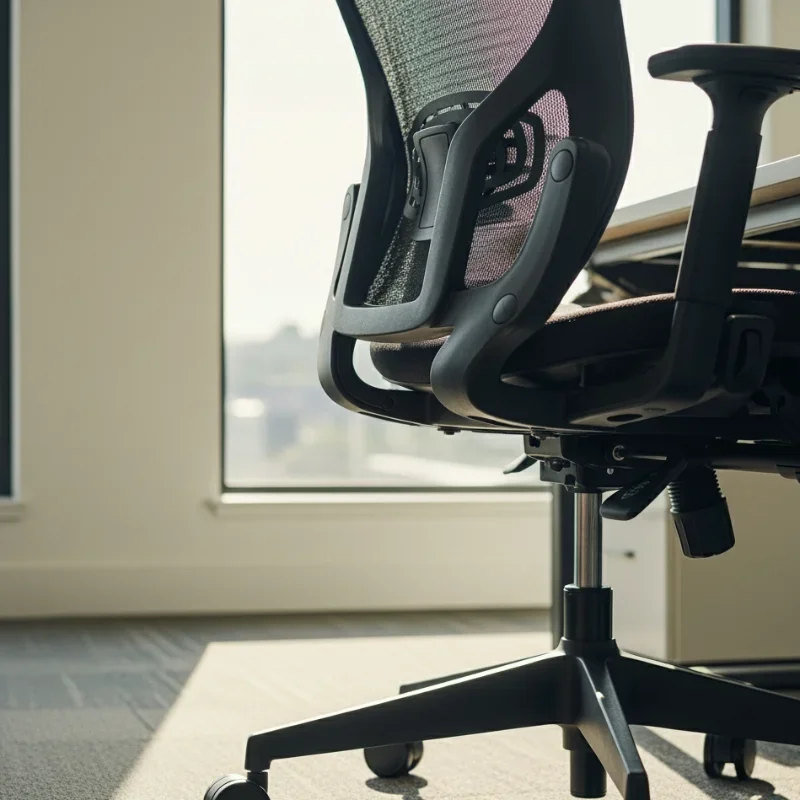
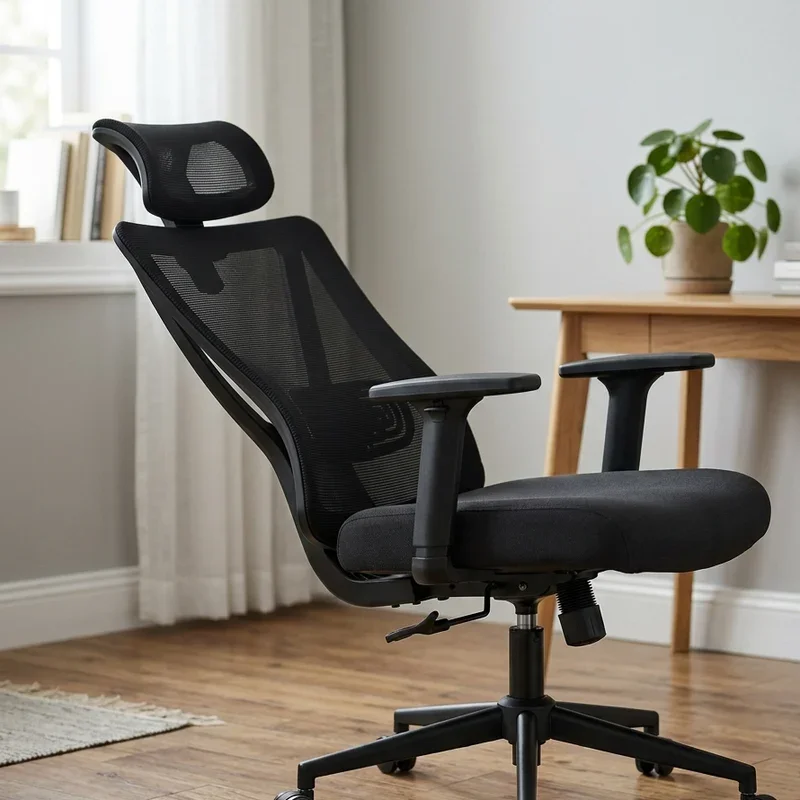
Tilt tension knob: Usually located underneath the seat, this round knob controls how much resistance you feel when leaning back. Tighten it for more resistance, loosen it for an easier recline.
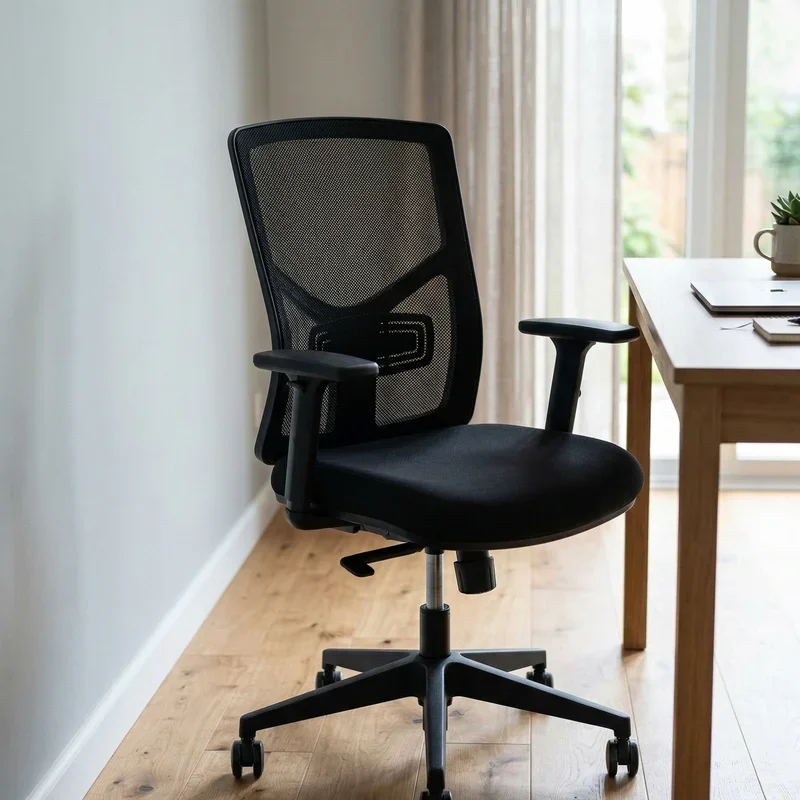
Tilt lock lever: This lets you lock the chair in a specific reclined position so you're not constantly floating back and forth.
Seat depth adjustment: Allows you to slide the seat pan forward or backward, which affects how your thighs rest and supports your recline posture.
Lumbar support dial: Not directly part of reclining, but crucial for making your reclined position actually comfortable.
Recline angle lever: On more advanced chairs, this gives you precise control over how far back the backrest goes.
Take a minute right now and look under your chair. Familiarizing yourself with these controls before making adjustments will save you a whole lot of frustration later on.
How to Recline Office Chair for Better Comfort: Step-by-Step
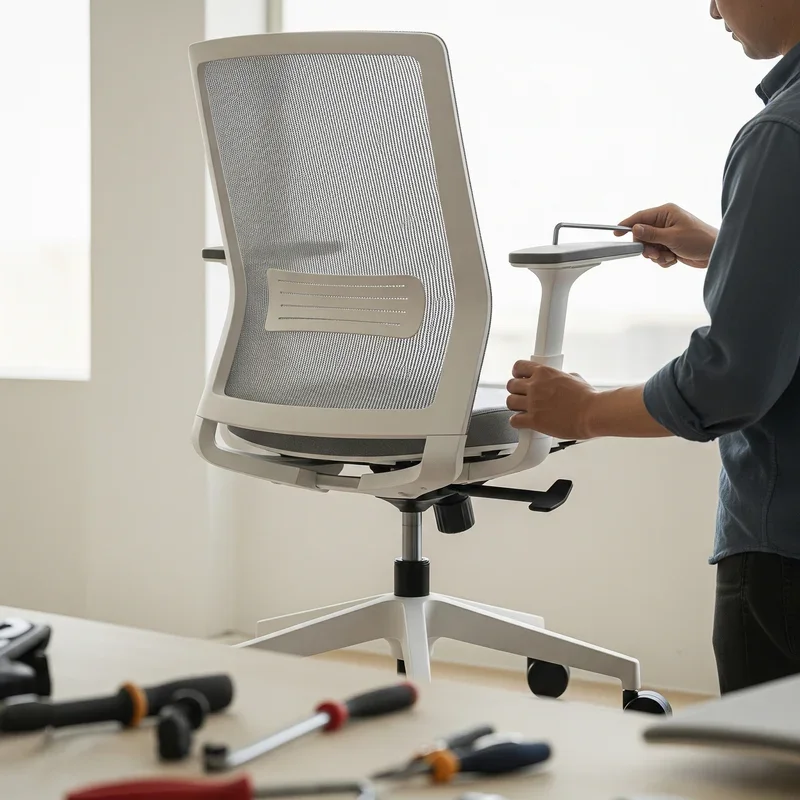
Alright, let's get into the meat of it. Here's a clear, practical walkthrough that works for most standard office chairs. Don't rush through this — give each step a moment to settle in.
Step 1: Start With Your Base Height
Before you even think about reclining, make sure your chair height is right. Your feet should rest flat on the floor, your thighs should be roughly parallel to the ground, and your knees should form about a 90-degree angle. If your feet are dangling or your knees are shooting up toward your chin, sort that out first.
Step 2: Locate the Tilt Tension Knob
Reach under your seat and find the round knob, usually positioned toward the front-center of the chair base. Turn it counterclockwise to loosen the tension. This makes it easier to test the recline without straining. You can always tighten it back up once you find your sweet spot.
Step 3: Unlock the Tilt Lock
Most chairs have a lever on the right side of the seat. Push it down or flip it to the unlock position. This frees the backrest so it can actually move when you lean back.
Step 4: Lean Back Slowly
Now, gently ease yourself into a reclined position. Don't throw yourself backward like you're falling into a hammock. Move gradually until you hit that comfortable zone, ideally around 100 to 115 degrees for regular work tasks.
Step 5: Adjust the Tilt Tension
Here's where it gets personal. While you're reclined, tighten the tension knob until leaning back requires a slight but manageable effort. You want it to feel supportive, not like you're fighting the chair every time you move.
Step 6: Lock It In (Optional)
If you've found your ideal angle and want to stay there, re-engage the tilt lock. This is especially useful during phone calls, reading sessions, or any task where you're not typing actively.
Step 7: Check Your Lumbar Support
Adjust the lumbar support so it fits snugly into the curve of your lower back. In a reclined position, this becomes even more important since the angle shifts where pressure lands on your spine.
Step 8: Fine-Tune Your Armrests
Reclined or not, your arms shouldn't be hanging in the air or scrunched up. Adjust the armrests so your elbows rest comfortably at approximately a 90-degree angle.
Common Mistakes People Make When Reclining
Oh boy, there are some real doozies out there when it comes to reclining gone wrong. Avoiding these pitfalls can make a massive difference.
Reclining Too Far Back for Active Work
Going full tilt at 135 degrees is fantastic for a relaxed reading session or a laid-back phone call, but it's a nightmare for typing. When you're reclined too far while working at a keyboard, you end up craning your neck forward, which creates a whole new set of tension points. Keep it moderate — around 100 to 110 degrees — during active computer work.
Ignoring the Tension Knob
Loads of people recline their chair without ever touching the tension knob. The result? Either a chair that flops back at the slightest shift, or one that barely moves. Both extremes mess with your posture. Getting the tension right is honestly half the battle.
Forgetting to Adjust After Reclining
Here's a sneaky one. Once you recline, your monitor, keyboard, and desk setup all need slight tweaks. Your screen should ideally sit at or just below eye level whether you're upright or reclined. If you're suddenly looking up at your screen after leaning back, you're just trading lower back pain for neck strain. Not a great deal.
Sitting Too Long in One Position
Even a perfectly reclined chair can cause problems if you're locked into the same angle for hours on end. The golden rule? Change your position every 30 to 45 minutes. Stand up, stretch, walk around the room. No chair, no matter how ergonomic, replaces movement.
Different Types of Office Chairs and How They Recline
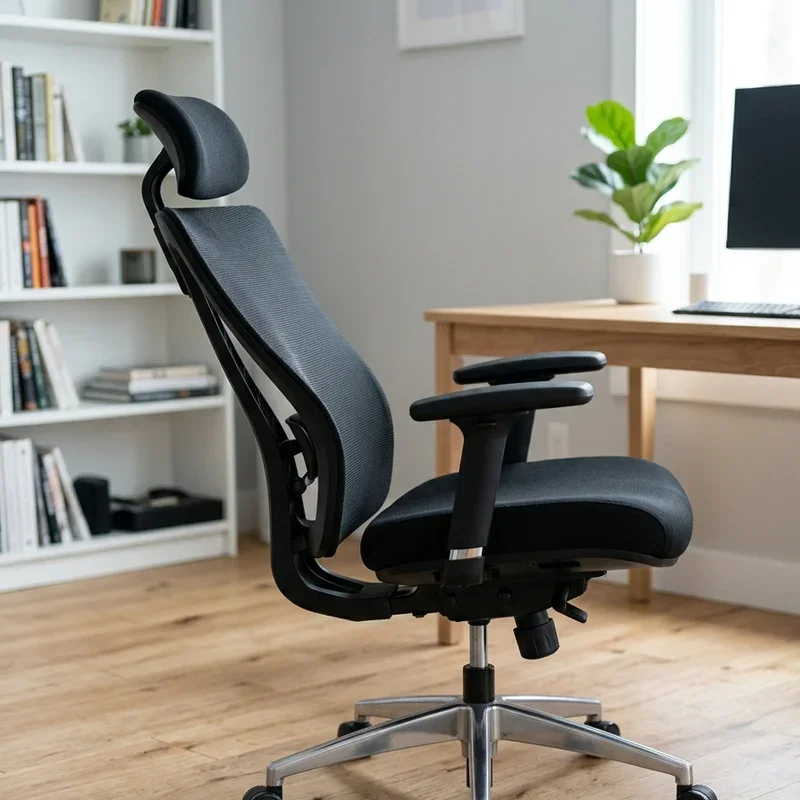
Not all chairs are built the same, and understanding your specific type helps you get the most out of it.
Standard Task Chairs
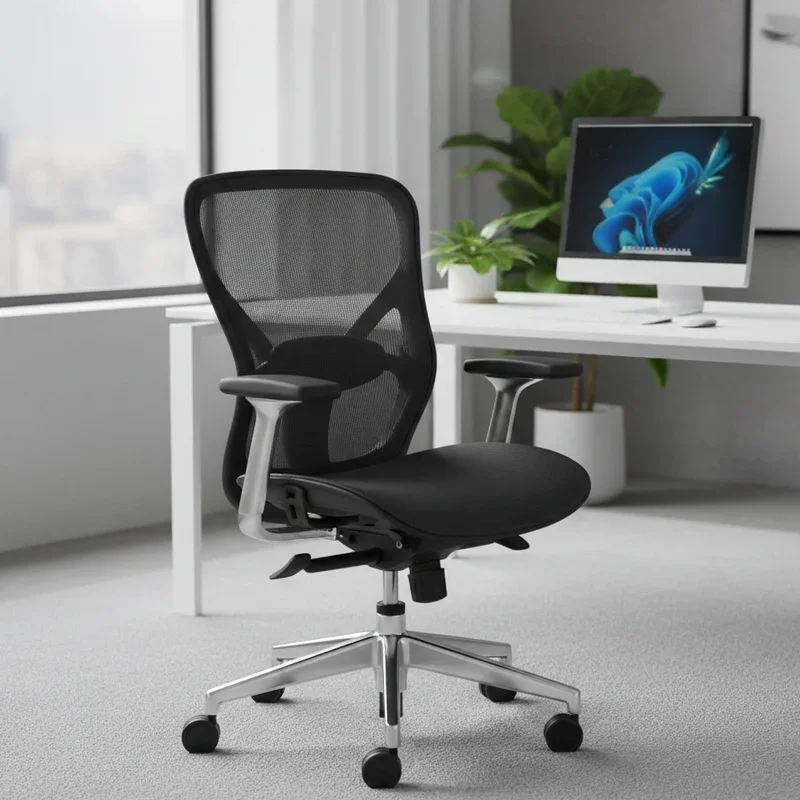
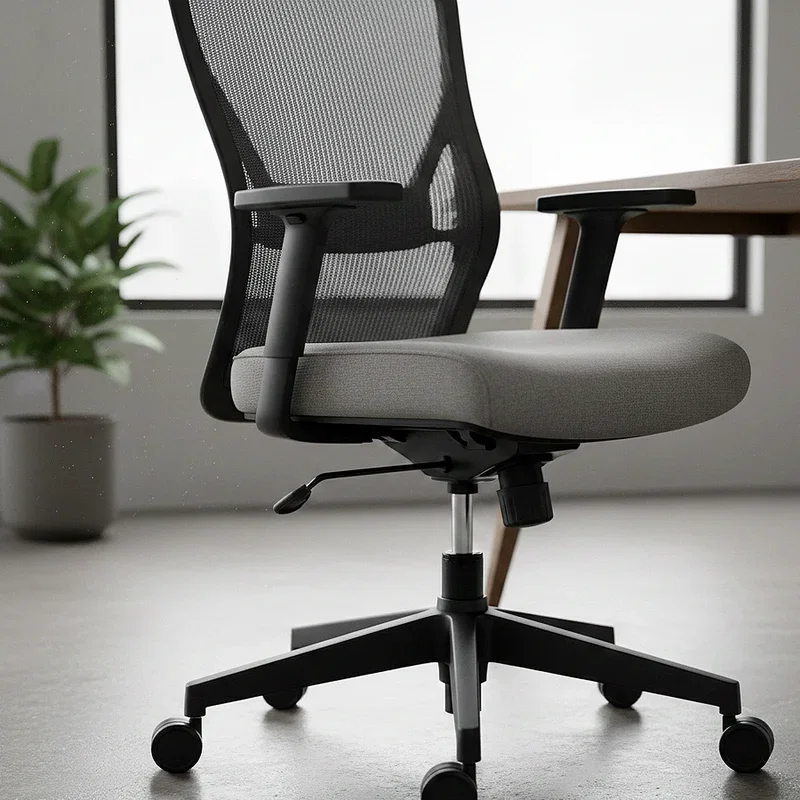
These are your bread-and-butter office chairs. They usually have basic tilt mechanisms with a tension knob and a lock lever. Simple, no-frills reclining that gets the job done.
Ergonomic Chairs
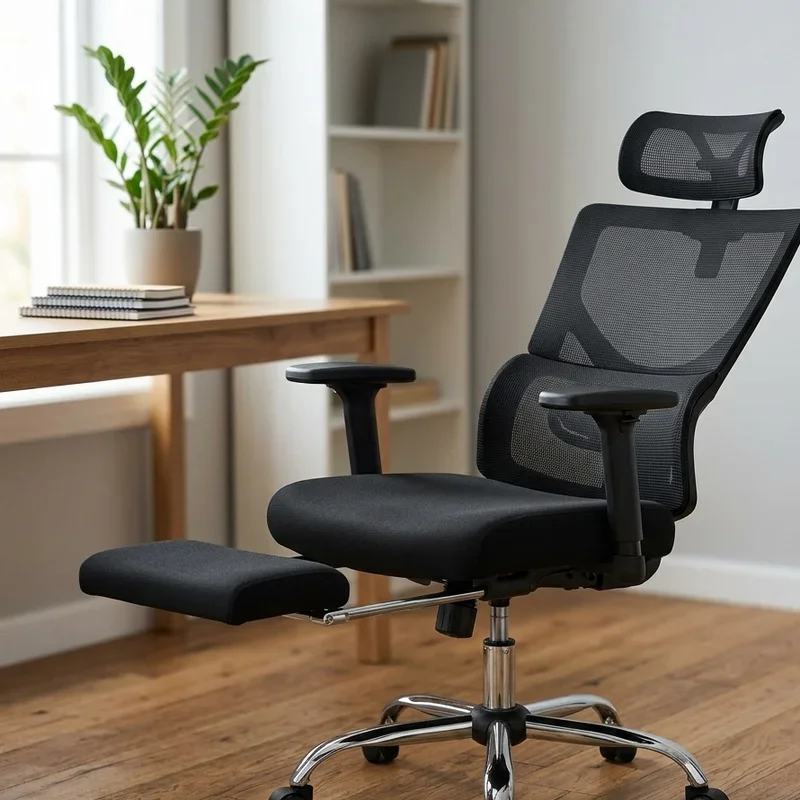
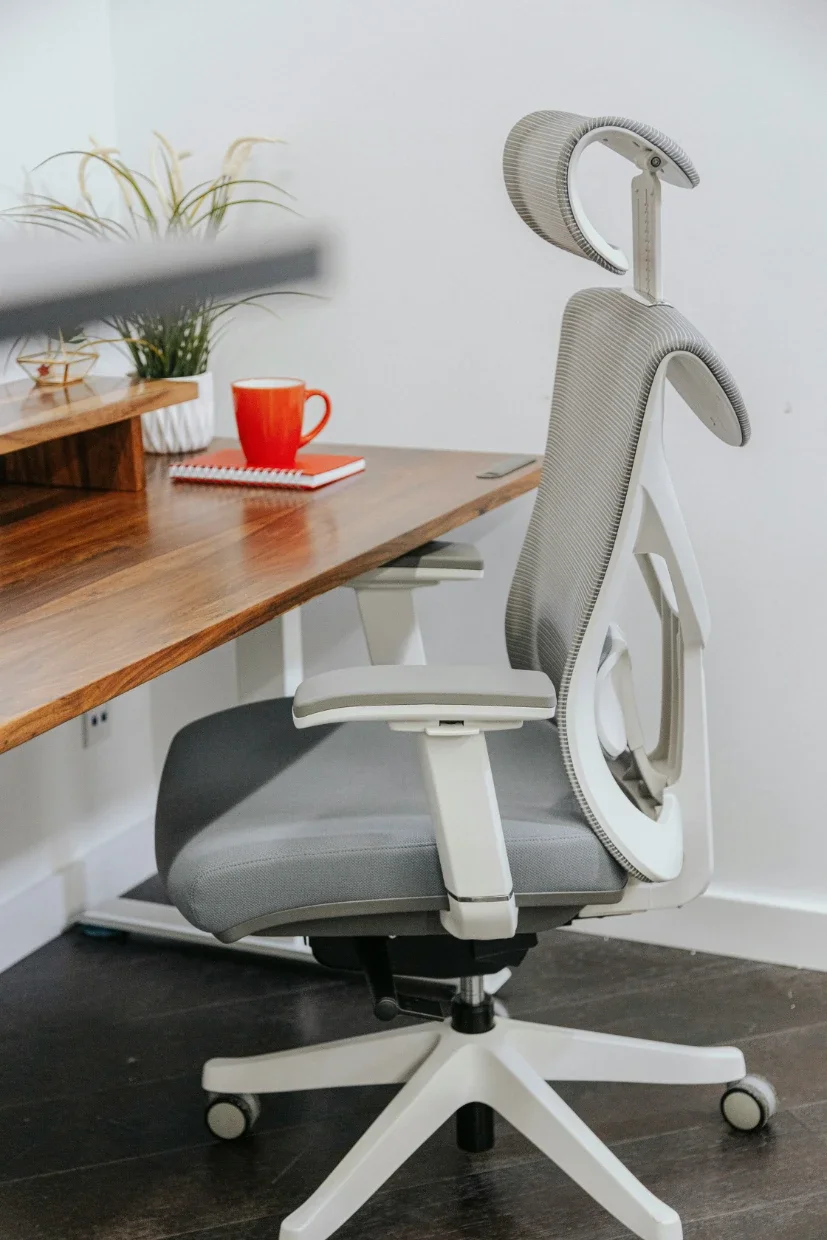
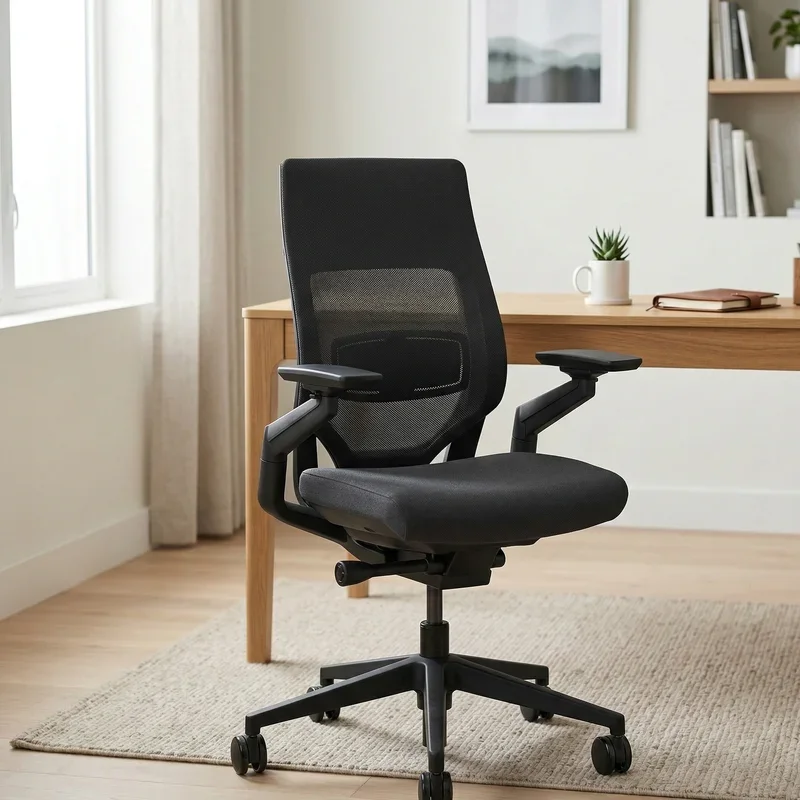
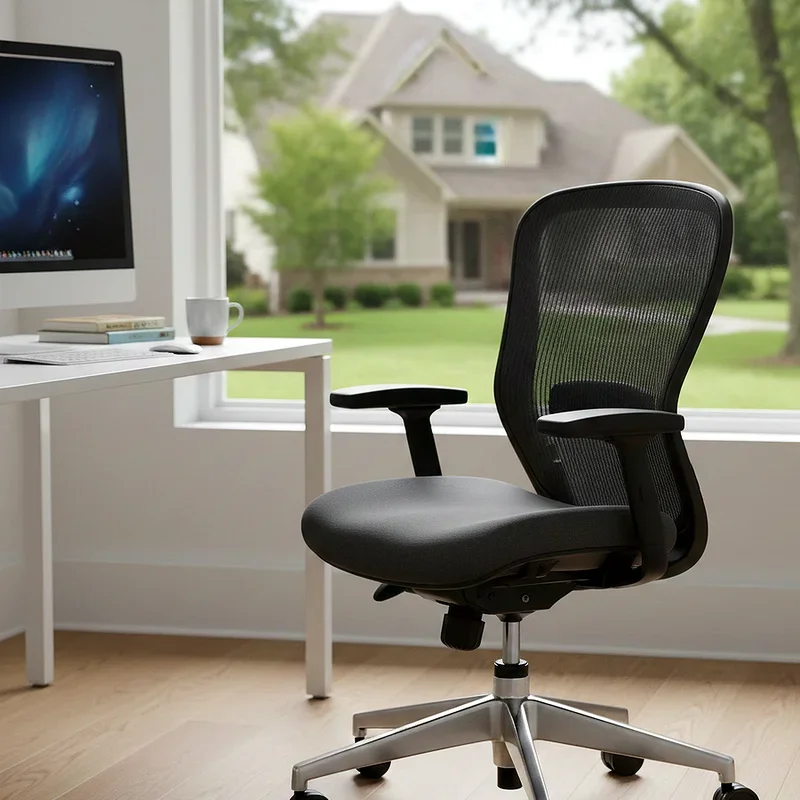
Think Herman Miller, Steelcase, or Humanscale. These bad boys come with sophisticated recline systems, often including forward tilt options, synchronized seat-and-back recline, and multiple lock positions. They require a bit more setup time but offer incredible customization once you dial them in.
Executive Chairs
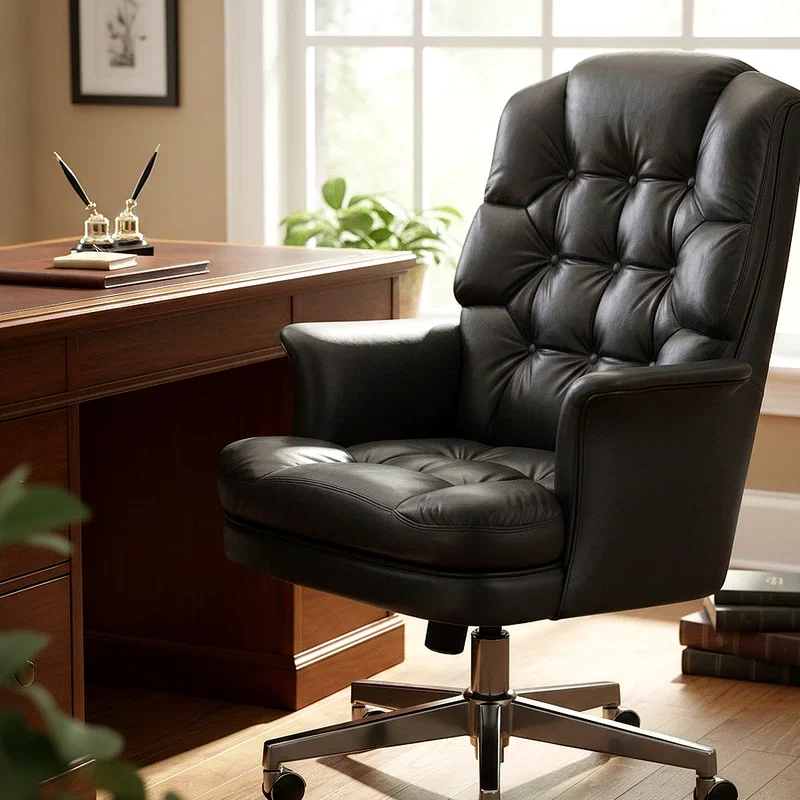
Big, plush, and usually equipped with a high backrest. Executive chairs often recline further than task chairs and have more padding to support extended recline sessions. Great for comfort, though they can sometimes sacrifice ergonomic precision for aesthetics.
Gaming Chairs
Widely popular, though somewhat controversial among ergonomics experts. Gaming chairs often have a dramatic recline that goes nearly flat. While fun for gaming marathons, that extreme angle isn't ideal for sustained office work.
Kneeling Chairs and Active Sitting Options
These don't recline in the traditional sense, but they encourage a forward-tilted pelvis that can complement a reclining setup if you alternate between the two throughout the day.
How to Recline Office Chair for Better Comfort: Matching Your Task to Your Angle
One of the smartest things you can do is match your recline angle to whatever task you're working on. It's not a one-angle-fits-all situation, and being a bit flexible about this makes a surprisingly big difference.
Typing and active screen work: 100 to 110 degrees. Keeps you engaged without straining your back.
Reading documents or PDFs: 110 to 120 degrees. A little more relaxed, still focused.
Video calls and meetings: 100 to 105 degrees. Keeps you looking attentive on camera.
Phone calls or brainstorming: 115 to 125 degrees. Give your mind a bit of breathing room.
Short rest breaks at your desk: 125 to 135 degrees. Let your spine fully decompress for five to ten minutes.
Switching between these ranges as your day shifts keeps your body from settling into any one stress pattern for too long. It's a small habit that pays dividends.
Setting Up the Rest of Your Workstation to Complement Your Recline
Knowing how to recline office chair for better comfort is only part of the equation. If your desk setup is fighting against your reclined posture, you'll still end up with pain and frustration.
Monitor Height and Distance
When you recline, your sightline drops slightly. Make sure your monitor is adjustable so you can raise or lower it accordingly. The top of the screen should sit roughly at or just below eye level in your reclined position. Your monitor should also be about arm's length away, roughly 50 to 70 centimeters.
Keyboard and Mouse Placement
A slightly reclined posture means your arms angle downward toward the keyboard more naturally. If your keyboard is too high, you'll end up shrugging your shoulders, which creates tension fast. Consider a keyboard tray that drops below desk level, especially if your recline angle is more pronounced.
Lighting
This one's underrated. Glare on your screen changes depending on your recline angle. After adjusting your chair, take a fresh look at your screen for reflections and reposition your monitor, desk lamp, or blinds as needed.
Footrest Consideration
If you're on the shorter side, reclining can sometimes lift your feet off the floor slightly, depending on how your seat pan shifts. A footrest solves this quickly and keeps your lower legs in a comfortable, supported position.
Listening to Your Body: The Real Final Test
At the end of the day, no guide, chart, or ergonomics expert can tell you exactly how your body should feel. The true test of whether you've nailed your recline setup is simple: pay attention to how you feel after a full workday.
Ask yourself these questions:
Is my lower back sore, or does it feel supported?
Am I getting headaches that might be related to neck strain?
Do my shoulders feel tight and hunched?
Are my legs numb or tingly after long sitting sessions?
If you're ticking any of these boxes, something in your setup needs adjusting. Don't ignore the signals your body sends. Tweak your tension, shift your angle, adjust your lumbar support, and revisit the steps above. It might take a few days of experimentation before everything clicks into place, and that's totally normal.
Conclusion
Learning how to recline office chair for better comfort is genuinely one of the simplest yet most impactful changes you can make to your workday. It doesn't cost a thing, takes just a few minutes to set up, and the benefits to your back, posture, and even your mood are very real. Stop fighting your chair and start working with it. Adjust those levers, find your angle, match your recline to your tasks, and listen to what your body's telling you. Your future self will absolutely thank you.
Read next: Are Office Chair Wheels Universal? What to Know
Frequently Asked Questions
1. What is the best recline angle for office chair comfort during computer work?
A recline between 100 and 110 degrees works best for most computer-based office tasks.
2. Should I lock my chair recline or leave it floating throughout the day?
Floating recline encourages natural movement, but locking helps during focused or static tasks.
3. Can reclining my office chair actually help reduce lower back pain?
Yes, moderate reclining reduces spinal disc pressure and eases lower back muscle tension significantly.
4. How often should I change my recline position while working at a desk?
Ideally, shift your position or stand up every 30 to 45 minutes throughout the workday.
5. Do all office chairs have a recline feature that can be adjusted easily?
Most modern office chairs include basic tilt mechanisms, though features vary by model and price.
Stay up to date with our latest ideas!