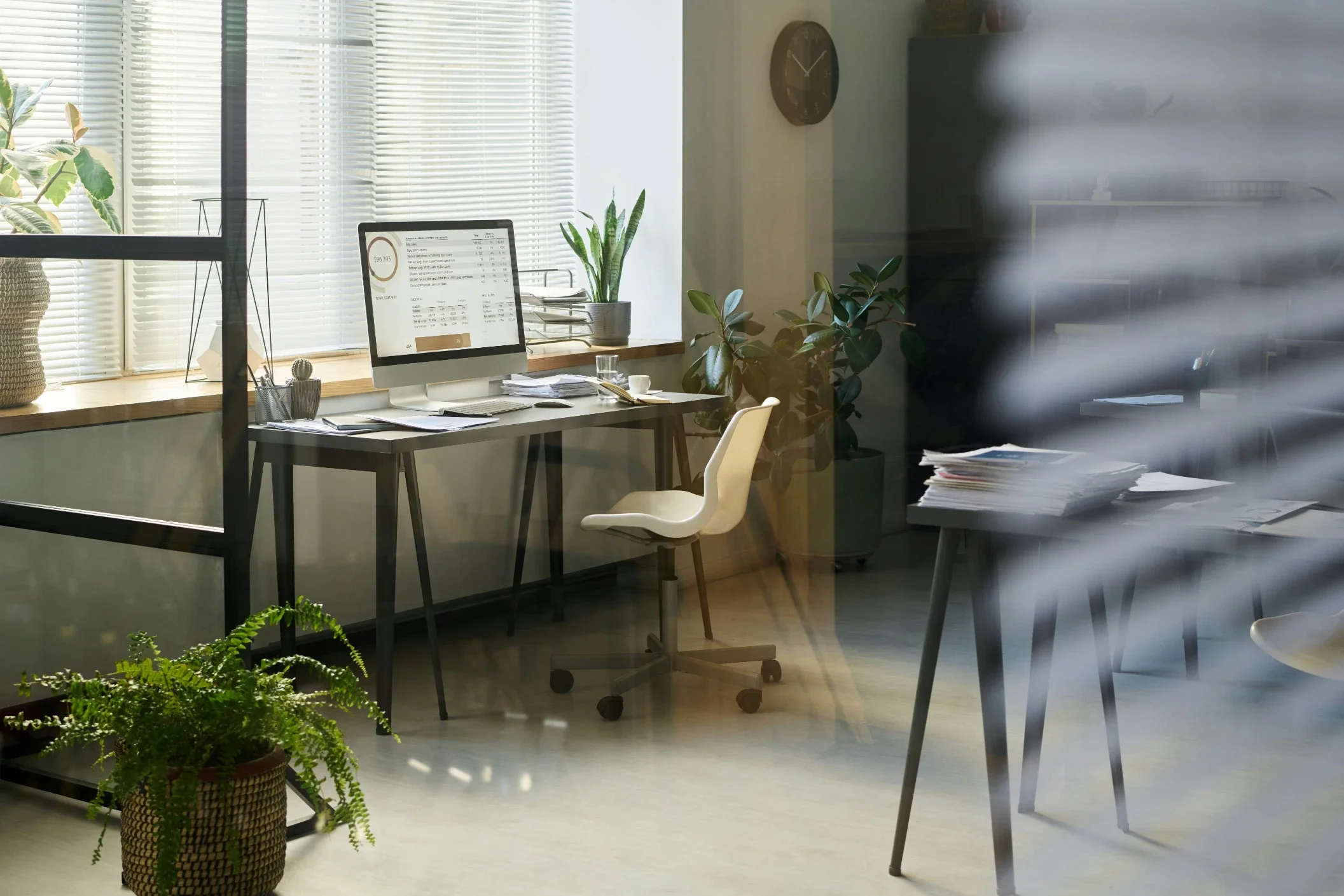
Explore 15 IT office design ideas for modern tech workspaces that boost productivity, inspire innovation, and create environments where technology professionals thrive.
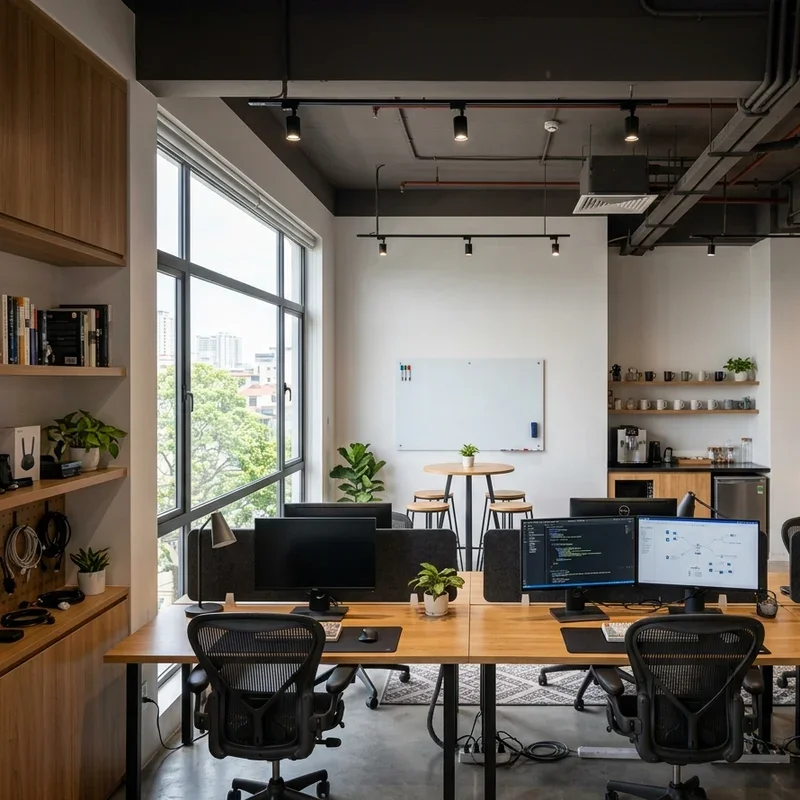
An IT office design that genuinely supports technology professionals requires thinking far beyond furniture arrangement, creating environments where complex problem-solving, deep focus, and creative collaboration happen naturally throughout every working day. Have you ever noticed how the best tech companies invest heavily in workspace design because they understand that the environment directly shapes the quality of code written, systems designed, and problems solved within it? That connection between space and performance makes IT office design one of the highest-return investments any technology company makes throughout its growth journey. Think of a great IT workspace as the operating system running beneath all human productivity, invisible when working perfectly but immediately noticed when it fails. These fifteen inspired ideas create exceptional tech workspaces always.
1. Open Collaborative Tech Hub Layout
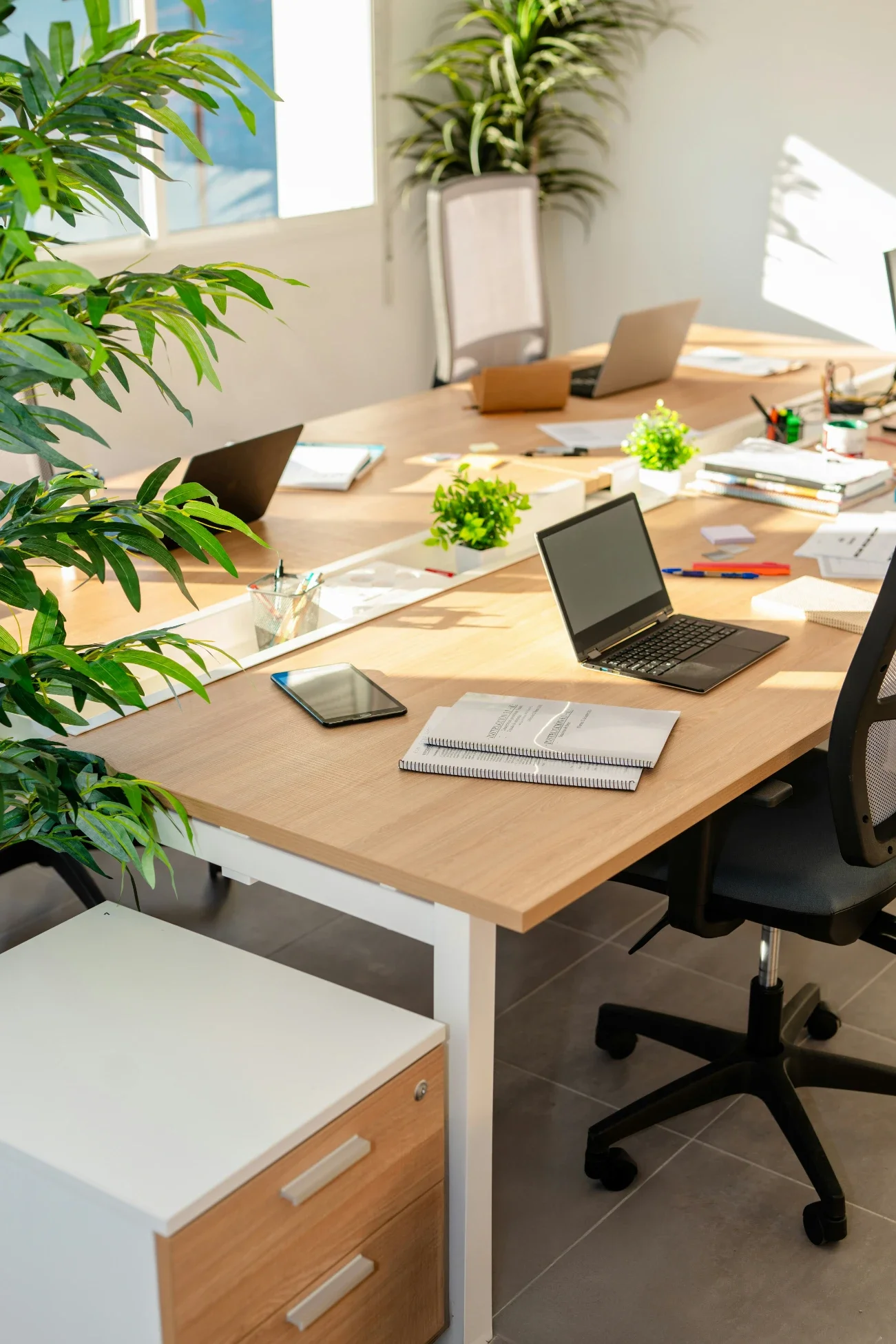
An open collaborative tech hub layout removes traditional cubicle barriers and creates fluid working environments where IT teams naturally share knowledge, troubleshoot problems together, and innovate through spontaneous conversation that siloed office arrangements permanently prevent throughout the working day. Open tech hubs work like removing the walls between instrument sections in an orchestra, allowing the complete musical collaboration that separate practice rooms cannot achieve throughout. Design the central workspace as an open floor plan with cluster seating arrangements accommodating team groupings naturally throughout. Position specialized equipment including server monitors, network displays, and status dashboards in shared central locations throughout. Maintain clear circulation paths preventing bottlenecks in high-traffic zones between workstation clusters throughout always.
2. Dual Monitor Ergonomic Workstation
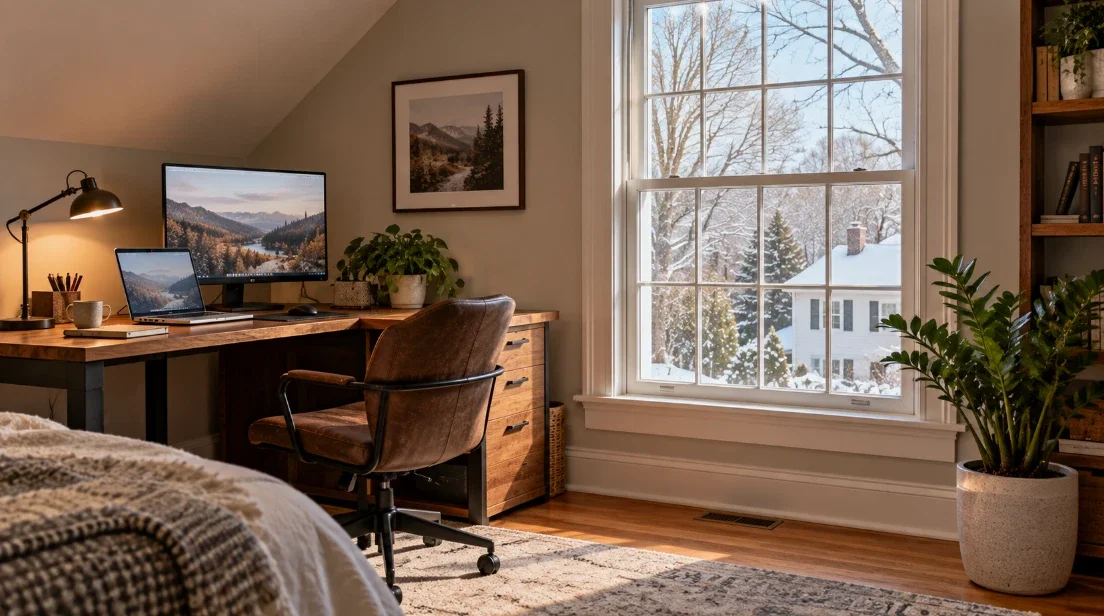
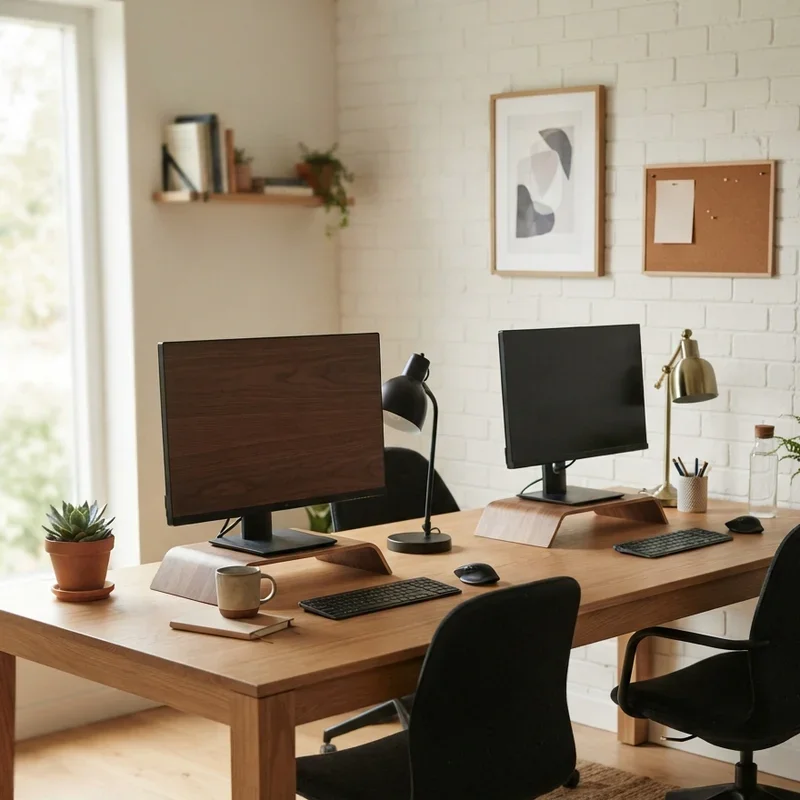
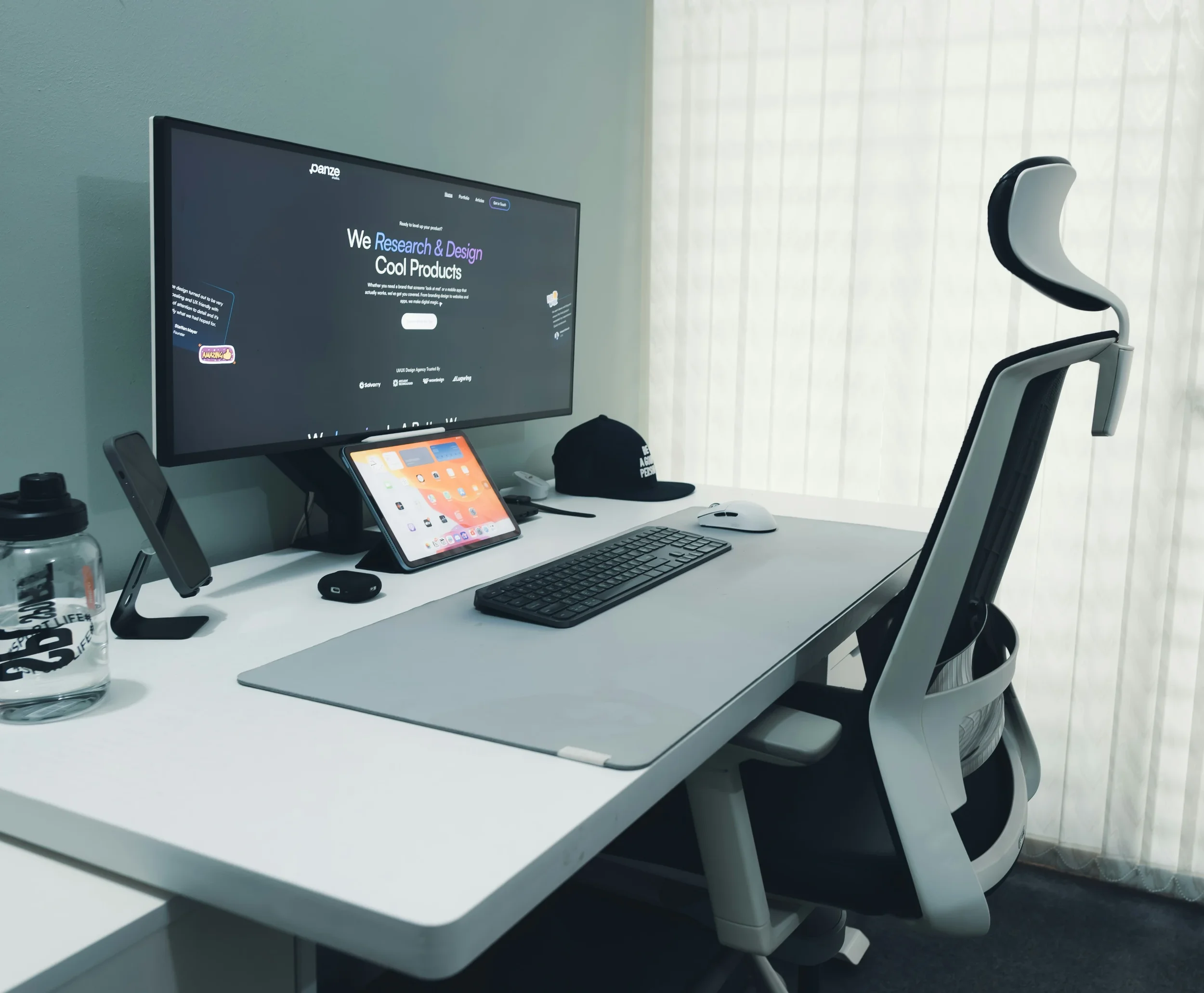
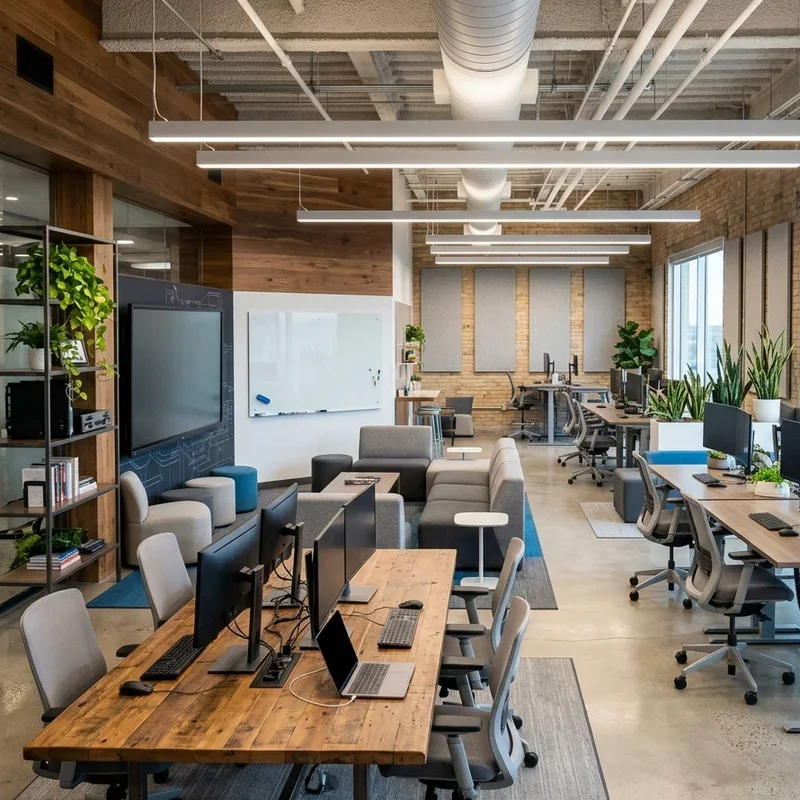
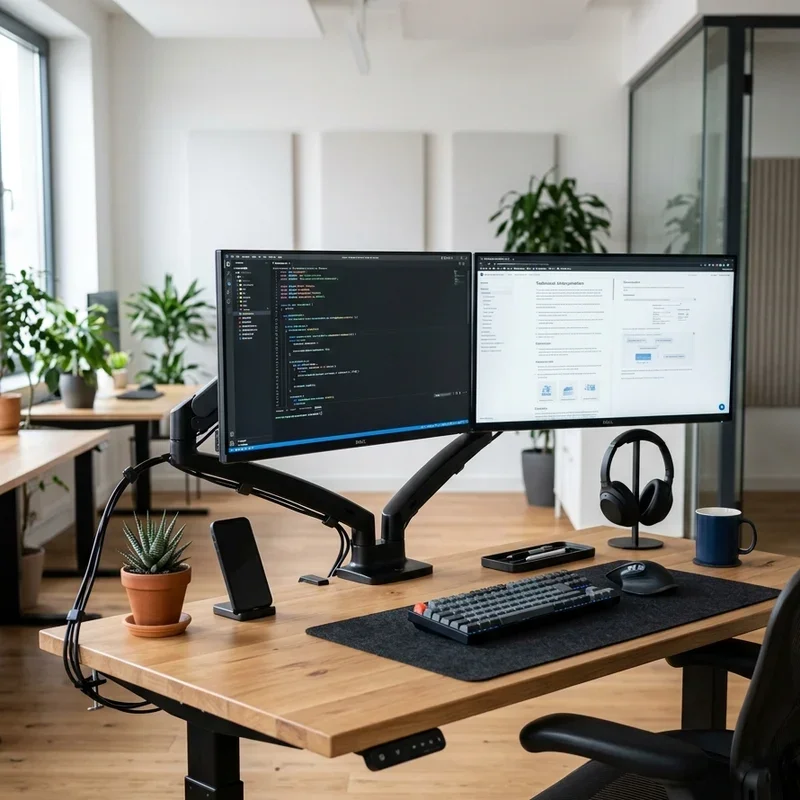
A dual monitor ergonomic workstation provides the hardware foundation that IT professionals require for genuine productivity, recognizing that code review, system monitoring, documentation, and development work each demand screen real estate that single-monitor setups simply cannot provide throughout intensive working sessions. Dual monitor workstations work like giving developers the visual bandwidth their technical work genuinely demands throughout every complex task. Install adjustable monitor arms positioning screens at precise eye-level and distance for individual user comfort throughout. Include ergonomic keyboards, vertical mice, and wrist support accessories reducing repetitive strain injury risk throughout extended working sessions. Provide adjustable standing desk bases accommodating sit-stand work throughout. Standardize monitor specifications across teams ensuring visual consistency throughout the entire workspace always.
3. Server Room Glass Display Wall
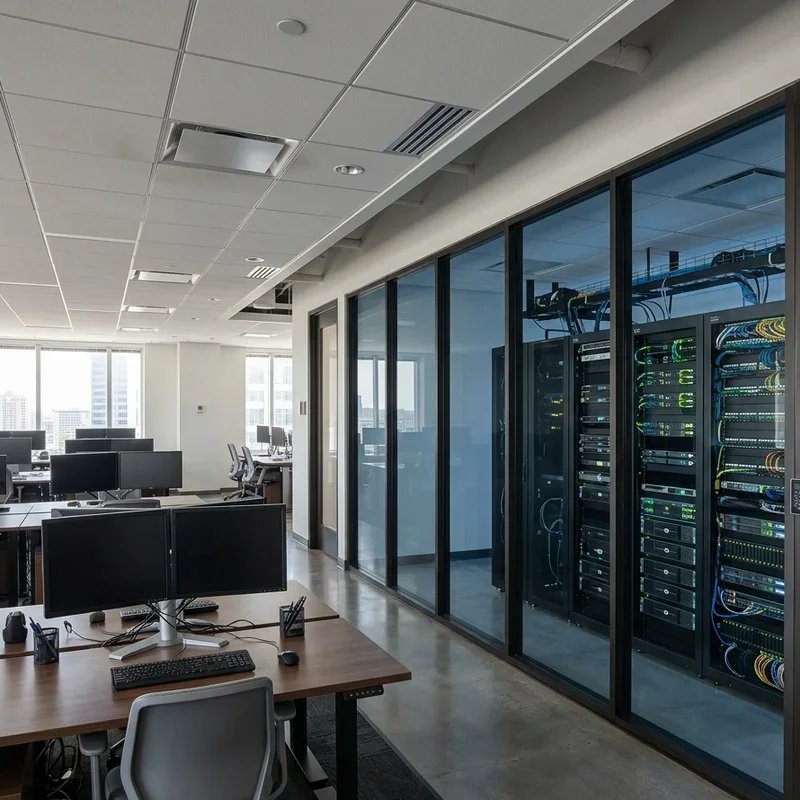
A server room glass display wall transforms the typically hidden IT infrastructure from a functional backroom into a visual centerpiece that communicates the organization's technological capability while creating genuinely dramatic aesthetic impact throughout the office environment. Glass display server rooms work like aquariums where technology becomes the spectacular living exhibit rather than tropical fish throughout. Install floor-to-ceiling glass panels on one or more server room walls visible from the main workspace throughout. Illuminate server racks with LED accent lighting in blue, green, or white tones creating atmospheric technology theater visible from workstations throughout. This design element impresses clients, motivates team members, and makes the critical infrastructure a source of legitimate organizational pride throughout always.
4. Standing Desk Zone Integration
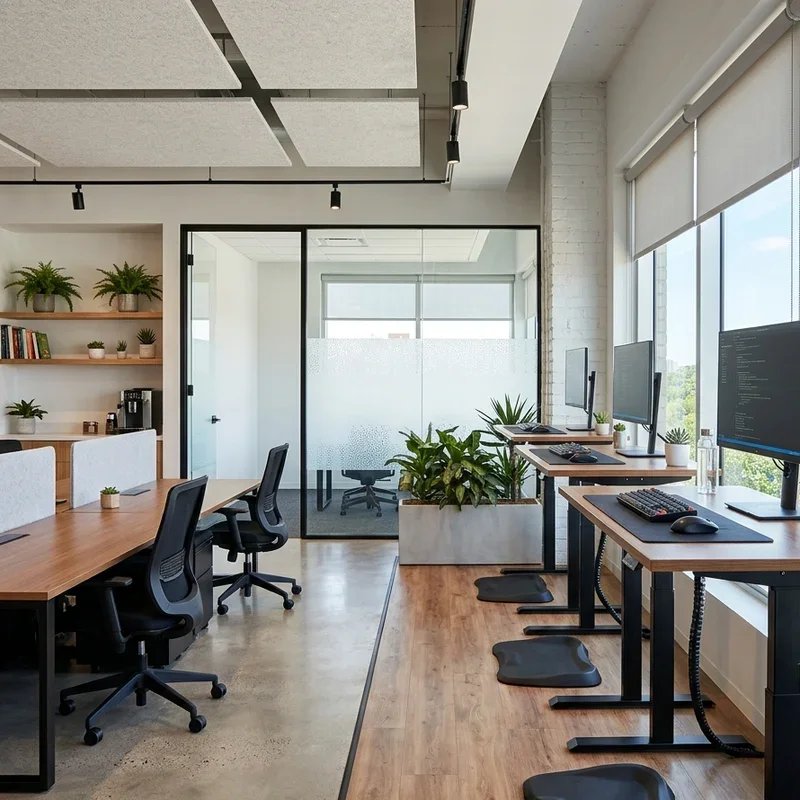
A standing desk zone integration addresses IT professionals' well-documented health challenges from prolonged seated work by creating dedicated standing workspace areas throughout the office that encourage movement and posture variation throughout the professional day. Standing desk zones work like installing a health intervention directly into the workspace infrastructure throughout every professional hour. Install electric height-adjustable desks throughout at least thirty percent of the workspace allowing individuals to alternate between sitting and standing throughout the day. Configure standing zones near collaborative areas encouraging brief standing discussions during coding reviews and technical consultations throughout. Add anti-fatigue mats at all standing positions throughout. Provide monitor arms adjusting to standing heights maintaining ergonomic screen positioning throughout always.
5. Dark Mode Aesthetic Design Scheme
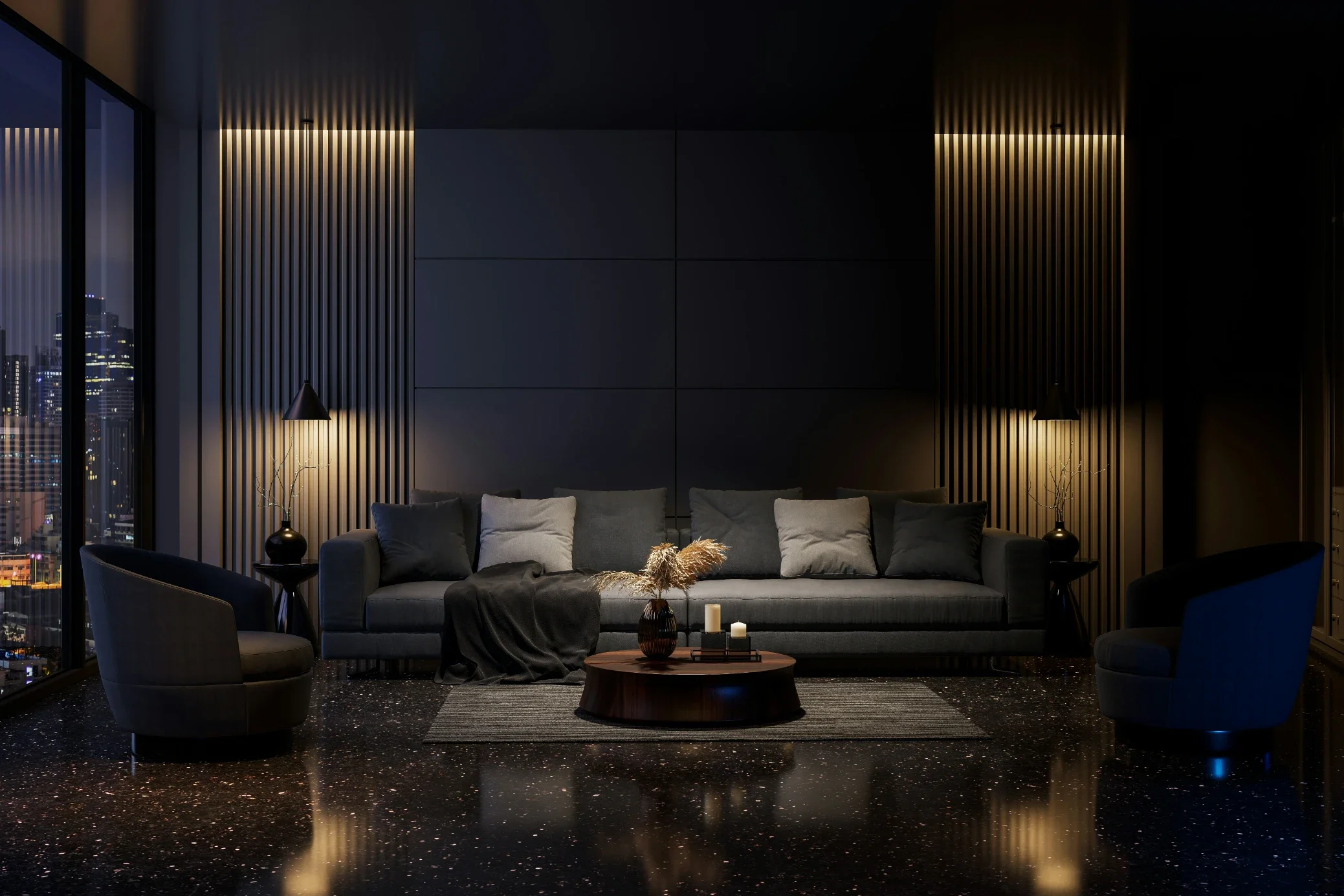
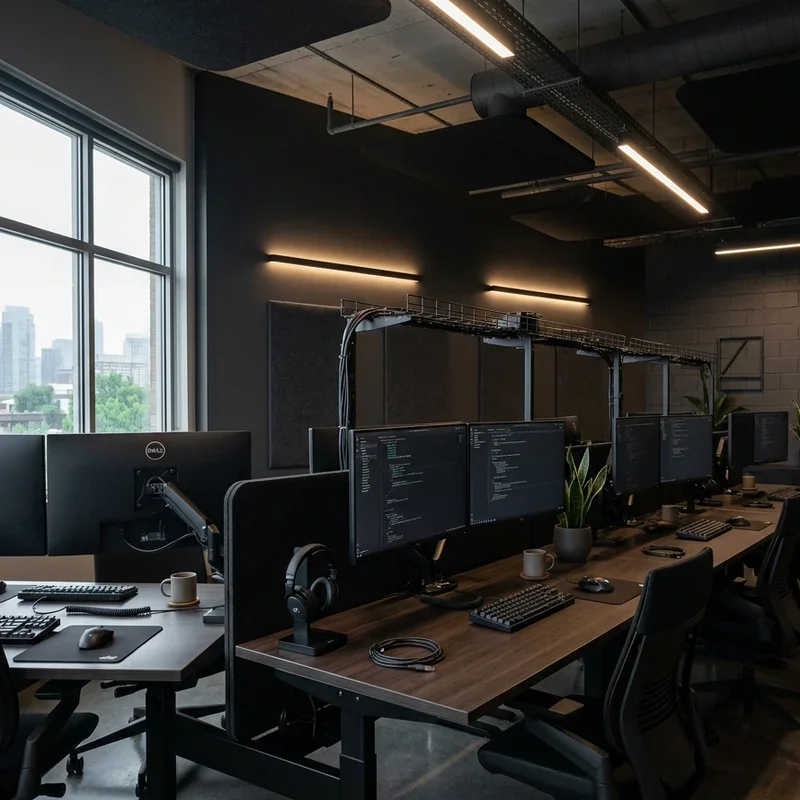
A dark mode aesthetic design scheme applies the developer-beloved interface preference to the physical office environment, using dark walls, charcoal furniture, and strategic accent lighting to create immersive workspaces that reduce screen glare and create the focused, low-distraction atmosphere that technical work genuinely requires throughout. Dark mode offices work like enabling the physical environment's equivalent of the most popular software interface setting throughout. Paint walls in deep charcoal, navy, or forest green tones creating low-reflectivity surfaces throughout. Select dark furniture upholstery and desk surfaces reducing contrast fatigue during extended screen work throughout. Introduce colored LED accent lighting in the workspace's signature colors creating identity throughout. Ensure task lighting remains bright enough for comfortable reading throughout always.
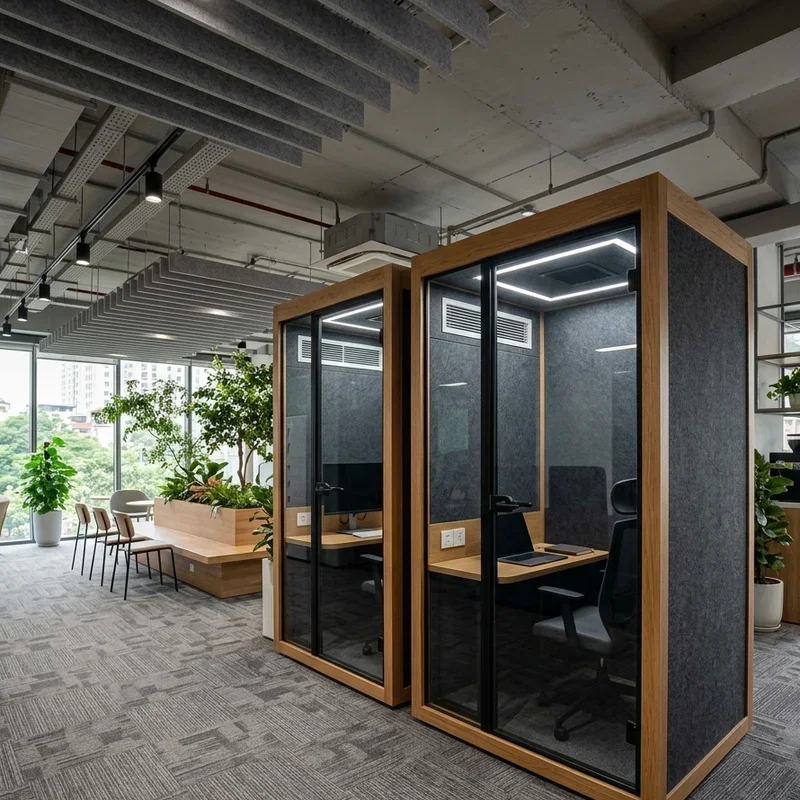
6. Acoustic Pod Focus Stations
Acoustic pod focus stations create sound-isolated individual working environments within larger open-plan IT offices, using specially designed enclosures with sound-absorbing materials to provide the concentrated quiet that complex technical problem-solving genuinely demands throughout intensive working sessions. Acoustic pods work like personal silence bubbles that the developer deploys whenever the surrounding open-plan environment threatens deep work throughout. Install freestanding acoustic pod units with integrated ventilation, power access, and lighting throughout the workspace at approximately one pod per five to eight team members. Specify pods on a booking system preventing monopolization while ensuring availability during critical focus periods throughout. Select pods with integrated screens for video calling during privacy-required conversations throughout always.
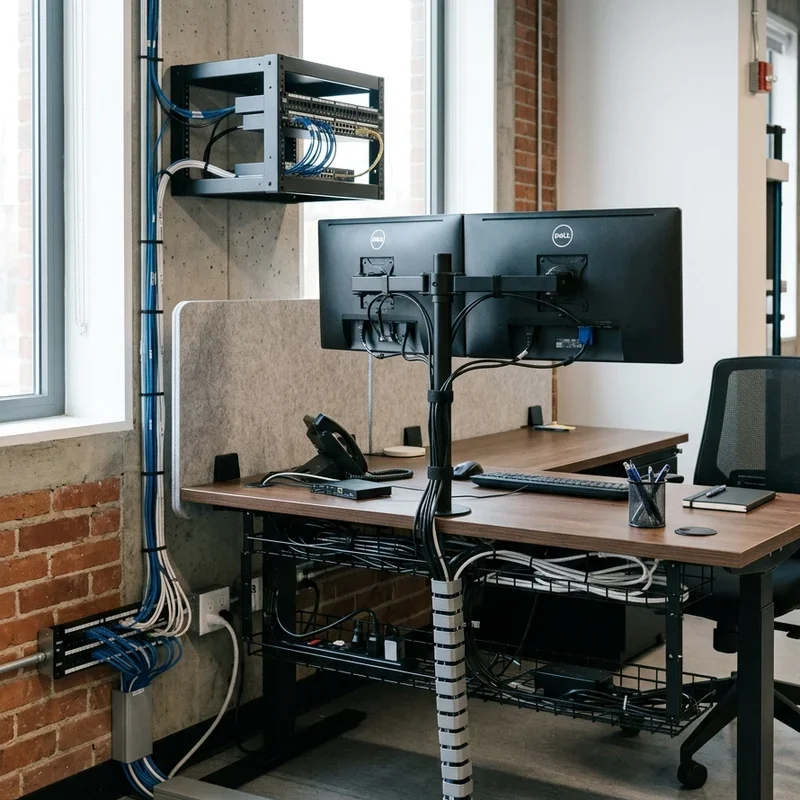
7. Cable Management Infrastructure System
A comprehensive cable management infrastructure system transforms the typically chaotic tangle of network, power, and peripheral cables from an embarrassing eyesore into an invisible, organized infrastructure that maintains workspace cleanliness while supporting reliable connectivity throughout every workstation throughout the IT office. Cable management works like the building's invisible nervous system, functioning flawlessly while remaining completely unseen throughout. Install under-desk cable management trays catching all desktop cable runs throughout. Use floor outlets and ceiling pendant power drops eliminating floor-level tripping hazards throughout high-traffic areas. Implement color-coded cable labeling systems for network management and troubleshooting efficiency throughout. Include cable raceways along walls routing between equipment areas throughout always.
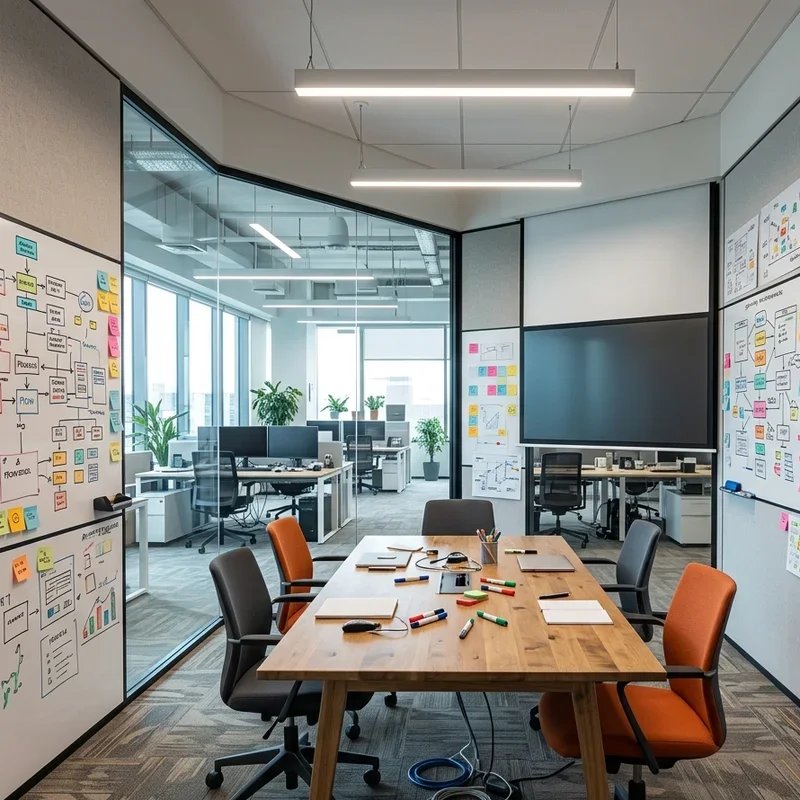
8. Creative Brainstorming War Room
A creative brainstorming war room dedicates specific workspace to the ideation, architecture planning, and strategic problem-solving sessions that drive IT project innovation, creating a room that temporarily abandons professional decorum in favor of maximum creative energy throughout focused collaborative sessions. War rooms work like giving teams a sandbox where creative mess creates valuable solutions throughout the most challenging project phases. Cover all four walls with whiteboard paint or floor-to-ceiling whiteboard panels allowing three-hundred-sixty-degree ideation throughout. Install a large display screen for presenting system architecture diagrams and technical documentation throughout sessions. Include movable furniture accommodating various team sizes from two-person debugging sessions through full team sprint planning throughout. Stock with colored markers, sticky notes, and technical reference materials throughout always.
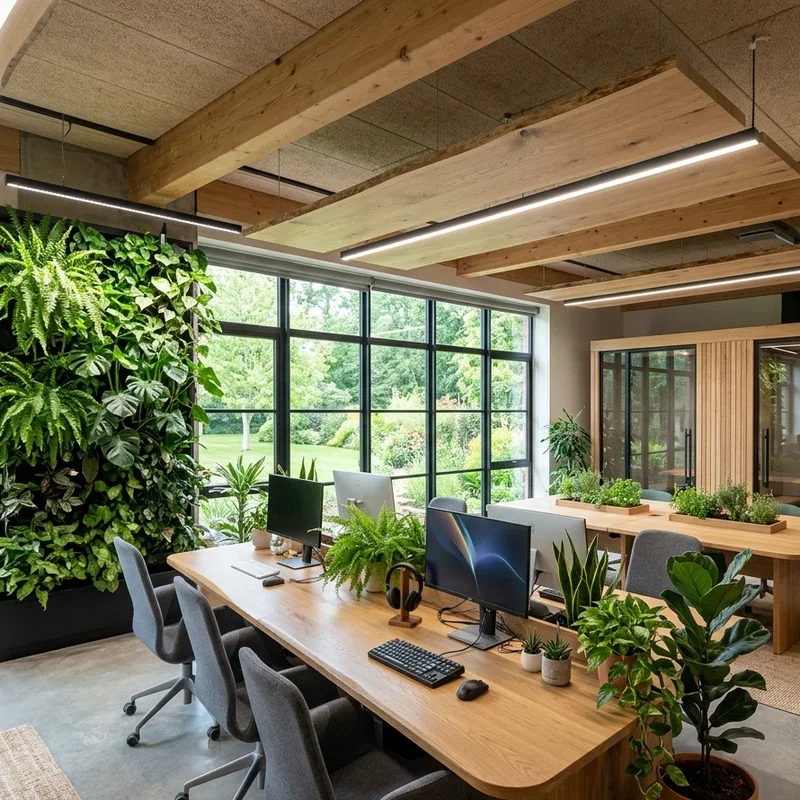
9. Biophilic Tech Office Integration
A biophilic tech office integration brings natural elements into the technology workspace, using living plants, natural materials, and organic design elements to reduce the cognitive fatigue and stress that intense technical work generates throughout extended professional sessions. Biophilic design works like installing a natural counterbalance to the artificial digital intensity that defines IT professional work throughout every productive day. Position large statement plants including monstera, snake plants, and bird of paradise throughout the workspace at regular intervals between workstation clusters. Install living plant walls adjacent to collaboration areas providing both visual beauty and measurable air quality improvement throughout. Use natural wood accents in furniture and architectural elements contrasting with technology's inherently industrial aesthetic throughout always.
10. Gaming-Inspired Break Room
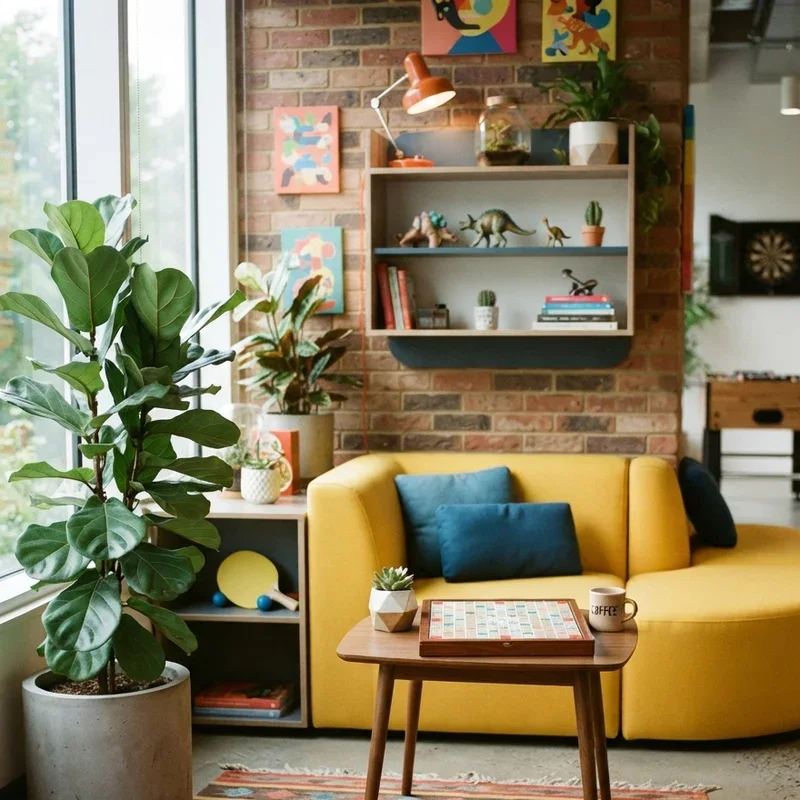
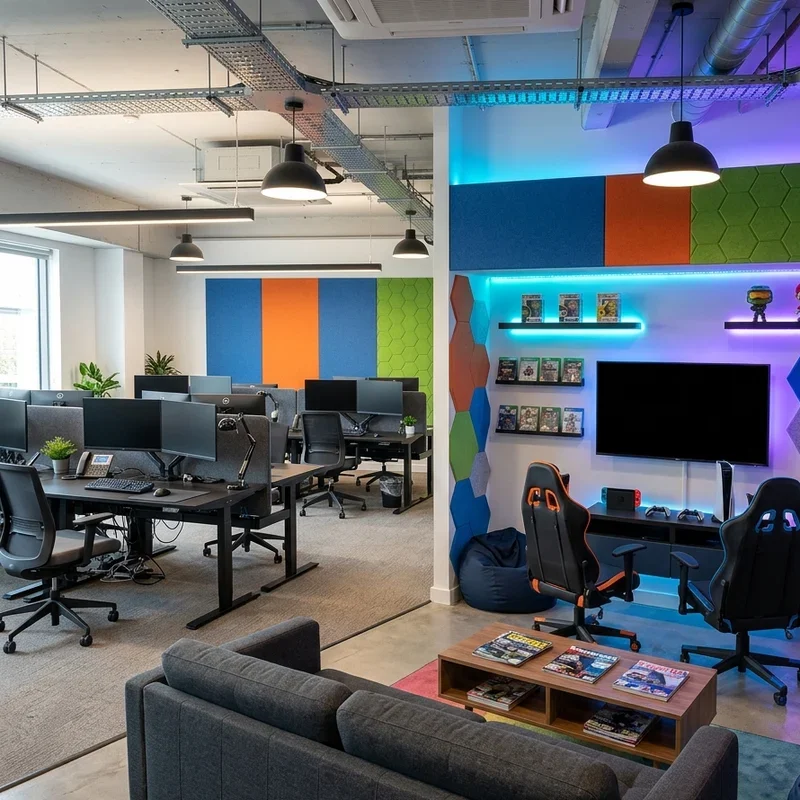
A gaming-inspired break room provides IT professionals with the creative mental reset environment that genuinely restores cognitive capacity for returning to complex technical challenges, recognizing the significant overlap between gaming culture and technical professional culture throughout technology organizations. Gaming break rooms work like cognitive defragmentation spaces that clear mental cache allowing fresh approaches to persistent technical problems throughout. Install high-performance gaming setups, comfortable gaming chairs, and large display screens throughout. Include table tennis, foosball, and board game areas for analog social interaction throughout. Design the space with bold colors, playful lighting, and personal expression elements contrasting deliberately with the focused production workspace throughout. Establish clear break room usage norms preventing productivity disruption throughout always.
11. Video Conferencing Studio Room
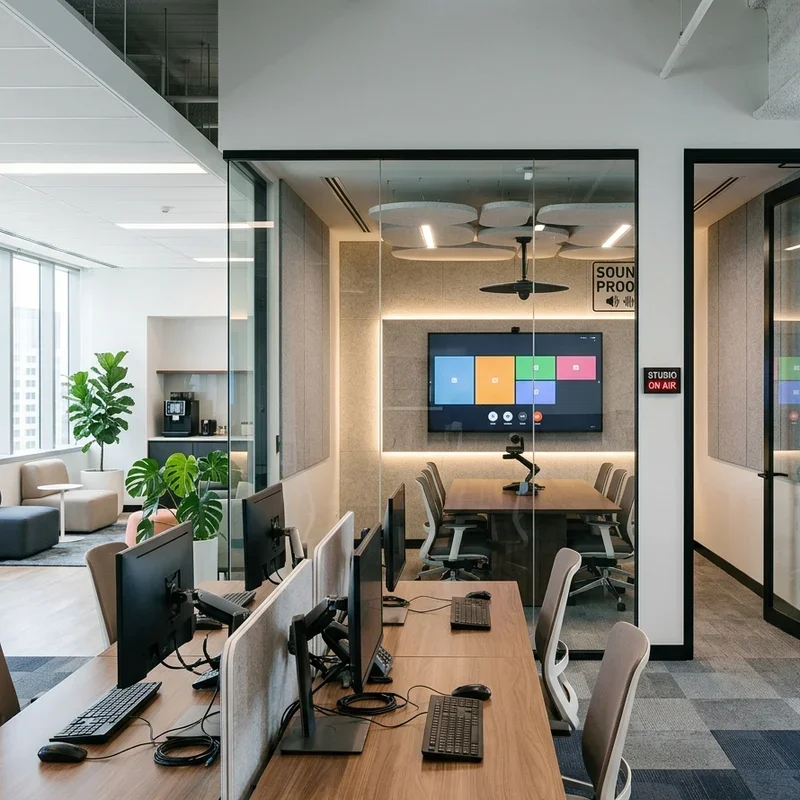
A purpose-designed video conferencing studio room eliminates the acoustically inappropriate and visually unprofessional backgrounds that undermine IT team credibility during client presentations and remote collaboration sessions, creating a dedicated space optimized for every technical and aesthetic aspect of video communication throughout. Video studios work like professional broadcast facilities made accessible for everyday business communication throughout the technical organization. Install broadcast-quality lighting including key lights, fill lights, and background illumination providing flattering, shadow-free on-camera appearance throughout. Treat walls with acoustic panels eliminating echo and background noise throughout. Design intentional background displays featuring company branding, technical displays, or curated environmental elements throughout. Include multiple camera angles for varied presentation formats throughout always.
12. Whiteboard and Digital Display Wall
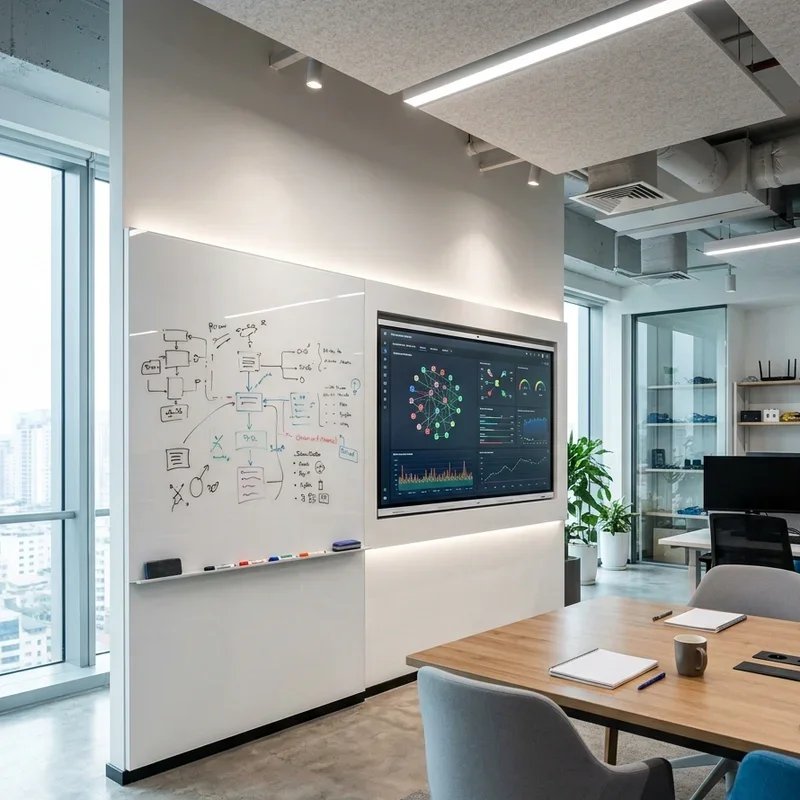
A whiteboard and digital display wall combines analog brainstorming flexibility with digital presentation capability, creating a technology-enhanced collaboration surface that serves both spontaneous ideation sessions and formal technical reviews throughout every type of team meeting and collaborative session. Whiteboard-digital combinations work like bridges between the handwritten thinking speed and the digital precision that technical teams require simultaneously throughout creative and analytical work. Install floor-to-ceiling whiteboard surfaces on primary collaboration walls throughout. Integrate large-format touchscreen displays beside whiteboard sections allowing digital annotations and presentations alongside hand-drawn technical diagrams throughout. Position displays for visibility from all seating positions within the collaboration space throughout. Add wireless presentation systems eliminating cable connection requirements throughout always.
13. Agile Hot-Desking Setup
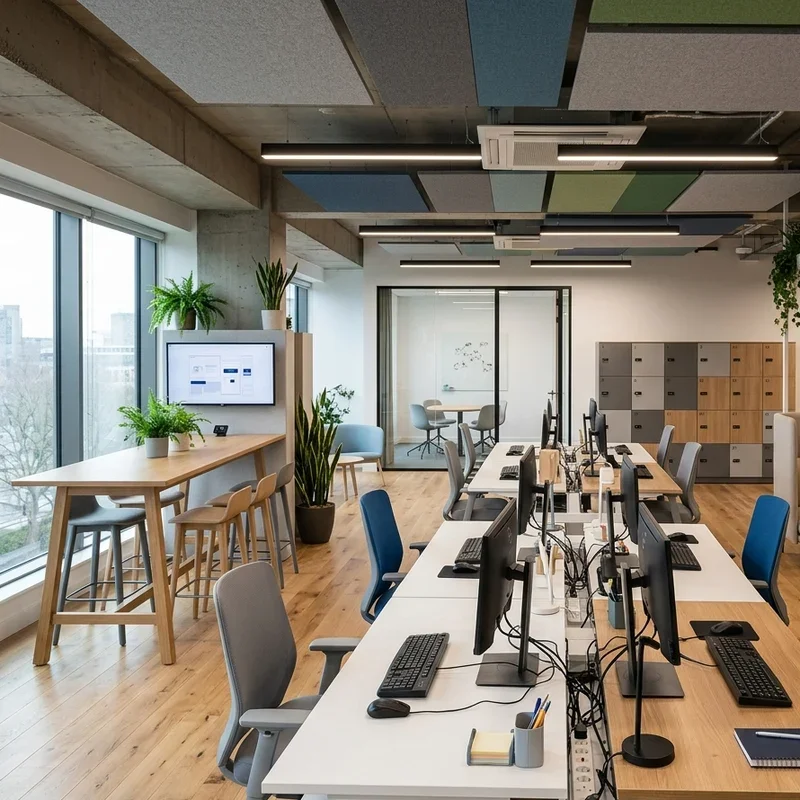
An agile hot-desking setup implements the flexible workspace philosophy that maximizes space utilization while supporting the varied working styles of modern IT professionals who alternate between focused individual work, collaborative team sessions, and client-facing activities throughout diverse professional responsibilities. Hot-desking works like a dynamic workspace orchestra where each musician finds the optimal position for today's specific performance throughout. Install standardized workstations with universal docking stations accommodating any team member's device throughout. Implement digital desk booking systems allowing advance reservation for days requiring specific equipment or locations throughout. Provide personal storage lockers replacing permanent desk storage throughout. Design varied workspace types including focus stations, collaboration tables, and informal seating throughout the floor plan always.
14. LED Ambient Lighting System
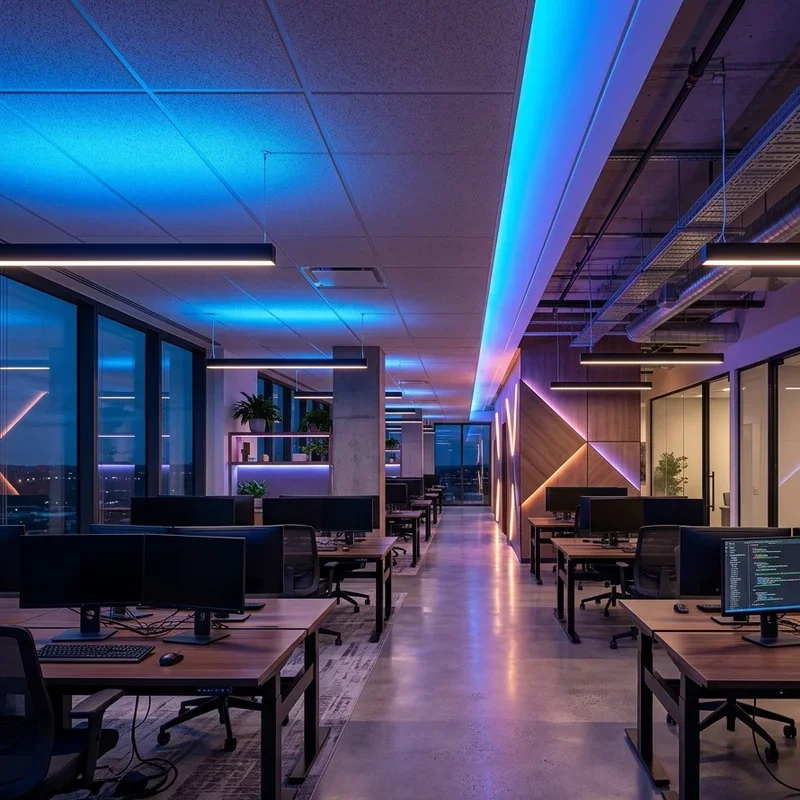
An LED ambient lighting system creates dynamic, programmable workspace atmospheres that adapt to different working modes throughout the day, using smart lighting technology to optimize visual comfort during coding sessions while enabling energizing environments for team meetings and presentations throughout. LED ambient systems work like environmental programming that sets the workspace's emotional temperature for each activity type throughout the professional day. Install tunable white LED systems allowing color temperature adjustment from energizing cool daylight through warm relaxing amber throughout. Program automated lighting scenes for focus work, collaboration, and break periods throughout. Add colored RGB accent lighting in brand colors creating identity and atmosphere throughout the workspace. Control systems via apps or voice commands throughout always.
15. Maker Space and Lab Area
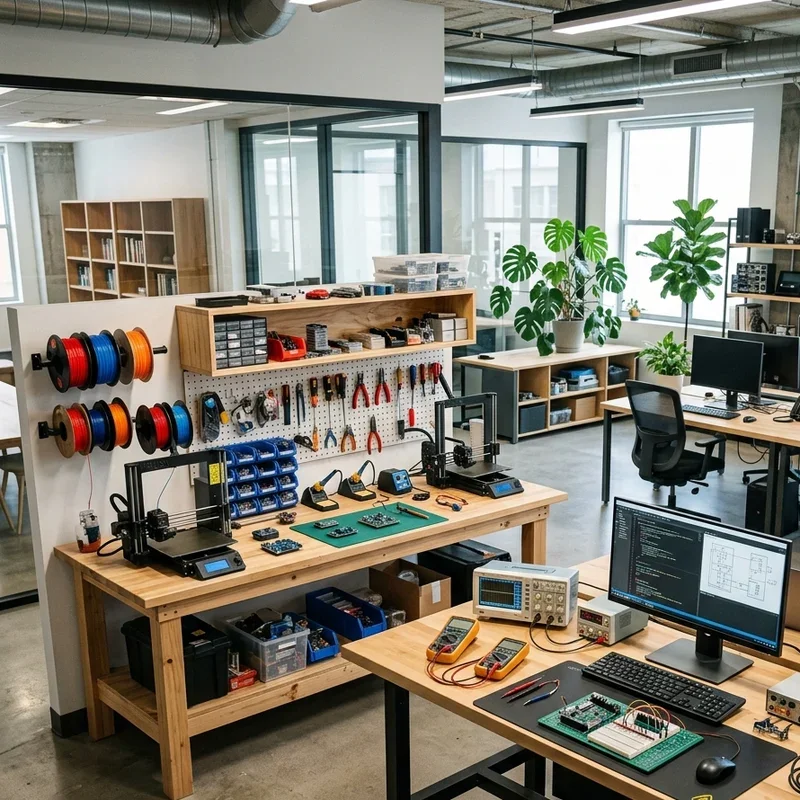
A maker space and lab area provides IT professionals with physical prototyping and experimental environments that complement digital work with hands-on technical exploration, supporting hardware development, network testing, IoT prototyping, and the creative technical tinkering that drives genuine innovation throughout technology organizations. Maker spaces work like permission granted for the controlled technical curiosity that creates tomorrow's breakthrough products throughout the organization. Equip the maker space with workbenches, oscilloscopes, soldering stations, and networking equipment throughout. Include 3D printers, electronics components, and hardware test rigs for prototyping activities throughout. Design with industrial materials including steel shelving, epoxy floors, and bright task lighting creating functional laboratory aesthetics throughout. Store components and tools in organized labeled systems throughout always.
Conclusion
IT office design directly influences the quality, speed, and creativity of technical work produced within it, making thoughtful workspace investment one of the highest-impact productivity decisions any technology organization can make throughout its development. These fifteen inspired ideas demonstrate that every team size, budget level, technical specialty, and organizational culture has excellent design solutions worth implementing with genuine creative commitment throughout. Whether you choose dark mode aesthetics, biophilic integration, or agile hot-desking, every improvement creates measurably better technical environments. Great technology emerges from great workspaces. Start designing your perfect IT office today always.
Read next: 15 Executive Office Design Ideas for a Stylish Upgrade
Frequently Asked Questions
Q1: What is the most important IT office design element for developer productivity?
A: Ergonomic dual-monitor workstations with proper acoustic isolation consistently provide the greatest measurable productivity improvement for developers and technical professionals throughout always.
Q2: How do I balance open collaboration areas with focus spaces in an IT office?
A: Allocate approximately sixty percent of space to collaborative zones and forty percent to focus areas including acoustic pods and quiet workstations throughout always.
Q3: What lighting color temperature works best for IT professionals doing screen-based work?
A: Tunable LED systems between four thousand and five thousand Kelvin reduce eye strain during daytime screen work while warmer settings support comfortable late-session working throughout consistently.
Q4: Can small IT startups implement these design ideas on limited budgets effectively?
A: Absolutely, prioritizing ergonomic furniture, cable management, and acoustic treatment delivers significant productivity returns even within modest startup office budgets throughout always.
Q5: How does office design specifically impact IT employee recruitment and retention?
A: Modern, well-designed tech workspaces significantly improve candidate attraction and employee satisfaction, reducing costly turnover for technology organizations competing for skilled professionals throughout consistently.
Stay up to date with our latest ideas!